Denial Management Automation in Healthcare Explained
Denial management automation finds why health claims are rejected and fixes them before they are resubmitted. Here is how it works in practice.
On this page
Short answer
Denial management automation in healthcare is software that finds why insurance claims are denied, fixes the errors, and resubmits them without manual rework. A denial is a claim the payer refuses to pay, usually because of a coding error, missing information or a coverage rule. Automation reads the denial, matches it to the cause, and routes the fix to the right person or system.
What is denial management automation in healthcare?
Denial management automation in healthcare is software that handles insurance claim denials without a person retyping the same fixes by hand. When a payer refuses a claim, the software reads the denial code, finds the reason, checks the claim against the payer's rules, and either fixes it and resubmits it or sends it to the right person with the missing detail attached.
It matters because denials are common and expensive to chase. A hospital or clinic sends thousands of claims a month, and a share of them come back unpaid. Each one needs a person to read the denial, find the error, fix it and resubmit it, and that work is slow, repetitive and easy to get wrong a second time.
The automation does not replace the billing team. It clears the routine denials that follow a known pattern, so the team spends its time on the complex cases that need judgement, such as a disputed medical-necessity decision.
Why do healthcare claims get denied?
Claims get denied for a small set of reasons, and most of them are fixable. The table below shows the common causes and what usually fixes them.
| Denial reason | What usually causes it | Typical fix |
|---|---|---|
| Missing information | A field left blank or a document not attached | Attach the document and resubmit |
| Coding error | Wrong procedure or diagnosis code | Correct the code and resubmit |
| Coverage rule | Service not covered by the plan | Check the plan or appeal with notes |
| Duplicate claim | Same claim sent twice | Withdraw the duplicate |
| Authorisation missing | No prior approval on file | Request approval or appeal |
| Timely filing | Claim sent after the deadline | Appeal with proof of filing date |
The first two rows are the largest share in most organisations, and they are the ones automation handles best, because the fix is a known rule rather than a judgement call. For the data side of the same problem, data analytics in healthcare shows how teams spot denial patterns across thousands of claims.
How does denial management automation work?
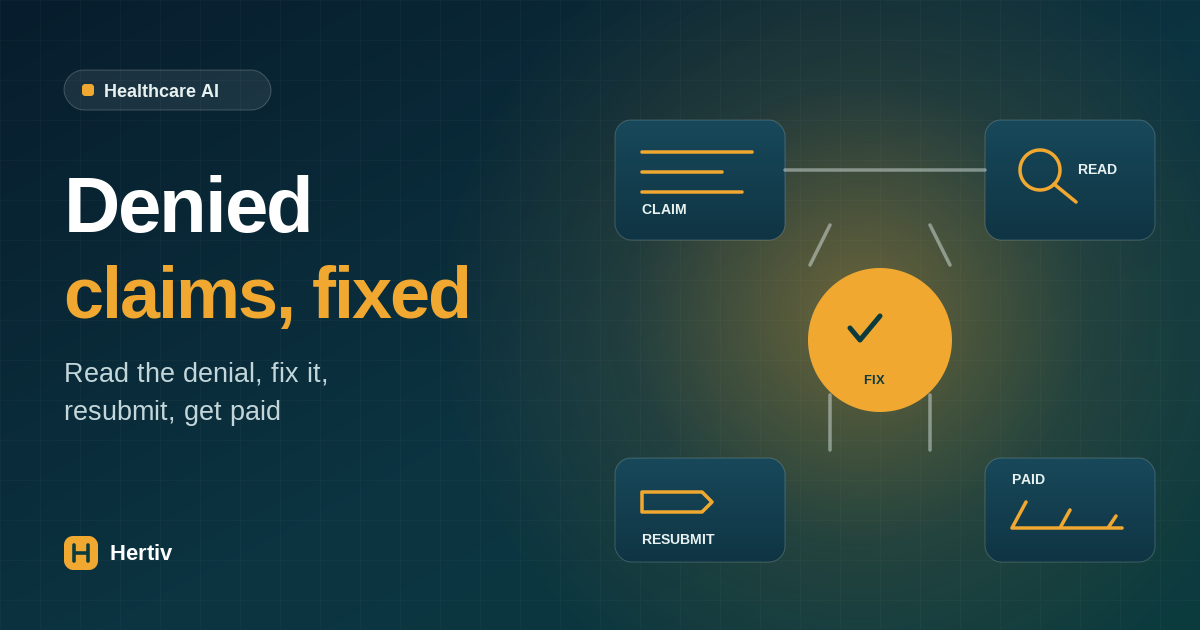
Denial management automation works in five steps, and each one replaces a manual task that a billing team used to do by hand.
- Read the denial. The software pulls the denial notice from the payer, reads the denial code and the reason, and links it to the original claim.
- Match the cause. It compares the claim against the payer's rules and the organisation's history to find the likely cause, such as a missing code or a wrong field.
- Fix or route. If the fix is a known rule, the software applies it and prepares the resubmission. If it needs judgement, it sends the claim to the right person with the missing detail attached.
- Resubmit and track. The corrected claim goes back to the payer, and the system watches for the reply, so nothing is forgotten.
- Learn from the pattern. The system logs every denial and its cause, so the team can fix the upstream problem, such as a code that is always wrong.
The last step is the one that pays for the system over time. A denial that is fixed once is a saving; a denial that never happens because the upstream error was fixed is a larger one. For the document side of the same workflow, document AI use cases covers how AI reads the forms and letters that denials arrive in.
Example (hypothetical): a clinic cuts its denial backlog
Picture a clinic that sends 1,000 claims a month and sees 120 of them denied, which is a 12% denial rate. Each denial takes a billing specialist about 30 minutes to read, fix and resubmit, so the backlog is 60 hours of work a month.
The clinic adds automation that reads each denial, matches the cause and fixes the routine ones. In the first month, 80 of the 120 denials follow a known pattern and are fixed and resubmitted by the software, leaving 40 for the team. That cuts the manual work from 60 hours to 20 hours a month.
The team also uses the denial log to find the biggest upstream cause: a single procedure code that is wrong in 30 claims a month. It fixes the code in the scheduling system, and the next month the denial rate falls from 12% to 9%, which is 90 denials instead of 120. The saving is not just the hours; it is the claims that stop being denied at all.
What are the common mistakes?
The most common mistakes when automating denial management are automating a bad process, trusting the software to fix what needs a person, and ignoring the upstream cause.
- Automating a bad process. If the claim is wrong before it leaves the clinic, automation will resubmit a wrong claim faster. Fix the source of the errors first.
- Letting the software appeal everything. Some denials need a clinician's notes or a phone call. An automated appeal with no evidence wastes the payer's time and the clinic's credibility.
- No human review for high-value claims. A large claim deserves a person's eyes before it is resubmitted, even if the software says the fix is routine.
- Ignoring the denial log. The log shows which errors repeat. If no one reads it, the same denials keep arriving and the automation only papers over them.
- Skipping the payer rules. Payer rules change, and a fix that worked last year may not work now. Keep the rule set current, or the resubmissions will be denied again.
For the AI side of reading clinical records, RAG in healthcare shows how AI retrieves the right document before it answers.
How to start with denial management automation
Start small, with one payer and one denial type, and prove the value before you expand.
- Measure the denial rate. Count denials by reason for the last three months, and find the three reasons that cost the most time.
- Pick one denial type. Start with the most common fixable reason, such as a missing document or a wrong code.
- Connect the systems. Link the billing system, the payer portal and the denial notices, so the software can read and resubmit without retyping.
- Run a pilot for a month. Let the software fix the routine denials and route the rest, and compare the hours and the denial rate with the month before.
- Fix the upstream cause. Use the denial log to find the error that repeats, and fix it at the source before you add more denial types.
The teams that do this well treat automation as a way to clear routine work and learn from the pattern, not as a way to stop reading denials altogether.
Key takeaways
- Denial management automation reads a payer's denial, matches the cause, and fixes or routes the claim
- Missing information and coding errors are the most common causes, and the most automatable
- The denial log is the real value: it shows which upstream errors keep causing denials
- A hypothetical clinic cut manual denial work from 60 hours to 20 hours a month
- Start with one payer and one denial type, and fix the upstream cause before expanding
Frequently asked questions
What is a claim denial in healthcare?
A claim denial is a refusal by an insurer or payer to pay a claim a hospital or clinic has sent. The payer gives a reason code, such as a missing document, a wrong code or a coverage rule. The claim can usually be fixed and resubmitted, but it takes time and it delays payment.
How much does denial management automation cost?
It depends on the volume of claims, the number of payers and whether the team buys a tool or builds the workflow itself. Most of the cost is the setup: connecting the billing system, mapping the payer rules and training the team. See the vendor site for current pricing.
Can automation handle all denials?
No. It handles the routine denials that follow a known pattern, such as a missing document or a wrong code. Denials that need clinical judgement, such as a medical-necessity dispute, still need a person, and an automated appeal with no evidence usually fails.
What is the difference between a denial and a rejection?
A rejection means the claim never entered the payer's system, usually because of a format error, and it needs to be corrected and sent again. A denial means the payer processed the claim and refused to pay, and it needs a fix or an appeal. Automation helps with both, but the steps differ.
How do I measure whether automation is working?
Track the denial rate, the time from denial to resubmission, and the share of denials fixed without a person. The most useful number is the repeat rate: how often the same reason causes a denial, because that shows whether the upstream cause is being fixed.
Does denial automation need AI, or are rules enough?
Rules are enough for the most common denials, because the fix is a known pattern. AI helps when the denial reason is written in free text, or when the cause needs to be inferred from several documents. Many teams start with rules and add AI for the harder cases later.


