Data Validation AI Agent: What It Checks and How It Works
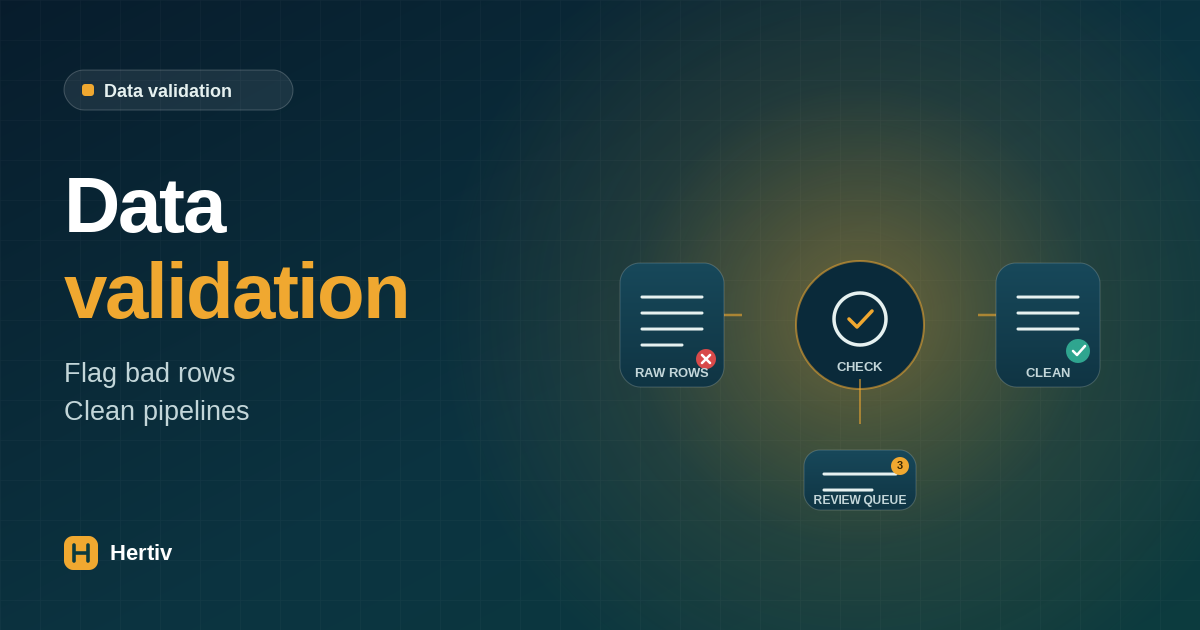
A data validation AI agent watches incoming data, flags what looks wrong, and routes it for review before bad rows reach reports.
On this page
Short answer
A data validation AI agent is software that checks incoming data against rules and learned patterns, then flags or fixes rows that look wrong. It watches formats, ranges, duplicates and cross-field logic, and it learns what normal looks like from past data. It fits teams that load data from many sources and want errors caught before they reach dashboards or models.
What is a data validation AI agent?
A data validation AI agent is software that checks incoming data against rules and against patterns it has learned from past data, then flags or fixes the rows that look wrong. It sits between the source and the warehouse, so bad rows are caught before they reach dashboards, reports or models.
It is different from a fixed set of spreadsheet checks. A fixed check can say that a price must be a number above zero, but it cannot say that a price of $9,999 looks wrong for a product that usually sells for $20. An agent learns the normal range from history and flags the outliers too.
The agent does not replace people. It sorts the incoming data into clean rows, rows it can fix on its own, and rows that need a human to look at them. A person still decides what happens to the hard cases, but they only see a small pile instead of the whole feed. To understand the wider idea, see what an AI agent is.
What does it check?
A data validation agent runs several kinds of checks on every row. Format checks confirm that dates, emails and codes match the expected shape. Range checks confirm that numbers sit inside sensible bounds. Duplicate checks catch the same record arriving twice from different sources.
| Check | What it catches | Example |
|---|---|---|
| Format | Wrong shapes and types | A date written as 32/13/2026 |
| Range | Numbers outside normal bounds | A price of $9,999 for a $20 item |
| Duplicate | The same record twice | Two orders with one order number |
| Cross-field | Fields that disagree | A ship date before the order date |
| Freshness | Data that is late or stale | A feed that stops for two days |
Cross-field checks are where an agent earns its keep. A single field can look fine on its own while the row as a whole makes no sense, such as a delivery address in one country and a tax code from another. The agent checks fields against each other, not just against fixed rules.
How does it work, step by step?
The agent follows the same loop for every batch of data. First it reads the new rows and the rules that apply to them. Then it scores each row, fixes what it can fix safely, and sends the rest to a review queue with a short note on what looks wrong.
- Load the new rows and the current rules for that source.
- Run format, range, duplicate and cross-field checks on each row.
- Score each row and sort it into clean, auto-fix or review.
- Fix the safe cases, such as trimming spaces or standardising a date format.
- Send the rest to a human with a note on the suspected problem.
- Learn from each decision, so the same mistake is flagged faster next time.
The learning step is what makes it an agent rather than a script. When a reviewer marks a flagged row as fine, the agent updates its idea of normal. When a reviewer confirms a real error, the agent tightens the check. Over time the review pile shrinks and the agent gets better at telling a real error from a rare but valid value.
Where does it fit in a data pipeline?
The agent usually sits just after data is loaded and just before it is stored. That position lets it catch errors early, while the source data is still available for comparison. Catching a bad row at load time is cheap; catching it in a monthly report is not, because the report, the dashboard and the decisions made from them all need to be redone.
It also fits at the edge of a team that takes data from many partners. Each partner sends data in its own shape, with its own mistakes, and the agent normalises the feed before it reaches the warehouse. One agent can serve many sources, each with its own rules, which is simpler than writing a separate checker for each partner.
Some teams also run it before a model is trained. Bad training data produces a bad model, and an agent that cleans the training set can improve the model more than a bigger model can. For the enterprise view, see AI agents in the enterprise.
How do you set one up?
Start with one feed and a small set of rules. Pick the feed that causes the most complaints, write down the ten checks that matter most, and run the agent in watch-only mode for two weeks. In watch-only mode it flags problems but changes nothing, so the team can see how many rows it would touch.
- Choose one feed and list its ten most important checks.
- Run the agent in watch-only mode for two weeks and count the flags.
- Fix the rules that flag good rows, and add rules for the errors it missed.
- Turn on auto-fix only for safe changes, such as trimming spaces.
- Give reviewers a simple queue with the suspected problem on each row.
Measure the result in rows, not in feelings. Count how many bad rows reached the warehouse before the agent and after it, and how much reviewer time the queue takes. If the review pile grows faster than the team can clear it, the rules are too strict and need to be loosened.
Example (hypothetical): an invoice feed with bad rows
Example (hypothetical): a finance team loads 10,000 invoices a day from three suppliers. About 2% of the rows have errors, which is 200 bad rows a day. Without an agent, a reviewer checks all 10,000 rows by sampling, and about half the bad rows slip through to the payment run.
With an agent, the 200 bad rows are flagged and 190 of them are caught before payment, while 10 slip through. Reviewing the 190 flagged rows takes about 1 minute each, or 190 minutes, which is about 3.2 hours. Checking all 10,000 rows by hand would take 200 rows an hour, or 50 hours, so the agent saves the team roughly 47 hours a day of checking work.
The 10 rows that slip through are the hard cases: a valid invoice that looks odd, or an error that matches the normal pattern. The team reviews those when a supplier complains, and each one teaches the agent a new pattern. The saving comes from the 190 caught rows, not from perfection.
Common mistakes
The most common mistake is turning on auto-fix too early. An agent that changes data without a human check can turn a small error into a large one, such as changing a currency code on a whole batch. Start with flagging only, and enable auto-fix one safe change at a time.
Another mistake is writing rules that are too strict. If the agent flags one in five rows, reviewers will stop reading the queue and start approving everything, which is worse than no agent at all. Aim for a review pile the team can clear each day, and loosen any rule that flags good rows.
Finally, teams often forget to feed reviewer decisions back into the agent. If the agent never learns which flags were wrong, it will keep making the same mistakes and the review pile will never shrink. The feedback loop is the part that makes it an agent, so it needs to be part of the daily routine. A similar pattern shows up in inspection work; see quality control inspection AI agents.
Key takeaways
- A data validation AI agent checks rows against rules and learned patterns before they reach reports.
- It catches format, range, duplicate, cross-field and freshness problems.
- It sorts rows into clean, auto-fix and review, so people only see the hard cases.
- Start in watch-only mode and enable auto-fix one safe change at a time.
- Feed reviewer decisions back in, or the agent never improves.
Frequently asked questions
What is a data validation AI agent?
It is software that checks incoming data against rules and patterns learned from past data, then flags or fixes rows that look wrong. It sits between the source and the warehouse, so bad rows are caught before they reach dashboards, reports or models.
How is it different from a spreadsheet check?
A fixed check can say a price must be a number above zero, but it cannot say a price of $9,999 looks wrong for a product that usually sells for $20. An agent learns the normal range from history and flags the outliers too.
What can it fix on its own?
Only safe, reversible changes, such as trimming spaces, standardising a date format or fixing a known spelling. Anything that changes a value, a code or an amount should go to a human reviewer first.
How long does setup take?
A first feed with ten checks can run in watch-only mode within a week. Two weeks of watching shows how many rows it would flag and which rules need fixing, before auto-fix is turned on for safe changes.
What happens to rows it cannot judge?
They go to a review queue with a short note on the suspected problem. A person decides what happens to each one, and the decision is fed back so the agent learns from it.
Can it work with data from many partners?
Yes. One agent can serve many sources, each with its own rules, and normalise the feed before it reaches the warehouse. That is simpler than writing a separate checker for each partner.


