What Does It Cost to Maintain an App?
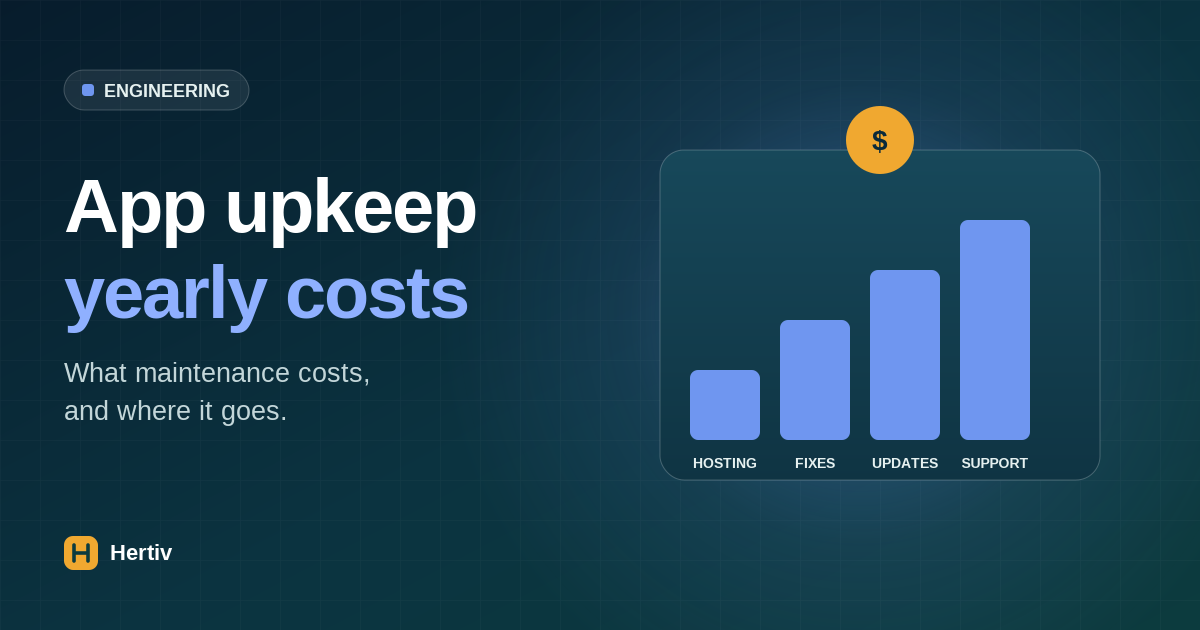
App maintenance usually costs 15 to 20 percent of the build cost per year, covering hosting, fixes, updates and support. The real number depends on size and traffic.
On this page
Short answer
App maintenance usually costs 15 to 20 percent of the original build cost per year. That covers hosting, bug fixes, operating system updates, security patches, small feature changes and user support. The exact figure depends on the size of the app, how many users it has, and how often its platform or libraries change.
What does it cost to maintain an app?
The cost to maintain an app is the ongoing spend needed to keep it working, safe and useful after launch. It covers hosting and third-party services, fixing bugs, updating the app for new operating system versions, patching security issues, answering user support, and making small improvements that users ask for.
A common rule of thumb is 15 to 20 percent of the original build cost per year. An app that cost $100,000 to build would then cost about $15,000 to $20,000 a year to maintain. That is only a starting point: a simple content app can cost far less, while an app with payments, real-time features or strict rules can cost far more.
| Cost item | What it covers | Typical share |
|---|---|---|
| Hosting and services | Servers, databases, storage, push and maps | 10 to 20 percent |
| Bug fixes | Fixing crashes and wrong behaviour | 25 to 35 percent |
| Updates | New OS versions, library and SDK updates | 15 to 25 percent |
| Security patches | Fixing known issues, renewing certificates | 5 to 10 percent |
| Support | Answering users and handling account issues | 10 to 15 percent |
| Small improvements | Minor features and design fixes | 15 to 25 percent |
The shares in the table are rough planning ranges, not prices from a vendor. They help a team see where the money goes before it signs a maintenance contract. For the cost of the first build, see what an AI app costs to develop.
What drives maintenance cost up or down?
Four things drive maintenance cost more than anything else: the size of the code, the number of third-party services, the number of users, and how often the platform changes. A small app with one database and no payments is cheap to keep alive. An app with payments, maps, chat, video and a dozen SDKs needs more work every time any of those services changes.
User numbers matter because they raise hosting costs and the number of support messages. An app with 1,000 users can run on a small server and a shared inbox. An app with 100,000 users needs load balancing, monitoring, a support queue and someone on call for outages. Each jump in users adds a fixed cost and a variable one.
Platform change is the hidden driver. Apple and Google release a major operating system update every year, and each one can break a feature, change a permission rule or require a new SDK. Libraries the app depends on also change, and an app that skips updates for a year often faces a large, risky upgrade later. Small, regular updates cost less than rare, large ones.
What does a typical maintenance budget cover?
A maintenance budget covers five kinds of work. Hosting and services keep the app online: servers, databases, file storage, push notifications, analytics and any paid APIs. These are mostly fixed monthly bills that grow with traffic, and they are the easiest part of the budget to predict.
Fixes and updates are the largest part. Every app has bugs that only appear after launch, when real users and real data meet the code. The team also updates the app for new phone models, new operating system versions and new versions of its libraries. This work is steady rather than seasonal: a team should expect a few fixes every month.
Security and support close the list. Security work means patching known issues, renewing certificates, reviewing access and testing backups. Support means answering users, resetting accounts and handling store reviews. Neither is glamorous, but skipping either one is how an app loses users or gets pulled from a store. For a secure build from the start, see how to build a secure m-commerce app.
How do teams plan maintenance, step by step?
Teams plan maintenance by listing everything the app depends on, pricing each item, and setting a monthly rhythm for fixes and updates. The plan is written before launch, not after the first crash, because the first month after launch is when most bugs appear.
- List every running cost. Write down hosting, databases, paid APIs, certificates, store fees and monitoring tools, with the monthly price of each.
- Estimate fix time. Budget a fixed number of developer hours per month for bugs, based on the size of the app and how much it changed recently.
- Schedule updates. Plan a small release every two to four weeks for fixes, and a larger one each quarter for library and OS updates.
- Set up monitoring. Add crash reports, uptime checks and error alerts so the team hears about problems before users do.
- Plan support. Decide who answers users, how fast, and what counts as urgent enough to wake a developer.
- Review the budget quarterly. Compare actual spend with the plan and adjust the hours or the hosting tier before costs drift.
A written plan also helps when the app changes hands. A new developer who inherits an app with a clear list of services, logins and update steps can start work in days instead of weeks.
Example (hypothetical): a food-delivery app's yearly maintenance
Example (hypothetical): a small food-delivery app has 5,000 monthly users and a team that built it for $120,000. The owner wants to know what maintenance will cost in the first year after launch.
The monthly bills are hosting $400, monitoring and analytics $150, and certificates and store fees $100. Bug fixes take about 40 developer hours a month at $70 an hour, which is 40 x 70 = $2,800. Library and OS updates take about 20 hours a month, which is 20 x 70 = $1,400. User support takes about 10 hours a month at $50 an hour, which is 10 x 50 = $500.
Adding it up: 400 + 150 + 100 + 2,800 + 1,400 + 500 = $5,350 a month. Over a year that is 5,350 x 12 = $64,200, which is just over half of the $120,000 build cost. The share is high because the app is young and still getting many fixes; in the second year the fix hours usually fall and the share drops closer to the 15 to 20 percent rule.
The owner decides to keep a fixed monthly budget of $5,500 and a small reserve for surprises, such as a forced OS update or a payment provider change. That reserve covers one bad month without stopping the regular fix work.
How can teams keep maintenance costs down?
Teams keep maintenance costs down by reducing the number of things that can break. Every third-party service, SDK and custom feature is a future maintenance job. An app with three services is cheaper to maintain than an app with twelve, even if both do the same job for the user.
Regular small updates are cheaper than rare large ones. A team that updates its libraries every month spends a little time each month and rarely faces a breaking change. A team that skips updates for a year often finds that several libraries changed at once, and the upgrade takes weeks and breaks features.
Good monitoring also saves money. Crash reports and error alerts let the team fix a bug when it affects ten users instead of ten thousand, and automated tests catch regressions before they reach the store. The cheapest bug is the one that never ships. For how to plan the first version so it is cheap to maintain, see how to build a SaaS product.
What are the common mistakes?
The most common mistake is budgeting nothing for maintenance. Some teams spend the whole budget on the launch and then discover that hosting, fixes and updates need money every month. An app with no maintenance budget slowly breaks: crashes rise, reviews fall, and the app stops working on new phones.
Another mistake is treating maintenance as a one-off project instead of a rhythm. A single big fix-up every year costs more and risks more than small releases every few weeks, because large changes are harder to test and harder to roll back when something goes wrong.
Teams also forget the services the app depends on. A payment provider, a maps API or a push service can change its pricing or retire a version, and an app that nobody watches will break without warning. Keep a list of every service, who owns it, and when each one needs review.
Key takeaways
- Maintenance usually costs 15 to 20 percent of the build cost per year.
- Bug fixes and updates are the largest part of the budget.
- Small, regular updates cost less than rare, large upgrades.
- Monitoring and a written plan keep surprises cheap.
- Budget maintenance before launch, not after the first crash.
Frequently asked questions
What is included in app maintenance?
App maintenance includes hosting, bug fixes, operating system and library updates, security patches, user support and small improvements. It does not usually include large new features, which are planned and priced as separate work.
How much should a small business budget for app maintenance?
A small app often costs 15 to 20 percent of its build cost per year. An app that cost $50,000 to build would then need about $7,500 to $10,000 a year. The exact figure depends on users, features and third-party services.
Does maintenance cost fall over time?
Often yes. The first year after launch has the most bug fixes, so it is usually the most expensive. Costs fall as the app settles, unless new features, new users or platform changes add work again.
What happens if an app is not maintained?
An unmaintained app breaks slowly: it crashes on new phone models, fails store review, shows outdated data and becomes easy to attack. Users leave first, and the app can be removed from the store if it stops meeting the rules.
Can maintenance be done by the same team that built the app?
Yes, and it is often the best choice, because that team already knows the code and the services. If a different team takes over, it needs the code, the service logins, the deployment steps and a written handover.
How often should an app be updated?
Most apps ship small fixes every two to four weeks and a larger update each quarter for libraries and operating system changes. Security fixes should ship as soon as they are ready, without waiting for the next planned release.


