Construction CRM Integration: How to Connect Your Stack
A construction CRM only pays off when it talks to estimating, scheduling and accounting. What to connect, in what order, and how to keep the data clean.
On this page
Short answer
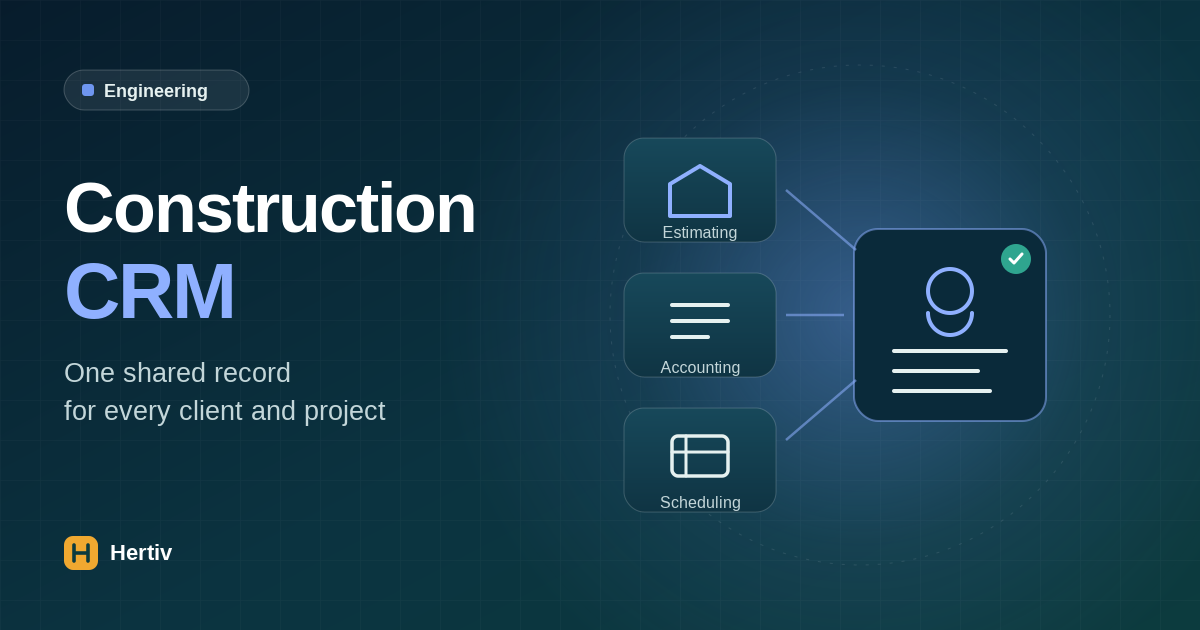
Construction CRM integration is the work of connecting a customer relationship system with the estimating, scheduling, accounting and project tools a construction firm already uses. The goal is one shared record for each client and project, so bids, change orders and payments stop living in separate spreadsheets. Start with the system that holds the client list, then add estimating and accounting in that order.
What is construction CRM integration?
Construction CRM integration is the work of connecting a customer relationship system with the estimating, scheduling, accounting and project tools a construction firm already uses. The goal is one shared record for each client and project, so bids, change orders and payments stop living in separate spreadsheets.
A CRM on its own is a contact list with notes. Connected to estimating, it knows what was bid and at what price. Connected to scheduling, it knows when work starts. Connected to accounting, it knows what was invoiced and what is still owed. That shared picture is the whole point.
Integration is not a single connection. It is a set of links between systems, each moving a specific set of fields in a specific direction, on a schedule the team agrees. A bid won in estimating should appear in the CRM without anyone retyping it; a payment recorded in accounting should show on the project record the same day.
The work is mostly about data and process, not about software. The hard questions are which system owns each field, what happens when two systems disagree, and who fixes the record when it breaks.
What should a construction CRM connect to?
A construction CRM should connect to the systems that already hold the truth about a project: estimating, scheduling, accounting and document storage. Each connection removes a round of retyping and a chance for the records to drift apart.
| System | Data shared with the CRM | Why it matters |
|---|---|---|
| Estimating | Bids, prices, win or loss | Sales knows what was quoted |
| Scheduling | Start dates, milestones, delays | Clients get honest updates |
| Accounting | Invoices, payments, amounts owed | No chasing money already paid |
| Project management | Change orders, site notes, photos | One record per project |
| Document storage | Contracts, permits, drawings | Documents found in seconds |
Estimating first, because the bid is where the client relationship starts. When a bid is won, the CRM should create the project record automatically, with the price, the scope and the contact attached. When a bid is lost, the reason should be recorded, because lost-bid reasons are the cheapest market research a firm has.
Accounting second, because money arguments are the fastest way to damage a client relationship. If the CRM shows a payment as outstanding after it was paid, someone will chase a client who owes nothing. A daily sync between accounting and the CRM prevents that. For the build side, custom software development covers integration work of this kind.
How does the data flow between systems?
Data flows between construction systems in one of three patterns, and most firms end up using all three for different fields.
The first pattern is one-way sync: estimating sends bid results to the CRM, and the CRM never sends anything back. This fits fields with a single owner, such as the bid price, where only one system should ever change the value.
The second pattern is two-way sync: a client's phone number can change in the CRM or in accounting, and both systems should end up with the new value. Two-way sync needs a rule for conflicts: the most recent change wins, or one system is declared the owner for that field.
The third pattern is event-driven: a change order approved in project management triggers a notification in the CRM and an update to the project value. Events keep the CRM current without a full sync, and they are the right choice for time-sensitive changes.
Whatever the pattern, each field needs an owner. If two systems can both change the same field with no rule, the records will drift apart and nobody will trust either one. Write the ownership list down before you connect anything.
How to integrate a construction CRM step by step
Integrating a construction CRM works best as a sequence of small, tested steps, starting with the system that holds the client list and adding one connection at a time.
- Map the current flow. List every system, what it holds, and who retypes what between them today.
- Pick the owner for each field. Decide which system is the source of truth for clients, bids, dates, invoices and documents.
- Clean the client list. Merge duplicates and fix the names, emails and phone numbers before any sync runs.
- Connect estimating first. Sync bids and bid outcomes into the CRM, and test with real bids for two weeks.
- Connect accounting next. Sync invoices and payments daily, and check the first week against the ledger by hand.
- Add scheduling and documents. Bring in start dates and the document store once the first two links are trusted.
- Train the team. Show everyone where each piece of information lives now, and who fixes it when it is wrong.
Testing with real data matters more than testing with sample data. Sample bids never contain the duplicate client names, the missing phone numbers and the odd project codes that real data does. For the CRM angle in another industry, CRM for education shows the same pattern applied elsewhere.
Example: a mid-size contractor connects its systems
Example (hypothetical): a contractor with 40 staff tracks 60 bids a quarter across estimating software, a CRM and accounting. Follow-up on each bid takes about 4 hours a quarter: checking the bid status, the client contact and the payment history in three separate systems.
The firm connects estimating to the CRM first, so bid status and outcomes flow in automatically, then connects accounting so invoices and payments appear on the project record. The client list is cleaned first: 18 duplicate records are merged out of about 400.
Follow-up per bid falls from 4 hours to about 1.5 hours a quarter, because the status, the contact and the payment history are now on one screen. Across 60 bids that is 60 times 4 hours, which is 240 hours, against 60 times 1.5 hours, which is 90 hours, saving 150 hours a quarter.
The firm spends the first month checking the sync by hand each week: five bids are checked against estimating and five invoices against accounting. Once a month passes with no mismatch, the manual checks stop and the team trusts the shared record.
What are the common mistakes?
The most common construction CRM integration mistakes are syncing before cleaning the data, connecting everything at once, and never deciding who owns each field.
- Syncing dirty data. Duplicates and wrong numbers spread to every connected system.
- Connecting everything at once. Five new links at once means five possible causes when something breaks.
- No field ownership. Two systems changing the same field with no rule guarantees drift.
- Real-time sync for everything. Most fields only need a daily sync; real-time adds cost and failure modes.
- No error queue. Failed syncs need a visible list and an owner, or they fail silently for months.
- Skipping training. If the team keeps its own spreadsheets, the integration is a decoration.
For how AI is already used across construction workflows, AI use cases in construction gives the wider picture.
How do you pick a construction CRM?
You pick a construction CRM by the integrations it already has, not by the feature list. A CRM with a ready connector for your estimating and accounting tools will cost less and break less than one with a longer feature list and no connectors.
Ask three questions before you shortlist. First, does it connect to your estimating and accounting tools today, with a supported connector or a documented API? Second, can it hold project records, not just contacts, with change orders and milestones attached? Third, can field staff use it on a phone from a site with poor signal?
Test with your own data, not the vendor's demo. Load a real client list, a real set of bids and a real project, and try the three tasks your team does most: logging a bid, finding a payment and updating a project status. If any of those is awkward in the trial, it will be awkward every day.
Price the integration, not just the licence. Connectors, data cleanup, training and the first year of maintenance are part of the cost, and a cheap licence with an expensive integration is not cheap. See best business automation software for the wider set of tools.
Key takeaways
- One shared record per client and project is the whole goal
- Estimating first, then accounting: connect in the order money flows
- Every field needs a named owner system before it is synced
- Clean the client list before any sync runs
- Start with ten fields, not a hundred, and earn trust before expanding
Frequently asked questions
What is a construction CRM?
A construction CRM is a customer relationship system adapted for construction firms, tracking clients, bids, projects and payments in one place. On its own it is a contact list; connected to estimating, scheduling and accounting, it becomes the shared record for each project.
Which system should connect to the CRM first?
Estimating, because the bid is where the client relationship starts. When a bid is won, the CRM should create the project record automatically with the price, scope and contact attached. Accounting comes next, so invoices and payments show on the same record.
How often should construction systems sync?
Daily is enough for most fields, such as invoices, payments and bid outcomes. Real-time sync suits time-sensitive events such as an approved change order. Syncing everything in real time adds cost and failure modes without much benefit.
What happens when two systems disagree?
The field owner decides. Before connecting anything, write down which system owns each field; when records conflict, the owner's value wins. Without that rule, the records drift apart and nobody trusts either system.
Do small construction firms need CRM integration?
Yes, once bids, invoices and project notes live in more than one place. Even a small firm benefits from one shared record per project, and a small, trusted sync of ten fields is a better start than a large one nobody believes.
How long does a construction CRM integration take?
A first connection, such as estimating to the CRM, typically takes a few weeks including data cleanup and testing. Each further connection is faster, because the client list is already clean and the team already trusts the shared record.


