Computer Vision in Energy: What Cameras Watch For
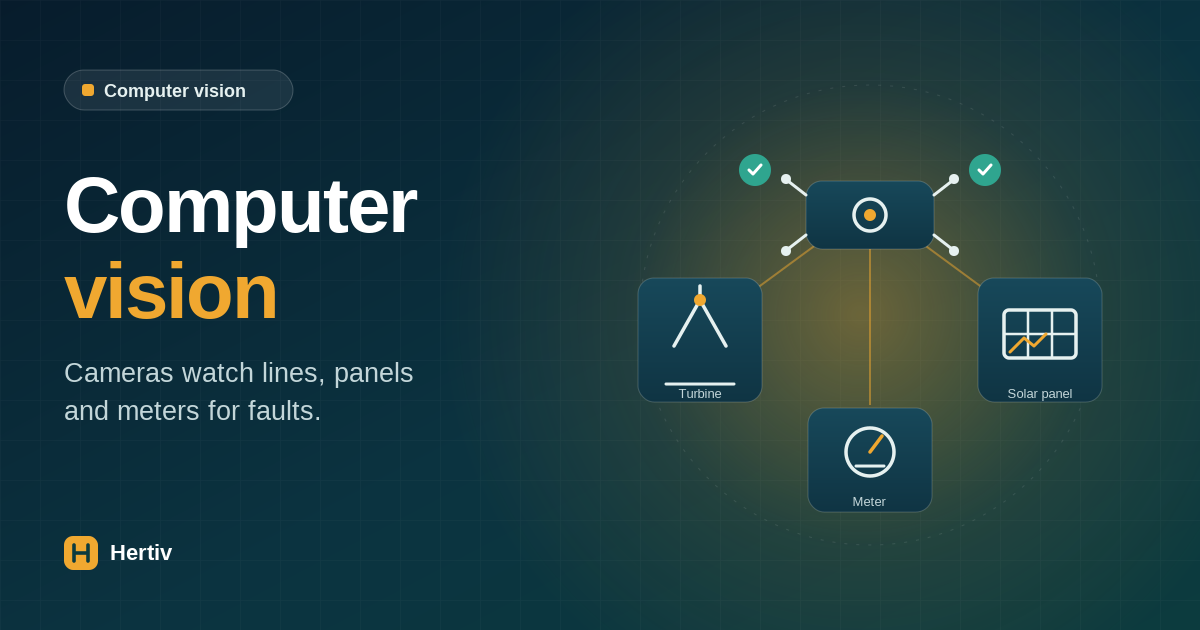
Computer vision in energy watches lines, panels, turbines and meters through cameras and drones, flagging faults and safety risks before a person spots them.
On this page
Short answer
Computer vision in energy is the use of cameras, drones and image models to inspect power lines, solar panels, turbines and plant equipment, read meters and gauges, and watch work sites for safety risks. It turns images into alerts and records, so faults are found between scheduled inspections instead of during them.
What is computer vision in energy?
Computer vision in energy is the use of cameras, drones and image models to watch energy assets and work sites, and to turn what the camera sees into alerts, readings and records. Instead of sending a person to look at every line, panel or meter, the camera looks, and the software decides what needs a human.
Energy assets are spread out, hard to reach and often dangerous to approach: high-voltage lines, offshore turbines, solar farms in open fields, flare stacks and substations. Sending people to inspect them is slow, expensive and sometimes risky, which is why cameras and drones have become the first pair of eyes.
The jobs it does most often are:
| Job | What the camera sees | What happens next |
|---|---|---|
| Line inspection | Cracks, corrosion, vegetation | Repair ticket with photo |
| Panel and turbine checks | Hot spots, blade damage, soiling | Maintenance scheduled by severity |
| Meter and gauge reading | Dials, digits, needle positions | Reading filed to billing or control |
| Site safety | Helmets, zones, spills, smoke | Alert to the site supervisor |
| Leak and flare watch | Plumes, flames, discoloration | Escalation to operations |
| Vegetation growth | Trees near lines, overgrowth | Cutting crew scheduled |
The pattern is the same as in other industries: the camera watches continuously, the model flags the small share of images that matter, and people spend their time on those. Computer vision in finance applies the same idea to documents and identity checks.
Inspecting lines, panels and turbines from images
Inspecting lines, panels and turbines from images is the most established use, because drones can cover ground that crews cannot reach quickly. A drone flies a planned route, photographs each asset, and the model compares what it sees against known fault patterns.
For power lines, the model looks for cracked insulators, corroded fittings, damaged conductors and vegetation growing too close. Thermal cameras add another layer: a hot spot on a connection often means a failing joint, and it shows up in infrared long before it is visible to the eye.
For solar panels, the checks are hot spots, cracked cells, soiling and shading. A dirty or damaged panel produces less power, and the loss is easy to miss across a large farm. For wind turbines, the model inspects blades for cracks, erosion and lightning damage, which are hard to see from the ground and expensive to check by rope access.
The output is a ranked list: which assets need attention, how urgent each one is, and the photo that proves it. A crew then visits only the assets on the list, instead of walking the whole site.
Safety monitoring on sites and in plants
Safety monitoring on sites and in plants is the use that crews notice most, because the camera is watching the work itself. It checks for helmets, high-visibility clothing, safe zones and spills, and it raises an alert when something is wrong.
The checks are simple in principle: is everyone in a restricted zone wearing the required gear, is anyone standing where they should not be, is there liquid on the floor near electrical equipment, is smoke or flame visible where it should not be. Each check is a model trained on examples of the hazard.
The alerts go to a site supervisor, not to the workers, and the useful ones are the ones that arrive while the risk is still present. A spill flagged ten minutes after it happens is a report; a spill flagged as it happens is a prevention.
There is a balance to strike. A system that flags every minor deviation will be tuned out, so teams usually start with the two or three hazards that cause the most harm on their sites, and add more only once those alerts are trusted. AI agents in energy can take these alerts further, for example by opening a work order when a fault is confirmed.
Reading meters, gauges and dials automatically
Reading meters, gauges and dials automatically is the quietest use of computer vision in energy, and often the one with the clearest return. Many meters and gauges are still analogue: a dial, a needle, a row of digits behind glass.
A fixed camera photographs the dial at set intervals, and the model reads the value: the needle angle on a pressure gauge, the digits on a meter, the level in a sight glass. The reading is then filed to the billing or control system, with a confidence score attached.
Low-confidence readings go to a human, who checks the photo and enters the value. That queue is the safety net: a misread digit on a meter becomes a wrong bill, so the system must know when it is unsure.
The gain is not just labour. Readings taken every hour instead of once a month reveal patterns: a meter that creeps up at night, a gauge that drifts before it fails. That history is also the raw material for forecasting, which is where predictive analytics in energy starts.
Example (hypothetical): a utility reading 1,000 meters
Example (hypothetical): a utility has 1,000 analogue meters spread across its network. A reader takes 5 minutes per meter, including travel, which is 1,000 times 5 minutes, or 5,000 minutes, about 83 hours a month of reading time.
The utility fits cameras to the meters. Each month, the system reads 900 meters with high confidence and files them automatically. The remaining 100 go to a human queue, and a reader still takes 5 minutes on each, which is 100 times 5 minutes, or 500 minutes, about 8 hours a month.
The saving is roughly 75 hours a month, but the bigger change is frequency: readings that used to arrive monthly now arrive daily, so a sudden jump in consumption is spotted within a day instead of at the next bill. The reader's job shifts from walking routes to checking the 100 photos that need judgement, which is the part a camera cannot do.
What computer vision still misses in energy
Computer vision still misses things in energy, and the misses cluster around conditions the camera cannot see well: poor light, bad weather, dirt on the lens and faults hidden inside equipment.
Rain, fog and low sun all degrade images, and a drone grounded by wind cannot inspect anything. A lens smeared with dust sees a blur, not a crack. And some faults are simply internal: a transformer winding that is failing may show nothing on the outside until it is too late, which is why image inspection complements sensor data rather than replacing it.
False alarms are the other limit. A shadow across a solar panel can look like a crack, and a bird on a line can look like damage. Each false alarm costs a crew visit or a review, so teams tune the threshold to the cost of being wrong in each direction: missing a real fault is usually worse than checking a false one, but only up to a point.
The honest way to judge a system is on the site's own images over a season, not on a vendor's demo set. Accuracy on clean demo footage says little about a rainy Tuesday in November.
Common mistakes with computer vision in energy
The most common mistakes with computer vision in energy come from trusting the camera too much, or the model too little. The system works when people treat it as a first pair of eyes, not as a final judge.
- No human review queue. Low-confidence readings and borderline images need a person; without a queue they are silently filed.
- Judging on demo footage. Clean demo images hide how the model behaves in rain, dust and low light.
- Alerting on everything. Too many hazard types at once trains staff to ignore the alerts.
- Forgetting lens and camera upkeep. A dirty lens or a shifted camera silently degrades every reading.
- Replacing sensors with cameras. Images complement vibration, temperature and pressure data; they do not replace them.
- No photo record. Keep the image with the alert, or a crew cannot verify the fault before travelling.
Key takeaways
- Cameras and drones watch lines, panels, turbines, meters and work sites continuously.
- The model flags the small share of images that matter; people visit only those assets.
- Meter and gauge reading gains frequency as well as time: daily readings reveal patterns monthly ones hide.
- Judge accuracy on the site's own images over a season, not on demo footage.
- Keep a human review queue for low-confidence readings and borderline images.
Frequently asked questions
What is computer vision in energy?
It is the use of cameras, drones and image models to inspect power lines, solar panels, turbines and plant equipment, read meters and gauges, and watch work sites for safety risks. Images become alerts, readings and records instead of trips by a person.
What can drones inspect in energy?
Drones photograph power lines, solar panels and turbine blades, and thermal cameras add hot-spot detection for failing connections. The model ranks faults by severity with the photo attached, so crews visit only the assets on the list.
Can cameras read analogue meters and gauges?
Yes. A fixed camera photographs the dial, the model reads the needle angle or digits, and the value is filed with a confidence score. Low-confidence readings go to a human, who checks the photo and enters the value.
Does computer vision replace site inspections?
No. It finds faults between scheduled inspections and prioritises crew visits, but people still confirm and repair. It also cannot see internal faults, which is why image inspection complements sensor data rather than replacing it.
How accurate is it in bad weather?
Rain, fog, low sun and wind all degrade results, and drones may be grounded. Teams should judge accuracy on their own site's images over a season, and keep a human queue for borderline images.
What does a computer vision system cost?
Costs vary with the number of cameras or drones, the assets covered and how much review is built in. See vendor site for pricing, and budget for camera upkeep, calibration and the human review queue.


