Cloud Storage Alternatives Worth Comparing
There is more to cloud storage than the big names. Compare six alternatives on privacy, encryption, sync and price to find the fit for your team.
On this page
Short answer
Cloud storage alternatives differ mainly on encryption, pricing shape and who they are built for: pCloud and Icedrive suit lifetime plans, Sync.com and Tresorit suit end-to-end encryption, Proton Drive suits privacy-first teams, and Internxt suits open-source fans. Compare encryption, sync, sharing and price, then test a small folder first.
Which cloud storage alternatives are worth comparing?
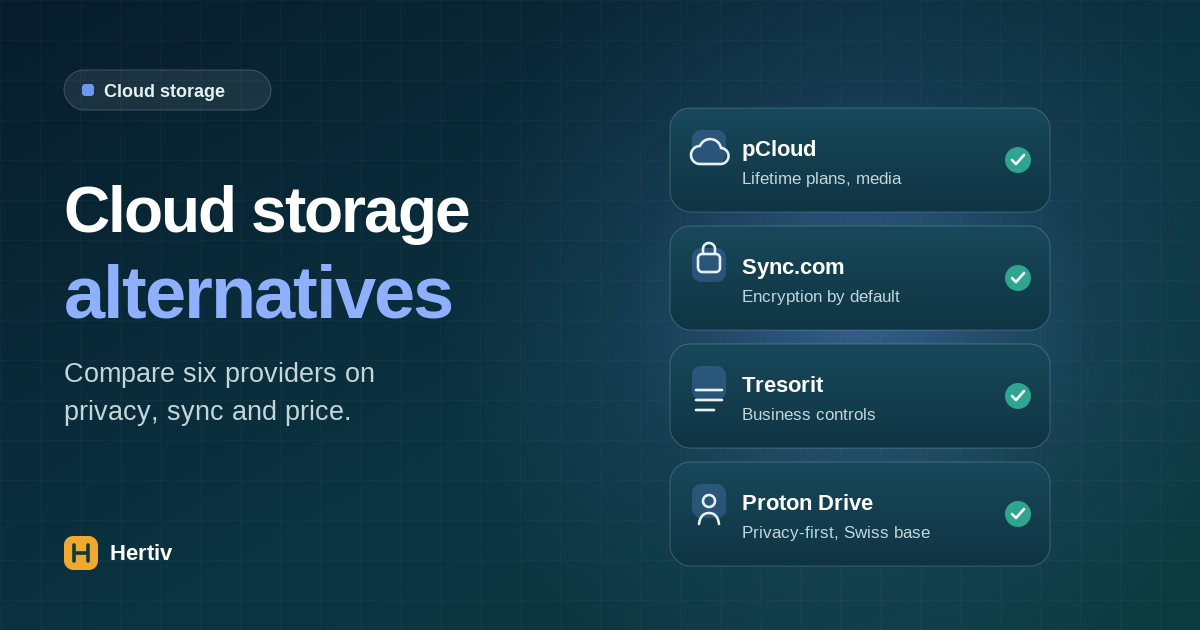
The cloud storage alternatives worth comparing are pCloud, Sync.com, Tresorit, Proton Drive, Icedrive and Internxt. Each one stores files online and syncs them across devices, but they differ on encryption, pricing shape and who they are built for.
Use this comparison to shortlist. Check each provider's current plan on its own site, since prices and free tiers change, and test sync with a small folder before you move anything important.
| Provider | Known for | Encryption | Best for |
|---|---|---|---|
| pCloud | Lifetime plans, media playback | Paid add-on | Media and one-off payment |
| Sync.com | Zero-knowledge privacy | By default | Client files |
| Tresorit | Business controls, audit trail | By default | Regulated teams |
| Proton Drive | Privacy-first, Swiss base | By default | Proton users |
| Icedrive | Simple drive, lifetime plans | Paid plans | Personal storage |
| Internxt | Open-source apps | By default | Open-source fans |
Start with one row, not all six. A provider that fits your files, your sharing habits and your privacy needs will beat a cheaper one that fights how you work.
pCloud: best for lifetime plans and media
1. pCloud: best for lifetime plans and media
pCloud is a Swiss storage service that suits people who want a large drive without a monthly bill. It offers one-off lifetime plans alongside subscriptions, and its apps cover desktop, mobile and the web.
Media handling is its strong point: audio and video play back in the browser and apps, and files can be shared with links that carry expiry dates and passwords. Client-side encryption is a paid add-on, so check the plan details before you assume files are encrypted before upload.
Pros
- Lifetime plans with a one-off payment
- Built-in audio and video playback
- Link controls with expiry dates and passwords
Cons
- Client-side encryption costs extra
- No built-in office suite
- Support is ticket-based
If your files include client work or personal records, read data security and compliance before choosing where they live.
Sync.com: best for end-to-end encryption by default
2. Sync.com: best for end-to-end encryption by default
Sync.com is a Canadian service that encrypts files on your device before upload, so the provider cannot read them. That zero-knowledge design is the default for every plan, not an add-on.
It suits teams and individuals who store client files, legal papers or health-related documents and want sharing controls with them. Sync covers desktop and mobile, with team folders and admin controls on business plans, and plan details are on the vendor site.
Pros
- End-to-end encryption on every plan
- Zero-knowledge design
- Team folders and admin controls
Cons
- No lifetime plan
- Smaller app ecosystem than the largest providers
- Free tier is limited, see vendor site
Tresorit: best for regulated teams and client files
3. Tresorit: best for regulated teams and client files
Tresorit is a business-focused service built around end-to-end encryption and admin control. It suits firms that handle sensitive client files and need to show how access is managed.
Admins can set permissions per folder, require two-factor sign-in and see an audit trail of file activity. It is priced for business use, so small teams should compare the per-user cost on the vendor site before committing.
Pros
- End-to-end encryption with admin controls
- Audit trail of file activity
- Data rooms for sharing with clients
Cons
- Priced for business use
- Fewer consumer features than media-first rivals
- Setup takes longer for large teams
Proton Drive: best for privacy-first teams
4. Proton Drive: best for privacy-first teams
Proton Drive comes from the team behind Proton Mail, and it shares the same privacy-first design: files are encrypted on your device before upload. It fits people who already use Proton services or want a provider based in Switzerland.
Drive covers documents, photos and sharing, and it works alongside Proton Mail, Calendar and VPN on combined plans. Check the vendor site for current storage sizes, since plans and bundles change.
Pros
- End-to-end encryption by default
- Swiss base and privacy-first design
- Works with Proton Mail and VPN
Cons
- No lifetime plan
- Collaboration tools are lighter than office-suite rivals
- Desktop sync is newer than the web and mobile apps
Icedrive: best for simple, low-cost storage
5. Icedrive: best for simple, low-cost storage
Icedrive is a UK service that keeps storage simple: a clean drive, fast sync and lifetime plans for people who want to pay once. It mounts as a virtual drive on desktop, so files do not have to sit on your hard disk.
It suits personal use and small teams that mainly need a reliable place for files, with client-side encryption on paid plans. Check the vendor site for current plan sizes before you buy a lifetime deal.
Pros
- Lifetime plans with a one-off payment
- Virtual drive mount on desktop
- Simple interface with little to learn
Cons
- Fewer team admin tools than business rivals
- Smaller company than the largest providers
- Client-side encryption only on paid plans
Internxt: best for open-source fans
6. Internxt: best for open-source fans
Internxt is a Spanish service that builds its apps in the open and encrypts files on your device before upload. It suits people who want to inspect the code they trust with their files.
It covers drive storage, photos and file sharing, with a distributed design that spreads encrypted fragments across many servers. Plans and storage sizes change, so check the vendor site for the current offer.
Pros
- Open-source apps
- End-to-end encryption by default
- Distributed storage design
Cons
- Younger service than the largest rivals
- Fewer business admin tools
- Smaller ecosystem of integrations
For a broader view of moving files and systems to the cloud, see how to migrate to the cloud.
How to choose a cloud storage alternative
Choose by matching the provider to your files, not by headline storage size. A provider that fits your sharing and security needs will serve you longer than the cheapest large drive.
- List what you store. Photos, video, client documents and backups have different needs for speed, versioning and sharing.
- Decide on encryption. If files must be unreadable by the provider, shortlist only services with end-to-end encryption by default.
- Check sync and sharing. Test desktop sync, mobile upload and link sharing with real files before you pay.
- Compare total cost over three years. A lifetime plan can beat a subscription, but only if the provider stays in business and keeps its apps updated, so read the terms and see vendor site for prices.
- Plan your exit. Confirm you can export everything in standard formats before you move files in.
Run the trial with real files, not test documents. Sync a working folder for a week and watch for conflicts, slow uploads and sharing friction before you pay.
What are the common mistakes?
The most common mistakes are treating sync as backup, moving everything at once, and ignoring what happens when you want to leave.
- Assuming sync equals backup. If a file is deleted or corrupted on one device, sync can spread the damage, so keep a separate backup.
- Moving everything on day one. Migrate one folder first, check sharing and versioning, then move the rest.
- Leaving share links open. Links without expiry dates or passwords stay live long after the need passes.
- Ignoring data location. Some teams need data stored in a specific country, so check where the provider keeps files.
- Skipping the exit test. If export is slow or incomplete, you are locked in more than you planned.
Cloud storage is one part of a wider setup. Cloud services covers architecture, migration and operations if your storage needs grow into a full platform.
Key takeaways
- Encryption is the biggest split: some providers encrypt by default, others charge extra for it
- Lifetime plans suit people who want to pay once, but check the provider's terms first
- Sync is not backup: keep a separate copy of files you cannot afford to lose
- Test sync and sharing with real files for a week before moving everything
- Check data location and export options before you commit to a provider
Frequently asked questions
What is the best free cloud storage alternative?
There is no single best free option, since free tiers change often and usually cap storage and features. Shortlist two or three providers, check their current free tiers on the vendor site, and test sync and sharing with real files before you decide.
Is pCloud safe for storing files?
pCloud stores files on servers in the EU and US and offers client-side encryption as a paid add-on called Crypto. Without that add-on, pCloud can read files for its own service needs, so turn on Crypto if you want files encrypted before upload.
Which cloud storage is most private?
Providers with end-to-end encryption by default, such as Sync.com, Tresorit, Proton Drive and Internxt, keep files unreadable by the provider. Privacy also depends on the provider's location, its logging policy and whether you use two-factor sign-in.
Can I move files from Google Drive to another provider?
Yes. Most providers offer an import tool or let you download files and upload them elsewhere. Move one folder first, check that sharing links and versions survive the move, and keep the original copy until the new drive is fully checked.
Is a lifetime cloud storage plan worth it?
A lifetime plan can save money over several years if the provider stays in business and keeps its apps updated. Compare the one-off price with three years of a subscription, read the terms for storage limits, and avoid putting all your files with a provider you have not tested.
Does cloud storage replace a backup?
No. Cloud sync mirrors changes across devices, so a deleted or corrupted file can spread to every copy. Keep a separate backup on a different drive or service, and test restoring from it at least once a year.


