How to Migrate to the Cloud, Step by Step
Cloud migration moves apps, data and workloads from your own servers to the cloud. Here are the seven steps, the strategies and the checks that make the move work.
On this page
Short answer
Cloud migration is the move of applications, data and workloads from on-premise servers into a cloud platform, so a team runs its systems on rented infrastructure instead of hardware it owns. It works best in waves: inventory, business case, pilot, then one group of systems at a time, with a rollback plan at each cutover.
What is cloud migration?
Cloud migration is the move of applications, data and workloads from on-premise servers or another provider into a cloud platform, so the team runs its systems on rented infrastructure instead of hardware it owns. The move covers the application code, the databases, the files, the network rules and the people who operate them.
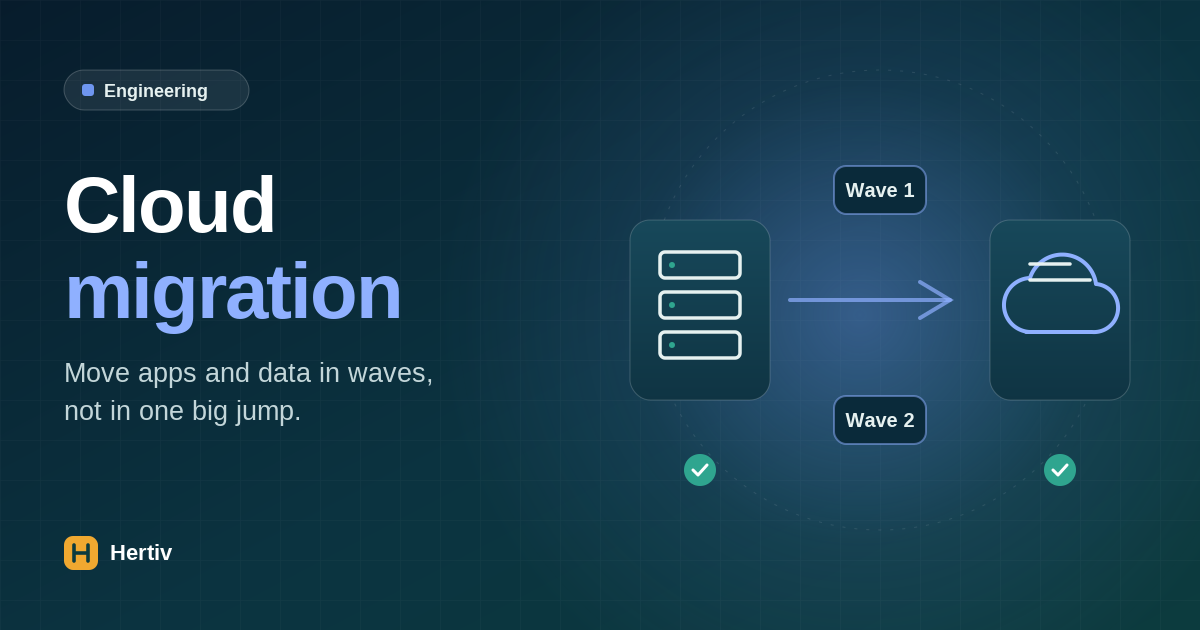
A migration is not a single event. It is a series of small moves, each with a test and a way back. A team moves one service, checks that it works in the cloud, then moves the next. That order matters more than speed, because a rushed move can break the service that earns the money.
The work usually falls into three parts. First, the team lists everything it runs and decides what moves, what stays and what retires. Second, it moves the chosen systems in waves, with data copied and checked at each step. Third, it switches users to the cloud version and watches it closely for the first weeks.
What are the main cloud migration strategies?
The main cloud migration strategies are six options that differ in how much of the application changes. The right choice depends on how old the system is, how much it earns and how much risk the team can take.
| Strategy | What changes | When it fits | Effort |
|---|---|---|---|
| Rehost | Move as it is | Urgent move, little time | Low |
| Replatform | Small changes, managed services | Quick wins without a rewrite | Medium |
| Repurchase | Replace with a SaaS product | A standard tool does the job | Low to medium |
| Refactor | Rebuild for the cloud | Scale or speed is the goal | High |
| Retire | Switch it off | Nobody uses it any more | Low |
| Retain | Keep it where it is | Rules or cost say stay put | None |
Most teams mix strategies. A booking app might be rehosted first, then replatformed onto a managed database a month later. The database move is often the biggest win, because managed databases remove backup, patching and failover work from the team.
Refactoring is the only strategy that changes the code in a big way. It costs the most and takes the longest, so it fits systems that must scale or change often. For a stable internal tool, rehosting is usually enough.
How do you migrate to the cloud step by step?
You migrate to the cloud by working through seven steps in order: inventory, business case, strategy, pilot, waves, cutover and review. Skipping the first two steps is the usual cause of a migration that runs over budget.
- Inventory everything. List the applications, databases, servers, integrations and data stores. Note the owner, the users and what breaks if each one stops.
- Make the business case. Compare the current running cost with the cloud estimate, including the cost of the move itself. If the numbers do not work, change the scope, not the arithmetic.
- Pick a strategy per system. Use the table above. Move the low-risk systems first and leave the hardest ones until the team has practice.
- Run a pilot. Move one small, real system end to end. The pilot tests the network, the access rules and the backup plan before anything important moves.
- Move in waves. Group systems that depend on each other and move one group at a time. Copy the data, check it, then switch users over.
- Cut over with a rollback plan. Choose a quiet window, switch the traffic, and keep the old system ready to take over if the new one fails.
- Review and tidy up. Check the bill, the speed and the error logs. Switch off the old servers and remove access that is no longer needed.
A pilot that takes two weeks saves more time than it costs. It shows the team where the real problems are: usually network rules, old passwords stored in code, or data that nobody owns. For teams that want help with the plan, cloud services cover architecture, migration and operations.
How do you move the data safely?
You move data safely by copying it first, checking the copy, and only then pointing users at the new location. The old system stays live until the new one has proved itself with real traffic.
Start with the data rules. Some data must stay in a certain country, some must be encrypted, and some must be deleted after a fixed time. Those rules decide where the data can live and who can read it. A short data map, one page per system, is enough to catch most problems early.
For the copy itself, most teams use replication: the cloud database follows the old one until they match, then the team switches over. Large file stores move in nightly windows, a few hundred gigabytes at a time. After each window, the team compares row counts, file counts and a sample of records.
Backups come before the move, not after. Take a full backup of every system, test that it restores, and keep it until the migration is signed off. If the copy fails, the backup is the way back. The explainer on what cloud migration is covers the planning side in more depth.
Example (hypothetical): moving a booking app to the cloud
Example (hypothetical): a 40-person travel firm runs a booking app on 8 virtual servers in its own office. The servers cost $3,200 a month to run (8 servers at $400 each), and the team spends about 10 hours a month on patching and hardware faults.
The team estimates the cloud version at $2,100 a month: $1,400 for compute, $300 for storage and $400 for backups. That is $1,100 a month less than the office setup, or $13,200 a year. The move itself is estimated at $18,000, so it pays for itself in about 17 months.
The data is 1.5 TB of bookings and files. The team moves it in 3 nightly windows of 500 GB each (3 times 500 GB equals 1,500 GB), checking row counts after each window. The app moves first, the database follows, and the cutover happens on a Sunday night. The old servers stay on for two weeks, then switch off.
What are the common mistakes?
The most common cloud migration mistakes are moving everything at once, skipping the pilot, and forgetting the running cost after the move. Each one turns a careful plan into a repair job.
- Moving the hardest system first. Start with a low-risk system so the team learns the process before the stakes are high.
- No rollback plan. If there is no way back, every problem becomes a crisis. Keep the old system ready until the new one is proven.
- Ignoring the bill. Cloud costs grow with use. Set a budget alert on day one and review the bill weekly for the first month.
- Copying the old design as it is. A system built for one big server often runs badly on cloud services. Small changes, such as a managed database, usually pay off.
- Forgetting access and secrets. Old passwords and keys stored in code break the move. Move secrets into a proper store before the migration starts.
- No owner for the data. If nobody owns a dataset, nobody checks the copy. Name an owner for every system before it moves.
A team that plans its operations alongside the move avoids most of these. The DevOps guide explains how deployment and monitoring habits fit a cloud setup.
How do you know the migration worked?
You know a migration worked when users see the same or better speed, the error rate stays flat, and the bill matches the estimate. Those three checks, run for two to four weeks after cutover, are the sign-off.
Speed is the first check. Compare page load times and key transactions before and after the move. A small slowdown on day one is normal while caches warm up, but it should settle within a day or two. If it does not, look at the database and the network path first.
Cost is the second check. Compare the first full cloud bill with the estimate, line by line. The usual surprises are data transfer, storage that grows faster than expected, and services left running after a test. Switch off anything the team no longer uses.
Finally, check that the old systems are really gone. Servers that stay on "just in case" keep costing money and keep the old risk alive. Set a switch-off date in the plan and keep it.
Key takeaways
- Migration works best in waves, not as one big move
- Pick a strategy per system: rehost, replatform, repurchase, refactor, retire or retain
- A pilot move tests the network, access rules and backups before anything important moves
- Copy data first, check the copy, and keep the old system live until the new one is proven
- Set a budget alert on day one and review the first cloud bill line by line
Frequently asked questions
What is the cheapest way to migrate to the cloud?
Rehosting, moving the system as it is, is usually cheapest because it changes the least code. It suits a stable system that needs to move quickly. Refactoring costs more but pays off when the system must scale or change often.
How long does a cloud migration take?
A small system can move in a few weeks, while a full estate often takes several months. The time depends on how many systems move, how much data there is and how much testing each cutover needs. A pilot move gives the best early estimate.
Do we need to change our code to move to the cloud?
Not always. Rehosting moves the code as it is, while replatforming needs small changes, such as pointing the app at a managed database. Only refactoring rebuilds the application, and that is a separate project from the move itself.
What is the biggest risk in a cloud migration?
The biggest risk is data that moves badly: missing rows, wrong formats or records nobody checks. Copy the data, compare counts and samples after each window, and keep a tested backup until the migration is signed off.
Can we move back if the cloud does not work out?
Yes, if the plan keeps a way back. Keep the old system running until the new one is proven, keep exports of the data in a standard format, and avoid cloud services that lock the data in. A rollback plan is part of a good migration.
How do we control cloud costs after the move?
Set a budget alert before the first bill, review the bill weekly for the first month, and switch off test systems and old servers. The most common waste is services left running after the job they did is finished.


