Cloud Solutions for the Insurance Industry: What They Cover
Cloud solutions give insurers hosted systems for policy, claims, underwriting and data, replacing on-premise servers. Here is what they cover and how to move.
On this page
Short answer
Cloud solutions for the insurance industry are hosted systems and services that run policy administration, claims, underwriting, billing and analytics on shared cloud infrastructure instead of on-premise servers. They let insurers launch products faster, scale for claims surges, and pay for computing as they use it, while keeping customer data under strict security and regulatory controls.
What are cloud solutions for the insurance industry?
Cloud solutions for the insurance industry are software and infrastructure hosted by a cloud provider that insurers use to run their core business: policy administration, claims handling, underwriting, billing and customer service. Instead of buying and maintaining servers, the insurer rents computing, storage and managed services and reaches them over the internet.
They come in three forms. Software as a service covers ready-made insurance platforms, such as policy and claims systems, that the insurer configures rather than builds. Platform services cover the building blocks, such as databases, integration tools and AI services, that a team uses to build its own systems. Infrastructure services cover raw computing and storage for teams that run their own software in the cloud.
Most insurers use a mix: a hosted policy system, cloud data services for analytics, and their own applications on cloud infrastructure. For the data side, see insurance data analytics.
What do cloud solutions cover in insurance?
Cloud solutions in insurance cover the whole policy lifecycle, from quote to claim. The table below lists the main areas and what a cloud system does in each one.
| Area | What the cloud system does | Main benefit |
|---|---|---|
| Policy administration | Quotes, policies, renewals and endorsements | Launch products faster |
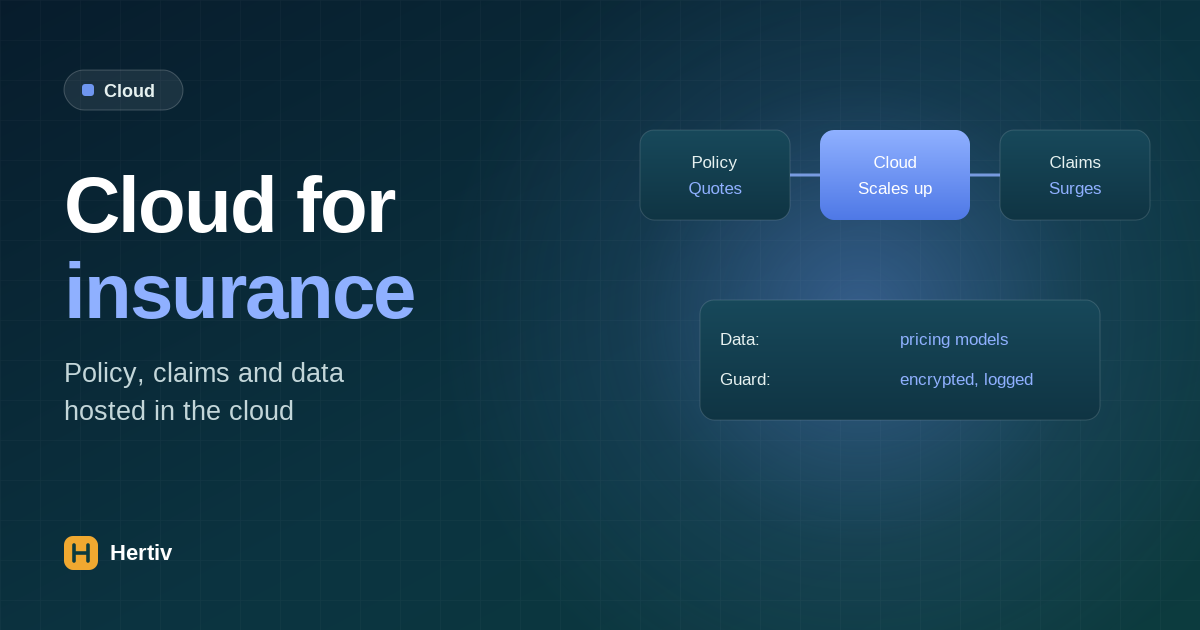
| Claims | First notice of loss, triage, payment, fraud checks | Scale for surges |
| Underwriting | Risk scoring, rules, third-party data checks | More consistent decisions |
| Billing and payments | Premiums, instalments, refunds, collections | Fewer manual steps |
| Customer service | Portals, chat, document and call handling | One view of the customer |
| Data and analytics | Warehousing, reporting, pricing models | Better pricing and reserving |
| Distribution | Broker and agent portals, quote APIs | Wider reach |
| Compliance | Audit trails, retention, regulatory reporting | Easier evidence for regulators |
Claims is where the cloud earns its keep. After a storm or a flood, claim volumes can jump many times over in a day, and a cloud system can add capacity in hours, while an on-premise system waits for hardware. The same scaling helps at renewal peaks and at the end of a reporting period.
How do insurers move to the cloud?
Insurers move to the cloud in stages, starting with the least risky systems and keeping the policy core for later, once the team has learned how cloud operations work.
- Map the estate. List every system, its data, its integrations and its regulatory duties, and rank them by risk and by value of moving.
- Start with the edges. Move document storage, reporting, analytics and customer portals first, where a problem does not stop policies or claims.
- Build the landing zone. Set up cloud accounts, networking, identity, logging and backup rules before any customer data moves.
- Move one product line. Pick one line, such as motor or home, and run it on a hosted policy system alongside the old one.
- Connect the old systems. Keep integrations with the legacy core working, usually through APIs, until the core itself moves.
- Move the core in phases. Shift policy, billing and claims product by product, with a rollback plan for each step.
- Retire the old estate. Close servers and licences only after the new system has run a full reporting cycle.
Data migration is the slow part. Policy histories, claim files and documents need cleaning, mapping and testing, and the team should budget as much time for data as for the software itself. See insurance data migration for what that work involves.
What about security and regulation?
Security and regulation shape every cloud decision in insurance, because insurers hold health, financial and personal data that regulators protect. The insurer stays responsible for the data even when a cloud provider hosts it, so contracts and controls matter as much as the technology.
Four controls come first: encryption of data at rest and in transit, access rules that limit who can see which records, logging that records every access and change, and a clear data residency rule that says where data may live. Regulators in many countries require customer data to stay in approved regions, so the choice of cloud region is a compliance decision, not just a technical one.
Insurers should also check the provider's certifications, its incident response, and what happens if the provider has an outage. A backup and recovery plan that has been tested matters more than a promise of uptime, because a claims system that is down after a storm is the worst time to discover a gap.
Example: a mid-size insurer moves claims to the cloud
Example (hypothetical): a mid-size insurer handles 60,000 claims a year and runs its claims system on servers that are eight years old. A storm week brings 4,000 claims in five days, and the old system slows down, so adjusters wait for screens to load.
The insurer moves claims to a hosted claims system. In a normal week it handles about 1,150 claims, and the hosted system costs $12,000 a month. In a storm week the system scales to 4,000 claims without new hardware, and the extra capacity costs $3,000 for that week. The old approach would have needed $90,000 of server capacity bought in advance and left idle most of the year.
Claims staff also save time: each adjuster previously spent 25 minutes a day on system delays, and 40 adjusters means 40 times 25, or 1,000 minutes a day, which is about 17 hours. Cutting that delay in half saves roughly 8 hours a day across the team, which the insurer puts into faster settlements instead.
What are the common mistakes?
The most common mistakes when insurers move to the cloud are treating migration as a lift-and-shift, skipping data work, and choosing a vendor before defining what the business needs.
- Lifting and shifting. Moving old systems unchanged to the cloud keeps the old costs and problems, with a cloud bill on top.
- Skipping data cleanup. Dirty policy and claims data breaks the new system, and the fix is slower after migration than before.
- No exit plan. A contract with no way to move data out locks the insurer into one provider and one price.
- Ignoring the team. Cloud operations need new skills, and a team trained only on the old systems will struggle.
- Underestimating integration. Brokers, banks, reinsurers and regulators all connect to the insurer, and each integration takes time.
- Forgetting the regulator. Some moves need advance notice or approval, and discovering that late can stall the project.
Predictive models are a common reason to move, because cloud data services make them easier to run. See AI predictive analytics in insurance for how those models are used.
How to choose a cloud solution
Choose a cloud solution for insurance by testing it on your own products and data, not on a vendor demo. Start by listing the product lines, claim volumes and regulatory duties the system must handle, and use that list to score every candidate the same way.
- Name the first product line. Pick one line to move first, and judge the system on that line alone.
- Check insurance fit. Ask how the system handles your policy types, rating rules and claim workflows, not generic cases.
- Test the data move. Migrate a sample of real policies and claims and check the results line by line.
- Check the contract. Look at data residency, exit terms, service levels and who owns the data.
- Count the total cost. Add subscriptions, migration, integration, training and the cost of running old and new systems together.
The cheapest subscription that nobody can migrate to costs more than a dearer one that your team can actually run. Pick the system your team can operate, and check after one product line whether it delivered what the vendor promised.
Key takeaways
- Cloud covers policy, claims, underwriting, billing and analytics
- Claims surges are the strongest reason to move: capacity scales in hours
- Move the edges first and the policy core last
- The insurer stays responsible for data, even when a provider hosts it
- Data cleanup decides whether the migration succeeds
Frequently asked questions
What is a cloud solution in insurance?
It is software or infrastructure hosted by a cloud provider that an insurer uses to run policy, claims, underwriting, billing or analytics work. The insurer rents computing and storage instead of buying servers, and reaches the systems over the internet.
Which insurance systems move to the cloud first?
Document storage, reporting, analytics and customer portals usually move first, because a problem there does not stop policies or claims. Policy administration and claims move later, once the team has cloud operations and data migration working.
Is customer data safe in the cloud?
It can be, with the right controls: encryption, strict access rules, logging, data residency in approved regions, and a tested backup plan. The insurer stays responsible for the data, so it must check the provider's certifications and contract terms.
How long does an insurance cloud migration take?
A single product line often takes six to twelve months, including data migration and testing. Moving a whole insurer takes longer, usually two to four years, because policy, billing and claims move product by product with the old systems still running.
Do regulators allow insurers to use the cloud?
Yes, in most countries, with conditions. Regulators usually require data to stay in approved regions, contracts that give them audit access, and an exit plan. Some moves need advance notice, so check the rules before signing a contract.
What does cloud migration cost an insurer?
Costs include subscriptions, migration and integration work, training, and running old and new systems together during the change. The main saving is avoiding new hardware and paying for capacity only when it is used, such as during claims surges.


