Cloud Data Migration Strategy: Move Data Without Losing It
A cloud data migration strategy plans how data moves to the cloud in order, safely and with checks. This guide covers inventory, transfer, sync and validation.
On this page
Short answer
A cloud data migration strategy is a plan for moving an organisation's data from on-premise systems or another cloud into a cloud platform, in a defined order, with the data kept accurate and available throughout. It covers what moves, in what order, how it is transferred, how the old and new copies stay in sync, and how the move is checked before the old system is switched off.
What is a cloud data migration strategy?
A cloud data migration strategy is a plan for moving data into a cloud platform without losing, corrupting or exposing it. It is not the same as a general cloud migration plan, which also covers applications, networks and teams. A data strategy focuses on the data itself: where it lives, what shape it is in, what depends on it, and how it gets from the old home to the new one.
The strategy matters because data moves are where migrations usually fail. Applications can be rebuilt or reinstalled, but a corrupted customer table or a lost order history cannot be recreated from memory. A good strategy treats the data as the asset and the move as a controlled transfer, not as a copy job.
It also sets the order. Some data moves first because it is small and low risk, some moves last because other systems depend on it, and some never moves at all because it is cheaper to archive. Deciding that order up front prevents the common pattern of moving everything at once and discovering the dependencies mid-flight. The application side of the move is covered in how to migrate to the cloud.
What data should move first?
Data should move in waves, ordered by risk and by dependency, not by size. The first wave is small, non-critical data that lets the team test the transfer, the checks and the rollback before anything important moves.
| Data class | Examples | When it moves |
|---|---|---|
| Reference data | Product lists, country codes, tax rates | First, to test the pipeline |
| Archived records | Old invoices, closed cases | Early, in bulk, low risk |
| Active transactional data | Orders, payments, bookings | Later, with live sync |
| Personal data | Customer profiles, health records | With extra controls, after a review |
| Regulated data | Financial records, legal holds | Last, once residency is confirmed |
| Data to drop | Duplicates, test data, stale logs | Never, archive or delete it |
Before any wave moves, profile the data. Count the rows, check for duplicates and missing values, and note the formats and encodings. Profiling often finds that a fifth of the data is stale or duplicated, and dropping it before the move saves transfer time and storage cost. The same discovery-first approach applies when the source is an old system, as described in data migration from legacy systems.
How do you move large datasets?
Large datasets move by one of three methods, chosen by size, change rate and downtime budget. The first is a bulk transfer: copy the data once, usually over a private connection or by shipping encrypted drives, then switch over. It is simple and fast for data that changes slowly, such as archives.
The second is replication: copy the bulk first, then stream changes continuously until the new copy catches up. Replication suits active data because the system keeps running while the copy syncs, and the cutover happens only when the two copies match.
The third is a staged transfer by dataset, where each wave moves, is checked, and goes live before the next starts. Staged moves take longer overall but limit the blast radius: a problem in one wave does not stop the others. For very large or slow-changing data, a mix is common, with archives shipped on drives and live data replicated.
Whichever method you choose, encrypt the data in transit and at rest, and keep the transfer inside a private network where possible. A public internet transfer of customer data is a risk that is easy to avoid and hard to explain afterwards. The controls for that transfer fall under data security and compliance.
How do you keep data in sync during the move?
Data stays in sync through change capture: every insert, update and delete in the old system is recorded and replayed into the new copy until cutover. Without change capture, the new copy is already out of date the moment the bulk copy finishes.
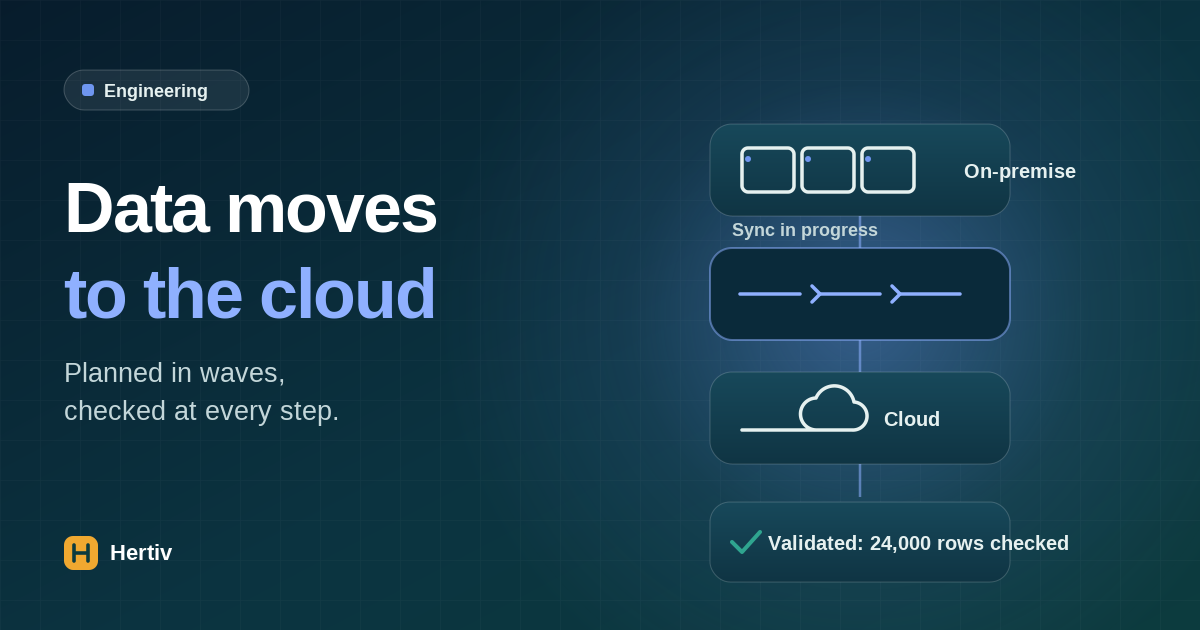
Sync works in three phases. First, the bulk load copies the existing data. Second, the change stream replays updates in order, with a lag monitor showing how far behind the new copy is. Third, at cutover, writes to the old system stop, the last changes are replayed, and the new system becomes the live one.
The lag monitor is the number to watch. If the lag grows instead of shrinking, the replay cannot keep up with the write rate, and cutover should wait. A common fix is to move the busiest tables separately, or to pause non-essential writes during the final sync.
Example (hypothetical): a retailer moves 8 TB of order history
Example (hypothetical): a retailer moves 8 terabytes of order history, about 2.4 million order rows, from an on-premise database to a cloud data warehouse. The team chooses a staged transfer: reference data first, then archives, then the live order tables with replication.
The bulk copy runs at 500 gigabytes per hour, so 8,000 gigabytes takes 16 hours. During those 16 hours the old system keeps taking orders, and the change stream replays them into the new copy. By the end of the bulk load the lag is under five minutes.
For validation, the team checks a 1 percent sample of the rows: 1 percent of 2.4 million is 24,000 rows. The sample check finds 12 mismatched rows, all from one bad date format, which the team fixes and re-checks. Only then does the team stop writes to the old system, replay the final changes, and switch the reports to the new warehouse.
How do you validate the data after the move?
Validation after a move has four layers, and skipping any of them leaves a gap. First, count the rows: the new copy should hold the same number of records as the old one, per table, with any difference explained and documented.
Second, check the values. Compare totals, such as the sum of order amounts, the count of active customers, and the newest and oldest dates, between the old and new systems. A matching row count with wrong totals means the data moved but changed on the way.
Third, check a sample row by row. Pick a random sample, compare every field, and record the mismatch rate. A small sample with zero mismatches is a good sign, but the sample must be random, not the first hundred rows.
Fourth, run the real workload. Run the reports and queries the business actually uses and compare the results against the old system. If the numbers match on the reports people rely on, the move is good; if they do not, the row counts were never the full story.
What are the common mistakes?
The most common mistakes in cloud data migration are moving everything at once, skipping profiling, and treating the move as finished when the copy completes.
- No inventory. Moving data without knowing what exists, who owns it and what depends on it.
- Skipping profiling. Copying duplicates, stale records and bad formats into the new system.
- No change capture. Letting the new copy fall behind while the old system keeps changing.
- Cutover without validation. Switching over on row counts alone, without checking totals and real reports.
- Forgetting access rules. Moving the data but not the permissions, so the wrong people can read it.
- No rollback plan. No way to return to the old system if the new one fails on day one.
Keep the old system readable for a defined period after cutover, with a clear date for switching it off. That safety net costs storage, but it is cheaper than rebuilding data you can no longer reach.
Key takeaways
- A data migration strategy plans what moves, in what order, and how it is checked
- Profile the data first: a fifth of it is often stale or duplicated and should not move
- Replication plus change capture keeps the new copy current until cutover
- Validate in four layers: row counts, totals, sample rows and real reports
- Keep the old system readable until the new one has proven itself
Frequently asked questions
What is the difference between data migration and cloud migration?
Cloud migration covers the whole move to the cloud, including applications, networks and teams. Data migration is the part that moves the data itself: inventory, transfer, sync and validation. A data strategy sits inside the larger migration plan and focuses only on keeping the data accurate and available.
How long does a cloud data migration take?
It depends on volume, change rate and how much cleaning the data needs. A small, clean dataset can move in days, while a large, messy estate can take months across several waves. The profiling and validation work usually takes longer than the transfer itself, so plan for that.
Should we move all our data to the cloud?
Usually not. Some data is cheaper to archive, some must stay in a specific location for legal reasons, and some is stale enough to delete. A good strategy decides what moves, what is archived and what is dropped before any transfer starts.
What is change data capture?
Change data capture records every insert, update and delete in the source system and replays them into the target, so the new copy stays current while the old system keeps running. It is what makes a live cutover possible without stopping the business.
How do we handle personal data during a move?
Map which fields are personal, check the residency and retention rules that apply, and encrypt the data in transit and at rest. Limit who can see the data during the move, and record the transfer in your processing records. Personal data moves with extra controls, not in the first wave.
What if the new system fails after cutover?
That is what the rollback plan is for. Keep the old system readable, keep the sync running in reverse if possible, and define in advance who decides to roll back and how. A tested rollback is the difference between a bad day and a data loss incident.


