How to Build a Payment App Like Zain Cash
Zain Cash is a mobile wallet for sending money, paying bills and topping up phones. Building one needs a payment partner, identity checks and a licence.
On this page
Short answer
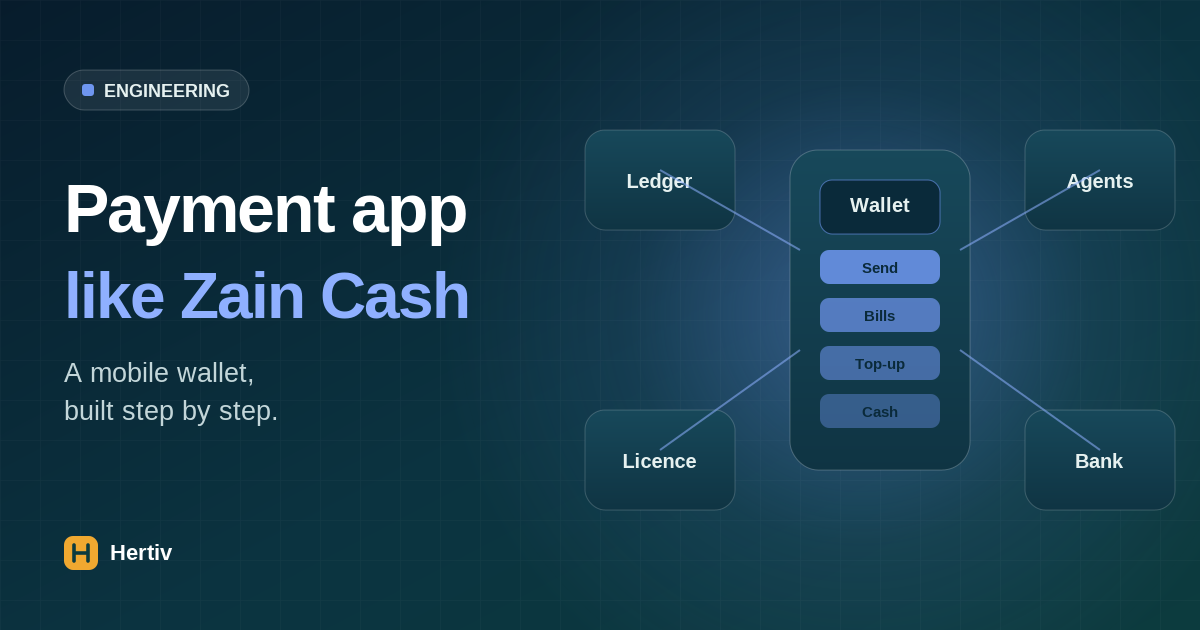
Building a payment app like Zain Cash means creating a mobile wallet that lets people send money, pay bills, top up phones and withdraw cash through agents. Zain Cash is a mobile wallet service in Jordan, run by a telecom operator, and it works for people with or without a bank account. A team building a similar app needs a wallet ledger, a licensed payment partner and identity checks.
What is a payment app like Zain Cash?
A payment app like Zain Cash is a mobile wallet: an account that holds money on a phone instead of in a bank. Users add money at an agent or from a bank account, then send it to other users, pay utility bills, buy phone credit and withdraw cash. The app works with a phone number as the account identifier, so people without a bank account can still use it.
The model fits markets where many people have phones but no bank account. A telecom operator or a licensed payment company runs the service, holds the customer funds in a pooled account at a partner bank, and settles transfers between users in its own ledger. Cash agents, usually small shops, let users deposit and withdraw physical money.
Trust is the product. Users hand over real money, so the app must show balances correctly, confirm every transfer at once, and let users recover their account if they lose their phone. A wallet that loses a payment or locks a user out of their money will not get a second chance.
What features does the first version need?
The first version needs the few features that make the wallet useful on day one, and nothing that can wait. Registration with a phone number, a balance, sending money to another user, bill payment, phone top-up and cash withdrawal cover the daily needs of most users. Merchant payments and savings can come later.
| Feature | In version one? | Why |
|---|---|---|
| Register with phone number | Yes | The phone number is the account |
| Send money to users | Yes | The core reason to open the app |
| Pay bills and top up | Yes | Daily use that builds the habit |
| Cash in and cash out | Yes | Users need a way in and out of the wallet |
| Transaction history | Yes | Proof when something goes wrong |
| Merchant payments | Later | Needs shop sign-up and settlement first |
| Savings and credit | Later | Needs more licences and risk checks |
Every feature in version one must work offline in a useful way, because users often have weak connections. The app should queue a payment and confirm it as soon as the connection returns, rather than failing silently. For how to test the idea before building, see how to validate an app idea.
How does money move through the app?
Money moves through the app in a ledger, not by moving bank notes. When a user sends money, the app checks the balance, deducts the amount from the sender, adds it to the receiver, and writes both entries to a ledger with a reference number. The receiver sees the new balance at once, even though no bank transfer has happened.
Real money moves only at the edges. When a user deposits cash at an agent, the agent takes the cash and adds the same amount to the user's wallet, while the agent's own balance with the operator falls. When a user withdraws cash, the reverse happens. The operator settles with agents and banks in batches, usually daily, and keeps enough funds in the partner bank to cover every wallet balance.
Every step needs a record. The ledger, the agent balances and the bank balance must agree at the end of each day, and any gap must be flagged the same day. A wallet team that cannot reconcile daily will find fraud and errors weeks later, when they are far harder to fix.
What rules and licences apply?
A payment app needs a licence or a licensed partner in almost every country. The usual options are to get an e-money or payment licence from the central bank, or to operate under a licensed bank or payment company that takes legal responsibility. Building without either is not an option: holding customer money without permission is illegal in most markets.
Identity checks are part of the licence. Users must prove who they are before they can hold more than a small balance, usually with a national ID and a phone number check. Larger transfers need stronger checks. The app must also screen for fraud and money laundering, keep records for years, and report suspicious activity to the regulator.
Rules differ by country, so the first job is to read the local regulator's rules and talk to a lawyer who knows payment law. The team should budget time for the licence application, which often takes months, and for the security review the regulator will ask for before launch.
How do teams build it, step by step?
Teams build a payment app in stages, with the licence and the ledger first and the user-facing features after. The ledger is the heart of the product: if it is wrong, nothing else matters. Build it with tests that check every transfer twice, and never let a balance go negative by mistake.
- Sort out the licence and partner. Agree with a bank or licensed partner who holds customer funds and settles with agents.
- Build the ledger. Create accounts, transfers and a daily reconciliation report, with a full history for every entry.
- Add identity checks. Connect an ID check, phone verification and the limits that apply to each user tier.
- Build the wallet app. Add registration, balance, send, bills, top-up and history, with clear confirmations for every action.
- Build the agent tools. Give cash agents a way to take deposits, pay withdrawals and check their own balance.
- Test with a small group. Run a pilot with a few hundred users and a few agents, reconcile daily, and fix every gap before opening wider.
Security testing runs through the whole build, not just at the end. A payment app is a target from day one, so the team should test login, transfers and agent tools for abuse before launch. For the platform side, see mobile app development services.
Example (hypothetical): a first-version budget
Example (hypothetical): a team builds a first version for one city, with 5,000 pilot users and 50 cash agents. They plan 16 weeks of work with 4 people at 40 hours a week, so the build takes 4 people x 16 weeks x 40 hours = 2,560 hours. At $70 an hour, that is 2,560 x $70 = $179,200 of work.
They add $12,000 for the licence application and legal advice, $8,000 for security testing, and $6,000 for hosting and payment tools, giving a total of $179,200 + $12,000 + $8,000 + $6,000 = $205,200. A 10% reserve for surprises adds $20,520, so the full first-version budget is $205,200 + $20,520 = $225,720.
The team charges a small fee of $0.20 per transfer. If each pilot user makes 10 transfers a month, that is 5,000 x 10 x $0.20 = $10,000 a month in fees, or $120,000 a year. That covers about half the build cost in year one, so the team knows it needs more users or more agent volume before the wallet pays for itself.
What are the common mistakes?
The most common mistake is treating the app as a normal consumer app and the money as an afterthought. A payment app is a financial system first: the ledger, the reconciliation and the identity checks are the product, and the screens are the easy part. Teams that build screens first usually rebuild the money logic later.
Another mistake is launching without agent coverage. If users cannot find an agent to deposit or withdraw cash, the wallet is useless to them, no matter how good the app is. Agent recruitment and training should start before the app is finished.
Teams also set fees too low to survive, or hide them until checkout. Fees should be shown before the user confirms, and they should cover the cost of agents, settlement and support. Finally, do not skip the daily reconciliation: a wallet that cannot prove its balances each day will fail its first audit. Payment gateways and wallets share the same trust problem; see crypto payment gateway services for how other payment products handle it.
Key takeaways
- A mobile wallet holds money on a phone, with a ledger behind it.
- First version: register, send, bills, top-up, cash in and out, history.
- Real money moves only at the edges; users move ledger balances.
- A licence or licensed partner is required before holding funds.
- Reconcile the ledger, agent balances and bank balance every day.
Frequently asked questions
What is Zain Cash?
Zain Cash is a mobile wallet service in Jordan that lets people send money, pay bills, top up phones and withdraw cash through agents. It works with a phone number as the account, so people without a bank account can use it.
Can anyone build a payment app like Zain Cash?
Anyone can build the software, but holding customer money needs a licence or a licensed partner in each country. The team also needs a partner bank to hold funds, identity checks for users, and agents for cash deposits and withdrawals.
How much does it cost to build a payment wallet?
The build cost depends on the team, the licence and the security work, but a first version for one city often takes four to six months of work. Licence applications, legal advice and security testing add to the software cost and should be budgeted from the start.
Do users need a bank account to use a mobile wallet?
No. A mobile wallet account is tied to a phone number, and users add cash through agents or from a bank account if they have one. Identity checks still apply, and higher balances usually need a national ID.
How do cash agents work?
Cash agents are small shops that take cash deposits and pay cash withdrawals for wallet users. The agent's own balance with the operator moves the opposite way, and the operator settles with agents in batches, usually daily.
What is the hardest part of building a payment app?
The hardest part is the money logic: the ledger, daily reconciliation, fraud checks and the licence. The user interface is straightforward by comparison. Teams that get the money logic right can add features later with confidence.


