How to Build Custom Reasoning AI Agents That Plan First
A reasoning AI agent breaks a job into steps, picks tools, checks its own work and asks a person before risky actions. Here is how to build one.
On this page
Short answer
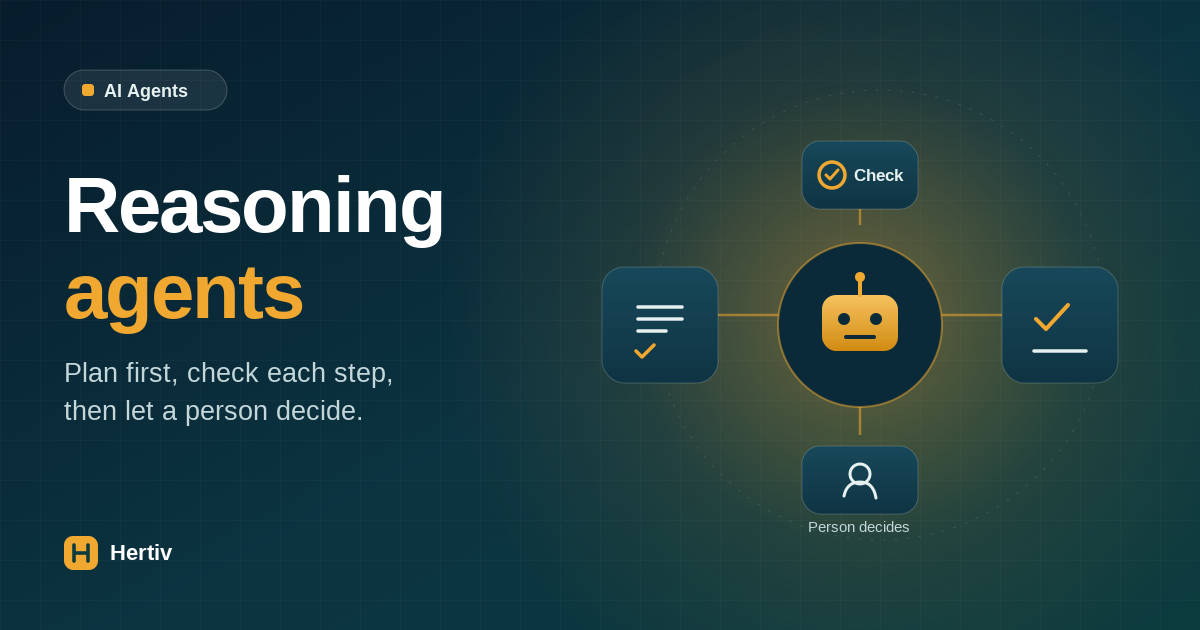
A custom reasoning AI agent is software that plans a task before acting: it breaks the request into steps, chooses tools for each step, checks the result, and asks a person before anything risky or irreversible. You build one by defining the task, giving it a small set of tools, adding a plan-and-check loop, and testing it on real cases with a human review step.
What is a custom reasoning AI agent?
A custom reasoning AI agent is an AI system that works through a task in stages instead of answering in one pass. It reads the request, makes a plan, uses tools such as search, databases or APIs to gather facts, checks each result against the plan, and only then produces an answer or takes an action.
The word custom matters. A general chatbot answers from its training and the prompt. A custom reasoning agent is built for one job, with your tools, your data sources and your rules about what it may and may not do. That focus is what makes its reasoning useful instead of generic.
Reasoning here means visible, checkable steps. The agent states what it is about to do, does it, and shows the result before moving on. If a step fails, it can retry, try a different tool or stop and ask a person. Teams that build agents this way can trace a wrong answer back to the exact step that went wrong.
For teams already using agents, the same design thinking applies to AI agent development, where scoped tools and clear handover rules keep an agent useful and safe.
How does a reasoning agent work?
A reasoning agent works in a loop: plan, act, check, then plan again. It starts by restating the request in its own words and listing the steps needed, then it works through them one at a time, using a tool for each step that needs fresh facts.
After each tool call the agent compares the result with what it expected. A matching result moves the plan forward. A missing or odd result triggers a retry with different wording, a different source, or a smaller step. The agent keeps a short record of what it tried, so a person can see the path it took.
The loop ends in one of three ways: the task is done and the result is shown, the agent reaches a step it is not allowed to do alone and hands over to a person, or the agent cannot find a way forward and says so instead of guessing. That last case is a feature, not a failure: an agent that admits it is stuck is safer than one that invents an answer.
Most of the work is in the plan and the check, not in the model itself. A short plan with clear checks beats a long plan that nobody can follow.
Which reasoning patterns should you build in?
You should build in four reasoning patterns: step-by-step planning, tool selection, self-checking and branching. Each pattern answers a different failure mode, and together they cover most of what goes wrong when an agent works alone.
| Pattern | What it does | When it helps most |
|---|---|---|
| Step-by-step plan | Breaks a task into ordered steps before acting | Multi-part tasks with dependencies |
| Tool selection | Picks the right tool for each step | Tasks needing fresh data or actions |
| Self-check | Compares each result with the plan | Tasks where a wrong step costs time |
| Branching | Tries a different path when a step fails | Tasks with more than one way forward |
Step-by-step planning keeps the agent from jumping to the end. Tool selection keeps it from using a search tool where a database lookup is needed. Self-checking catches errors early, while they are still cheap to fix. Branching keeps one failed step from ending the whole task.
Do not add patterns you cannot test. Each pattern needs its own test cases, because a pattern that looks good in a demo can fail quietly on real inputs. The same care applies when you move from a single model to an agent, which is why machine learning basics still matter before the agent layer.
How to build a custom reasoning agent in 6 steps
Build a custom reasoning agent in six steps: define the task, list the tools, write the plan rules, add the check, set the handover rules and test on real cases. Keep the first version small enough to test in a week.
- Define one task and its done state. Write down what counts as finished, in words a reviewer can check. If you cannot state the done state, the agent cannot either.
- List the tools it may use. Give each tool a clear name, the inputs it needs and what it returns. Remove any tool the task does not need.
- Write the plan rules. State how the agent breaks the task into steps, how many steps it may take, and what it does when a step fails.
- Add the check. After each tool call, the agent compares the result with the plan and records what it found. A failed check means retry, branch or stop.
- Set the handover rules. List the actions that always need a person: payments, messages to customers, deletions and anything that cannot be undone.
- Test on real cases. Run the agent on a fixed set of real requests, check every step, and fix the plan before adding more tasks.
Resist the urge to add more tools at this stage. A small tool set with clear rules is easier to test and easier to trust than a large one.
Example (hypothetical): a support team builds a reasoning agent
Example (hypothetical): a support team wants an agent that answers refund questions. A refund request needs three facts: the order, the purchase date and the refund policy for that product. The team builds an agent with three tools: order lookup, policy search and a draft reply writer.
The agent plans first. For one request it looks up the order, finds the purchase was 25 days ago, then searches the policy and finds the refund window is 30 days. It drafts a reply stating the refund is allowed and hands the draft to a person for approval.
The arithmetic shows the time saved. A person handling the same request takes about 12 minutes: 4 minutes to find the order, 5 minutes to check the policy and 3 minutes to draft the reply. The agent takes about 4 minutes: 1 minute per tool call plus 1 minute to draft. Review takes the person 2 minutes.
That is 6 minutes per request instead of 12, so 100 requests a month saves about 600 minutes, or 10 hours. The team keeps the approval step because a wrong refund costs more than the time saved. The agent prepares, the person decides.
What are the common mistakes?
The most common mistakes are giving the agent too many tools, skipping the check step, and letting it act without a handover rule. Each mistake makes the agent harder to test and easier to trust wrongly.
- Too many tools. An agent with twenty tools picks the wrong one more often than an agent with five. Start small and add tools only when a test case needs one.
- No check step. Without a check after each tool call, a bad result flows into the next step and the error is harder to trace.
- No handover rule. If the agent can send messages or change records on its own, a small error becomes a customer-facing problem.
- Vague done state. If nobody can say when the task is finished, the agent will keep going or stop too early.
- Testing only on easy cases. A plan that works on simple requests can fail on the messy ones that matter. Test on real, awkward cases.
- Hidden reasoning. If the agent does not record its steps, nobody can debug a wrong answer.
How do you know the agent reasons well?
You know the agent reasons well when it passes a fixed set of test cases, shows its steps, and hands over at the right moments. Good reasoning is measured on real tasks, not on a single demo.
Build a test set of 20 to 30 real requests, including awkward ones: missing data, conflicting records and unclear wording. For each case, write down the expected steps and the expected answer. Run the agent and score three things: whether the plan was sound, whether each tool call was the right one, and whether the final answer was correct.
Track handover behaviour separately. Count how often the agent asks a person when it should, and how often it acts alone when it should have asked. Both errors matter: too many handovers waste time, too few create risk.
Review the step records every week at first. Look for steps the agent repeats, tools it never uses and checks it skips. Those patterns point at the next fix, and they are the reason the reasoning must stay visible. When the records look clean and the scores hold on new cases, the agent is ready for wider use.
If you are planning an agent build and want the plan, tools and handover rules designed before you start, agentic AI development covers the guardrail patterns that keep agents in control.
Key takeaways
- A reasoning agent plans first, then acts step by step and checks each result
- Four patterns cover most failures: planning, tool selection, self-checking and branching
- Keep the tool set small and the done state written down before you build
- Actions that cannot be undone always need a person to approve them
- Test on real, awkward cases and score the plan, the tool calls and the answer
Frequently asked questions
What is a reasoning AI agent?
A reasoning AI agent is software that breaks a task into steps, picks a tool for each step, checks the result and asks a person before risky actions. It shows its working so a reviewer can trace a wrong answer back to the step that caused it.
How is a reasoning agent different from a chatbot?
A chatbot answers in one pass from the prompt and its training. A reasoning agent plans, uses tools to gather fresh facts, checks each step and can retry or branch when a step fails. The difference is the visible plan and the checks between steps.
Which tools does a reasoning agent need?
It needs only the tools its task requires: search, database lookups, APIs and a way to draft or file results. Each tool needs a clear name, the inputs it takes and what it returns. A small, well-described tool set works better than a large one.
How much testing does a reasoning agent need?
Start with 20 to 30 real requests, including awkward ones such as missing data and conflicting records. Score the plan, the tool calls and the final answer, and track whether the agent hands over at the right moments before wider use.
When should a reasoning agent hand over to a person?
It should hand over before payments, messages to customers, deletions and anything that cannot be undone. It should also hand over when a tool returns nothing useful or when two sources disagree and the agent cannot resolve the conflict.
Can a reasoning agent work without a human review step?
It can handle low-risk, reversible work on its own once it passes testing, such as drafting summaries for review. Anything that affects money, customers or records should keep a human approval step, because a wrong action costs more than the time saved.


