Best Tools for Integration Testing: 8 Compared
Integration testing proves your API, database and services work together. Compare 8 tools for API, browser, contract and database testing and pick the right one.
On this page
Short answer
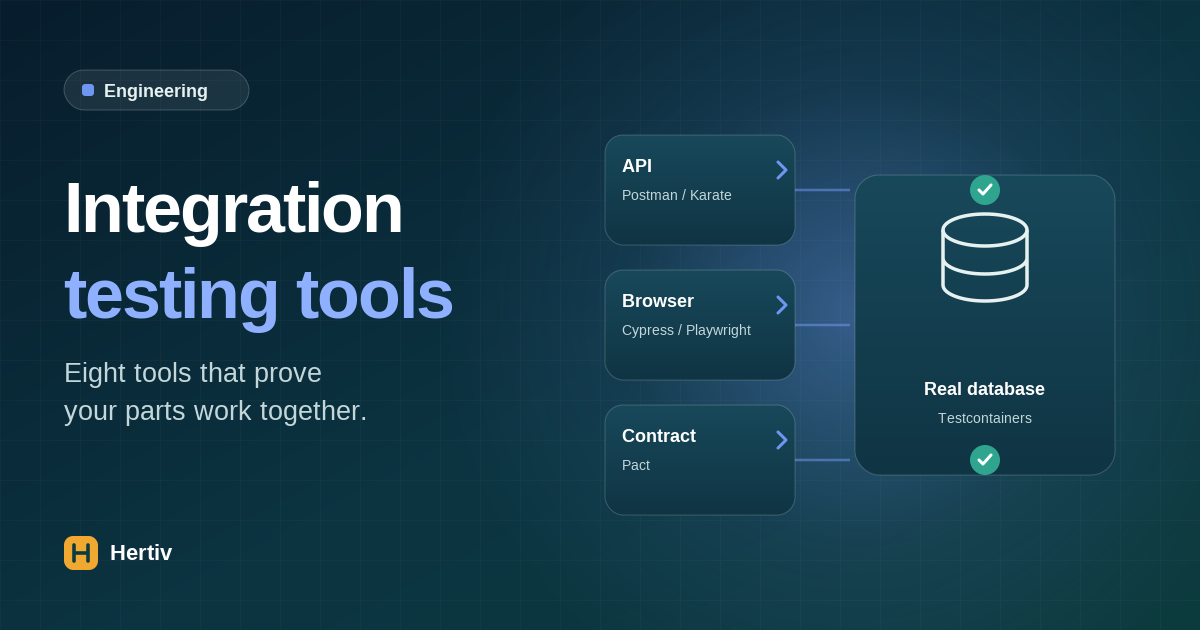
Integration testing proves that the parts of a system work together, from the API to the database. The best tool depends on the boundary you test: Postman or REST Assured for APIs, Cypress or Playwright for browser flows, Pact for service contracts and Testcontainers for real databases.
Which integration testing tools should you compare?
Integration testing checks that the parts of your system work together: the API talks to the database, the payment service answers the checkout, and the message queue delivers. The right tool depends on what you are testing and who runs the tests.
Use this comparison to shortlist. The tools below cover API testing, UI-driven flows, contract checks and test data, and all of them are in active use today.
| Tool | Main use | Best for | Cost |
|---|---|---|---|
| Postman | API requests and collections | Teams starting API tests fast | Free tier, see vendor site |
| REST Assured | API tests in Java | Java teams testing REST APIs | Free and open source |
| Karate | API and UI tests in plain text | Teams that want readable tests | Free and open source |
| Cypress | Browser tests for web apps | Web teams testing full flows | Free tier, see vendor site |
| Playwright | Browser tests across engines | Teams testing several browsers | Free and open source |
| Selenium | Browser automation | Large suites with many browsers | Free and open source |
| Pact | Contract tests between services | Microservices with many owners | Free and open source |
| Testcontainers | Real services in tests | Tests that need a real database | Free and open source |
Start from the integration you actually need to test. An API-only system needs different tooling from a web app with a browser front end, and a microservices estate needs contract tests that a single app does not.
<h3>1. Postman: best for teams starting API tests fast</h3>
Postman lets you send API requests, save them into collections, and turn them into automated tests that run in a pipeline. It is the fastest way for a team to start testing an API, because the same tool is used for manual exploration and for automation.
It fits teams whose main integration point is an HTTP API. Collections can be shared, versioned and run on a schedule, and the built-in test runner checks status codes, response times and body fields. See functional vs integration testing for where these tests fit.
Pros:
- Very quick to set up and share with the team
- One tool for manual and automated API checks
- Good reporting and scheduled runs
Cons:
- Less suited to complex test logic in code
- Team features sit behind paid plans
- Not a browser or contract testing tool
2. REST Assured: best for Java teams testing REST APIs
REST Assured is a Java library for writing API tests in code. Tests read like plain English: send a request, check the status, check the body. It plugs into the test frameworks Java teams already use, such as JUnit and TestNG.
It fits teams that already write Java and want their API tests in the same codebase as the rest of their tests. Because tests are code, they can use loops, data files and helper methods that a point-and-click tool cannot match.
Pros:
- Tests live in code, next to the application
- Strong match for Java and JVM teams
- Free and open source
Cons:
- Needs Java skills to write and maintain
- API-only, no browser or UI testing
- Less friendly for non-developers
<h3>3. Karate: best for teams that want readable tests</h3>
Karate writes API tests in a plain-text format that reads almost like a checklist. A test states the request, the expected status and the expected fields, with no boilerplate code around it. The same tool can also drive browser tests.
It fits teams where testers and developers share the test suite. Business analysts can read a Karate test and spot a missing case, which is harder with a code-heavy framework.
Pros:
- Tests are readable by non-developers
- Built-in support for API, UI and mocks
- Free and open source
Cons:
- Smaller community than the big frameworks
- Less flexible for unusual test logic
- Fewer ready-made integrations
4. Cypress: best for web teams testing full flows
Cypress runs in the browser and tests a web app the way a user drives it: load the page, click, type, and check what appears. It is fast, it shows what happened in each step, and it retries automatically when the page is slow.
It fits web teams that need to test the whole flow, from the front end through the API to the database. Because it runs inside the browser, it can stub network calls or let them through to the real back end, so the same test can check a single page or a full integration.
Pros:
- Clear, visual test runs with time travel
- Automatic retries reduce flaky failures
- Strong for full web flows
Cons:
- Works in one browser tab at a time
- Not built for multi-tab or multi-browser suites
- Paid features for large team dashboards
<h3>5. Playwright: best for teams testing several browsers</h3>
Playwright drives Chromium, Firefox and WebKit from one API, in several languages. It can test a flow across browsers, devices and tabs, and it waits for elements automatically instead of forcing the test to sleep.
It fits teams that must prove a flow works everywhere, not just in one browser. The same script can check a checkout in Chrome, Firefox and Safari, and the built-in tracing shows exactly what happened when a test fails.
Pros:
- One API for all major browsers
- Handles tabs, frames and file downloads
- Free and open source
Cons:
- Needs coding skills in the team
- Heavier setup than a record-and-playback tool
- Newer, so fewer ready-made answers online
6. Selenium: best for large suites with many browsers
Selenium is the long-running standard for browser automation. It drives real browsers through a common protocol, runs on a grid of machines, and works in many languages. Almost every testing tool and cloud service supports it.
It fits large teams with an existing Selenium suite, or products that must be tested on many browser and operating system combinations. The grid model lets hundreds of tests run in parallel across machines.
Pros:
- Works with almost every browser and language
- Scales across a grid of test machines
- Huge community and ecosystem
Cons:
- Tests can be slow and flaky without care
- Needs explicit waits in many cases
- More setup than newer tools
<h3>7. Pact: best for microservices with many owners</h3>
Pact is a contract testing tool. Each service records the requests it expects and the responses it needs, and those contracts are checked whenever either side changes. A breaking change is caught before it reaches production.
It fits microservices estates where teams deploy independently. Instead of running the whole system to test one integration, each team checks its own side of the contract, which is faster and more reliable. See smoke vs regression testing for how contract tests sit alongside other test types.
Pros:
- Catches breaking changes before deployment
- No need to run the whole system in tests
- Works across languages and teams
Cons:
- Needs a shared contract broker to be useful
- Learning curve for contract concepts
- Not a replacement for end-to-end tests
8. Testcontainers: best for tests that need a real database
Testcontainers starts real services, such as a database, a message broker or a cache, inside containers for the duration of a test, then throws them away. The test runs against the real thing, not a mock or a shared test server.
It fits integration tests where the database behaviour matters: migrations, queries, transactions and constraints. Because each test gets a fresh container, tests do not interfere with each other and do not depend on a shared environment.
Pros:
- Tests run against real services, not mocks
- Fresh environment for every test run
- Works with the test frameworks teams already use
Cons:
- Needs Docker on the machine running tests
- Slower than tests against in-memory fakes
- More setup for teams new to containers
How to choose
Choosing an integration testing tool starts with the integration itself, not with the tool. Pick the tool that matches the boundary you need to test, then check that your team can run it every day.
- Name the boundary. Write down what is being integrated: an API, a browser flow, two services, or an app and a database. One tool per boundary is usually enough.
- Match the tool to the boundary. APIs go to Postman, REST Assured or Karate. Browser flows go to Cypress, Playwright or Selenium. Service contracts go to Pact. Real databases go to Testcontainers.
- Check the team's skills. A code-based tool needs developers to maintain it. A readable format like Karate lets testers own the suite. Pick the tool the team will actually keep up to date.
- Run it in the pipeline. The tool must run on every pull request and report a clear pass or fail. A tool that only runs on one person's laptop is not a testing strategy.
- Start small and measure. Add tests for the riskiest integration first, watch the failure rate for a month, and only then extend the suite. A small suite that runs is worth more than a large suite that nobody trusts.
Keep the suite fast. If the full run takes longer than about ten minutes, teams stop running it, and the tests stop protecting anything.
Common mistakes
The most common mistake is testing everything through the browser. Browser tests are slow and brittle, so they should cover the few flows that matter most. Push the rest down to API and contract tests, which run faster and fail more clearly.
A second mistake is sharing one test database between teams. Tests overwrite each other's data, fail at random, and nobody trusts the results. Give each test run its own data, with Testcontainers or a fresh database per run.
A third mistake is mocking the very thing you are testing. A mock that always answers correctly will pass even when the real service is broken. Mock the neighbours, test the boundary itself, and check the real response at least once in the pipeline.
Key takeaways
- Name the boundary first, then pick the tool that tests it.
- API tests belong in Postman, REST Assured or Karate.
- Browser flows belong in Cypress, Playwright or Selenium.
- Pact catches breaking changes between services before deployment.
- Testcontainers gives each test a fresh, real database.
Frequently asked questions
What is integration testing?
Integration testing checks that the parts of a system work together, such as an API talking to a database or a checkout calling a payment service. It sits between unit tests, which check one piece, and end-to-end tests, which check the whole product.
Which tool is best for API integration testing?
Postman is the fastest start for most teams, REST Assured suits Java teams that want tests in code, and Karate suits teams that want readable plain-text tests. Pick the one your team will maintain, because an unmaintained suite helps no one.
Do I need browser testing tools for integration tests?
Only if a browser is part of the integration. If the flow runs through a web front end, Cypress, Playwright or Selenium can test it end to end. If the integration is API-only, browser tools add cost and slowness for no benefit.
What is contract testing, and when do I need it?
Contract testing records what one service expects from another and checks both sides when either changes. It matters most in microservices estates where teams deploy independently, because it catches breaking changes before they reach production.
Why do my integration tests fail at random?
Random failures usually come from shared test data, timing or network flakiness. Give each test run its own data, use real services where the boundary matters, and add retries only for genuinely slow steps, not to hide real problems.
How many integration tests should I write?
Cover the riskiest integrations first and keep the suite fast enough to run on every pull request. A small suite that runs every day protects more than a large suite that takes too long and gets skipped.


