Best Free LLM API Providers: 6 Worth Comparing
Several LLM providers offer a free tier or free credits for building. These six cover fast inference, open models and hosted APIs, with the limits to check first.
On this page
Short answer
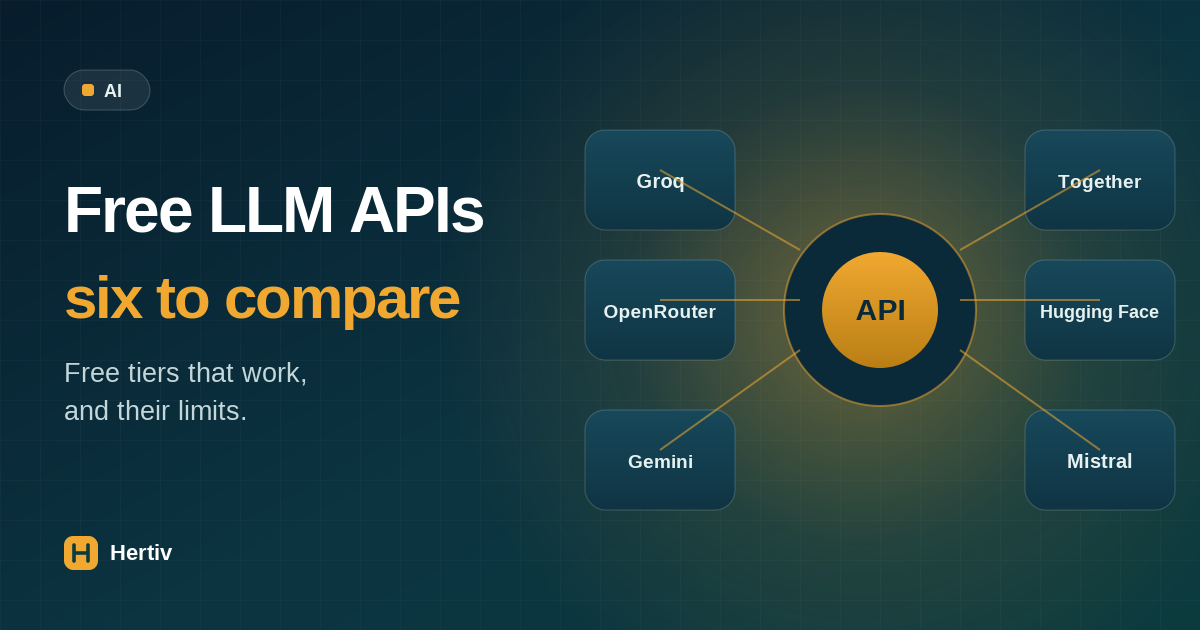
Six LLM providers offer a free tier or free credits that a team can use to build and test: Groq, Together AI, OpenRouter, Hugging Face, Google AI Studio and Mistral AI. Each free tier has limits on rate, models and use, so the right one depends on the workload and how much the team is willing to pay later.
Which free LLM API providers are worth comparing?
A free LLM API tier lets a team build and test without paying for tokens, but every free tier has limits: a rate cap, a smaller model list, a daily token cap, or a rule against production use. The providers below are the ones with free tiers that are actually usable for building, not just for a single demo call.
Use the table to shortlist. Free tiers change often, so check the vendor site for the current limits before relying on one.
| Provider | What it offers | Best for | Free tier |
|---|---|---|---|
| Groq | Fast inference API | Low-latency chat and agents | Free tier, see vendor site |
| Together AI | Open-model inference | Open models at scale | Free credits, see vendor site |
| OpenRouter | One API for many models | Comparing models in one place | Free models, see vendor site |
| Hugging Face | Inference API for open models | Trying open models quickly | Free tier, see vendor site |
| Google AI Studio | Gemini API access | Google models without a bill | Free tier, see vendor site |
| Mistral AI | La Plateforme API | Mistral models in production tests | Free tier, see vendor site |
Shortlist by the models you need first, then by the rate limits. A free tier that blocks the model you want is no use, however generous its token cap looks.
Groq and Together AI
1. Groq: best for low-latency chat and agents
Groq runs LLM inference on specialised hardware built for speed, so responses arrive faster than on most general-purpose clouds. Its free tier suits chat features, agents and tools where waiting for a reply is the main complaint.
The trade-off is the model list. Groq offers a small set of popular open models rather than the full range, so a team that needs a specific model may not find it here. Check the current model list on the vendor site before building on it.
Pros:
- Very fast responses for chat and agents
- Simple API that works with standard clients
- Free tier usable for real building, not just demos
Cons:
- Small model list compared with larger clouds
- Rate limits apply on the free tier
- Depends on one provider's hardware
2. Together AI: best for open models at scale
Together AI offers inference for a wide range of open models, from small models that run cheaply to large ones that need more hardware. Its free credits suit teams that want to try several open models and compare them on the same task.
The trade-off is that free credits run out, so the team should treat the free tier as a test phase and price the paid tier before launch. For teams comparing options, LLM development covers the hosting and cost choices.
Pros:
- Wide range of open models in one API
- Easy to compare models on the same task
- Free credits to start testing
Cons:
- Free credits are limited and run out
- Paid pricing needs checking before launch
- Large models cost more per token
OpenRouter and Hugging Face
3. OpenRouter: best for comparing models in one place
OpenRouter gives one API that routes to many models from different providers, including some free models. It suits teams that want to test several models without signing up for each provider separately, and to switch models by changing one setting.
The trade-off is that free models on OpenRouter can be slower or more limited than paid ones, and the free list changes over time. It is a good place to compare, and a less certain place to run production traffic. The LLM API cost guide explains how to compare the paid side.
Pros:
- One API for many providers and models
- Free models available for testing
- Easy to switch models without code changes
Cons:
- Free models can be slow or limited
- The free model list changes often
- Production use needs a paid plan
4. Hugging Face: best for trying open models quickly
Hugging Face offers an inference API for the open models hosted on its platform, so a team can call a model with a few lines of code and no server setup. Its free tier suits quick tests, demos and small tools built on open models.
The trade-off is scale. The free tier is built for trying models, not for serving many users, so a team that grows past it needs to move to a paid endpoint or self-hosting. Rate limits on the free tier are the usual first wall.
Pros:
- Huge choice of open models
- No server setup for a first test
- Free tier works for demos and small tools
Cons:
- Free tier is not built for production scale
- Rate limits apply quickly
- Model quality varies a lot across the catalogue
Google AI Studio and Mistral AI
5. Google AI Studio: best for Google models without a bill
Google AI Studio gives free access to Gemini models through an API key, so a team can build with Google's models before paying anything. It suits teams that want to test Gemini on their own task, and to move to Google Cloud billing later if the pilot works.
The trade-off is the rate limit. The free tier is generous for testing but not for serving many users, and the team should check the current limits and the data terms on the vendor site before sending sensitive content.
Pros:
- Free access to Gemini models
- Simple API key setup, no card needed to start
- Clear path to paid Google Cloud billing
Cons:
- Rate limits on the free tier
- Data terms need checking before sensitive use
- Only Google models, no open-model choice
6. Mistral AI: best for Mistral models in production tests
Mistral AI offers a free tier on its La Plateforme API for its own models, including small fast models and larger ones. It suits teams that want to test Mistral models on a real workload and compare them with the hosted models they already use.
The trade-off is that the free tier is a test allowance, not a production plan, so the team should price the paid tier before launch. See the top LLM companies for how the providers compare overall.
Pros:
- Free tier for testing Mistral models
- Small models are fast and cheap to run
- European provider, useful for some data rules
Cons:
- Free tier is limited to testing
- Smaller model range than the largest clouds
- Paid pricing needs checking before launch
How to choose a free LLM API provider
Choose a free LLM API provider by the models you need, the rate limits and the paid price after the free tier ends. A free tier that fits the test but not the launch is a dead end.
- List the models you need. If the provider does not offer them, the free tier is no use.
- Check the rate limits. Requests per minute and tokens per day decide whether the tier works for your test.
- Read the data terms. Check what the provider does with prompts and whether the tier allows commercial use.
- Price the paid tier. Work out what the same workload costs after the free tier ends.
- Test on your own examples. Run the same test set through two providers and compare quality, speed and cost.
Keep the test set after the choice. It becomes the evaluation set for every later change, whether that is a new model, a new provider or a move to paid billing. The LLM API cost calculator helps estimate the paid side.
What are the common mistakes?
The most common mistakes with free LLM API tiers are building on a tier that cannot grow, ignoring the data terms, and testing on examples that do not match the real task.
- Building on a demo tier. A free tier built for demos will break under real traffic.
- Ignoring the data terms. Some free tiers use prompts to improve models, which may not fit sensitive data.
- Testing on toy examples. A provider that looks good on simple prompts may fail on real ones.
- Forgetting the paid price. A free tier that ends at launch is a surprise bill, not a saving.
- Locking into one provider. Prompts and code tied to one API make switching expensive.
- No evaluation set. Without one, every provider change becomes a matter of opinion.
Key takeaways
- Free tiers are for testing: check the rate limits and the paid price before launch
- Pick by the models you need first, then by the limits
- Groq is fastest for chat; OpenRouter is best for comparing models in one place
- Read the data terms before sending sensitive content to a free tier
- Keep prompts portable and a second provider tested so a change does not stop you
Frequently asked questions
Which free LLM API is best?
There is no single best choice. Groq is fastest for chat, OpenRouter is best for comparing models, and Google AI Studio is best for testing Gemini. The right one depends on the models you need, the rate limits and the paid price after the free tier ends.
Are free LLM APIs safe for production?
Most free tiers are built for testing, not production: they have rate limits and sometimes different data terms. A team can use a free tier for a pilot, but production traffic usually needs a paid plan with clear limits and terms.
Do free LLM APIs use my data to train models?
It depends on the provider and the tier. Some free tiers use prompts to improve models, while paid plans often do not. Read the data terms on the vendor site before sending sensitive content through any free tier.
What happens when free credits run out?
The API usually stops answering or asks for payment, depending on the provider. A team should price the paid tier before launch and set up billing or a fallback provider so the product does not stop.
Can I switch providers later?
Yes, if the prompts and the test set are kept portable. Most providers accept the same message format, so switching is usually a settings change plus a test run, not a rebuild.
Which free LLM API has the most models?
OpenRouter and Hugging Face offer the widest choice, because they route to many models from different providers. Groq and Google AI Studio offer fewer models but are simpler to use for their own models.


