ETL Tools for Startups: 6 That Fit Small Teams
Startups need ETL tools that connect fast, need little maintenance and grow with data volume. Compare six tools for small teams and pick by fit.
On this page
Short answer
The ETL tools that fit startups best are Fivetran, Airbyte, Stitch, Hevo Data, Integrate.io and Portable. They differ on connectors, pricing shape and how much work they take off a small team, so the right pick depends on your sources, your warehouse and how much pipeline work you can staff.
Which ETL tools fit startups best?
The ETL tools that fit startups best are the ones that connect sources to a warehouse with little setup, keep running without a dedicated data engineer, and charge in a way a small team can predict.
Use this comparison to shortlist two or three and try one on a real source before committing. Connector coverage matters more than feature lists: a tool that lacks your main source is useless, however good its interface is. Prices change, so see vendor site for current rates.
| Tool | Model | Best for | Setup effort |
|---|---|---|---|
| Fivetran | Managed, usage-based | Hands-off syncing | Low |
| Airbyte | Open source, self-host or cloud | Many connectors, low cost | Medium |
| Stitch | Managed, simple sync | Small teams, first warehouse | Low |
| Hevo Data | Managed, no-code | Non-technical teams | Low |
| Integrate.io | Managed, low-code | Custom transforms | Medium |
| Portable | Managed, long-tail sources | Unusual sources | Low |
No tool is best in general. A managed tool costs more per row but needs almost no maintenance, while an open-source tool costs less but needs someone to run it. Pick by how much pipeline work your team can actually staff.
Fivetran: best for hands-off syncing
1. Fivetran: best for hands-off syncing
Fivetran is a managed ETL service that syncs data from SaaS apps, databases and files into a warehouse with almost no setup. You pick a source, pick a destination, and it handles the schema, the incremental loads and the retries.
Its strength is how little it asks of a small team. There is no pipeline code to write and no server to run, which suits a startup that needs data flowing before it can hire a data engineer. The trade-off is cost: usage-based pricing grows with data volume, so a team with large tables should watch the bill.
Pros:
- Very low maintenance: no pipeline code or servers to run
- Wide connectors: covers the common SaaS and database sources
- Reliable syncing: handles schema changes and retries itself
Cons:
- Usage-based cost: large volumes raise the bill
- Limited transforms: heavy logic belongs in the warehouse
- Less control: you cannot change how a connector works
Airbyte: best for many connectors at low cost
2. Airbyte: best for many connectors at low cost
Airbyte is an open-source data integration tool with a large library of connectors, available as a cloud service or self-hosted. Teams that want many sources without paying per row often start here, because the open-source version costs only the hosting.
The trade-off is operating work. The cloud version removes most of it, but the self-hosted version needs someone to run, upgrade and monitor it, which is real work for a small team. The connector library is the attraction: if your source is unusual, Airbyte probably has it or lets you build one. A data engineering team can usually stand it up in days.
Pros:
- Many connectors: one of the largest libraries available
- Low cost to start: open source, pay only for hosting
- Flexible: cloud or self-hosted, custom connectors possible
Cons:
- Needs operating: self-hosted means upgrades and monitoring
- Less polished: setup takes more time than a managed tool
- Support varies: community help, unless you pay for cloud
Stitch: best for a first warehouse on a small team
3. Stitch: best for a first warehouse on a small team
Stitch is a managed ETL service focused on simple, reliable syncing from common sources into a warehouse. It does less than the larger tools, and that is the point: a startup loading its first warehouse does not need a platform, it needs its CRM, billing and product data in one place.
Its strength is simplicity. Setup is a short form per source, and the syncing runs on a schedule with little to configure. The trade-off is scope: teams that need heavy transforms or unusual sources will outgrow it, and should plan for that move rather than being surprised by it.
Pros:
- Simple setup: sources connect in minutes
- Predictable: does one job well, with few surprises
- Good first step: fits teams loading a first warehouse
Cons:
- Narrower scope: fewer connectors and transforms
- Easy to outgrow: complex needs may need a move
- Less control: limited customisation of syncs
Hevo Data: best for non-technical teams
4. Hevo Data: best for non-technical teams
Hevo Data is a managed, no-code ETL platform that moves data from SaaS apps and databases into a warehouse, with transformations that can be set up without writing code. It suits teams where the people who need the data are not engineers.
Its strength is the interface: pipelines are built by picking sources, destinations and transformations from menus, so a product or operations person can set one up. The trade-off is the same as any no-code tool: work that does not fit the menus needs a workaround, and very large volumes can cost more than a code-based pipeline.
Pros:
- No-code setup: pipelines without writing code
- Built-in transforms: cleaning and shaping in the tool
- Real-time options: near-real-time sync for some sources
Cons:
- Menus have limits: unusual logic needs workarounds
- Cost grows with volume: check the pricing tier early
- Less suited to engineers: code-first teams may feel constrained
Integrate.io: best for custom transforms without code
5. Integrate.io: best for custom transforms without code
Integrate.io is a managed, low-code ETL platform that adds a visual builder for transformations on top of source-to-warehouse syncing. It suits teams that need more than a straight copy: joining sources, cleaning messy fields, or reshaping data before it lands.
Its strength is the middle ground it occupies. A team gets a visual way to build transforms without writing pipeline code, but still keeps control over the logic.
The trade-off is learning time: the builder is more powerful than a simple sync tool, so the first pipeline takes longer to set up, and the pricing needs a careful look at volume. For the basics of what a pipeline is, see what a data pipeline is.
Pros:
- Visual transforms: joins and cleaning without code
- Wide sources: SaaS, databases, files and APIs
- Managed: no servers to run
Cons:
- Learning curve: the builder takes time to learn
- Pricing needs care: volume and features drive the tier
- Overkill for simple syncs: simpler tools are faster for plain copies
Portable: best for unusual and long-tail sources
6. Portable: best for unusual and long-tail sources
Portable is a managed ETL service built around long-tail connectors: the smaller SaaS tools and niche sources that the big platforms do not cover. If your data lives in a tool nobody else supports, Portable will often build the connector for you.
Its strength is coverage of the unusual. Most startups have one or two sources that are not on any standard list, and those are the sources that usually block a warehouse project. The trade-off is that it is a smaller platform, so the connector list for common sources is shorter and the team should check that its main sources are covered before committing.
Pros:
- Long-tail coverage: connectors for unusual sources
- Connector requests: will build connectors on request
- Managed: no pipeline code to maintain
Cons:
- Smaller platform: fewer common-source connectors
- Check coverage first: confirm your main sources exist
- Less well known: fewer public guides and examples
How to choose an ETL tool for a startup
You choose an ETL tool for a startup by matching it to your sources and your staffing, not by counting connectors.
- List your sources. Write down every system the warehouse needs data from, and check each one against the tool's connector list.
- Decide who runs it. If nobody owns data engineering, pick a managed tool; if you have an engineer, open source becomes viable.
- Estimate the volume. Work out the rows per month, because usage-based pricing turns on volume, not on seats.
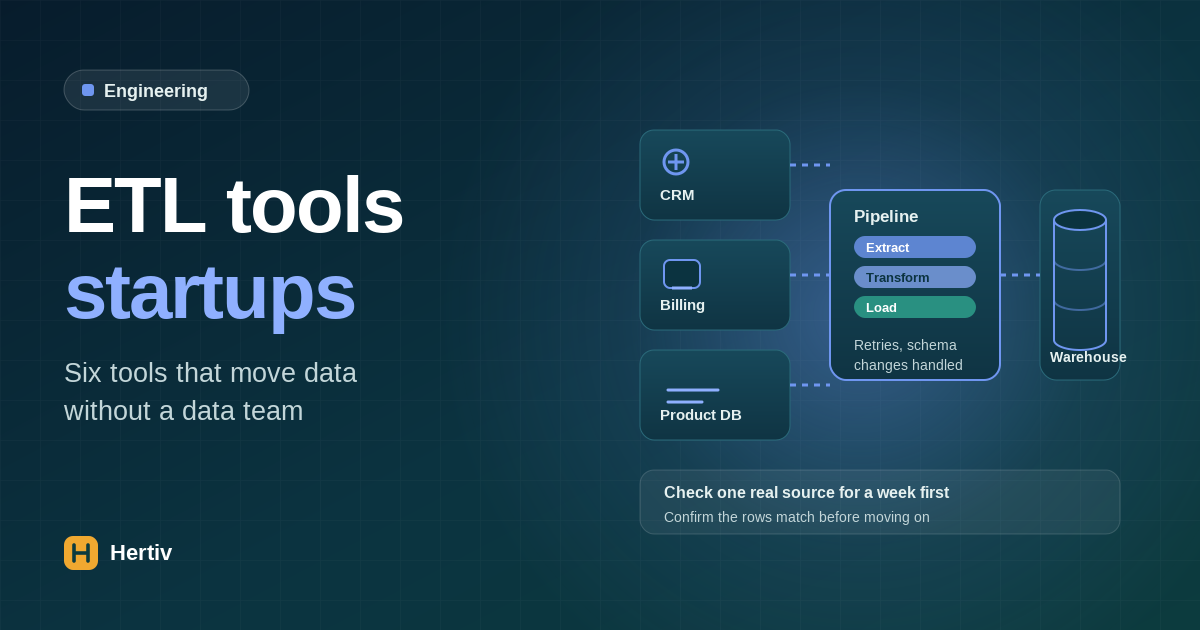
- Test one real source. Sync your largest source for a week and check the data matches, before moving the rest.
- Plan the exit. Know how you would move to another tool, because your sources and volume will change as you grow.
That last step matters more than the first four. A tool that is easy to leave is a safer choice than one that locks your pipelines in, because a startup's data needs in a year will not be the same as today. If you are setting up the warehouse itself, a data engineering partner can help pick the stack that fits your sources.
What are the common mistakes?
The common mistakes with ETL tools are picking on price alone, skipping the data check, and building transforms in the wrong place.
- Choosing on price alone. The cheapest tool that nobody can run costs more than a managed tool that just works.
- Skipping the data check. Syncing a source without comparing a sample against the original hides missing or wrong rows until someone trusts a bad report.
- Transforms in the ETL tool. Heavy logic belongs in the warehouse, where it can be tested and versioned, not buried in a pipeline.
- Ignoring schema changes. Sources change their fields, and a tool that does not handle that will break silently.
- No monitoring. A pipeline that fails quietly is worse than one that fails loudly, because the warehouse goes stale without anyone noticing.
Most of these mistakes come from treating ETL as a one-off setup rather than a system to watch. A sync that runs is not a sync that is correct, and the difference only shows up when someone checks.
Key takeaways
- Pick by source coverage and who will run the tool, not by feature count
- Managed tools cost more per row but need almost no maintenance
- Open-source tools cost less but need someone to operate them
- Test one real source for a week and check the data matches
- Put heavy transforms in the warehouse, where they can be tested
Frequently asked questions
What is ETL, in simple terms?
ETL stands for extract, transform, load: take data out of a source system, change its shape or clean it, and load it into a warehouse or database. Most modern tools do the loading first and transform in the warehouse, but the name has stuck.
Do startups need an ETL tool, or can they use scripts?
Scripts work for one or two sources, but they break when a source changes its fields or when the person who wrote them leaves. A tool handles retries, schema changes and scheduling, which is why most teams switch once they have more than a couple of sources.
How much does an ETL tool cost a startup?
It depends on volume and model. Managed tools usually charge by rows synced or by connectors, while open-source tools cost only hosting. Work out your monthly rows first, then compare tiers, and see vendor site for current prices.
Can I switch ETL tools later?
Yes, and you should plan for it. The warehouse keeps the data, so switching means rebuilding the syncs, not losing history. The hard part is any transform logic built inside the old tool, which is why heavy logic belongs in the warehouse.
What is the difference between ETL and ELT?
ETL transforms data before loading it, while ELT loads raw data into the warehouse and transforms it there. Most modern tools are ELT in practice, because warehouses are fast enough to transform after loading, and it keeps the raw data available.
Which warehouse works with these tools?
All six tools in this article load into the common cloud warehouses, such as BigQuery, Snowflake and Redshift, as well as Postgres and similar databases. Check the tool's destination list before you commit, especially if you run a less common warehouse.


