AWS Snowball: Benefits and Real-World Use Cases
AWS Snowball ships rugged storage devices to move large data into AWS. Learn the benefits, how it works, real-world use cases and the mistakes to avoid.
On this page
Short answer
AWS Snowball is a physical data transfer service: rugged storage devices are shipped to you, you copy data onto them locally, and you send them back for loading into AWS. It fits transfers too large or too slow for the internet.
What is AWS Snowball?
AWS Snowball is a physical data transfer service from Amazon Web Services: rugged storage devices are shipped to you, you copy data onto them locally, and you send them back so the data is loaded into AWS. It exists for transfers that are too large or too slow to send over the internet.
Snowball is a family of devices, not one box. The common choices are Snowball Edge Storage Optimized for large data moves and Snowball Edge Compute Optimized for workloads that need processing at the edge. Both are built to survive transport and to encrypt data at rest.
The service fits a specific gap: moving tens of terabytes or more from a site with limited bandwidth, or from a place with no reliable connection at all. For small transfers, an online upload is cheaper and simpler.
What are the main benefits of AWS Snowball?
The main benefits of AWS Snowball are speed for large transfers, predictable cost, built-in encryption and the ability to work where the internet is slow or absent.
Speed is the headline benefit. Copying data to a local device runs at local network speed, and shipping the device takes days rather than the weeks an upload can take. Cost is predictable because you pay per device and per job, not per gigabyte transferred over a long period.
Security is built in. Data is encrypted on the device, the device is tamper-resistant, and AWS erases it after the transfer completes. That matters for regulated data that cannot travel over a public connection unprotected.
Snowball also works offline. A site with no internet, or a remote facility with a weak link, can still move data by loading devices and shipping them. See what cloud migration involves for where a physical transfer fits in a larger move.
How does AWS Snowball work?
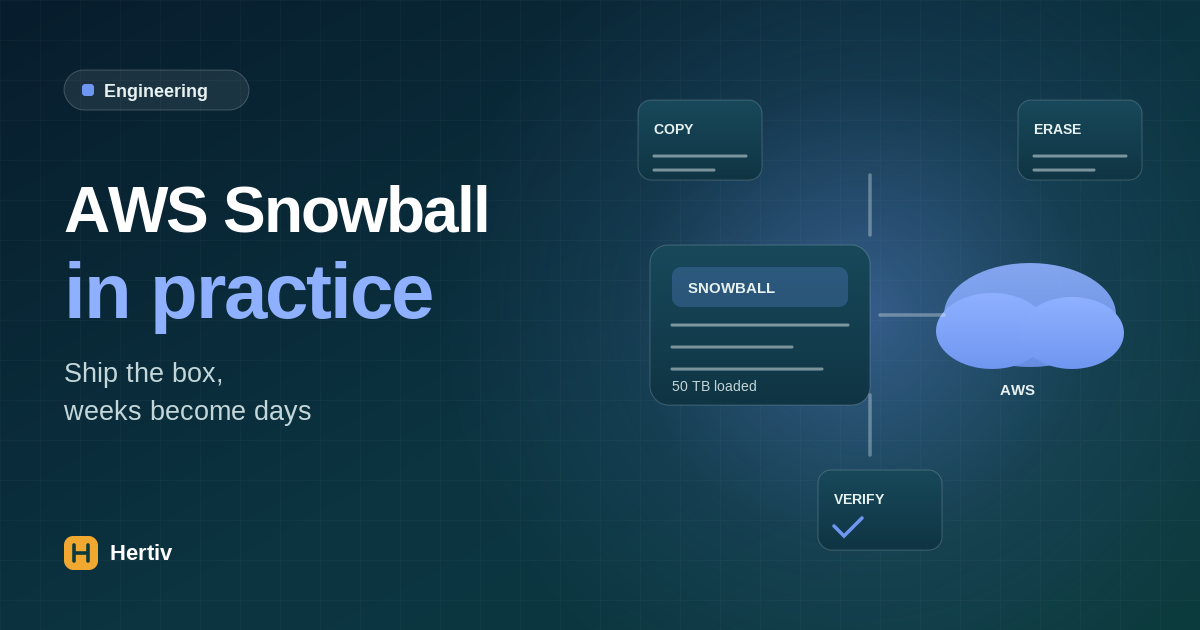
AWS Snowball works in five steps: order the device, copy data locally, ship it back, wait for AWS to load it, and verify the transfer before the device is erased.
- Order and plan. Create a job in the AWS console, choose the device type and capacity, and plan which data moves first.
- Receive and connect. The device arrives by courier. Connect it to the local network and open it with the credentials from the job.
- Copy data. Transfer files to the device over the local network, using the Snowball client or standard tools. Check the copy as you go.
- Ship it back. Return the device with the prepaid label. Tracking shows its progress to the AWS facility.
- Verify and erase. AWS loads the data into the chosen storage service, you verify the transfer, and the device is erased.
Plan the copy order before the device arrives. Moving the most important data first means a delay or a second device does not block the migration.
Where is AWS Snowball used?
AWS Snowball is used for large migrations, data centre closures, remote sites, media ingest and disaster recovery, anywhere the volume is large and the connection is the bottleneck.
| Use case | Typical data | Why Snowball fits |
|---|---|---|
| Data centre migration | File shares, archives | Terabytes that would take weeks online |
| Data centre closure | Backups, records | One-time bulk move with a deadline |
| Remote sites | Sensor, survey data | Little or no internet on site |
| Media ingest | Video, photo archives | Very large files, tight schedules |
| Disaster recovery | Backups, snapshots | Restore faster than re-downloading |
| Edge processing | Field data | Compute on the device before upload |
The common thread is volume plus a weak link. If the data is small or the connection is fast, an online transfer is simpler. Snowball earns its place when the maths favours shipping a box.
Example: moving 50 TB from a site with a slow link
Example (hypothetical): a regional office holds 50 TB of archives and has a 100 Mbps internet link. Moving that data online would take a long time, so the team compares the two options before choosing.
First, the online time. 50 TB is 400,000 gigabits. At 100 Mbps, the transfer takes 400,000 / 100 = 4,000,000 seconds, which is about 46 days at full speed, and real links rarely run at full speed the whole time.
With Snowball, the team orders two devices, copies the data over the local network in about two days, and ships them back. The data arrives in AWS within about a week, including transit and loading. The team spends a week instead of six, and the office link stays free for daily work.
The trade-off is planning. The team must choose what moves first, keep an inventory of what was copied, and verify the transfer before the devices are erased. That discipline is the real cost of the faster move.
What are the common mistakes with AWS Snowball?
The most common AWS Snowball mistakes are underestimating the copy time, skipping verification, and choosing the wrong device for the job.
- No inventory before copying. Without a list of what should move, the team cannot tell whether the transfer is complete.
- Copying everything at once. Moving low-value archives first delays the data the migration actually needs.
- Skipping verification. Trusting the copy without checks means errors surface weeks later, after the device is erased.
- Wrong device type. A storage device cannot run edge workloads, and a compute device costs more than a plain transfer needs.
- Forgetting the return. Devices left on site after the job add cost and delay the next job.
- No bandwidth plan for the copy. Copying over a shared office network during work hours slows everyone down.
When should you use Snowball instead of an online transfer?
Use Snowball when the data is large, the link is slow, or the site has no reliable connection. Use an online transfer when the data is small or the link is fast enough that the upload finishes in days.
A simple rule: estimate the online time, then add a margin for real-world speeds. If the estimate is longer than a week, get a Snowball quote. If it is under two days, upload it. Between the two, weigh the planning effort against the time saved.
Cost is the other factor. Snowball charges per device and per job, while online transfer charges for data moved and time used. For very large moves the device cost is usually lower than weeks of transfer time and the engineering time spent babysitting it.
For the wider picture, cloud services covers migration planning, including when a physical transfer beats an online one.
Once the data lands, what a data pipeline is helps plan how it is cleaned, stored and used.
Key takeaways
- Snowball fits large transfers where the internet link is the bottleneck
- Copying locally and shipping a device can turn a six-week upload into about a week
- Data is encrypted on the device and the device is erased after transfer
- Order data by value, verify the copy, and test with a small set first
- Use an online transfer when the data is small or the link is fast
Frequently asked questions
How long does AWS Snowball take?
The copy runs at local network speed, often a day or two for tens of terabytes, plus shipping and loading time at AWS. Most jobs complete in about a week. The online alternative depends on the link: 50 TB over a 100 Mbps connection takes about 46 days at full speed.
Is AWS Snowball secure?
Yes, for the transfer itself. Data is encrypted on the device, the device is tamper-resistant, and AWS erases it after the transfer completes. You should still control who can order devices and unlock them, and keep an inventory of what was copied.
What is the difference between Snowball Edge Storage and Compute Optimized?
Storage Optimized is built for large data moves, with more storage per device. Compute Optimized adds processing power for workloads that need to run at the edge, such as filtering or analysing data before it reaches AWS. Choose Storage for a plain transfer.
How much data can one Snowball device hold?
Device capacity depends on the model and changes over time, so check the current specification before ordering. For very large moves, order several devices and copy the most important data first, so a delay does not block the migration.
Can Snowball work without internet?
Yes. That is one of its main uses. The device is loaded locally and shipped back by courier, so a site with no reliable connection can still move data. You need internet only to create the job and to verify the transfer afterwards.
When is an online transfer better than Snowball?
When the data is small or the link is fast enough that the upload finishes in a few days. Online transfer is simpler, needs no planning or shipping, and works well for ongoing sync. Snowball earns its place when the volume is large and the link is slow.


