Asana and Google Sheets: 7 Integrations That Save Time
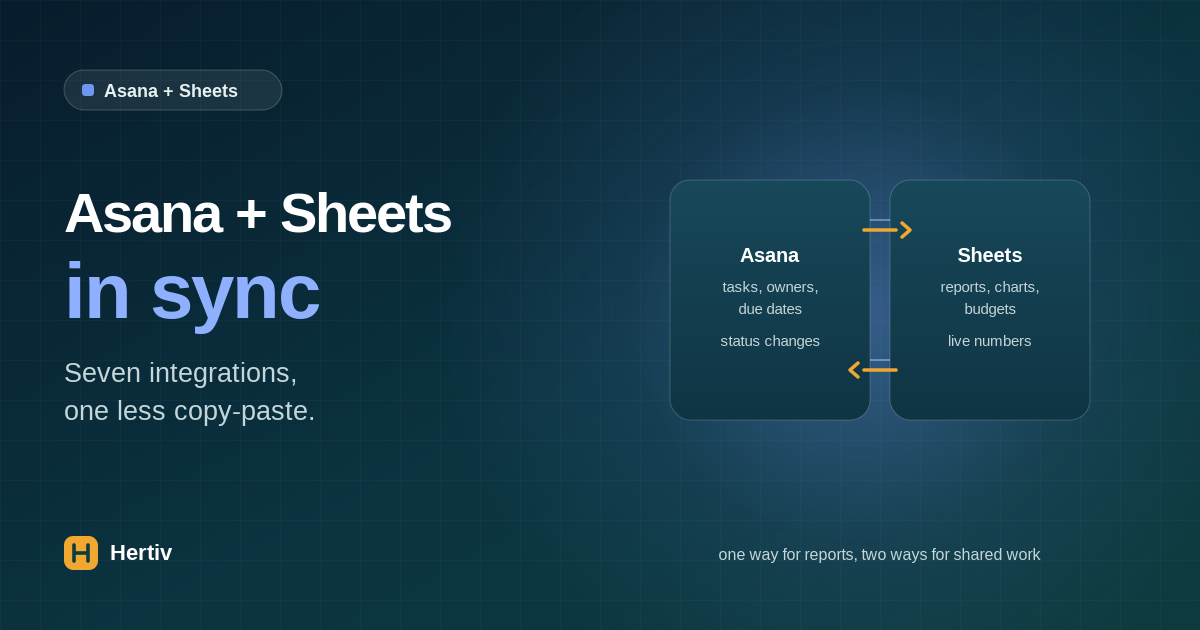
Asana and Google Sheets connect when tasks sync one way or both ways: native sync, Zapier, Make, Unito, Coupler.io, Sheetgo or Apps Script.
On this page
Short answer
Asana holds the work and Google Sheets holds the report, and the integrations below connect the two so nobody copies tasks by hand. The right choice depends on one question: how live must the sheet be? A weekly report needs a simple export, while a live dashboard needs two-way sync. Pick the tool that matches the answer.
Which Asana and Google Sheets integration should you use?
Asana and Google Sheets solve different problems. Asana tracks who does what and when, while Sheets turns that work into a report, a budget or a chart. The integration you need is the one that moves the right fields, in the right direction, at the right speed.
Start by naming the job: a weekly status report, a live dashboard, or a two-way sync where edits in either tool appear in the other. Each job has a different tool, and picking the wrong one means either paying for sync you do not need or copying data by hand anyway.
| Integration | Direction | Best for |
|---|---|---|
| Asana native sync | Asana to Sheets | Simple live reports |
| Zapier | Both ways | Quick automations |
| Make | Both ways | Multi-step workflows |
| Unito | Both ways | Live two-way sync |
| Coupler.io | Asana to Sheets | Scheduled reports |
| Sheetgo | Asana to Sheets | Combined team reports |
| Google Apps Script | Both ways | Custom rules |
Prices change, so check the vendor site before you pay for any of these tools. Most offer a free tier with limits on how many tasks sync or how often they update.
Native sync and Zapier: the quick starts
1. Asana native sync: best for simple live reports
Asana has a built-in way to sync a project to Google Sheets, so the sheet updates when tasks change. It suits a weekly status report or a simple dashboard where the sheet only needs to show what Asana already knows.
Setup takes minutes and there is nothing extra to pay for beyond your Asana plan. The limit is control: you get the fields Asana chooses to sync, and edits in the sheet do not flow back to Asana.
Pros:
- Built in, fast to set up, no extra tool
- Sheet stays current as tasks change
Cons:
- One-way only, and field choice is limited
- Needs a paid Asana plan for some sync options; see vendor site
2. Zapier: best for quick automations
Zapier connects Asana and Sheets with simple rules, such as adding a row when a task is created or marking a task complete when a cell changes. It suits small teams that need a few automations, not a full sync.
The appeal is speed: most rules take minutes to build, and the library already covers the common cases. The cost grows with the number of runs, so a busy project can use the free tier fast.
Pros:
- Hundreds of ready-made rules, set up in minutes
- Works both ways for simple triggers
Cons:
- Cost rises with volume; see vendor site for limits
- Not built for syncing thousands of tasks live
Make and Unito: the serious sync tools
3. Make: best for multi-step workflows
Make builds workflows with several steps, such as taking a new Asana task, checking a value in Sheets, and then updating a second project. It suits teams whose reporting needs more than one trigger and one action.
The visual builder shows each step as a block, which makes a complex flow easier to follow than a list of rules. The trade-off is learning time: a multi-step flow takes longer to build and test than a Zapier rule.
Pros:
- Visual multi-step flows with filters and branches
- Handles larger volumes than simple rule tools
Cons:
- Takes longer to learn and to debug
- Pricing is based on operations; see vendor site
4. Unito: best for live two-way sync
Unito keeps Asana and Sheets in sync both ways, so an edit in either place appears in the other within minutes. It suits teams where two groups work in different tools and both need the same live data.
Unlike a rule tool, Unito maps fields between the two tools and keeps them matched over time. That is the right fit when the sheet is a working document, not just a report.
Pros:
- True two-way sync with field mapping
- Built for teams that live in different tools
Cons:
- Paid tool; see vendor site for the current price
- Setup needs care with field mapping
Coupler.io and Sheetgo: the reporting pair
5. Coupler.io: best for scheduled reports
Coupler.io pulls Asana data into Sheets on a schedule, such as every hour or every morning, and can combine it with data from other tools. It suits a manager who wants a fresh report waiting each morning without opening Asana.
The strength is the schedule: the report is ready when you need it, and you can filter which projects and fields come across. It is one-way, so edits stay in Asana.
Pros:
- Scheduled imports with filters, ready each morning
- Combines Asana with other data sources
Cons:
- One-way only, and data is only as fresh as the schedule
- Free tier limits how often it updates; see vendor site
6. Sheetgo: best for combined team reports
Sheetgo connects several sheets and Asana projects into one report, so a manager can see five teams in one place. It suits organisations where each team keeps its own sheet and someone needs the whole picture.
It works by linking sheets together and moving data between them on a schedule. The result is a single view without copying and pasting between files.
Pros:
- Combines many sheets and projects into one report
- No code needed to link the files
Cons:
- One-way flow, and updates follow a schedule
- Paid plans for larger setups; see vendor site
Google Apps Script: the custom option
7. Google Apps Script: best for custom rules
Google Apps Script is a small coding tool built into Sheets, and it can call the Asana API to read and write tasks on any rule you write. It suits a team with a developer who needs something no ready-made tool offers, such as a custom approval flow or a report in a special format.
The advantage is control: any rule you can describe, you can build. The cost is maintenance, because the script needs someone to fix it when Asana or Sheets changes.
Pros:
- Free, and any rule you can describe can be built
- Runs inside Sheets with no extra tool
Cons:
- Needs code, and someone must maintain it
- No support team when it breaks
How to choose an Asana and Google Sheets integration
Choosing works best as a short test on your own data. Connect one project, run it for a week, and check whether the sheet matches Asana before you roll it out to the team.
- Write down the job: a weekly report, a live dashboard, or two-way sync.
- List the fields the sheet must have, and check each tool syncs them.
- Start with the native sync if the job is a simple report.
- Try Zapier or Make for a few automations before paying for a sync tool.
- Test with one project for a week, then roll out to the rest.
If your team compares tools often, the same test applies. An agile or scrum team that reports weekly needs a different tool from a team that shares live data all day, so let the job choose the tool.
Common mistakes
The most common mistake is syncing everything. A sheet with every field from every project is hard to read and slow to load, and it breaks the moment a field changes. Sync only the fields the report needs, and leave the rest in Asana.
Another mistake is choosing two-way sync when one-way would do. Two-way sync is harder to set up, harder to debug, and easier to break with a wrong edit in the sheet. Use one-way unless two teams truly edit the same data in both tools.
A third mistake is never checking the sync. Set a weekly check that compares a few rows in the sheet with the tasks in Asana, so a broken connection is found in days, not months. If you want a simpler alternative first, read open-source Jira alternatives to see how other teams track work before adding another tool.
Key takeaways
- Name the job first: a weekly report, a live dashboard, or two-way sync.
- Native sync suits simple reports; Zapier and Make suit automations; Unito suits live two-way sync.
- Coupler.io and Sheetgo suit scheduled reports; Apps Script suits custom rules only.
- Sync only the fields the report needs, and test one project for a week first.
- Check the vendor site for prices, and set a weekly check that the sheet still matches Asana.
Frequently asked questions
Is there a free way to connect Asana and Google Sheets?
Yes, Asana has a built-in sync to Sheets, and Zapier, Coupler.io and Apps Script all have free tiers. Free tiers limit how many tasks sync or how often they update, so check the vendor site for the current limits before you rely on them.
Can Google Sheets update Asana tasks?
Yes, with a two-way tool such as Zapier, Make or Unito, or with a custom Apps Script. The native Asana sync is one-way, so edits in the sheet do not flow back to Asana unless you add one of these tools.
How often does Asana sync to Google Sheets?
It depends on the tool. Native sync and Unito update within minutes, while scheduled tools such as Coupler.io update on a timetable you choose, such as every hour or every morning. Pick the speed your report actually needs.
Which integration is best for a weekly status report?
Coupler.io or the native Asana sync, because a weekly report does not need live data. Set the import for the morning of the meeting, and the sheet will be fresh when the team sits down.
Can I combine several Asana projects in one sheet?
Yes, Sheetgo and Coupler.io both combine data from several projects into one report. That suits a busy manager who needs to see five teams at once without opening five projects.
Do I need a developer to connect Asana and Google Sheets?
No, for the ready-made tools. Zapier, Make, Unito, Coupler.io and Sheetgo all work without code. You only need a developer for Apps Script or for a custom rule no ready-made tool offers.


