Archiving Data in Mobile Web3 Apps: How It Works
Mobile web3 apps create data that must outlive the phone. Here is where archived data goes, how it stays verifiable, and what archiving costs.
On this page
Short answer
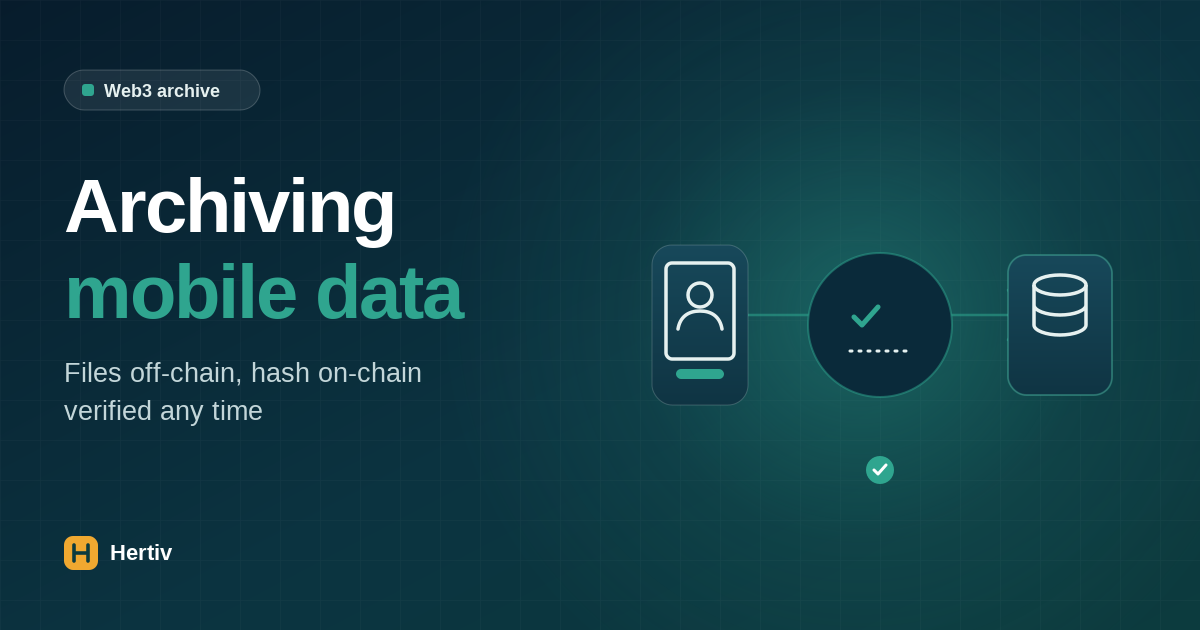
Archiving data in a mobile web3 app means storing records such as transactions, photos and identity proofs so they stay readable and verifiable long after the phone is gone. Teams usually store the file in decentralised storage such as IPFS or Arweave and put only its hash on the chain, so anyone can check the file against the hash and prove it has not changed.
What is archiving in mobile web3 apps?
Archiving in a mobile web3 app is the practice of storing app data so it stays readable and verifiable long after the phone that created it is gone. The data can be a transaction record, a photo, a signed document or an identity proof, and the archive must prove the file has not changed since it was stored.
Mobile apps are a weak place to keep important records. Phones are lost, replaced or wiped, and an app's own server can shut down. Archiving moves the record to storage that does not depend on one device or one company, and it pairs each file with a fingerprint that anyone can check later.
| What gets archived | Why keep it | Who needs it later |
|---|---|---|
| Transaction records | Proof of payment or transfer | Users, auditors, support teams |
| Photos and video | Evidence of what happened | Reporters, investigators, insurers |
| Signed documents | Proof of agreement or consent | Parties to the agreement |
| Identity proofs | Proof of who did what | Regulators and counterparties |
Archiving is not the same as backup. A backup is a copy you can restore from; an archive is a record you can prove. The proof is what makes web3 archiving different from saving a file to a cloud drive. For the wider picture, see what is web3.
Where does archived data actually live?
Archived data lives in one of two places: on the chain itself, or off the chain with a fingerprint stored on it. Storing a whole file on a chain is expensive, so teams usually store the file in decentralised storage and put only its hash on the chain.
| Storage option | How it works | Best for |
|---|---|---|
| On-chain | Data written into blocks | Small records, such as hashes |
| IPFS | Files addressed by content hash | Files shared between many apps |
| Arweave | One payment stores data permanently | Records that must never disappear |
| Filecoin | Paid storage with proofs of space | Large datasets with redundancy |
| Private server | Files on a server you control | Sensitive data with access control |
Most mobile web3 apps combine two of these: a private server or IPFS for the file, and the chain for the fingerprint. That split keeps costs low while keeping the proof public. A file stored only on a phone or only on one server is not an archive, whatever the app calls it. See how to launch a web3 app for how these pieces fit into a product.
How does verification prove a file is unchanged?
Verification works by comparing a file against its fingerprint. When a file is archived, the app computes a hash, which is a short string derived from the file's exact bytes. Change one byte and the hash changes completely, so a matching hash proves the file is the same one that was stored.
The hash is usually written on-chain or stored with the file's content address, so anyone can recompute it later. Some archiving apps add a timestamp and a signature from the phone that captured the media, which ties the file to a time and a device. That chain of evidence is what makes an archived photo usable as a record rather than just a copy.
Verification only works if the original file is still available to check. A hash without the file proves nothing, so a good archive keeps at least two copies in different places. If the file is lost, the hash becomes a receipt for something that no longer exists.
How do you archive from a mobile app, step by step?
Archiving from a mobile app follows the same five steps whatever storage you use. The order matters, because a file uploaded before it is hashed cannot be proven later.
- Capture and lock the file. Record the photo, video or document in the app, and freeze the file before anything edits it.
- Compute the hash on the phone. Hash the exact bytes on the device, so the fingerprint matches what was captured, not what arrived later.
- Add metadata. Attach the time, location, author and a short note while the context is fresh. Metadata added weeks later is less trustworthy.
- Upload to storage. Send the file to IPFS, Arweave, Filecoin or your own server, and confirm the upload succeeded before deleting the local copy.
- Anchor the fingerprint. Write the hash and a timestamp to a chain or a signed log, and store the receipt where the file's owner can find it.
Test the full loop before launch: archive a file, delete it from the phone, then retrieve and verify it from storage. If any step fails, the archive is a promise, not a system. See what is blockchain for how the anchoring step works.
What does archiving cost, and who pays?
Archiving costs come from three places: the storage itself, the transaction that anchors the fingerprint, and the bandwidth to upload and retrieve files. The storage fee is usually the largest, and it depends on how much data you keep and for how long.
Permanent storage services charge once per file, while rented storage charges per month. On-chain anchoring adds a transaction fee each time a fingerprint is written, so teams that archive many small files often batch them into one anchor to keep fees down. Retrieval is usually free or cheap, but downloading large files over a mobile connection still costs time and data.
Who pays depends on the product. Consumer apps usually absorb the cost or charge a subscription, while business apps pass storage costs to the customer or the project that owns the data. Check the storage provider's pricing page for current rates, since they change. Never quote a storage price from memory in a product plan.
Example (hypothetical): a field team archives 200 photos
Example (hypothetical): a field team documents 200 delivery sites with photos, and each photo must be verifiable a year later.
Each photo is about 3 MB, so 200 photos are about 600 MB in total. The app hashes each photo on the phone, uploads the files to decentralised storage, and anchors one hash per photo on-chain. The team batches the anchors into 10 transactions, so the anchoring cost is 10 transaction fees instead of 200.
A year later, an auditor picks 20 photos at random and recomputes their hashes. All 20 match, which gives the team confidence the set is intact. Two photos fail to download on the first try because one storage node is offline, so the team adds a second storage copy for the next project. The archive worked, but only because the files were still retrievable.
What are the common mistakes?
The most common mistakes are treating a cloud backup as an archive, hashing the file after upload instead of before, and keeping only one copy of the data.
- Calling a backup an archive. A backup restores data; an archive proves it. Without a hash and a timestamp, you have a copy, not a record.
- Hashing after upload. If the file is hashed on the server, the fingerprint covers the uploaded copy, not the original capture.
- One copy only. A single storage provider can fail, shut down or lose data. Keep at least two copies in different places.
- No metadata. A file without a time, author or note is hard to use as evidence, even if the hash matches.
- Ignoring retrieval. If nobody tests downloading and verifying old files, the archive may be broken for months before anyone notices.
Key takeaways
- An archive proves a file is unchanged; a backup only restores it
- Store the file off-chain and anchor only its hash on the chain
- Hash the file on the phone before upload, then add metadata while it is fresh
- Keep at least two copies in different places, and test retrieval regularly
- Batch on-chain anchors to keep transaction fees down
Frequently asked questions
What is the difference between archiving and backing up in web3?
A backup is a copy you can restore from, while an archive is a record you can prove. Archiving pairs the file with a hash and a timestamp, so anyone can check later that the file has not changed. A backup without a hash is just a copy, and it proves nothing about the original.
Where should mobile web3 apps store archived files?
Most teams store the file in decentralised storage such as IPFS, Arweave or Filecoin, or on a private server, and put only the file's hash on the chain. Storing whole files on a chain is expensive. The split keeps costs low while the hash keeps the record verifiable.
How does a hash prove a file has not changed?
A hash is a short string derived from the file's exact bytes. Change one byte and the hash changes completely. If the hash you compute from a downloaded file matches the hash recorded when it was archived, the file is the same one. If it does not match, the file was altered.
What metadata should an archived file carry?
At minimum, the time it was captured, who captured it, and a short note about what it shows. Location helps for field records. Metadata added at capture time is more trustworthy than metadata added weeks later, so collect it in the app while the context is fresh.
How much does web3 archiving cost?
It depends on the storage choice and the volume. Permanent storage charges once per file, rented storage charges per month, and each on-chain anchor adds a transaction fee. Batching many fingerprints into one anchor keeps fees down. Check the storage provider's pricing page for current rates.
Can archived data be deleted later?
It depends on the storage. Files on a private server can be deleted by the owner, while data written to permanent decentralised storage is designed to stay. Before archiving sensitive material, decide whether it must be removable later, and choose storage that matches that decision.


