AI Leasing Assistants: What They Do for Leasing Teams
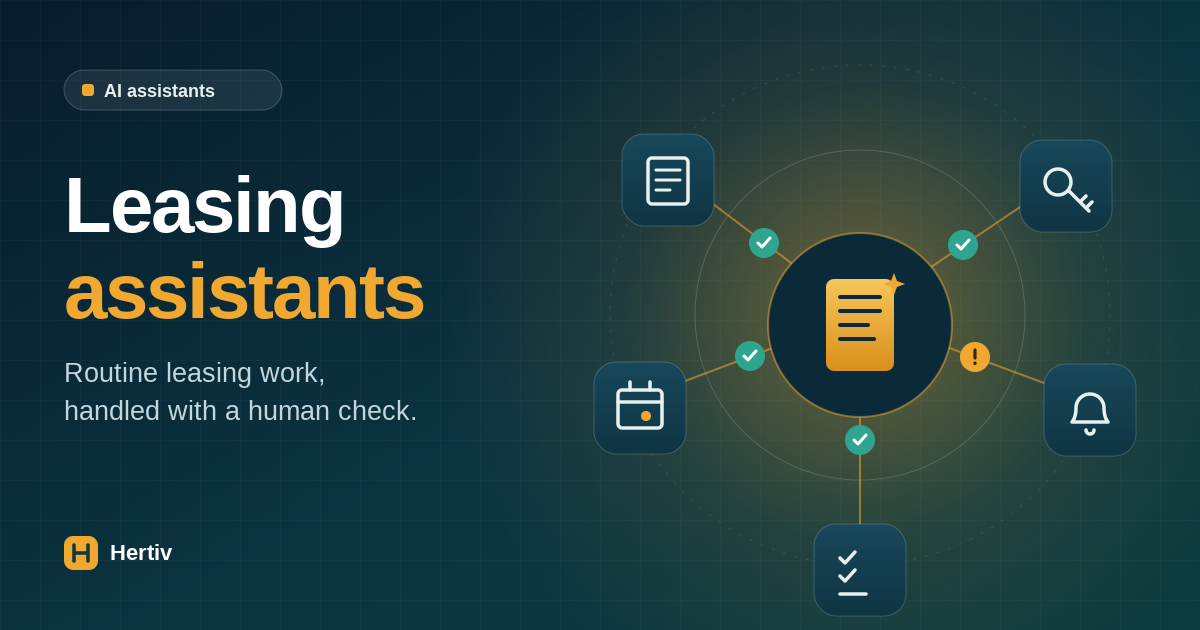
An AI leasing assistant handles a leasing team's routine work: applications, document checks, payment reminders and renewals, with a person reviewing key decisions.
On this page
Short answer
An AI leasing assistant is software that handles the routine work of a leasing team: reading applications, checking documents, chasing payments and flagging renewals. It works from the team's own rules and records, drafts replies and summaries, and hands anything unusual to a person. It does not approve leases or set prices on its own.
What is an AI leasing assistant?
An AI leasing assistant is software that handles the routine work of a leasing team: reading applications, checking documents, chasing payments and flagging renewals. It works from the team's own rules and records, and it drafts replies, summaries and reminders for a person to review.
The assistant does not approve leases or set prices on its own. It takes the repetitive steps out of the process so the team spends its time on the decisions that need judgement, such as whether an applicant is a good risk or whether a renewal is worth offering.
| Job | What the assistant does | Who decides |
|---|---|---|
| Applications | Reads the form and pulls out key facts | The leasing team |
| Document checks | Spots missing or expired documents | The leasing team |
| Payment reminders | Sends reminders on the agreed schedule | Set by the team |
| Renewals | Flags leases ending in the next 90 days | The leasing team |
| Questions | Answers common questions from the lease file | The leasing team |
Most leasing assistants are built on the same pattern as other AI agents for office work: they read structured records and documents, follow written rules, and hand anything unusual to a person. For teams that already use AI agents for finance teams, a leasing assistant is the same idea applied to leases.
What jobs does an AI leasing assistant handle?
An AI leasing assistant handles the jobs that repeat across every lease: intake, checking, chasing and reminding. Each job follows rules the team writes, so the assistant behaves the same way every time and the team can audit what it did.
Intake is the first job. When an application arrives, the assistant reads the form, pulls out the applicant's details, the asset, the term and the payment terms, and puts them into the leasing system. If a field is missing or unclear, it asks the applicant for it instead of leaving the file half done.
Checking is the second job. The assistant compares the application against the team's checklist: identity documents, proof of income or trading history, insurance and any references. It flags what is missing or expired and lists what still needs a human look, so nothing is approved on an incomplete file.
Chasing and reminding is the third job. The assistant sends payment reminders on the schedule the team sets, follows up on unsigned documents, and warns the team when a lease is due for renewal. These are the jobs that slip when a team is busy, and they are the ones an assistant handles most reliably.
For teams that also take calls, an AI voice agent can answer the first call and log the details in the same file, so the leasing team sees the call and the lease together.
How does an AI leasing assistant work?
An AI leasing assistant works in four steps: it reads the input, checks it against the team's rules, drafts an action, and records what it did. A person reviews the drafts that matter, such as approvals and refusals, before anything goes to the customer.
- Read. The assistant takes in the application, the lease document or the message, and pulls out the facts it needs, such as names, dates, amounts and asset details.
- Check. It compares those facts against the team's rules and records, for example whether the applicant's documents are current and whether the payment history is clean.
- Draft. It drafts the next step: a summary for the team, a reply to the applicant, a reminder or a renewal note, with the source facts attached.
- Record. Every action is logged with the time and the facts it used, so the team can see why the assistant acted and correct it when it is wrong.
The assistant is only as good as the rules and records behind it. If the lease data is out of date or the rules are vague, the assistant will make confident-sounding mistakes, which is why the review step matters. Teams that use document AI in real estate already know this pattern: the software reads, the person checks.
Where do leasing teams use AI assistants?
Leasing teams use AI assistants in equipment leasing, vehicle leasing and property leasing. The work is similar in each case, but the documents and the risks differ, so the assistant needs different rules for each.
In equipment leasing, the assistant tracks the asset: serial numbers, maintenance schedules, insurance and return dates. It flags equipment that is due back, overdue for service or missing insurance, and it drafts the renewal or return note when the term ends.
In vehicle leasing, the assistant handles driver documents, mileage records and service history. It reminds the team when a licence or insurance document is about to expire, and it pulls the service history together when a vehicle is returned so the team can check its condition against the lease terms.
In property leasing, the assistant reads lease files, tracks rent review dates and renewal options, and answers tenant questions from the lease terms. Property leases are long documents with clauses that matter, so the assistant must quote the clause it used rather than paraphrasing it from memory.
What should a leasing team check before buying one?
A leasing team should check five things before buying an AI leasing assistant: the data it will read, the rules it will follow, the review step, the audit trail and the cost. A tool that fails any of these will create more work than it saves.
First, check the data. The assistant needs clean lease records and current documents. If the system of record has old addresses, wrong dates or missing files, fix that first or the assistant will work from bad facts.
Second, check the rules. The team must be able to write and change the rules in plain language: which documents are required, which payment history blocks an approval, and when the assistant must stop and ask a person. If only the vendor can change the rules, the team loses control.
Third, check the review step and the audit trail. Every approval, refusal and payment change should pass a person, and every action should be logged with its source facts. Fourth, check the cost: most vendors charge a monthly platform fee plus a per-lease or per-document charge, so ask for the price in writing — see vendor site for current pricing.
Example (hypothetical): a leasing team with 400 leases
Example (hypothetical): a small equipment leasing team manages 400 active leases. Each renewal takes about 45 minutes of staff time by hand: reading the file, checking documents, drafting the renewal note and updating the system. That is 400 x 45 = 18,000 minutes, or 300 hours, across the year.
With an AI leasing assistant, the reading and drafting are done by the software. A person reviews each renewal draft, which takes about 10 minutes: 400 x 10 = 4,000 minutes, or about 67 hours. The team saves roughly 300 - 67 = 233 hours a year, and the renewals go out on time instead of slipping.
The saving only holds if the review step is real. In this example the team still reads every draft, checks the documents the assistant flagged, and signs off the renewal. The assistant removes the typing and the searching; it does not remove the judgement.
What are the common mistakes?
The most common mistakes with AI leasing assistants are skipping the review step, trusting the assistant on documents it cannot read, and writing rules that are too vague to follow.
- Skipping the review step. Letting the assistant send approvals or refusals without a person checking them is how small errors become customer complaints.
- Trusting it on unreadable documents. A scanned lease with a blurry page or a handwritten note will be misread. The assistant should flag these, not guess.
- Vague rules. A rule such as "check the applicant is reliable" cannot be followed by software. Rules need numbers and lists: which documents, which thresholds, which exceptions.
- Old data. If the lease system has stale dates or missing files, the assistant will remind the wrong people and flag the wrong leases.
- No audit trail. If the team cannot see what the assistant did and why, it cannot fix mistakes or answer a customer who asks.
Key takeaways
- An AI leasing assistant handles intake, document checks, reminders and renewals from the team's own rules
- It drafts actions and summaries; a person reviews approvals, refusals and payment changes
- It works for equipment, vehicle and property leasing, with different rules for each
- Clean lease records and written rules matter more than the tool itself
- Every action should be logged with the source facts it used
Frequently asked questions
What is an AI leasing assistant?
It is software that handles the routine work of a leasing team: reading applications, checking documents, sending payment reminders and flagging renewals. It follows rules the team writes and drafts actions for a person to review, rather than making leasing decisions on its own.
Can an AI leasing assistant approve a lease?
No. Approvals need a person's judgement about risk, and most teams keep approvals, refusals and payment changes as human decisions. The assistant prepares the file and the draft; the team decides.
What documents can it read?
It reads typed applications, lease documents, identity documents and payment records. Scanned pages with blurry text or handwritten notes are often misread, so those should be flagged for a person rather than guessed.
How much time does it save?
It depends on the volume of routine work. In a typical example, a team with 400 leases might cut renewal work from about 300 hours a year to about 67 hours of review, but the saving only holds if the review step stays real.
Does it work for property leasing?
Yes, with care. Property leases are long documents with clauses that matter, so the assistant should quote the clause it used rather than paraphrasing it, and a person should check any clause that affects rent, renewal or break rights.
What does an AI leasing assistant cost?
Most vendors charge a monthly platform fee plus a per-lease or per-document charge. Prices vary by vendor and volume, so check the vendor's own pricing page — see vendor site — before budgeting.