AI in Cashierless Technology: How Checkout-Free Stores Work
Cashierless stores use cameras, sensors and AI to track what shoppers take and charge them as they leave — how it works, where it is used, and what goes wrong.
On this page
Short answer
Cashierless technology is a set of cameras, shelf sensors and AI software that tracks what a shopper picks up and charges their account when they walk out, with no till or checkout queue. The system matches each item to the right person, handles mistakes, and flags anything it cannot identify for a human to check. It works best in small stores with a limited product range.
What is cashierless technology?
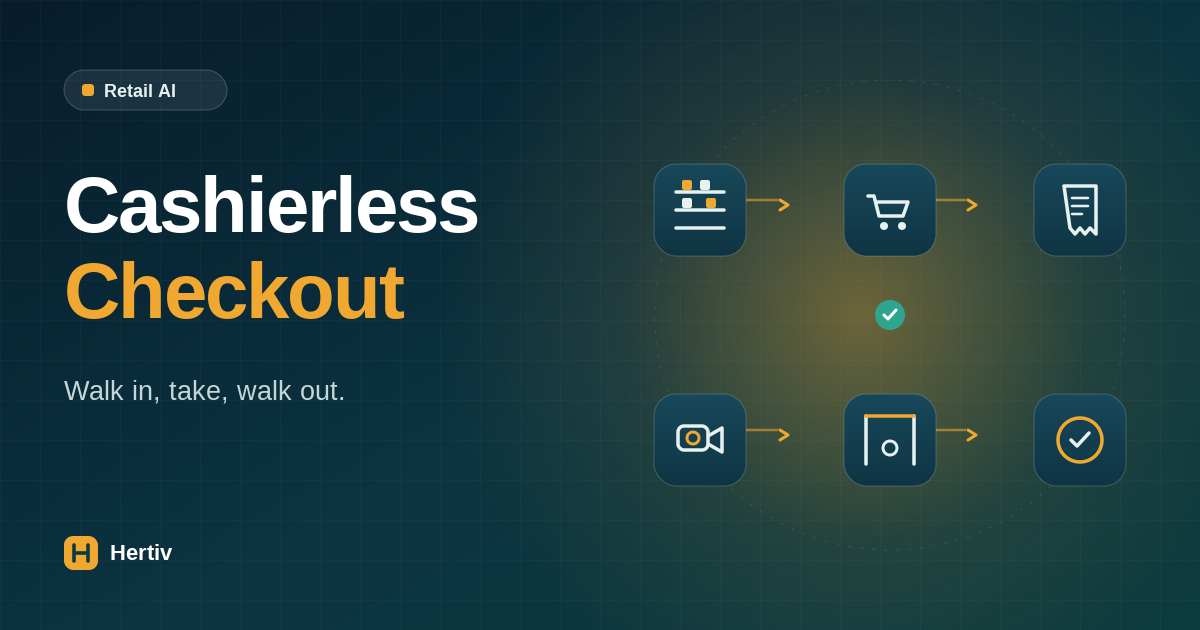
Cashierless technology is a system that lets shoppers walk into a store, pick up what they need and leave without queuing at a till. Cameras and shelf sensors watch what is taken, AI software matches each item to the right shopper, and the total is charged to the account linked to their phone or payment card.
The idea is simple, but the engineering is not. The store must track many people at once, tell similar products apart, handle items that are picked up and put back, and cope with crowds, poor lighting and bags that hide items from view. That is why the first cashierless stores were small, with a limited range and controlled entry.
| Part | What it does | What can go wrong |
|---|---|---|
| Ceiling cameras | Track shoppers and their hands | Blocked views, poor lighting |
| Shelf sensors | Detect when an item leaves a shelf | Items moved without being taken |
| Entry gate or app | Links a shopper to an account | Shared accounts, borrowed phones |
| AI matching | Pairs each item with the right person | Two shoppers reaching at once |
| Payment | Charges the account on exit | Failed cards, disputed charges |
| Human review | Checks anything the system is unsure about | Slow review at busy times |
For retailers, the appeal is shorter queues and fewer staffed tills. For shoppers, the appeal is speed. Both depend on the system getting the bill right almost every time, which is the hard part.
How does the store know what you took?
The store knows what you took by combining two kinds of evidence. Cameras track your hands and body as you move through the store, and shelf sensors record the exact moment an item leaves a shelf. AI software joins those two streams together to decide which item belongs to which shopper.
When you pick up an item and put it in your bag, the system adds it to your virtual basket. When you put it back on the shelf, the system removes it. The matching has to work in real time, because the store cannot ask you to wait while it thinks.
The trickiest cases are when two people reach for the same shelf at once, or when one person hands an item to another. Good systems handle the common cases well and flag the ambiguous ones for a human to review, rather than guessing.
What sensors and cameras do the work?
The work is done by a mix of ceiling cameras, shelf weight sensors and, in some stores, radio tags on high-value items. Cameras provide the main evidence: they track where each shopper is and what their hands are doing. Weight sensors on shelves confirm that an item left, and which item it was, by the change in weight.
Computer vision does the heavy lifting. It identifies products by shape, colour and packaging, and it follows people through the store even when they pass behind shelves or other shoppers. The models are trained on the store's own product range, which is why a small store with a few hundred items is far easier than a large supermarket.
Some stores add smart gates at the exit that confirm the shopper's identity before the charge is made. The gate is also where the system can stop someone if the bill cannot be resolved, though most stores prefer to sort it out later rather than block the exit. Computer vision development is the core skill behind all of this.
What happens when you walk out?
When you walk out, the system closes your virtual basket, totals the items and charges the payment method linked to your account. You usually get a receipt on your phone within a minute or two, showing each item and the total, just like a normal till receipt.
If the system is unsure about an item, it does not guess. The item is either left off the bill and flagged for review, or the whole basket is held for a human to check. Most operators would rather miss one item than charge a customer for something they did not take, because a wrong charge damages trust fast.
Disputes are handled the same way as any card payment: the customer can query the charge in the app, and the store can check the camera and sensor record for that visit. That record is also why stores need clear rules about how long footage is kept and who can see it.
Where is cashierless technology used today?
Cashierless technology is used today in small grocery stores, airport shops, stadium kiosks and office canteens. These are all places with a limited product range, high footfall and customers who value speed over browsing. A small store with a few hundred items is the sweet spot.
Large supermarkets have been slower to adopt it, because a store with tens of thousands of products, fresh produce sold by weight and families shopping together is much harder to track. Some large retailers use a hybrid model instead: shoppers scan items with a phone app as they go, and the store checks a sample at the exit.
Sports venues and airports are popular because the shopping trip is short and the range is small. A fan buying a drink and a snack at half-time does not want to queue, and the store does not need to track a weekly shop. For retailers weighing the options, AI for retail and e-commerce covers the wider set of store technologies.
What are the limits and risks?
The limits of cashierless technology are cost, accuracy and privacy. Fitting a store with cameras and sensors is expensive, which is why the model works best where the store is small and the sales per square metre are high. A large store with thin margins may never earn the investment back.
Accuracy is the second limit. Similar products, loose items such as fruit, and crowded aisles all make matching harder. Every error either costs the store money or upsets a customer, so the system needs a fast human review process for the cases it cannot resolve.
Privacy is the third risk. Cameras that track people through a store collect sensitive data, and shoppers need to know what is recorded, how long it is kept and who can see it. Clear signage, a simple privacy notice and a way to shop without an account all help. AI security practices, such as limiting access to footage, apply here too.
Example: a small grocery store goes cashierless
Example (hypothetical): a small grocery store serves 200 shoppers a day, each buying about 8 items, so around 1,600 items leave the shelves each day. Before the change, each shopper spent about 3 minutes at the till, which is 200 times 3 minutes, or 600 minutes of staffed checkout time a day.
After the change, the system flags about 40 items a day for human review, which is 40 out of 1,600, or 2.5 in every 100 items. One staff member clears those flags in about 80 minutes, at roughly 2 minutes per flag, and the same person helps shoppers who need assistance at the door.
The store saves most of the 600 minutes of till time, but it gains new work: keeping the product range accurate in the system, reviewing flagged items, and helping shoppers who are new to the format. The change pays off only if the store is busy enough for the saved till time to matter.
What are the common mistakes?
The most common mistakes in cashierless projects are choosing the wrong store, trusting the system too much, and forgetting the shopper.
- Picking a large, complex store first. Start small, with a limited range and controlled entry.
- Guessing instead of flagging. When the system is unsure, a human should check, not the software.
- No plan for disputes. Customers need a fast, simple way to query a charge.
- Ignoring privacy. Clear signage and a short privacy notice are not optional.
- Forgetting the human touch. Some shoppers still want help; keep staff on the floor.
Key takeaways
- Cashierless stores combine cameras, shelf sensors and AI to track what each shopper takes
- The system works best in small stores with a limited range and controlled entry
- When the system is unsure, a human should check rather than the software guessing
- Clear privacy rules about footage and data are part of the product, not an afterthought
- Start small and expand only after the billing is accurate nearly every time
Frequently asked questions
How does a cashierless store charge me?
You link a payment method when you enter, usually through an app or a card at the gate. Cameras and shelf sensors track what you pick up, the system builds a virtual basket, and the total is charged when you leave. You get a receipt on your phone, and you can query any item in the app.
What happens if I pick up an item and put it back?
The system removes it from your virtual basket when the sensors and cameras show it back on the shelf. If the system cannot tell whether you put it back, the item is flagged for human review rather than charged. Putting items back is one of the cases the system is designed to handle.
Can two people shop together in a cashierless store?
Yes, but the system has to work harder. When two people reach for the same shelf, the cameras and sensors must decide who took which item. Most stores handle this well for common cases and flag the ambiguous ones for review. Shopping with children is one of the harder cases.
Is cashierless technology only for grocery stores?
No. It is also used in airport shops, stadium kiosks, office canteens and convenience stores. The common factor is a small range and customers who value speed. Large supermarkets with tens of thousands of products are much harder to make cashierless.
What about privacy in a cashierless store?
The store records video and sensor data to work out what you bought, so it needs clear rules on what is kept, for how long, and who can see it. Look for clear signage at the entrance, a short privacy notice, and a way to shop without creating an account where that is offered.
Why do some cashierless stores close or change back?
Usually because the costs were higher than the savings, or because accuracy was not good enough at scale. Fitting a store is expensive, and every billing error costs money or trust. The model works best in small, busy stores, and not every location fits that shape.