AI in Account Management: Healthier Accounts, Less Churn
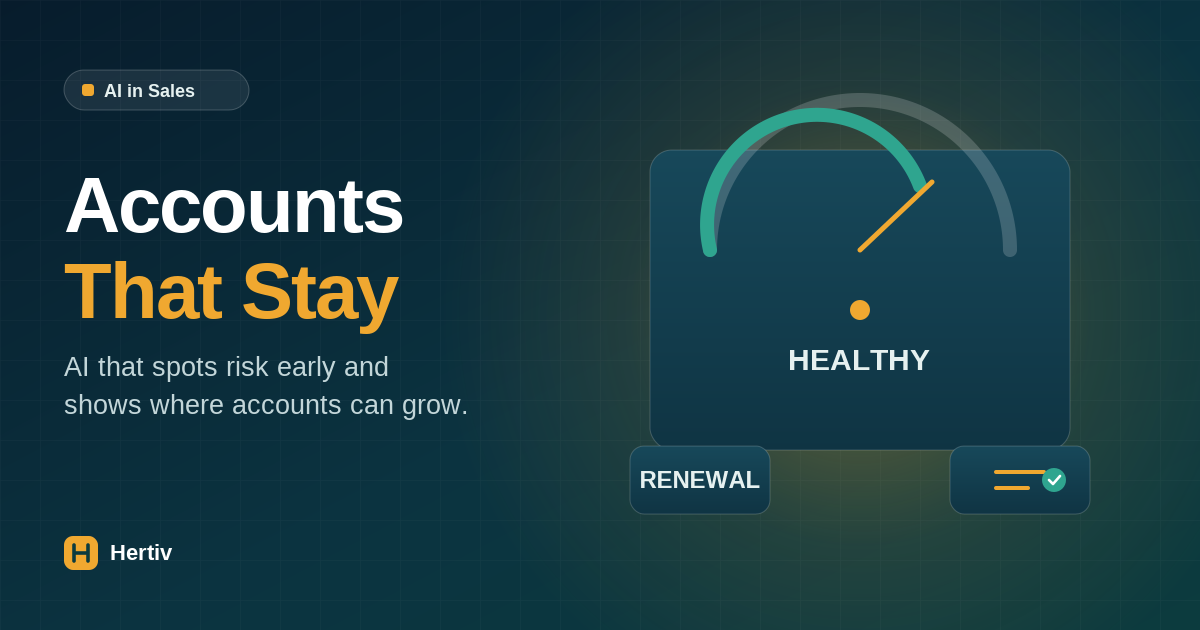
AI in account management scores account health, warns you before customers leave and finds growth moments, so managers act early instead of reacting late.
On this page
Short answer
AI in account management is software that reads CRM data, support tickets and usage records to score how healthy each account is, warn you when one is at risk and point out where it could grow. It turns account management from checking in on a schedule into acting on the accounts that need attention right now.
What is AI in account management?
AI in account management is software that reads the records a team already keeps, such as CRM notes, support tickets, invoices and product usage, and turns them into a clear view of each account. It scores how healthy an account is, flags the ones drifting away and points out the ones ready to grow.
The software does five jobs. It scores account health from usage and engagement. It predicts which accounts are at risk of leaving. It finds expansion moments, such as a team that has outgrown its plan. It drafts review and renewal plans from the account’s history. And it suggests the next best action for each account, so a manager knows where to start each morning.
| Job | What the AI does | What the manager does with it |
|---|---|---|
| Score health | Combines usage, tickets and payments into one score | Prioritises the week by score, not by gut feel |
| Predict churn | Flags accounts whose engagement has dropped | Calls the account before the renewal date |
| Find expansion | Spots teams that have outgrown their plan | Proposes an upgrade with evidence behind it |
| Draft reviews | Summarises the account’s year in one page | Edits the draft and leads the meeting |
| Suggest next action | Ranks accounts by what needs doing first | Works the list top to bottom |
The change is in timing. Without AI, a manager learns an account is unhappy at the renewal meeting, when it is often too late. With AI, the warning comes weeks earlier, when a call can still change the outcome.
How does AI score account health?
AI scores account health by combining signals that each mean little on their own but a lot together: how often the customer logs in, how many of their team use the product, how fast support tickets are answered, whether invoices are paid on time and whether the sponsor still replies to emails.
The score is usually shown as a simple band, such as healthy, watch or at risk, with the reasons listed underneath. A manager can see that an account dropped because logins halved and two tickets went unanswered, not just that a number changed. That detail is what makes the score useful rather than mysterious.
Health scores work best when the team agrees what good looks like first. A score built on your own history, where healthy accounts are the ones that renewed, will beat a generic score built on another company’s data. Review the score against real renewals every quarter and adjust it.
How does AI warn you before a customer leaves?
AI warns you before a customer leaves by watching for the pattern that usually comes first: usage falls, the sponsor stops replying, tickets pile up and the account goes quiet. No single signal proves a customer is leaving, but several together, over a few weeks, are a reliable warning.
The warning should arrive with context, not just an alert. A good warning says what changed, when it changed and what the account used to look like, so the manager can decide whether to call the sponsor, offer training or check whether a competitor has been in touch.
The most useful warnings come early enough to act. A warning a week before renewal is too late for anything but a discount. A warning eight weeks out leaves time to fix the problem, retrain the team or change the plan. Set the warning threshold early and accept a few false alarms; they are cheaper than a lost account.
How does AI find expansion and upsell moments?
AI finds expansion moments by spotting accounts that have outgrown what they bought. A team that has added ten users in three months, a customer using a feature daily that their plan limits, or an account that keeps asking for something the next tier includes are all signs that an upgrade would help, not just sell.
The software also finds the right moment to raise it. Raising an upgrade in the middle of a support crisis looks like a sales pitch; raising it after a successful rollout looks like help. Timing the suggestion to the account’s own story is what separates a useful prompt from an annoying one.
Expansion works best when the suggestion comes with evidence: usage numbers, the cost of the current workaround and what the upgrade changes. A manager who can show the numbers does not need to push; the customer can see the case for themselves. For the wider sales picture, see AI in sales.
How does AI prepare reviews and renewal plans?
AI prepares reviews and renewal plans by summarising the account’s year into one page: what was bought, how it was used, which tickets mattered, what was promised and what is still open. The manager edits that draft instead of building it from scratch, which turns a half-day of preparation into an hour.
The draft also pulls in the risks and the wins. If usage fell in one team but rose in another, the review can say so plainly and propose a plan that fits both. If a renewal is coming up, the draft lists the open items that must close first, so nothing is promised that cannot be delivered.
Renewal plans benefit from the same treatment. The software can list every account renewing in the next quarter, its health score and its open issues, so the team works the riskiest renewals first instead of the ones that shout loudest. See AI in CRM for how the underlying customer data is organised.
Example (hypothetical): a SaaS team saves a key account
Example (hypothetical): a software company with 200 accounts has one key customer worth £120,000 a year. The account’s health score falls from healthy to watch over six weeks: logins drop from 40 a week to 18, the sponsor stops replying to emails and two support tickets wait four days for an answer.
The account manager gets the warning eight weeks before renewal, calls the sponsor and learns the customer’s team changed and nobody was trained on the new features. The manager runs two training sessions, closes the open tickets and agrees a 30-day check-in. Logins climb back to 34 a week within a month.
The arithmetic adds up: the renewal is signed on time for £120,000, against a cost of two training sessions and four hours of manager time. Without the warning, the team would have learned about the problem at the renewal meeting, when the customer had already started looking elsewhere.
How do you start using AI in account management?
Start using AI in account management by connecting the data you already have, not by buying a new system first. Most teams already keep CRM notes, tickets and usage records; the first step is getting them into one place where a health score can be built.
- List the data you already keep: CRM, tickets, invoices and product usage.
- Agree what a healthy account looks like in your business, in plain words.
- Build the health score on your own history of renewals and losses.
- Set one warning rule: which change triggers a call, and how early.
- Run the score for a month alongside the old way of working, and compare.
- Give managers one action per account per week, and track whether it was done.
Keep the manager in charge of the conversation. The software can suggest the next action, but it cannot make the call or read the room in a review meeting. Teams that treat the score as a prompt, not an order, get far more from it. For the tools that support this work, see the best account management software compared.
Common mistakes with AI in account management
The most common mistake is trusting the health score without asking why it moved. A score can fall because a customer is on holiday, a team is between projects or the data feed broke, none of which mean the account is at risk. A manager who calls without checking the reasons will waste the customer’s time and their own credibility.
- Acting on every alert instead of the ones with a clear pattern behind them.
- Scoring accounts on generic data instead of your own renewal history.
- Raising an upgrade in the middle of a support problem.
- Letting the software draft reviews that nobody edits before the meeting.
- Measuring how many alerts fired instead of how many accounts were saved.
- Hiding the score from the customer, then being surprised when they ask about it.
Another mistake is using the score only for churn. The same data that warns about risk also shows which accounts are ready to grow, and teams that only watch the downside miss the upside. Review both lists each week: the accounts at risk and the accounts ready for more.
Key takeaways
- AI in account management turns CRM, ticket and usage data into a health score per account.
- Warnings work when they arrive early, with the reasons attached.
- Expansion suggestions need evidence and good timing, not a hard sell.
- Reviews take an hour instead of half a day when the draft is prepared first.
- Start with data you already have and one warning rule, then widen.
Frequently asked questions
What is AI in account management?
AI in account management is software that reads CRM data, support tickets and usage records to score how healthy each account is, warn you when one is at risk and point out where it could grow. Managers act on the accounts that need attention right now.
Does AI in account management replace account managers?
No. It tells the manager which accounts need attention and why, but the manager still makes the call, runs the review and reads the room. The software handles the reading; the person handles the relationship.
How accurate are account health scores?
They are as accurate as the data behind them. A score built on your own history of renewals and losses beats a generic score, and it gets better as you review it against real outcomes each quarter. Treat it as a prompt, not a verdict.
What data does it need?
It needs CRM notes, support tickets, invoices and product usage, all tied to the same account. Most teams already keep these; the first step is getting them into one place where a score can be built.
Can small teams use AI in account management?
Yes. A team with 50 accounts can build a simple health score from a spreadsheet of logins, tickets and payments. The method matters more than the tool: agree what healthy looks like, then score against it.
How does AI in account management differ from CRM?
A CRM stores what happened with each account. AI in account management reads that record and tells you what to do next: which account to call, which is at risk and which is ready to grow.