AI for Mid-Sized Companies: 8 Uses That Fit
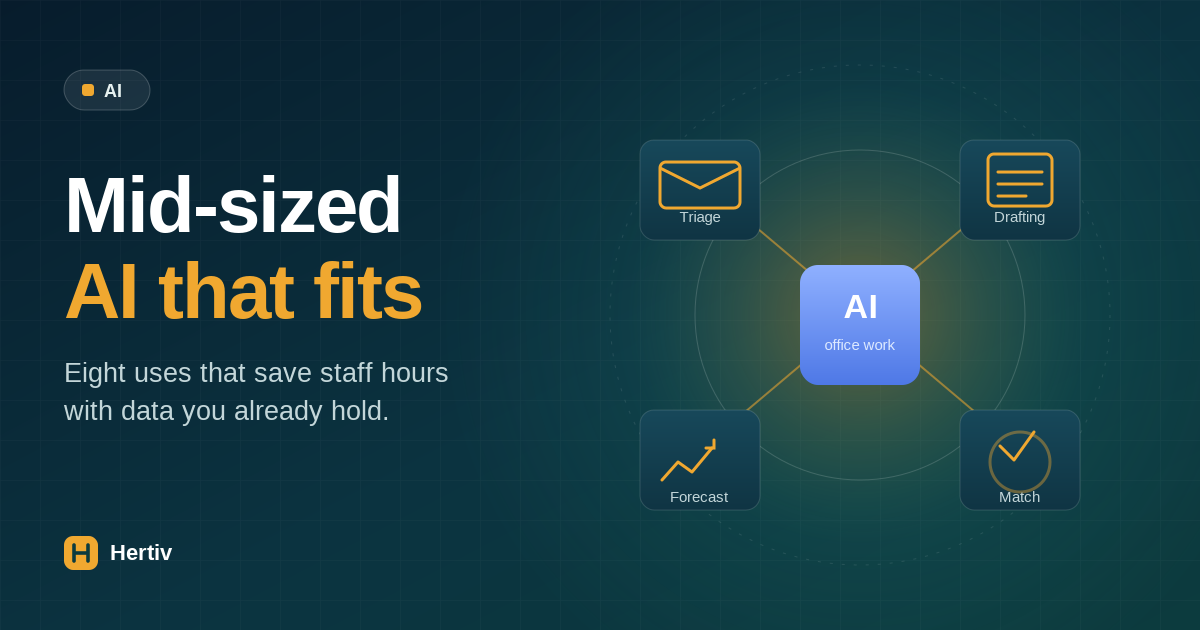
Mid-sized companies gain most from AI in everyday office work: triage, drafting, forecasting and matching. These eight uses start small and need little data.
On this page
Short answer
AI helps mid-sized companies when it takes over routine office work that already has clear data: emails, documents, invoices and orders. The eight uses below need little setup, run on data the company already holds, and show a result within weeks.
AI for mid-sized companies at a glance
Mid-sized companies sit in a useful middle. They have enough data and staff for AI to help, but not so much process that a pilot takes a year. The uses below are picked because they start with one team, one data source and one measured result.
| Use | Team | First result |
|---|---|---|
| Support inbox triage | Support | Faster first replies |
| Document drafting | Operations | Less writing time |
| Lead scoring | Sales | Better call order |
| Demand forecasting | Planning | Fewer stockouts |
| Invoice matching | Finance | Fewer manual checks |
| Churn signals | Accounts | Earlier warnings |
| Hiring screening | HR | Shorter shortlists |
| Knowledge search | All staff | Faster answers |
Each use below names the team, the data it needs and the first result to measure. Start with the use that saves the most staff hours, and read how to run an AI proof of concept before you build anything.
Support and documents
1. Support inbox triage: best for teams drowning in email
A support team that reads every email by hand spends its mornings sorting, not solving. A triage model reads each message, labels it by topic and urgency, and routes it to the right person, so the urgent cases reach a human first and the routine ones get a draft reply.
The data already exists in the inbox, and the result is easy to measure: time to first reply and the share of messages routed correctly. Start with one inbox and check the routing for two weeks before letting it run alone.
- Pros: uses existing data, quick to measure, frees staff time.
- Cons: needs human checks at first, tone must stay polite.
2. Document drafting: best for teams that write the same letters
Operations teams write the same letters, quotes and reports again and again, changing only names, dates and numbers. A drafting model takes a template and the facts from the order or the file, then produces a first draft that a person checks and sends.
The saving is writing time, and the risk is a wrong fact slipping through, so every draft needs a human check. Start with one document type, such as order confirmations, and measure the minutes saved per document.
- Pros: big time saving, templates stay in control.
- Cons: every draft needs a human check.
Sales and planning
3. Lead scoring: best for sales teams with too many leads
A sales team with hundreds of leads cannot call them all, so it calls them in the order they arrived. A scoring model ranks leads by how closely they match past buyers, so the team calls the most promising ones first and spends less time on leads that never buy.
The data is the past sales record, and the result is the share of calls that turn into meetings. Start with one product line and compare the scored list against the old order for a month.
- Pros: uses sales history, clear result, no new data needed.
- Cons: needs clean sales records, scores must be checked.
4. Demand forecasting: best for firms that run out of stock
A company that guesses next month's demand either holds too much stock or runs out. A forecasting model reads past orders, seasons and promotions, then predicts demand per product, so the team orders enough without tying up cash in the warehouse.
The data is the order history, and the result is fewer stockouts and less dead stock. Start with the twenty products that sell most, and compare the forecast against the old guess for one quarter.
- Pros: cuts stockouts, frees cash, uses order history.
- Cons: needs clean order data, shocks still surprise it.
Finance and accounts
5. Invoice matching: best for finance teams that check by hand
Finance staff match each invoice against a purchase order and a delivery note, a slow job that grows with every supplier. A matching model reads the three documents, flags the ones that agree, and sends only the mismatches to a person, so the team checks a handful instead of a pile.
The data is the document pile, and the result is the share of invoices matched without a human touch. Start with one supplier and check the matches for two weeks before trusting the model.
- Pros: large time saving, clear audit trail.
- Cons: messy scans slow it down, needs a check step.
6. Churn signals: best for firms that lose customers quietly
Customers rarely announce they are leaving; they order less, open fewer emails and call support more. A churn model watches these signals and flags the accounts most likely to leave, so the account team can call them while there is still time to fix the problem.
The data is the order and support history, and the result is the share of flagged accounts that stay after a call. Start with the largest accounts and test the flags for a month before acting on them widely.
- Pros: early warning, uses existing records.
- Cons: flags need human judgement, data must be joined up.
People and knowledge
7. Hiring screening: best for teams that read hundreds of CVs
A hiring team that reads every CV by hand spends days on the first cut. A screening model ranks applicants against the job's stated requirements, such as years of experience and required skills, so the team reads the strongest applications first.
The result is a shorter shortlist, but the model must be checked for bias: it should rank on the stated requirements and nothing else. Start with one role, keep a human in the loop, and review the rankings before any applicant is rejected.
- Pros: faster shortlists, consistent first cut.
- Cons: bias risk, human review is essential.
8. Knowledge search: best for staff who ask the same questions
Staff waste time asking colleagues for answers that already exist in a manual, a policy or an old ticket. A knowledge search tool reads the company's own documents and answers a question with the relevant passage, so staff find the answer in seconds instead of waiting for a reply.
The data is the document store, and the result is the share of questions answered without a colleague. Start with one document set, such as the product manual, and check the answers for accuracy for a month.
- Pros: answers in seconds, uses existing documents.
- Cons: needs tidy documents, answers must be checked.
How to choose
Choosing a use is a practical decision. The best first use is the one that saves the most staff hours with the least new data. Use these five steps to decide.
- Count the hours. Ask each team how many hours a week the routine work takes, and pick the biggest number.
- Check the data. Pick a use where the data already exists and is clean enough to learn from.
- Run a four-week pilot. Test the use with one team and measure the result against the old way.
- Keep a human in the loop. Every AI output that reaches a customer or a decision needs a human check.
- Scale what works. If the pilot saves time and the checks hold, roll it out to the next team. If not, stop and try another use.
Example (hypothetical): a support team of five reads 200 emails a day and spends 3 minutes sorting each one, which is 10 hours a day. A triage model sorts them in seconds, and staff check the routing for 30 minutes a day, so the team saves about 9 hours a day. Read what agentic AI is if you want to see where these uses lead next.
Common mistakes
The first mistake is starting with the hardest use. A company that begins with a complex forecast or a customer-facing chatbot will wait months for a result and lose interest. Start with the simplest use that saves hours.
The second is skipping the data check. A model trained on messy records will give wrong answers, and staff will stop trusting it. The third is removing the human check too soon: an unchecked draft, invoice or hiring rank can cause real harm.
The fourth is buying a big platform before the pilot. A small pilot with one team and one data source is cheaper and teaches more. If the pilot works, the platform decision becomes easy. If it does not, the company has spent little and learned a lot.
Key takeaways
- Start with the use that saves the most staff hours with data you already hold.
- Support triage and document drafting are the quickest wins for most teams.
- Forecasting, invoice matching and churn signals use records the company already keeps.
- Hiring screening and knowledge search need a human check on every output.
- Run a four-week pilot with one team before buying a platform.
- Dirty data and a missing human check are the two mistakes that kill trust.
Frequently asked questions
What is the best first AI use for a mid-sized company?
Support inbox triage is usually the best first use, because the data already exists in the inbox and the result is easy to measure. Document drafting is a close second for teams that write the same letters again and again. Pick the use that saves the most staff hours with the least new data.
How much data does a mid-sized company need for AI?
Less than most people think. A few hundred past examples are often enough for triage, drafting and matching, because the task is narrow. Forecasting needs a longer history, ideally a year of orders. What matters more than volume is clean, labelled data that matches the real task.
Do mid-sized companies need an AI team?
No, not to start. A pilot can be run by one owner, one team and a vendor or consultant who builds the first version. What the company does need is an owner who understands the work, clean data, and a clear measure of success for the four-week pilot.
How much does AI cost a mid-sized company?
It depends on the use, the data work and the vendor, so there is no single figure. A small pilot with one team is the cheapest way to test the idea. Ask vendors for a written quote that separates setup from monthly running costs, and compare the cost against the staff hours saved.
Is AI safe for customer-facing work?
It is safe when a human checks the output before it reaches the customer. A draft reply, a quote or a hiring rank should pass a human review, especially in the first months. Fully automatic replies are only safe for simple, low-risk answers that the team has tested for weeks.
How long does an AI pilot take?
A focused pilot takes four to six weeks: one week to check the data, two weeks to build and test, and two weeks to measure the result against the old way. A pilot that runs longer usually means the use was too broad or the data was not ready. Keep it small and time-boxed.


