AI for ITSM: Faster Tickets, Calmer Service Desks
AI for ITSM adds classification, routing, self-service and prediction to IT service management. Here is what it changes, where it helps most, and how to start.
On this page
Short answer
AI for ITSM is the use of artificial intelligence inside IT service management to classify, route, resolve and prevent IT incidents and requests. It reads tickets, suggests fixes, answers common questions, and spots patterns that predict outages before users report them. It works best where ticket volume is high and the issues repeat.
What is AI for ITSM?
AI for ITSM is software that helps an IT service team handle requests and incidents with less manual work. It sits inside the service desk and the wider ITSM practice, reading tickets, suggesting answers, routing work to the right team, and flagging patterns that a human would only notice after the fact.
ITSM covers more than the service desk. It includes incident management, problem management, change management, asset management and the knowledge base, and AI can help in each of these. A password reset is a service desk task; finding why the same server fails every Tuesday is problem management, and AI helps with both.
The key point is that AI does not replace the service team. It takes the repetitive sorting, answering and routing, so the team can spend its time on the problems that need judgement. For the service desk slice of this work, AI service desk solutions explain what the desk itself can automate.
What does AI do in each ITSM practice?
AI helps in different ways across the ITSM practices. The table shows the main jobs, and the rest of this section explains each one in turn.
| ITSM practice | What the AI does | What changes |
|---|---|---|
| Incident management | Classifies and routes tickets | Faster first response |
| Problem management | Groups related incidents | Root causes found sooner |
| Change management | Scores change risk | Risky changes flagged early |
| Knowledge management | Suggests and drafts articles | Answers reused more often |
| Asset management | Tracks usage and health | Failures predicted earlier |
| Self-service | Answers common questions | Fewer tickets raised |
In incident management, the AI reads a ticket, guesses its category and priority, and sends it to the right team with a suggested fix. In problem management, it groups tickets that share a cause, so the team fixes the cause instead of closing the same incident ten times.
In change management, the AI scores a proposed change against past changes and flags the ones that look risky. In knowledge management, it suggests the right article to the agent or the user, and drafts new articles from resolved tickets. In asset management, it watches usage and health signals and flags devices that are likely to fail.
How does a ticket flow through AI for ITSM?
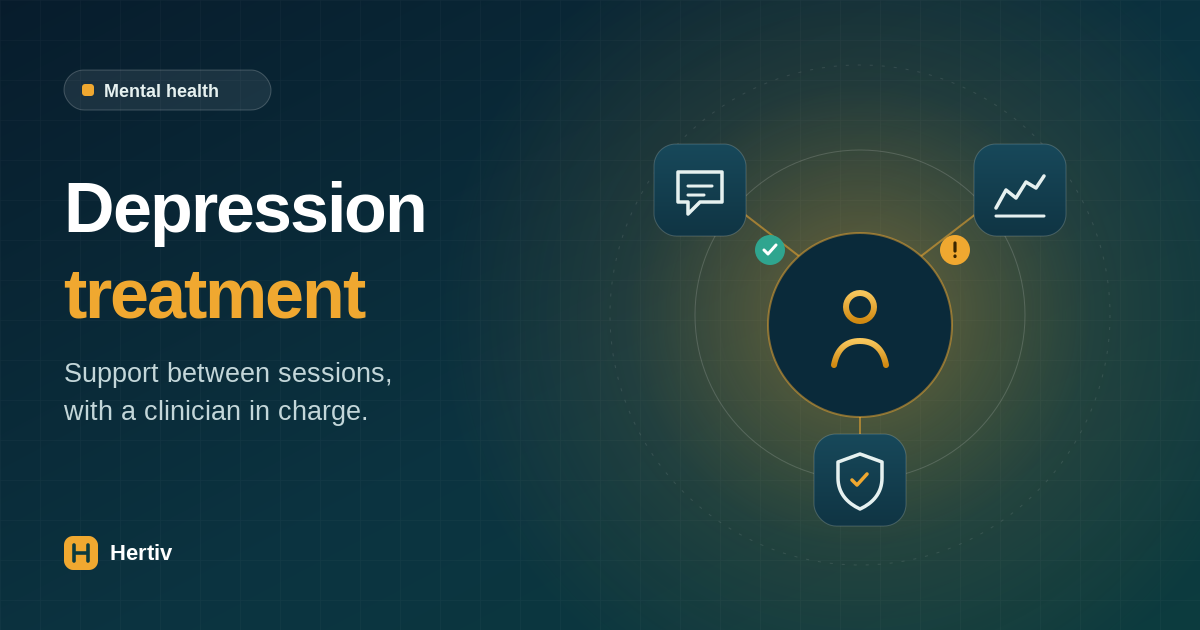
A ticket flows through AI for ITSM in a short chain of steps, and a human stays in the loop at the points where judgement matters.
- Intake. The user writes a request in plain language, by chat, email or portal. The AI reads it and extracts the issue, the affected system and the urgency.
- Classification. The AI assigns a category, a priority and a team, based on how similar tickets were handled before.
- Self-service check. If the issue matches a known fix, the AI offers it to the user first, with a link to the knowledge article.
- Routing and suggestion. If the user still needs help, the ticket goes to the right team with a suggested fix and the relevant history attached.
- Resolution. The agent applies the fix, and the AI records what worked so the next similar ticket is faster.
- Learning. Resolved tickets feed back into the system, so the classification and the suggestions improve over time.
The flow only works if the ticket data is clean. If categories are inconsistent or the knowledge base is out of date, the AI will learn the wrong patterns. Fix the data before you expect the AI to be smart.
Where does AI for ITSM help most?
AI for ITSM helps most where volume is high and the issues repeat. A team that handles hundreds of password resets, access requests and software installs a month will see the benefit quickly, because those tickets follow a pattern the AI can learn.
It helps less where every ticket is different. A team that mostly handles one-off infrastructure problems will get less from classification and self-service, and more from the problem management side: grouping incidents and finding root causes.
It also helps where the service desk is the bottleneck. If users wait hours for a first response, AI triage and self-service cut that wait even before any ticket is resolved. For the monitoring side of the same problem, AIOps, MLOps and LLMOps compared explains how AIOps watches systems for the failures that become tickets.
What do you need before you start?
Four things need to be in place before AI for ITSM works well. First, clean ticket history: at least a few months of tickets with consistent categories and resolutions, so the AI has something to learn from.
Second, a knowledge base that is actually maintained. Self-service only works if the articles are current and written for users, not for engineers. Third, clear routing rules: the AI needs to know which team owns which system, and what counts as urgent.
Fourth, a human review habit. Someone should check a sample of AI-classified tickets every week, correct the mistakes, and feed those corrections back. Without that loop, the AI's errors become permanent.
A fifth item is worth naming: access. The AI needs read access to the ticket system, the knowledge base and the asset records, with permissions set so it can read but not change what it should not touch.
How to start with AI for ITSM in 6 steps
Starting with AI for ITSM is a small project, not a platform replacement. Pick one flow, prove the value, then expand.
- Pick one ticket type. Choose the highest-volume repeat issue, such as password resets or access requests.
- Clean the history. Fix the categories and resolutions on past tickets of that type, and archive the knowledge articles that are wrong.
- Turn on classification only. Let the AI classify and route, with a human checking the results for a month.
- Add self-service next. Offer the known fix to users before a ticket is raised, and measure how many accept it.
- Measure the basics. Track first response time, resolution time, tickets deflected and the AI's accuracy, every week.
- Expand one practice at a time. Add problem grouping or change scoring only once the first flow runs without surprises.
If you are unsure which flow to start with, a short AI proof of concept on one ticket type is the cheapest way to test whether AI for ITSM fits your data.
Example (hypothetical): a 500-person company cuts ticket wait times
Example (hypothetical): a company with 500 staff receives 1,200 IT tickets a month. Of these, 480 are password resets, access requests and software installs, and each one takes an agent about 15 minutes to handle. That is 480 times 15 minutes, or 120 hours a month on repeat work.
The team turns on AI classification and self-service for those three ticket types. Half of the 480 repeat tickets are resolved by self-service, so 240 tickets never reach an agent. The remaining 240 are classified and routed automatically, which saves about 5 minutes of triage each, or 20 hours a month.
The total saving is 60 hours of agent handling plus 20 hours of triage, or 80 hours a month. The team spends that time on the harder tickets and on fixing the root causes behind them. The first response time for the remaining tickets falls from hours to minutes, because the queue is shorter.
What are the common mistakes?
The most common AI for ITSM mistakes are automating a messy process, trusting the AI without review, and measuring the wrong thing.
- Automating a messy process. If categories are inconsistent and the knowledge base is stale, the AI learns the mess. Clean the data first.
- No human review. AI classification drifts as systems and language change. Without a weekly sample review, errors become permanent.
- Measuring deflection alone. A high deflection rate means nothing if users are stuck and raising tickets by phone instead. Measure satisfaction too.
- Skipping change management. Agents need to know how the AI works and when to override it. Train the team, not just the model.
- Starting too big. Rolling AI across every ITSM practice at once hides what works. Start with one ticket type and prove it.
Key takeaways
- AI for ITSM classifies, routes, resolves and predicts across incident, problem, change, asset and knowledge work.
- It helps most where volume is high and the issues repeat; one-off problems benefit less.
- Clean ticket history and a maintained knowledge base are the real prerequisites.
- Start with one ticket type, add self-service next, and measure first response time weekly.
- Keep a human review loop, or the AI's errors become permanent.
Frequently asked questions
What is AI for ITSM?
AI for ITSM is the use of artificial intelligence inside IT service management to classify, route, resolve and prevent IT incidents and requests. It reads tickets, suggests fixes, answers common questions, and spots patterns that predict outages before users report them.
Does AI replace the IT service desk?
No. It takes the repetitive sorting, answering and routing, so the team can spend its time on the problems that need judgement. A human still handles the complex incidents, the angry users and the decisions the AI cannot make.
What is the difference between AI for ITSM and AIOps?
AIOps watches systems and infrastructure for failures, while AI for ITSM works on the service side: tickets, requests, changes and knowledge. The two overlap when a system alert becomes a ticket, and many teams run both together.
How long does it take to see results from AI for ITSM?
A pilot on one ticket type can show results in a few weeks, once the history is clean. Full rollout across several ITSM practices usually takes a few months, because each practice needs its own data cleanup and review loop.
What data does AI for ITSM need?
A few months of tickets with consistent categories and resolutions, a maintained knowledge base, and a clear record of which team owns which system. Without those, the AI has nothing reliable to learn from.
Is AI for ITSM only for large companies?
No. Smaller teams benefit too, because they feel the volume of repeat tickets most. The difference is scope: a small team starts with one ticket type and a simple tool, while a large team adds problem grouping and change scoring later.