AI Virtual Coaching: How It Works and Where It Helps
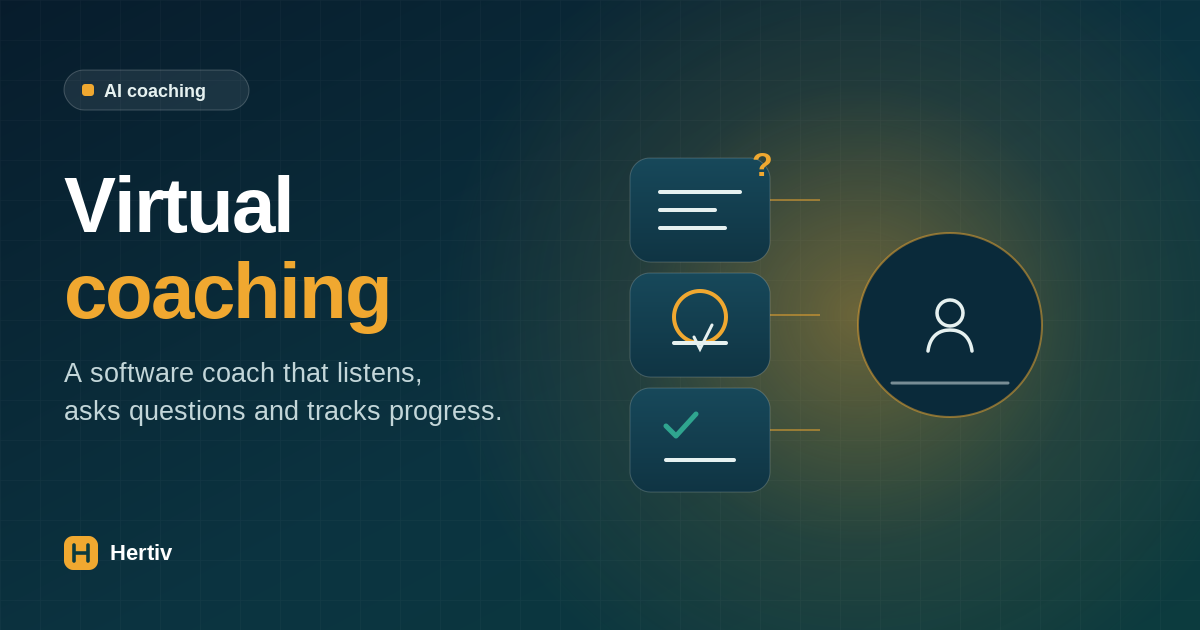
AI virtual coaching pairs a person with a software coach that listens, asks questions and tracks progress. Here is how it works and what to check before you buy.
On this page
Short answer
AI virtual coaching is software that coaches a person through structured conversations, practice and feedback, usually between sessions with a human coach or on its own. It uses a language model to ask questions, reflect answers back, set goals and track progress, and it works best for repeatable skills such as communication, leadership habits and fitness routines.
What is AI virtual coaching?
AI virtual coaching is software that acts as a coach through text or voice conversations, guiding a person toward a goal with questions, exercises and feedback. Unlike a course, which delivers the same material to everyone, a virtual coach adapts to what the person says, remembers earlier sessions and adjusts the next step.
Most virtual coaching tools work in one of two ways. Some are standalone apps a person opens on their own, for example to prepare for a difficult conversation or to build a weekly exercise habit. Others sit inside a workplace programme, where a human coach sets the direction and the software handles practice and check-ins between live sessions.
The coach is usually built on a language model with a set of coaching prompts, session plans and guardrails. It can ask open questions, summarise what it heard, suggest a small experiment for the week and record progress. It cannot read body language, sense what a person is holding back, or take responsibility for a decision, which is why the best tools are clear about those limits.
How does an AI coach actually work?
An AI coach works by running a structured conversation loop: it asks a question, listens to the answer, reflects it back, and then chooses the next question or exercise. The loop repeats across sessions, and the software keeps notes so each session builds on the last.
A typical session follows a simple shape:
- Check-in. The coach asks what happened since the last session and what the person wants to work on today.
- Explore. Open questions help the person name the real problem, rather than the first symptom they mention.
- Plan. The coach and the person agree on one small action to try before the next session.
- Practice. The coach can role-play a scenario, for example a performance review or a sales call.
- Review. Next time, the coach asks how the action went and what to change.
Behind the conversation, the tool stores goals, session notes and progress markers. Some tools add reminders, short lessons or progress charts. The quality of the coaching depends less on the model and more on the session design: good prompts, clear goals and a way for the person to say when the coach is missing the point.
What can AI coaching help with?
AI coaching helps most with skills that improve through regular practice and honest reflection, and where the stakes of a single session are low. It is a poor fit for crisis support, medical advice or decisions that need a licensed professional.
| Area | What the AI coach does | Good fit when |
|---|---|---|
| Communication | Role-plays hard conversations and gives feedback on tone | You want to practise before a real meeting |
| Leadership habits | Weekly check-ins on delegation, feedback and priorities | A manager wants steady habits, not one-off advice |
| Sales skills | Rehearses discovery calls and objection handling | Reps need many low-stakes repetitions |
| Fitness and wellbeing | Plans sessions, tracks habits and adjusts targets | Goals are measurable and routine |
| Learning a skill | Quizzes, explains and sets practice tasks | Progress can be checked with short tests |
Across these areas, the pattern is the same: the coach turns a vague intention into a concrete next step and then follows up on it. That follow-up is what most self-help material lacks, and it is the main reason people stick with a coaching tool longer than with a course.
Coaching tools often sit next to other AI tools in a team. For example, AI chatbot development covers the support side, while a virtual coach covers practice and habits.
AI coaching vs human coaching
AI coaching and human coaching solve different parts of the same problem. An AI coach is always available, costs far less per session and never gets tired of repetition. A human coach brings judgement, empathy and accountability that software cannot copy.
Cost and access are the clearest differences. A human coach typically meets a client once or twice a month, while an AI coach can check in daily. That frequency suits habit building, where small daily actions matter more than one long monthly conversation. For the same reason, AI coaching is often used to support a human coach rather than replace one: the human sets direction in live sessions and the software handles practice in between.
Judgement is where the human still wins. A person can notice when a client is avoiding a topic, when a goal is really about something else, or when a plan is no longer right. An AI coach follows its script and its data, so it can miss those signals.
If you are choosing between the two, ask what the person needs most: frequent practice and reminders point to AI, while a stuck career decision or a sensitive team problem points to a human. Many teams use both, and the combination is often the strongest option.
Where AI coaching falls short
AI coaching falls short wherever the work needs trust, confidentiality or clinical judgement. A language model can sound confident while giving advice that is wrong for the person in front of it, and it has no way to know what it does not know.
- Mental health. An AI coach is not a therapist. If a person shows signs of distress, the tool should point them to a professional and stop trying to coach the problem.
- Confidentiality. Coaching conversations can contain sensitive work and personal details. Check where the data is stored, who can read it and how long it is kept.
- Bad advice that sounds good. A model can suggest a plausible-sounding plan that ignores company policy, local law or the person's real constraints.
- No real accountability. It is easy to ignore a software coach. People who need someone to notice when they skip sessions still need a human.
These limits do not make AI coaching useless, but they set its scope. Use it for practice, habits and preparation, and keep a human in the loop for anything that affects health, employment or legal risk. For teams, the same thinking applies to AI in mental health, where the boundary between support and treatment matters.
How to start with AI virtual coaching in 5 steps
You start with AI virtual coaching by picking one goal, one tool and a short trial, then judging it on whether the person actually uses it and makes progress.
- Pick one goal. Choose something concrete, such as running better one-to-one meetings or preparing for client calls. Vague goals produce vague coaching.
- Choose a tool built for that goal. A leadership coach, a sales role-play tool and a fitness coach are different products. Read what the tool actually does in a session before buying.
- Set the data rules first. Agree on what is stored, who can see session notes and how a person can delete their data. Put this in writing if the tool is used at work.
- Run a four-week trial. Ask the person to use it two or three times a week and keep a short note on what helped and what felt wrong.
- Review and decide. Keep the tool only if sessions happen regularly and the person can point to a specific change. If usage drops after week two, the tool is not the right fit.
A small trial beats a long vendor comparison. Coaching tools differ mainly in session design and data handling, and both are easier to judge from real use than from a demo. If the goal is a first AI project rather than coaching itself, an AI readiness assessment can help you decide where to start.
Example (hypothetical): a sales team tries AI coaching
Example (hypothetical): a 12-person sales team at a mid-size software company wants better discovery calls. Each rep currently does about 10 calls a week and the manager can only listen to two calls per rep per month, so most reps get little feedback.
The team picks an AI coaching tool that role-plays discovery calls. Each rep does three 10-minute practice sessions a week, 30 minutes in total, and the tool scores how many open questions they ask and whether they summarise the customer problem before pitching. The manager reviews a one-page summary per rep each Friday instead of listening to full calls.
After four weeks, the numbers move: reps ask an average of 6 open questions per practice call, up from 3 in week one, and the share of real calls that reach a second meeting rises from 4 in 10 to 5 in 10.
The manager's review time drops from about 6 hours a week to 2 hours, saving 4 hours a week, or 16 hours a month. The team keeps the tool because the practice is regular and the change is visible, not because the demo looked good.
What are the common mistakes?
The most common mistakes with AI virtual coaching are buying a tool before naming a goal, trusting its advice without checking, and leaving people alone with it when they need a human.
- No clear goal. A coach without a goal drifts into generic chat. Name the skill and how you will know it improved.
- Treating the AI as an expert. A confident answer is not a correct one. Check advice against policy, law and common sense.
- Ignoring data rules. Session notes can be sensitive. If you do not know where they go, do not roll the tool out.
- No human fallback. People should be able to reach a human coach or manager when the software is not helping.
- Judging by logins, not change. Usage numbers do not prove learning. Ask for one concrete behaviour change per person.
Key takeaways
- AI virtual coaching works through short structured conversations, practice and follow-up, not through long lessons
- It fits repeatable skills such as communication, sales practice and habit building, where frequent practice matters
- A human coach still wins on judgement, trust and accountability, so the strongest setup often combines both
- Data rules and a human fallback matter more than the model, because coaching conversations are sensitive
- Judge a tool by one concrete behaviour change after four weeks, not by how often people log in
Frequently asked questions
Is AI virtual coaching as good as a human coach?
Not for the same job. An AI coach is better for frequent practice, reminders and low-stakes rehearsal, because it is always available and cheap per session. A human coach is better for judgement, trust and stuck decisions. Many people get the best result from both: a human sets direction and the software handles practice between sessions.
How much does AI virtual coaching cost?
Prices vary widely, from free apps to monthly subscriptions per person and enterprise plans priced per seat. Most vendors do not publish a single price, so ask for a quote for your team size and check what is included, such as session history, manager reports and data controls. See vendor site for current pricing.
Can AI coaching replace a therapist?
No. AI coaching is not therapy and should not be used for mental health problems, crisis support or medical advice. If a person shows signs of distress, the tool should direct them to a qualified professional. Coaching and therapy are different services with different training and duties.
What data does an AI coach collect?
Typically the conversation itself, goals, session notes and progress markers. Before rolling a tool out, check where data is stored, who can read it, how long it is kept and how a person can delete it. At work, put these rules in writing and tell people what is collected.
How do I know if AI coaching is working?
Look for one concrete behaviour change per person after about four weeks, such as asking more open questions in meetings or completing a weekly habit. Session counts alone do not prove learning. Ask the person what changed and check it against the goal you set at the start.
Do I need technical skills to use an AI coach?
No. Most tools work through chat or voice in a browser or phone app, and setup is usually a short onboarding flow. The harder part is picking a clear goal and reviewing progress, which needs management attention rather than technical skill.