AI Data Integration: How AI Connects Your Data
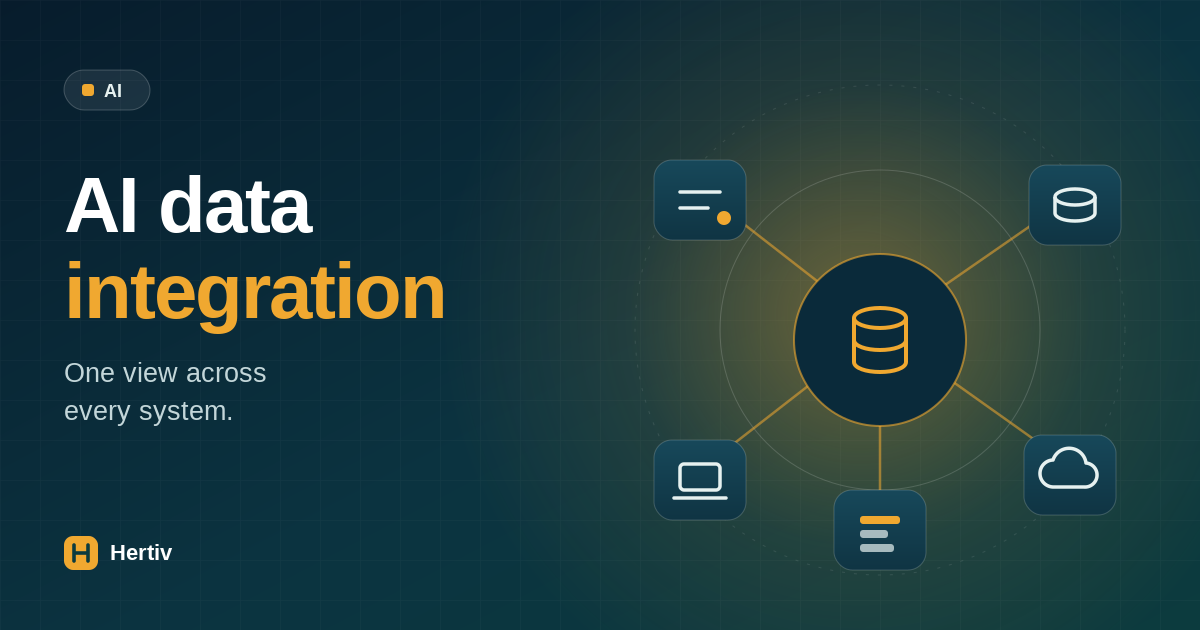
AI data integration brings data together from different systems into one usable view, using models to match fields and check quality. Here is how it works.
On this page
Short answer
AI data integration uses AI techniques to bring data together from different systems into one usable view. Models suggest field mappings, flag quality problems and learn from corrections, so engineers check mappings instead of building them by hand, and teams can query sales, support and finance data together.
What is AI data integration?
AI data integration is the use of AI techniques to bring data together from different systems into one usable view, so teams can analyse it or feed it to a model without hand-building every connection. It covers finding the data, matching fields, cleaning values and moving records on a schedule.
Traditional integration moves data with fixed rules written by engineers. AI integration adds models that suggest mappings, spot mismatches and learn from corrections, which cuts the manual work on each new source.
The goal is the same as any integration: one place where data from sales, support, finance and operations can be queried together. AI changes how much of that work is automated, not what the result should look like. Teams that need this built out often start with data engineering services for the underlying pipelines.
What does AI change about integration?
AI changes the slowest parts of integration: matching fields, cleaning values and keeping up when a source changes. The table shows what changes and what stays the same.
| Task | Old way | AI way |
|---|---|---|
| Field mapping | Manual column matching | Model suggests matches, engineer confirms |
| Data cleaning | Fixed rules only | Model flags odd values, learns from fixes |
| Duplicate detection | Exact keys | Fuzzy matching across spellings and formats |
| Schema changes | Breaks the pipeline | Model detects new fields, proposes a mapping |
| Documentation | Written by hand | Generated from mappings and lineage |
The biggest change is on the first connection. Matching a new source used to take days of reading field names and sample values. A model can now propose a first mapping in minutes, and the engineer spends time checking it instead of building it from scratch.
How does AI match schemas and fields?
Schema matching means deciding that the 'cust_id' column in one system is the same thing as 'customer_number' in another. AI models do this by comparing column names, sample values, data types and how often values repeat.
The model ranks possible matches and shows its confidence. A human confirms the uncertain ones, and each confirmation teaches the model the team's naming habits. Over time the first suggestion is right more often, but a person still checks the low-confidence matches.
Matching works best when sample data is available. Give the model a few hundred real values per field, not just the column name, and avoid matching on names alone, since two systems can use the same name for different things.
Keep a record of every confirmed match. The record becomes the team's mapping dictionary, and the next source benefits from the matches already made.
How does AI check data quality during integration?
Quality checks run as data moves: missing values, values outside the expected range, dates in the wrong order, and codes that do not exist in the reference list. AI adds checks that fixed rules miss, such as a sudden change in the mix of values from a source.
When a check fails, the record goes to a review queue with a note about what looks wrong. The reviewer fixes or rejects it, and the decision is recorded so the same failure is handled the same way next time.
Watch for drift. If a source starts sending different values — a new product code, a changed date format — the integration should flag it before the bad data reaches a dashboard or a model. A daily count of failed records per source makes drift visible early.
Where does AI integration fit: batch, streaming or real time?
Most AI integration runs in batches: data moves on a schedule, such as hourly or nightly, and checks run on each batch. Batch fits reporting, training data and anything where a short delay is acceptable.
Streaming integration moves records as they arrive, which fits monitoring, alerts and live dashboards. AI checks still run, but they must be fast, so streaming checks are usually simpler than batch checks.
Real-time integration answers a single question on demand, such as pulling a customer record when a chatbot asks for it. Use it only where the answer is needed at once; it costs more to run and is harder to test than a scheduled batch. The tool shortlists in best AI tools for data integration cover all three modes.
How do you start an AI integration project?
You start an AI integration project with one source and one target, not with a plan to connect everything at once. A small first connection proves the approach and shows where the real effort sits.
- Pick one source and one target. Choose a source the business already asks about and a target where the combined data will be used.
- List the fields and their meaning. Write down what each field means in plain words, with sample values, before any mapping starts.
- Run a trial mapping. Let the model propose matches, confirm the uncertain ones, and measure how many it got right.
- Add quality checks. Put checks on the fields that matter most, and send failures to a review queue.
- Schedule the load and watch failures. Run the first loads on a schedule, review the failed records daily, and fix the source or the rule behind each failure.
If the first connection runs clean for two weeks, add the next source. Each new source is faster because the model has learned your naming habits and your quality rules. The same staged approach applies to the wider AI data pipeline that the integration feeds.
Example (hypothetical): a distributor connects three systems
Example (hypothetical): a distributor keeps orders in an ERP, customer notes in a CRM and stock levels in a warehouse system. The team wants one view of each order: what was sold, who bought it and whether it shipped.
Mapping takes two days instead of two weeks. The model proposes matches for 120 of 140 fields; the engineer confirms 112 and fixes 8 by hand. Of the 20 fields the model could not match, 12 are unused legacy fields and 8 need a rule written by hand.
Quality checks catch 900 of 40,000 records in the first load: 500 with missing postcodes, 300 with order dates before the customer was created, and 100 with product codes that no longer exist. The team fixes the postcode rule, rejects the bad dates and retires the dead codes. The second load fails on only 120 records.
What are the common mistakes?
The most common AI data integration mistakes are connecting everything at once, trusting the first mapping without checking it, and treating quality checks as an afterthought.
- Big-bang connections. Mapping five sources at once means five sets of errors arriving together and no clean baseline.
- Trusting low-confidence matches. A match the model is unsure about needs a human; accepting it silently corrupts the target.
- No quality checks. Data that moves without checks carries source errors into every dashboard and model downstream.
- Ignoring drift. Sources change field names and formats; without drift alerts, the pipeline fails quietly.
- Skipping the review queue. Failed records that nobody reviews pile up, and the same failures repeat on every load.
Key takeaways
- AI data integration automates matching, cleaning and drift detection, not the goal itself
- Models propose mappings; a human still confirms the uncertain ones
- Quality checks should run as data moves, with failures sent to review
- Batch fits most work; streaming and real time only where speed matters
- Start with one source and one target, and watch failures for two weeks
Frequently asked questions
What is the difference between AI data integration and ETL?
ETL is the pattern of extracting, transforming and loading data. AI data integration is ETL with models doing parts of the work: suggesting mappings, spotting bad values and adapting when a source changes. The pattern is the same; the amount of hand-written rules is smaller.
Do you still need engineers if AI does the mapping?
Yes. Engineers confirm uncertain matches, write the rules the model cannot infer, and own the pipeline when it fails. AI cuts the repetitive mapping work, but someone still has to understand what each field means and take responsibility for the result.
How accurate is AI schema matching?
It varies with the data. Clear names and good samples give high accuracy on the first pass; cryptic codes and sparse samples need more human checks. Measure it on your own fields with a trial mapping before trusting it, and keep a person on low-confidence matches.
Can AI integration replace a data warehouse?
No. Integration moves and cleans data; a warehouse stores it in a form teams can query. Most teams integrate into a warehouse or lakehouse, then run reports and models on top. The two solve different problems and usually work together.
What data should you integrate first?
Start with the source that answers the question the business asks most often, such as orders, customers or stock. One useful connection beats five half-finished ones, and the first connection teaches the model your naming habits.
How do you handle a source that keeps changing?
Add drift alerts that flag new fields, changed formats and sudden shifts in value mix, and send them to a named owner. A source that changes often needs a lighter mapping that the model re-proposes on each load, rather than a fixed set of rules.