How AI Agents Manage Legal Documents
An AI agent can sort, read, draft and track legal documents, but it must never decide the law. Here is how the workflow works and where a lawyer stays in charge.
On this page
Short answer
An AI agent in legal document management takes in new documents, classifies them, extracts key facts such as parties and dates, drafts routine documents from templates, and tracks deadlines and versions. It prepares the work and flags what needs review, while a lawyer checks the result and makes every legal decision.
What is an AI agent in legal document management?
An AI agent in legal document management is software that carries out document work for a law firm or legal team on its own, following rules the firm sets. It reads incoming documents, sorts them, pulls out key facts, drafts routine papers and reminds people of deadlines.
It differs from a search tool or a document template. A template waits for a person to fill it in; an agent takes the next step by itself, such as filing a document in the right matter folder or flagging a clause that differs from the firm's standard wording.
The agent prepares work and flags what needs a human eye. It does not give legal advice, decide a case or sign off on a document. That line matters: the agent is a helper for the document workflow, and a lawyer remains responsible for every legal judgement. For the wider picture, AI agents in the legal industry covers how agents are used across legal work.
What can the agent do with legal documents?
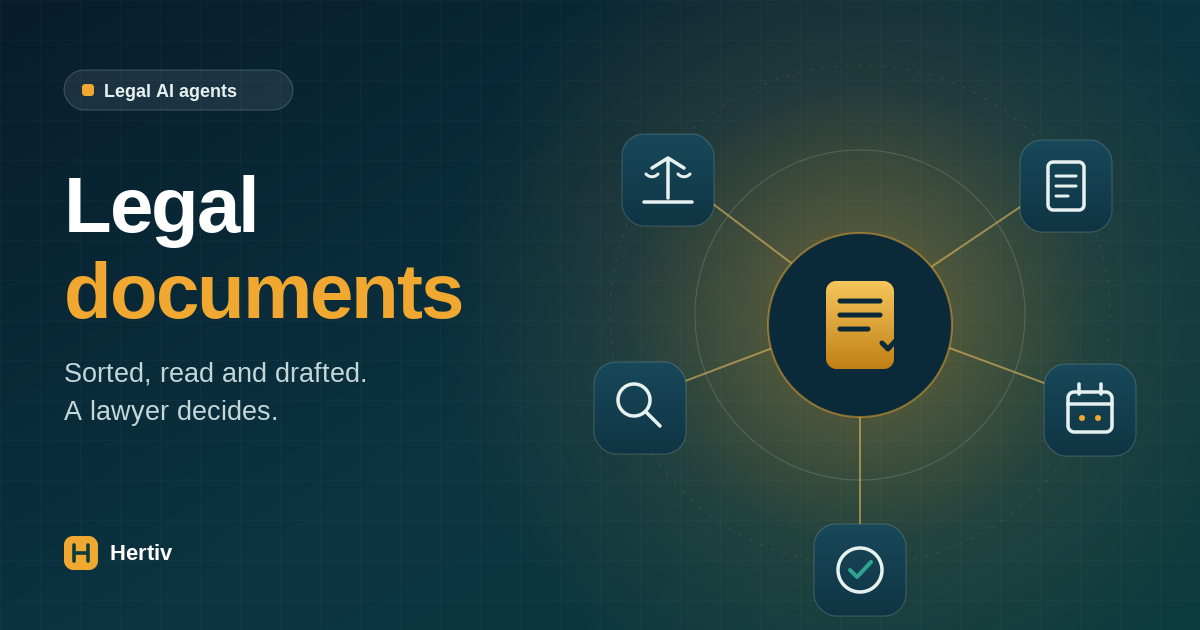
The agent can handle the repetitive document work that takes up much of a legal team's day: intake, classification, extraction, drafting support, deadline tracking and retrieval. The table shows each job and what the agent hands back to the lawyer.
None of these jobs is a legal decision. The agent organises and prepares, and the lawyer reviews, edits and approves. That split is what makes the agent safe to use in a regulated profession.
| Job | What the agent does | What the lawyer gets |
|---|---|---|
| Intake | Reads new documents and files them | Documents sorted by matter |
| Classification | Labels each document by type | Contracts, letters and filings separated |
| Extraction | Pulls out parties, dates and amounts | A fact sheet for each document |
| Drafting support | Fills templates from the fact sheet | A first draft to review |
| Deadline tracking | Reads dates and sets reminders | A calendar of filing deadlines |
| Retrieval | Finds clauses across the archive | Relevant passages with sources |
How does the agent work, step by step?
The agent works in a loop: it takes in a document, understands it, acts on it and records what it did. A clear workflow makes the agent's work checkable, which is what a law firm needs before trusting it.
- Intake. New documents arrive by email, upload or scan, and the agent files each one under the right matter.
- Classify. The agent labels the document type, such as a contract, a letter or a court filing.
- Extract. It pulls out parties, dates, amounts and obligations into a structured fact sheet.
- Draft or flag. It fills a template for routine papers, or flags clauses that differ from the firm's standard terms.
- Track. It reads deadlines from the documents and adds them to the matter calendar.
- Log. It records every action so a lawyer can see what the agent did and why.
The log is the most important step. If a lawyer cannot see what the agent did, the firm cannot stand behind the work. Keep the log where the matter file lives, not in a separate system nobody opens.
Example: a firm managing contract renewals
Example (hypothetical): a ten-lawyer firm manages 40 client matters, and each matter has about 200 documents. When a contract renewal comes up, a paralegal used to read through the documents to find the renewal date, the notice period and the key terms.
Reading 200 documents at about 3 minutes each takes 600 minutes, or 10 hours, per matter. With an agent, the documents are already classified and the fact sheet lists the renewal date, notice period and parties for each contract, so the lawyer reviews the sheet in about 30 minutes.
Across 40 matters, that is the difference between 400 hours of reading and about 20 hours of review. The lawyer still checks the terms that matter and makes the renewal decision; the agent only removes the reading that came before it. The firm also keeps the agent's log with the matter file, so the work can be checked later.
What are the limits and risks?
The limits are real and a firm must plan for them. An agent can misread a clause, miss a deadline hidden in unusual wording, or produce a draft that looks right but is wrong in a way that matters. A lawyer must review the result, not just trust it.
The main risks are confidentiality, accuracy and over-trust. Legal documents contain client secrets, so the agent must run in a system the firm controls, with access limited to the matter team. Accuracy needs checking: a wrong date in a fact sheet can mean a missed deadline.
Over-trust is the quietest risk. When the agent is right ninety-nine times, the hundredth error is the one nobody checks. Build the workflow so that a human reviews the output that matters, every time, and keep that review short enough that it actually happens. Review tools such as legal document review software cover the checking side of the same work.
What are the common mistakes?
The most common mistakes are giving the agent too much freedom too soon, skipping the log, and treating a draft as finished work.
- No human review. An agent's output must be checked before it leaves the firm, every time.
- Too broad a start. Begin with one document type and one matter, not the whole archive at once.
- No log. Without a record of what the agent did, the firm cannot defend the work.
- Weak access control. The agent must only see the matters it is working on, not the whole firm.
- Treating drafts as final. A draft is a starting point; the lawyer's review is what makes it a legal document.
The safest firms start narrow, review everything, and widen the agent's role only after months of clean logs. That patience is what makes the agent trusted rather than merely fast. For tooling, best legal document automation software lists the main options.
How do you start using an agent for legal documents?
You start by picking one document type and one matter, then building the workflow around it with a lawyer in charge of every review. A small start is the only safe way to learn what the agent does well.
- Pick the document type. Choose a common, low-risk type such as a standard contract or a filing letter.
- Set the rules. Write down what the agent may do, what it must flag and what it must never do.
- Run it in parallel. Let the agent work alongside the current process for a month and compare the results.
- Review every output. A lawyer checks the agent's work until the error rate is known and low.
- Widen slowly. Add one document type at a time, keeping the log and the review in place.
Keep the client informed about how their documents are handled, and check the rules in your jurisdiction about AI in legal work before you begin. The agent is a tool for the firm, not a replacement for the lawyer, and that should be clear to everyone who uses it.
Key takeaways
- An AI agent sorts, reads, drafts and tracks legal documents on its own
- The agent prepares work; the lawyer checks it and makes every legal decision
- The action log is what makes the agent's work checkable and defensible
- Start with one document type and review every output until the error rate is known
- Confidentiality and access control must be built in from the first day
Frequently asked questions
Can an AI agent give legal advice?
No. An AI agent can prepare documents, find clauses and draft routine papers, but it must not give legal advice or decide a case. A qualified lawyer must review the work and make every legal judgement. Firms should write this limit into the agent's rules.
What documents can the agent handle?
It handles routine, structured documents best: standard contracts, filing letters, intake forms and renewals. Complex or unusual documents need more human review, because the agent is more likely to misread wording it has not seen before.
How is client confidentiality protected?
The agent should run in a system the firm controls, with access limited to the matter team and all activity logged. Client documents must not be sent to a public AI service without the firm's approval and a proper data agreement.
How accurate are AI agents with legal documents?
Accuracy varies by document type and by how the agent was set up. Routine extraction on standard documents is usually strong, but unusual wording still causes errors. That is why every output that matters needs a human review.
What does an AI agent for legal documents cost?
Costs vary by tool, document volume and integration needs. Some tools charge per user, others per document or per matter. Vendors price on request in most cases, so ask for a quote based on your document volume; see vendor site for details.
Does the agent replace paralegals?
No. It removes the reading and sorting work that fills a paralegal's day, but the review, judgement and client contact still need people. Firms that use agents well give their paralegals harder work, not less work.


