Why Choose React for Web Development?
React is a JavaScript library for building user interfaces from reusable components, and teams choose it for its ecosystem, hiring pool and track record.
On this page
Short answer
React is a JavaScript library for building user interfaces from reusable components. Teams choose it because the component model keeps large sites manageable, the ecosystem covers most common needs, and hiring React developers is easier than hiring for a rare framework.
What is React?
React is a JavaScript library for building user interfaces, created by Meta and released as open source. A user interface is everything a person sees and clicks on a website: buttons, forms, menus, lists and pages. React lets a team build those pieces as components, which are small, reusable blocks of interface and logic.
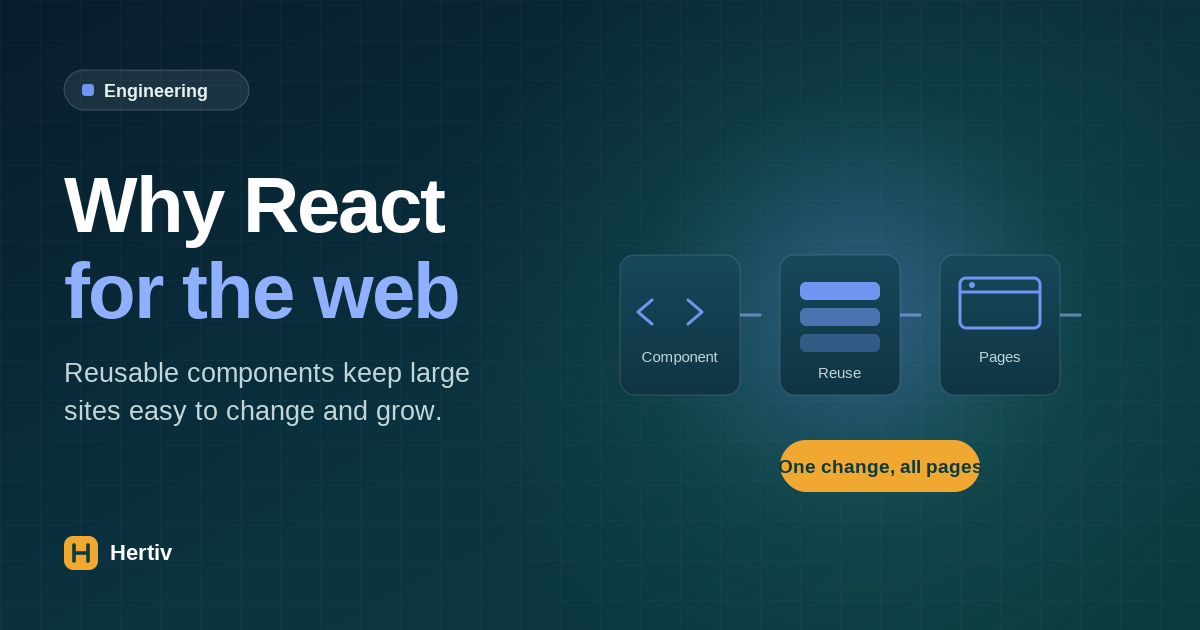
A component might be a search box, a product card or a checkout form. Once written, it can be reused on many pages, and when it changes, every page using it changes too. That reuse is the core idea: a large site becomes a set of known parts instead of hundreds of pages written one by one.
React is a library, not a full framework, which means it handles the interface and leaves routing, data fetching and forms to other tools. That freedom is useful, but it also means a team must choose those tools. You can read what React is for the basics before deciding.
How does React work?
React works by describing what the interface should look like for a given state, and then updating only the parts that changed. When a user types in a search box, React updates the results list without reloading the whole page, which keeps the site fast and responsive.
Each component holds its own state, such as the text in a form or whether a menu is open. When the state changes, React re-renders that component and the parts that depend on it, and leaves the rest alone. This makes the behaviour of a page easier to follow: the screen always reflects the current state.
| Approach | How pages are built | Best for |
|---|---|---|
| React | Reusable components | Interactive apps and large sites |
| Plain JavaScript | Hand-written per page | Small sites with little interaction |
| Server-rendered pages | Pages built on the server | Content sites with light interaction |
| Full framework | Opinionated stack | Teams that want every choice made |
React also has a large ecosystem. Routing, state management, forms, testing and animation all have well-known tools, and most of them work together without much glue code. That means a team spends its time on the product, not on wiring.
Why do teams choose React?
Teams choose React for four reasons. The first is the component model, which keeps a large site organised as it grows. The second is the ecosystem: whatever the site needs, from charts to maps to payment forms, a tested library usually exists.
The third is hiring. React is the most widely used front-end library, so a team can find developers, freelancers and agencies with React experience. The fourth is the track record: React runs some of the largest sites on the web, so its limits are known and its long-term support is not in doubt.
There is also a practical benefit. Because components are reusable, a design system built in React can serve the website, the admin panel and the mobile app's web views from one set of parts. That consistency saves design and testing time as the product grows. Compare it with the alternatives in React vs Angular before you commit.
When is React the wrong call?
React is the wrong call for a simple content site. A brochure site with five pages and a contact form does not need components, state or a build step; a plain site or a content platform will be faster to build and cheaper to host.
It is also a weak choice when the team is tiny and the site is simple. React adds a build step, a package list and a learning curve, and a team of one will feel that overhead on every change. If the site has little interaction, that overhead buys nothing.
Performance can also argue against it. A React site ships JavaScript that the browser must download and run before the page appears, which can slow the first paint on a weak phone. Server rendering, through tools such as Next.js, fixes much of that, but it adds complexity. Next.js vs React explains when that extra layer is worth it.
How to start with React in five steps
Starting with React is a short project if the team keeps it focused. These five steps take a team from zero to a working first version without overbuilding.
- Confirm the need. Check the site is interactive enough to justify React: forms, filters, dashboards or frequent updates.
- Pick the stack. Choose a starter, a router and a state tool, and write the choices down so the team does not revisit them weekly.
- Build the design system first. Create the shared components, such as buttons, inputs and cards, before building pages.
- Build one page end to end. Ship a single page with real data, real loading states and real errors, and learn from it.
- Add testing and review. Add tests for the shared components and a review step for every change, so the site stays reliable as it grows.
The first page is the test. If it is hard to build or slow to load, the stack choice may be wrong, and it is cheaper to learn that on one page than on fifty. A web app development partner can help a team that has no React experience yet.
Example (hypothetical): a booking site rebuild
Example (hypothetical): a clinic booking site has 120 pages, and each page carries its own copy of the header, footer and booking form. Changing the header means editing 120 pages, and at 10 minutes per edit that is 1,200 minutes, or 20 hours, for one small change.
The team rebuilds the site in React with one header component, one footer component and 40 shared components for forms, calendars and cards. Changing the header now means editing one component, which takes 10 minutes, and every page updates at once.
The saving on that single change is 20 hours minus 10 minutes, or about 19 hours and 50 minutes. The rebuild itself takes weeks, so the saving only pays off over time, but every later change is cheaper too. The lesson is that React pays when a site changes often, not when it stays still.
Common mistakes
The first mistake is choosing React for a site that does not need it. A simple content site becomes slower and harder to maintain for no benefit. The second is skipping the design system: teams that build pages before shared components end up with five different buttons and no way to fix them all at once.
The third is letting the component tree grow without rules. When components pass data through many layers, the code becomes hard to follow and hard to test. The fourth is ignoring the first paint: a site that loads slowly on a phone will lose visitors, whatever the framework.
The fix is to start with the shared components, keep the data flow simple, and measure the load time on a real phone before launch. React is a tool for managing change; used well, it makes a growing site easier to run, not harder.
Key takeaways
- React builds interfaces from reusable components, not page by page.
- The ecosystem and hiring pool are the strongest practical reasons to choose it.
- Simple content sites and tiny teams gain little from React's overhead.
- Build the shared components first, then one real page end to end.
- A 120-page site cut a header change from 20 hours to 10 minutes with one component.
- Skipping the design system is the mistake that costs the most later.
Frequently asked questions
Is React a framework or a library?
React is a library, not a full framework. It handles the user interface and leaves routing, data fetching and forms to other tools. That freedom is useful for teams that want to choose their own stack, but it means the team must make those choices and keep them consistent.
Do I need to know JavaScript to learn React?
Yes. React is written in JavaScript, so a developer should be comfortable with JavaScript first, including functions, arrays and objects. A developer who knows JavaScript can learn React's component model in a few weeks of steady practice on a real project.
Is React good for SEO?
React on its own can hurt SEO, because search engines may see a blank page before the JavaScript runs. Server rendering, through tools such as Next.js, fixes this by sending a finished page to the browser and the search engine. Most large React sites use server rendering for this reason.
How long does it take to build a site in React?
A small site with a few pages takes a few weeks, while a large interactive product takes months. The time depends on the design, the data and the team, not only on React. Building the shared components first usually saves time later, because pages assemble from tested parts.
Can React be used for mobile apps?
Yes, through React Native, which uses the same component ideas to build iOS and Android apps from one codebase. The web and mobile apps can share logic and design, though the interface parts differ. Teams that already know React often find React Native the fastest route to a mobile app.
Is React still a good choice in 2026?
Yes. React remains the most widely used front-end library, with a large ecosystem, a big hiring pool and long-term support. Newer tools appear every year, but React's track record on large sites and its component model still make it the safe default for interactive web products.


