What Is Manus AI? From Concept to Capabilities
Manus AI is a general-purpose AI agent that takes a goal and does the work in a cloud computer. Here is how it works, what it can do, and where it falls short.
On this page
Short answer
Manus AI is a general-purpose AI agent that takes a goal in plain language, plans the steps itself, and carries them out inside a cloud-based virtual computer. Instead of answering a question and waiting, it browses the web, writes and runs code, works with files, and returns a finished report, spreadsheet, slide deck or working app.
What is Manus AI?
Manus AI is a general-purpose AI agent built by Butterfly Effect, the company behind the Monica browser extension. It was released in invitation-only beta on 6 March 2025, and it became widely known within days because it promised something chatbots did not: an agent you give a goal, not a prompt, that then goes off and does the work.
The name comes from the Latin word for hand, and the idea behind it is simple: a chatbot answers, while Manus acts. You might ask it to research a market, screen a set of resumes, build a slide deck, or stand up a small web app. It plans the steps, works through them in its own cloud computer, and tells you when it is done or when it needs a decision from you.
The table below sets out how Manus differs from a chatbot and from a single-purpose automation tool.
| Tool | You give it | What it does | When it stops |
|---|---|---|---|
| Chatbot | A question | Answers in text | After the answer |
| Manus | A goal | Plans and runs the whole task | When the result is ready |
| Single-purpose tool | A fixed input | One defined job | After that job |
| Human analyst | A brief | Research, judgement, writing | When the brief is met |
Manus sits between the chatbot and the analyst: it can do far more than answer, but it has no judgement of its own. It follows the plan it makes, and the quality of the result depends on how clear the goal was and how well the sources it found hold up.
How does Manus AI work?
Manus AI works by running each task inside its own sandboxed virtual computer in the cloud, with a real browser, a terminal and a file system. The task keeps running even after you close your laptop, and Manus notifies you when it finishes or gets stuck.
It is not a single model with tools attached. Manus uses a multi-agent design: a central orchestrator breaks the goal into sub-tasks and hands each one to a specialised sub-agent. A browser agent navigates websites, a code agent writes and runs code, a data agent handles analysis, and a file agent manages the outputs.
Manus does not train its own foundation model. It orchestrates existing large language models — reporting at launch pointed to models from Anthropic and Alibaba's Qwen family — and puts its engineering into the planning, memory and sandbox layers around them. The loop is the same for every task: read the goal, plan the steps, call a tool, observe the result, and repeat until the task is done or stuck.
Because the agent runs in a real computer, it can do things a chatbot cannot: open a site that needs JavaScript, download a file, run a Python script on the data, and save the result as a document. That is also the main risk: an agent with a browser and a shell can take actions you did not expect, so the task and its limits need to be clear before it starts.
What can Manus AI do?
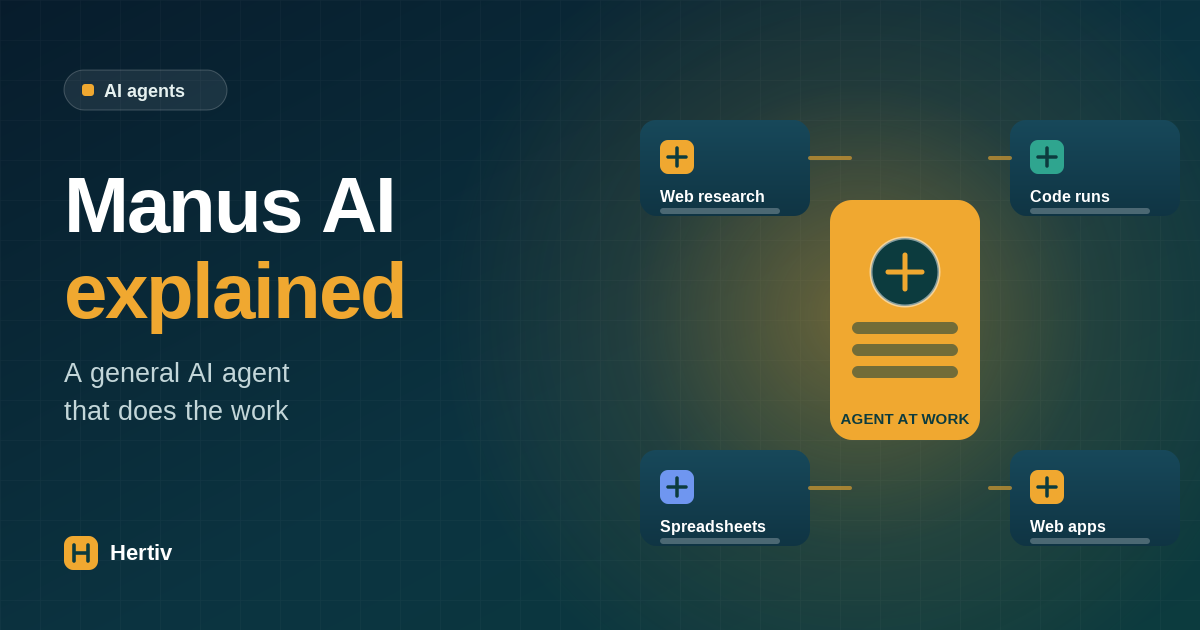
Manus AI is built for open-ended, multi-step work rather than quick answers. Its common uses are deep web research across many sources, market and competitor analysis, data extraction and spreadsheet building, slide generation, and browser automation that fills in forms and navigates real sites.
Later releases widened what it can build. An update in October 2025 added full web application generation, producing prototypes that include backend logic, a database and sign-in from a single prompt. A further release in early 2026 added a faster chat mode, a wide-research mode that runs many sub-agents in parallel across sources, and tiered model access for different task sizes.
The strengths follow the design. Manus is good at work that would take a person hours of browsing, copying and formatting: gathering figures from many pages, comparing options, and turning the result into a tidy document. It is also useful for one-off prototypes, where a working web app in an hour is worth more than a polished one in a week.
The limits follow the same design. Long tasks can fail part-way through, and a failure near the end can waste the whole run. Manus has no persistent memory between tasks and no shared workspace, so each task starts from scratch. And because it works from what it finds on the web, a task built on thin or wrong sources will produce a confident-looking answer on weak ground.
How much does Manus AI cost?
Manus AI runs on a credit-based subscription: tasks consume credits, and the plan sets how many credits you get. Prices change, so check the vendor site before buying — and check whether the plan you need covers the size of task you run, because a long research task can consume far more credits than a short one.
The cost question that matters is not the monthly price but the cost per finished task. A task that fails half-way still consumes credits, and a task that needs two or three retries costs two or three times the plan. Before committing to a plan, run a few real tasks from your own work and count what they cost, including the retries.
There are also costs that do not appear on the invoice. Every task needs a review: someone has to check the sources, the figures and the conclusions before the output is used. A research report that nobody checks is a risk, not a saving. Budget the review time alongside the subscription, and treat a Manus output like a draft from a new hire: useful, fast, and never to be sent out unchecked.
For a comparison with other agents, see Manus AI alternatives.
What should a business know before using Manus?
A business should know three things before using Manus: what data the agent will touch, what it is allowed to do, and who checks its work. The agent runs in a cloud computer and browses the web, so it can reach any site or service you give it access to — and that access is the risk.
First, keep sensitive data out of agent tasks. Do not give Manus access to live customer data, internal systems or accounts you would not hand to a contractor on day one. Use it for research and drafts built on public sources, and keep the internal data in systems it cannot reach.
Second, set the limits in the task itself. A goal like "research the market and buy the best option" hands the agent a payment decision it should not make. A goal like "research the market and list the options with prices, see vendor site for each" keeps the decision with a person.
Third, check the history. Manus had a turbulent corporate year: a planned acquisition by Meta was reported in late 2025, regulators blocked it in April 2026, and the company resumed independent operations later that year, with user data from the Meta period deleted as part of the separation. That is a reminder to keep copies of any work that matters, because an agent product can change hands, terms or ownership.
For the wider picture of agents in business, see AI agents versus chatbots.
Example (hypothetical): a market research task
Example (hypothetical): an analyst needs a comparison of five rival products, with prices, features and customer feedback, and the manual job takes about 8 hours of browsing, copying and formatting. That is 480 minutes of work.
The analyst gives Manus the goal and the list of rivals. The agent runs for 45 minutes, gathering pages, pulling out the figures and building a comparison spreadsheet. The analyst then spends 30 minutes checking the sources and the figures, and finds two prices that have changed since the pages were cached.
The total is 45 + 30 = 75 minutes, against 480 minutes by hand. The saving is 480 - 75 = 405 minutes, or just under 7 hours, on one task. The saving holds only because the analyst checked the work: without the 30-minute review, the two wrong prices would have gone into the report.
The lesson is to count the review time as part of the cost. An agent that saves 7 hours of browsing but needs 30 minutes of checking is still a good deal; an agent whose output is never checked is a risk that grows with every task it runs.
What are the common mistakes?
The most common mistakes teams make with Manus are giving it vague goals, skipping the review, and handing it access it should not have.
- Vague goals. A goal like "research the market" produces a report on the market the agent guessed. Name the rivals, the questions and the format you want.
- No review step. Manus output looks finished, which makes it easy to send out unchecked. Check the sources and the figures first, every time.
- Too much access. An agent with a browser and a shell should not reach live customer data or internal systems. Keep it on public sources.
- Letting it decide. Do not ask an agent to buy, sign up or commit to anything. Keep decisions with a person.
- Counting credits, not cost per task. A task that fails and retries costs twice. Measure the cost of a finished task, including the review time.
- Treating the output as final. A Manus report is a draft. It needs the same check a draft from a new hire would get.
How to start with Manus AI
You start with Manus AI by picking one well-defined task, running it as a trial, and checking the result before you commit to a plan. The scope should be small enough that a bad result costs little.
- Pick one task type. Market research or a comparison spreadsheet is a good first pick, because the result is easy to check against the sources.
- Write the goal down. Name the rivals or sources, the questions to answer, and the format you want, so the agent has something concrete to aim at.
- Run it and time it. Note how long the task took, how many credits it used, and how long the review took.
- Check the sources. Open the pages the agent cited and confirm the figures, especially prices, which change often.
- Decide on the numbers. Compare the total cost — subscription, credits and review time — with doing the task by hand, then decide whether to expand.
If the trial pays for itself, expand to more task types one at a time. If it does not, the trial has still told you something useful: which of your tasks suit an agent, and which need a person.
For help choosing an agent for your workflows, see AI agent development.
Key takeaways
- Manus takes a goal, not just a question
- It works in its own cloud virtual computer
- It plans, browses, codes and delivers finished work
- Every output needs a human review
- Keep sensitive data and decisions away from the agent
Frequently asked questions
What is Manus AI?
Manus AI is a general-purpose AI agent that takes a goal in plain language, plans the steps itself, and carries it out inside a cloud-based virtual computer. It browses the web, writes and runs code, works with files, and returns a finished report, spreadsheet, slide deck or working app.
Who built Manus AI?
Manus was built by Butterfly Effect, the company behind the Monica browser extension, and released in invitation-only beta on 6 March 2025. It became widely known within days as one of the first general-purpose AI agents aimed at doing whole tasks, not just answering questions.
What is the difference between Manus and a chatbot?
A chatbot answers a question and waits. Manus takes a goal, plans the steps, browses the web, runs code and returns a finished result, and keeps working after you close your laptop. It acts, where a chatbot only replies.
What can Manus AI do?
It handles multi-step work: deep web research, market and competitor analysis, data extraction and spreadsheets, slide decks, browser automation, and building small web apps. Later releases added web app generation and a wide-research mode that runs many sub-agents in parallel.
How much does Manus AI cost?
Manus runs on a credit-based subscription, so the price depends on the plan and how many credits a task consumes. Check the vendor site for current prices, and count the cost per finished task — including retries and review time — before committing.
Is Manus AI safe to use for business work?
It is safe for research and drafts built on public sources, if you keep sensitive data out of its reach and check every output before use. Do not give it access to live customer data or internal systems, and never let it make a purchase or a commitment.


