What Is HR Automation, and Where Should You Start?
HR automation uses software to handle routine people tasks such as screening CVs, booking interviews and tracking leave. Learn what it covers and how to start.
On this page
Short answer
HR automation is the use of software to handle routine human resources tasks, such as screening CVs, booking interviews, onboarding new staff and tracking leave, so the HR team spends its time on decisions and people rather than on admin. It does not replace HR judgement; it removes the repetitive steps around it.
What is HR automation?
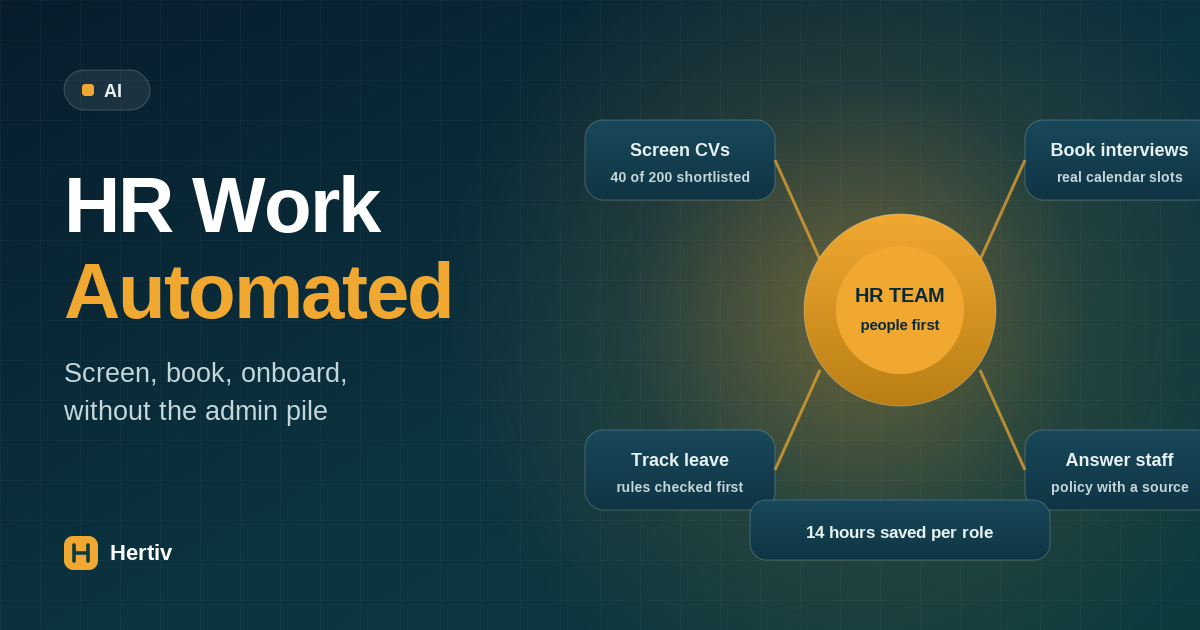
HR automation is software that carries out the routine, repeatable parts of human resources work without a person doing each step by hand. It covers tasks such as screening CVs, scheduling interviews, sending offer letters, collecting new starter documents, tracking leave and answering common staff questions.
It differs from a plain HR system, which mainly stores records. Automation acts on those records: it moves a candidate to the next stage when a test score arrives, sends a reminder when a document is missing, and approves a leave request that fits the team rules. The HR team still sets the rules and handles the exceptions.
The tasks that are automated first are usually:
| HR task | What automation does | Who still decides |
|---|---|---|
| CV screening | Shortlists against set criteria | The hiring manager |
| Interview booking | Offers times and sends invites | The interviewer |
| Onboarding | Collects documents and sets up accounts | The HR team |
| Leave tracking | Approves requests that fit the rules | The line manager |
| Staff questions | Answers policy questions from a source | HR for anything unclear |
For teams that already use AI agents in support, the same pattern applies to HR. AI agents for HR teams covers how agents handle staff questions and routine HR work.
Which HR tasks should you automate first?
You should automate first the HR tasks that repeat often, have clear rules and are easy to check: CV screening, interview scheduling, leave approvals and common staff questions. These are high volume, low judgement, and the result of a mistake is easy to spot.
Tasks that need judgement should stay with people: salary decisions, performance reviews, disciplinary cases and anything involving a complaint. Automation can prepare the facts for these, such as pulling a pay history or a leave record, but it should not make the call.
Good first candidates:
- CV screening. Shortlist against written criteria, such as required skills and years of experience, and keep a record of why each CV passed or failed.
- Interview scheduling. Let candidates pick from real calendar slots instead of trading emails.
- Onboarding paperwork. Collect documents, chase missing ones and trigger account setup automatically.
- Leave requests. Approve requests that fit the rules and route the rest to a manager.
- Policy questions. Answer questions about leave, expenses and benefits from the written policy, with a source shown.
Pick the task by volume and by how easy it is to check. A task done 200 times a month with a clear rule is a better start than a rare task with a complicated judgement.
How does HR automation work in practice?
HR automation works by connecting the systems HR already uses, such as the applicant tracker, the HR records system and the calendar, and adding rules that move work between them. When an event happens, such as a new CV arriving, the rule decides the next step.
A typical flow looks like this:
- Capture. A CV, leave request or question arrives through a form, email or chat.
- Check. The system compares it with the rules: criteria, dates, team capacity, policy.
- Act. It moves the candidate, books the interview, approves the leave or drafts an answer.
- Log. Every step is recorded, so the team can see what happened and why.
- Escalate. Anything that does not fit the rules goes to a person instead of being decided by the system.
The log matters as much as the automation. If a candidate asks why they were rejected, the team needs to show the criteria and the result. Without that record, the automation is hard to defend and hard to fix.
What are the risks, and how do you control them?
The main risks in HR automation are unfair screening, wrong answers to staff, and decisions nobody can explain. Each one is controlled by keeping the rules visible, the data clean and a person in charge of the outcome.
The controls that matter most:
- Written criteria. Screening rules are written down, approved and reviewed, not hidden in a model.
- Human review of rejections. A sample of rejected CVs is reviewed by a person, so bias in the criteria shows up early.
- Source for every answer. Staff questions are answered from the written policy, with the policy shown, so a wrong answer can be traced.
- Data protection. CVs and staff records are personal data, so access is limited and retention rules are set.
- Appeal path. Candidates and staff can ask for a human review of any automated decision.
For teams building AI systems that touch staff data, AI security covers how to protect the data and the model behind it.
Example (hypothetical): a hiring team screens CVs faster
Example (hypothetical): a company hires for one role and receives 200 CVs. Reading each one takes about 5 minutes, which is 200 times 5 minutes, or 1,000 minutes, about 17 hours of staff time for a single role.
The team sets written screening criteria: the required skill, a minimum of two years of relevant work, and a location the role supports. The automation shortlists 40 CVs that meet all three, and a recruiter reviews those 40. Reviewing 40 CVs at 5 minutes each takes 200 minutes, or about 3 hours.
The team saves about 14 hours on that role, and the recruiter spends the time on interviews instead of reading. The team also reviews 20 rejected CVs each month to check the criteria are working as intended, and it keeps the shortlist record so any candidate can be told why they did not pass.
The saving only holds if the criteria are right. If the criteria are too narrow, good candidates are lost; if they are too loose, the shortlist is too long. The monthly review is what keeps the balance.
How do you start with HR automation?
You start with HR automation by picking one routine task, writing the rules for it, and running it alongside the manual process for a month. A narrow start is faster to measure and easier to fix than a broad rollout.
- Pick one task. CV screening or leave approvals are the usual first choices, because the rules are clear.
- Write the rules down. List the criteria, the exceptions and who decides them, and get them approved.
- Clean the data. Check that job descriptions, policies and records are up to date, because automation repeats whatever the data says.
- Run a pilot. Process a month of real cases in parallel with the manual way, and compare the results.
- Set the review routine. Decide who reviews a sample of decisions, how often, and how corrections feed back into the rules.
Measure time saved and error rate, not how many cases were automated. For guidance on scoping a first AI project, how to build an AI proof of concept shows how to set a clear test and measure it.
What are the common mistakes?
The most common mistakes with HR automation are automating a broken process, hiding the rules, and removing the human review. Each one turns a time saver into a trust problem.
- Automating a bad process. If the manual process is slow because the criteria are unclear, automation makes the confusion faster, not better.
- Hidden rules. Screening criteria that nobody can see cannot be challenged or fixed.
- No human review. Without a sample review, biased criteria and bad data go unnoticed for months.
- Dirty data. Outdated job descriptions and policies produce wrong shortlists and wrong answers.
- Automating judgement. Salary, performance and disciplinary decisions need a person, not a rule.
- No appeal path. Candidates and staff who cannot ask for a human review lose trust in the whole system.
Key takeaways
- HR automation removes repetitive admin, it does not make HR decisions
- Start with high-volume, clear-rule tasks such as screening, scheduling and leave
- Written criteria, a sample review and an appeal path keep automation fair
- Clean data and current policies matter more than the tool you pick
- Measure time saved and error rate, and fix the rule behind every mistake
Frequently asked questions
What is the difference between HR automation and an HR system?
An HR system stores records such as employee details, leave balances and pay history. HR automation acts on those records: it shortlists CVs, books interviews, approves leave that fits the rules and answers policy questions. Most teams use both, with the system as the record and automation as the workflow on top of it.
Does HR automation replace HR staff?
No. It changes their work from repeating the same admin tasks to handling the cases that need judgement, such as interviews, difficult conversations and complex leave cases. Most teams keep the same staff and use the saved time to spend longer on the people work that matters.
Is it legal to screen CVs automatically?
It depends on the country and the rules you apply. Automated screening must use written, job-related criteria, keep a record of each decision, and offer a human review. Get legal advice for your country before you automate hiring decisions, because employment rules vary.
Which HR task is the best first automation project?
CV screening or leave approvals are the usual first choices. Both repeat often, have clear rules and are easy to check. Avoid starting with salary, performance or disciplinary work, because those need human judgement and are hard to reverse if they go wrong.
How do I stop HR automation from being unfair?
Write the criteria down, approve them, review a sample of decisions every month, and keep an appeal path so any candidate or staff member can ask for a human review. If a review shows a pattern, such as one group being rejected more often, fix the criteria, not the tool.
How much does HR automation cost?
Costs vary widely, so check the vendor site for current pricing. Most tools charge per user or per employee per month, plus setup for connecting your existing systems. Budget separately for cleaning the data and writing the rules, which is where most of the real work sits.


