What Is Conversational AI, and How Does It Work?
Conversational AI is software that holds a back-and-forth conversation in plain language. Learn how it understands you, where it works well, and how to start.
On this page
Short answer
Conversational AI is software that understands what a person says in plain language and replies in a way that keeps the conversation going. It combines language models, intent detection and dialogue management so a system can answer questions, ask follow-ups and take simple actions, instead of only matching fixed keywords.
What is conversational AI?
Conversational AI is software that holds a conversation with a person in ordinary language, by text or voice. It reads a message, works out what the person wants, and replies in a way that fits the conversation so far. The reply can be an answer, a question back, or an action such as booking an appointment or checking an order.
It differs from a simple chatbot that follows a fixed script. A scripted bot only recognises the phrases its author listed, and it breaks when a person phrases the same request in a new way. Conversational AI uses a language model to handle wording it has never seen, so it copes with typos, slang and half-finished sentences.
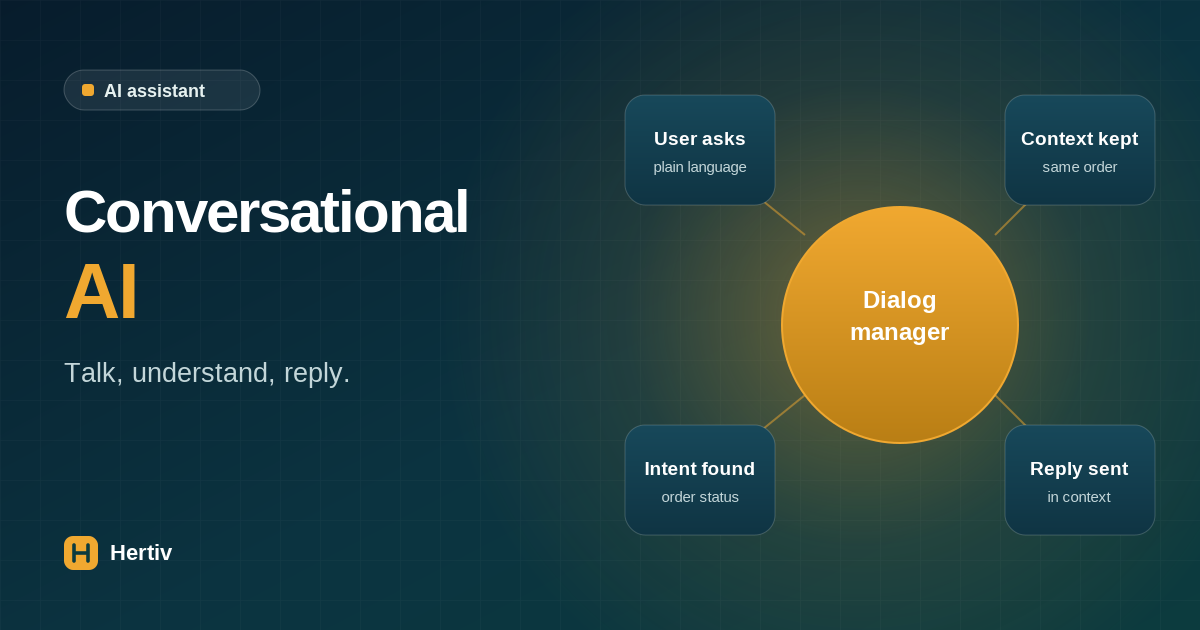
The system has three parts that work together. Understanding turns words into meaning, dialogue management decides what to do next, and generation turns that decision into a reply. The table below shows what each part does.
| Part | What it does | Example |
|---|---|---|
| Understanding | Finds intent and key details in a message | Sees "move my delivery" as a change request with a date |
| Dialogue management | Tracks context and picks the next step | Asks for the new date when it is missing |
| Generation | Writes the reply in natural language | Confirms the new date and asks if anything else is needed |
How does conversational AI understand what you mean?
Understanding starts with intent: the goal behind a message. "Where is my parcel?" and "Has my order shipped?" carry the same intent even though the words differ. The system is trained on many phrasings of each intent, so it can match new wording to the right one.
Next it pulls out entities, the details that matter: an order number, a date, a product name, a city. Without entities, the system knows what you want but not which order or which day. A good system asks for a missing detail instead of guessing it.
Context is what makes it feel like a conversation rather than a series of separate searches. If you ask about delivery times, then say "and for the blue one?", the system should know you still mean the same order. It keeps a short memory of the conversation and uses it to fill in gaps. When the memory gets long, the system keeps only the facts that still matter.
Where is conversational AI used?
Support is the most common use. A conversational system answers routine questions, checks order status, resets passwords and collects the details a human agent needs before taking over. It works around the clock, which suits customers in different time zones.
Sales and onboarding use it to qualify leads and guide new users. A system can ask a few questions, suggest the right plan or product, and book a call with a person when the lead is ready. In health and banking, it books appointments, reminds patients and answers questions about opening hours or documents.
Inside a company, it answers staff questions about leave, expenses and IT problems, and it helps new starters find the right document. The table below shows the most common uses and what each one needs to work well.
| Use | What it handles | What it needs |
|---|---|---|
| Customer support | Order status, returns, common questions | Access to order and account data |
| Sales and onboarding | Qualifying leads, booking calls | Clear rules for when to hand over |
| Voice assistants | Hands-free tasks and questions | Good speech recognition and short replies |
| Staff helpdesk | Leave, expenses, IT fixes | Links to internal systems and policies |
How do you build a conversational AI system?
Building one follows six steps, and the order matters. Start with the job, not the technology: pick a small set of conversations that happen often and have a clear answer, such as checking an order or booking a slot.
- List the intents. Write down the 10 to 20 things people ask most, with several example phrasings for each one.
- Pick the data it may use. Decide which systems it can read, such as orders, bookings or help articles, and which it may never touch.
- Design the flow. For each intent, map the questions the system asks, the answers it gives, and the point where a person takes over.
- Build a small version. Cover three or four intents first, and test it with real staff before any customer sees it.
- Test with real wording. Give testers no script, and watch where the system misunderstands. Those failures are the training data.
- Launch with a human fallback. Every conversation should offer a way to reach a person, and every handover should carry the conversation so far.
Most teams start with a hosted model and a small set of intents, then add more as they learn what people actually ask. Building an AI proof of concept shows how to run this kind of small first version without a large budget.
Example (hypothetical): a support assistant for a small shop
Example (hypothetical): a small online shop gets 300 support messages a day, and a person takes about 5 minutes to answer each one. That is 300 × 5 minutes = 1,500 minutes, or 25 hours of work a day, spread across the team.
The shop builds a conversational assistant that handles the three most common intents: order status, returns and delivery times. In testing it answers 200 of the 300 messages correctly, and a person reviews the other 100 at about 1 minute each. Review takes 100 × 1 minute = 100 minutes, or about 1 hour 40 minutes a day.
The team saves about 25 hours minus 1 hour 40 minutes, which is roughly 23 hours a day of answering work. The saving is only real if the assistant's answers are correct, so the team reads a sample of its replies every week and fixes the intents it gets wrong.
What are the limits of conversational AI?
The main limit is that a language model can sound sure while being wrong. It may invent a policy, a price or a delivery date that does not exist. That is why a system should only answer from data it can actually read, and should say it does not know when the answer is not in that data.
Long conversations are another limit. A system keeps only a short memory, so after many turns it can forget what was agreed at the start. Keeping the important facts in a small record, rather than in the chat history alone, helps it stay consistent.
Tone and judgement are limits too. A system cannot tell that a customer is upset in the way a person can, and it cannot make a judgement call about a refund or an exception. Those cases should go to a person quickly, with the conversation history attached. AI agents versus chatbots explains where a simple chatbot ends and a system that takes actions begins.
What are the common mistakes?
The most common mistake is launching with too many intents. A system that tries to answer everything answers most things badly. Start with the three or four intents that cover most of the volume, and add more only after those work.
The second mistake is hiding the human fallback. If a person cannot reach a human when the system fails, a small failure becomes a lost customer. The button to talk to a person should be easy to find in every conversation.
The third mistake is never reading the conversations. The chat log is the best source of training data a team has, because it shows the exact wording people use. Teams that read a sample every week improve quickly; teams that do not keep answering the same failures.
Key takeaways
- Conversational AI understands intent and details, then replies in context
- Start with a few common intents, not the whole catalogue
- Every conversation needs an easy way to reach a person
- Answers should come from data the system can read, not from guessing
- Reading real chat logs is the fastest way to improve it
Frequently asked questions
What is the difference between conversational AI and a chatbot?
Conversational AI understands new wording and keeps context across turns, while a scripted chatbot only recognises the phrases its author listed and follows fixed paths. A chatbot suits a short, predictable flow, while conversational AI suits open questions where people phrase the same request in many ways.
Does conversational AI need a lot of training data?
Not as much as it used to. A modern language model already understands plain language, so a team mainly needs example phrasings for each intent and the facts the system may use. A few dozen examples per intent is a practical starting point, and real chat logs improve it over time.
Can conversational AI take actions, or only answer?
It can take actions when it is connected to the right systems, such as moving a booking, checking an order or raising a ticket. The actions should be narrow and reversible where possible, and anything involving money or personal data should have a clear check before it runs.
How do you measure whether it works?
Track how often it resolves a conversation without a human, how often people ask for a person, and how often its answers are marked wrong in review. A useful early target is a high resolution rate on the three most common intents, with a weekly review of failures.
Is voice harder than text?
Yes, because speech recognition adds mistakes before the language model even starts, and spoken replies must be short. Text gives the system cleaner input and lets the person re-read the answer. Most teams start with text and add voice once the text version works well.
When should a conversation go to a human?
When the person asks for one, when the system is unsure, when the request involves money, a complaint or an exception, and when the topic is outside the intents it was built for. A fast handover with the full conversation attached is better than a long struggle.


