What Is a Chatbot, and How Does It Work?
A chatbot is software that talks with people through text or voice, answering questions and completing tasks. This guide explains the types and how they work.
On this page
Short answer
A chatbot is software that talks with people through text or voice, answering questions and completing simple tasks. It can run on a website, in a messaging app or on a phone line, and it is used for support, sales, booking and internal help.
What is a chatbot?
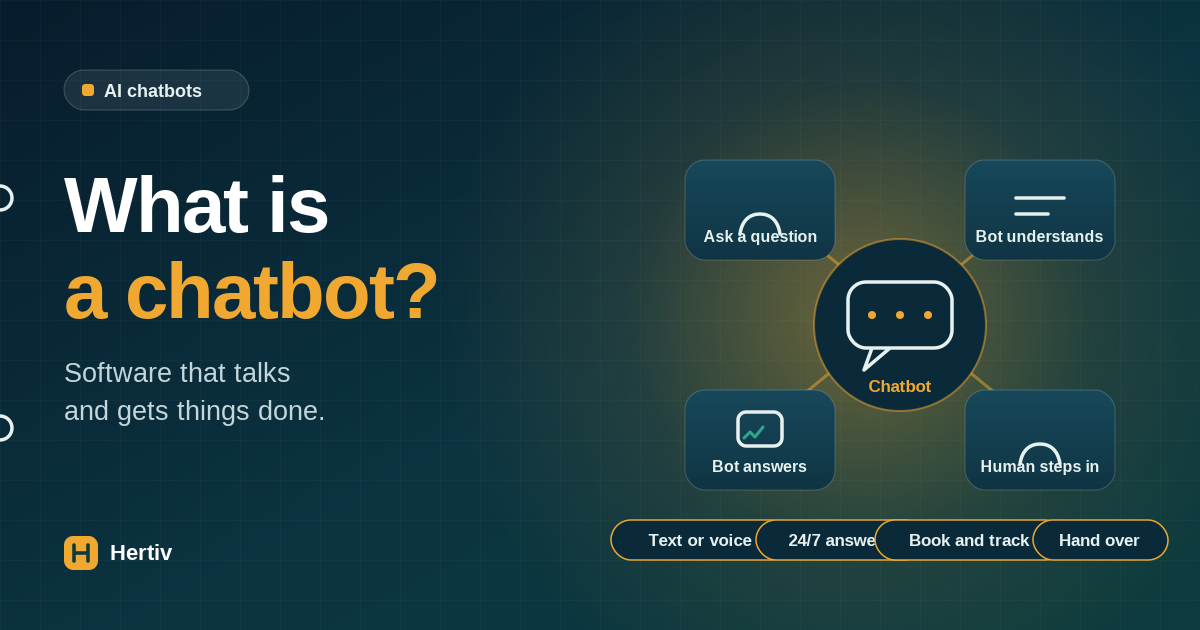
A chatbot is a software programme that holds a conversation with a person, usually through text in a chat window or through voice on a phone call. It answers questions, collects details and completes simple tasks such as booking an appointment or tracking an order.
You have probably used one without thinking about it. The chat window on a shop's website, the assistant in a banking app and the automated replies in a messaging app are all chatbots. Some are simple and follow fixed rules, while others use AI to understand free-form questions.
A chatbot is not the same as a human agent. It is good at fast, repeated questions and simple tasks, and it works at any hour. It is not good at judgement, empathy or complex problems, which is why most chatbots hand over to a person when the conversation gets difficult.
How does a chatbot work?
A chatbot works by taking a message, working out what the person wants, and then giving an answer or taking an action. The steps are the same whether the chatbot is simple or AI-powered.
| Step | What happens | Example |
|---|---|---|
| Receive | The chatbot gets the message | User types: where is my order? |
| Understand | It works out the intent | Intent: track order |
| Find facts | It looks up the answer | Checks the order system for status |
| Reply | It sends an answer or acts | Your order arrives on Thursday |
| Hand over | It passes to a person if needed | Refund request goes to support |
Rule-based chatbots match messages to a fixed list of questions and answers. They are cheap and reliable for a small set of topics, but they fail when a person asks something unexpected. AI chatbots use a language model to understand varied wording, so they cope better with real questions. For a wider look at what AI chatbots can do, see AI chatbot use cases.
Either way, the chatbot needs good data. It can only answer from the information it can reach, such as order records, help articles or booking systems. A chatbot with no access to real data can only give generic answers.
What are the main types of chatbots?
Chatbots fall into four main types, and the right one depends on what you want it to do and how varied the questions are.
- Button chatbots. The user picks from a menu of options. Simple and reliable, best for a small set of tasks.
- Rule-based chatbots. The chatbot matches keywords and phrases to fixed answers. Cheap, but breaks on unexpected questions.
- AI chatbots. A language model understands free-form questions and drafts answers from your documents. Flexible, but needs testing and guardrails.
- Voice chatbots. The same idea over a phone call, with speech recognition and spoken replies. Useful when callers cannot use a screen.
Most businesses start with a button or rule-based chatbot for the most common questions, then add AI for the rest. That keeps the simple cases fast and cheap, and the hard cases handled well. AI chatbot development covers the build side in more detail.
Where are chatbots used?
Chatbots are used wherever the same questions come up again and again. Support is the most common use, but they also help with sales, booking and internal work.
- Customer support. Order status, returns, password resets and opening hours, at any hour of the day.
- Sales. Answering product questions, guiding a visitor to the right product, and booking a call with sales.
- Booking and scheduling. Taking appointments, rescheduling and sending reminders without a phone call.
- Internal help. Answering staff questions about leave, expenses and IT problems.
- Lead collection. Asking a few questions and passing the details to the right person.
The pattern is the same in each case: a repeated question, a clear answer, and a handover to a person when the answer is not clear. Chatbots work best when the task is narrow and the answer is known.
How do you build a chatbot?
You build a chatbot by choosing the first job it will do, connecting it to the facts it needs, and testing it with real questions before it talks to customers.
- Pick one job. Start with the most common question, such as order status or appointment booking.
- Write the answers. Collect the real answers from your help articles, order system or booking tool.
- Choose the type. Use buttons or rules for a narrow job, AI for varied questions.
- Connect the data. Link the chatbot to the systems it needs, such as orders, bookings or accounts.
- Test with real questions. Ask the team to try to break it, and fix the gaps they find.
- Launch small. Put it on one page or one channel first, watch the conversations, and improve weekly.
Keep the launch small on purpose. A chatbot that handles one job well is more useful than one that tries to do everything and answers badly. See how to develop your first chatbot for the full build sequence.
Example: a clinic chatbot that books appointments
Example (hypothetical): a small clinic gets 200 booking questions a day by phone. Each call takes about 5 minutes of staff time, so the team spends 200 x 5 = 1,000 minutes, about 16 hours 40 minutes, a day on booking calls.
The clinic adds a chatbot to its website. The bot answers the 140 simple questions, such as opening hours and available slots, and books the appointment directly. The remaining 60 questions go to staff, taking 60 x 5 = 300 minutes, or 5 hours, a day.
That saves about 11 hours 40 minutes of staff time a day. The team uses the time for patients who need a call, and the bot books appointments at night when the clinic is closed. The bot does not replace the team; it takes the routine work so the team can do the work that needs a person.
What are the common mistakes?
The most common chatbot mistakes are launching too wide, giving it no access to real data, and leaving no way for a person to take over.
- Trying to answer everything. A chatbot that covers every topic answers most of them badly. Start with one job.
- No data access. A chatbot that cannot check orders or bookings can only give generic answers.
- No handover. If a frustrated user cannot reach a person, they leave. Always offer a way out.
- No review. Chatbot conversations should be read every week, or the same failures repeat.
- Sounding human when it is not. Tell users they are talking to a bot, so they know what to expect.
Key takeaways
- A chatbot answers repeated questions and completes simple tasks
- Rule-based bots suit narrow jobs; AI bots handle varied wording
- A chatbot needs access to real data to give useful answers
- Always offer a handover to a person
- Launch with one job and improve from real conversations
Frequently asked questions
What is the difference between a chatbot and an AI agent?
A chatbot answers questions and completes simple tasks in a conversation. An AI agent can plan and take several steps on its own, such as checking stock, booking a slot and sending a confirmation. Chatbots are simpler and cheaper; agents suit work with more steps.
Are chatbots the same as live chat?
No. Live chat connects a visitor to a human agent in real time. A chatbot is software that answers on its own, though it can hand the conversation to a live agent when needed. Many businesses use both: the bot first, then a person.
Do chatbots replace customer support teams?
No. Chatbots take the repeated, simple questions, which frees the team for complex cases. Support teams that use chatbots usually handle fewer routine tickets and more difficult ones, and customers get answers faster at any hour.
How much does a chatbot cost?
A simple button or rule-based chatbot can be cheap to set up, while an AI chatbot connected to your systems costs more to build and test. The cost depends on the channels, the data it needs and the number of topics. See vendor sites for current pricing.
Can a chatbot work on WhatsApp or Facebook Messenger?
Yes. Most chatbot platforms support messaging apps as well as websites. The same chatbot can run on several channels at once, as long as it can reach the data it needs on each one.
What should a chatbot not do?
A chatbot should not give medical, legal or financial advice, handle complaints that need judgement, or pretend to be human. Those cases should go to a person, and the chatbot should say so clearly.


