What Is UX Design, and How Does It Actually Work?
UX design is the work of making a product easy to understand, easy to use and useful to the people it serves. Learn what UX designers do and how the process runs.
On this page
Short answer
UX design is the practice of shaping how a product feels to use, from the first screen a person sees to the moment they finish their task. It covers research into what users need, the structure of screens and flows, and testing with real people to find where the product confuses or slows them down.
What is UX design?
UX design is the design of a product's experience: how easy it is to understand, how quickly a person can finish a task, and how the product behaves when something goes wrong. It is not the same as visual design, although the two work together. UX design decides what happens on each screen and in what order, while visual design decides how those screens look.
A UX designer works from evidence about users. That evidence comes from interviews, watching people use a product, surveys and usage data. The designer's job is to turn that evidence into a structure that a team can build: a flow, a set of screens, and rules for what happens at each step, including errors and empty states.
Good UX design is often invisible. A person who books a ticket in two minutes rarely notices the design; a person who cannot find the checkout button certainly does. The goal is not to impress, but to remove friction between a person and the thing they came to do.
What does a UX designer actually do?
A UX designer spends most of their time on research, structure and testing, not on drawing screens. The work starts with learning who the users are, what they are trying to do, and where the current product helps or gets in the way.
A typical week mixes several kinds of work:
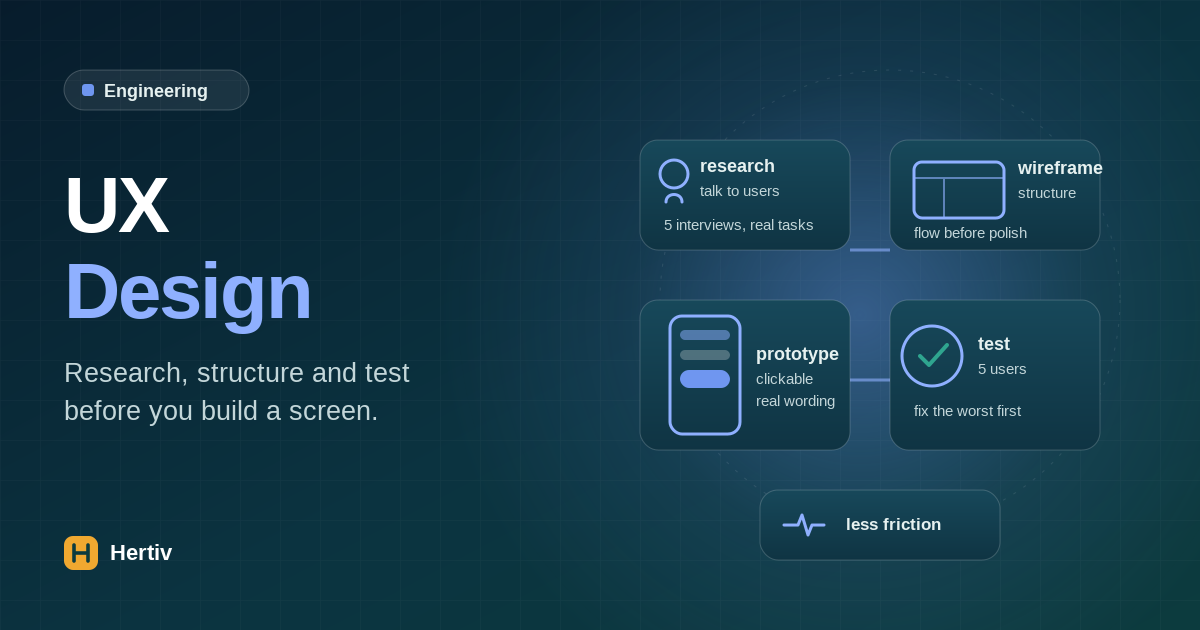
- Research. Interviews, usability sessions and surveys that show what users need and where they struggle.
- Information architecture. Deciding how content and features are grouped, named and ordered, so people can find things.
- Flows and wireframes. Sketching the steps of a task and the layout of each screen, before any visual polish.
- Prototypes. Clickable versions of the product that can be tested with real users before anything is built.
- Testing and iteration. Watching people use the prototype, fixing the worst problems, and testing again.
The designer works closely with product managers, developers and visual designers. The product manager decides what to build, the UX designer decides how it should work, and the developer decides how to build it. When those three roles talk early, the product usually ships with fewer surprises. Teams that need help shaping a product before building often start with product discovery work, where UX research sets the direction.
UX design vs UI design: what is the difference?
UX design and UI design are related but different jobs. UX design covers the whole experience: the flow, the structure, the wording and whether the product solves the right problem. UI design covers the interface itself: layout, typography, colour, spacing and the components on each screen.
| Area | UX design | UI design |
|---|---|---|
| Main question | Does this solve the right problem? | Is this screen clear and consistent? |
| Typical work | Research, flows, wireframes, testing | Layouts, components, visual systems |
| Success measure | Task completion, fewer errors | Clarity, consistency, polish |
| Tools | Interview notes, prototypes, test results | Design files, component libraries |
| When it matters most | Before building, when deciding what to make | During building, when making screens real |
One person can do both, and in small teams they often do. But the two jobs need different checks: a beautiful screen can still fail if the flow behind it asks the user to do the wrong thing, and a well-structured flow can still fail if the screen is hard to read. Both layers have to work.
How does the UX design process work?
The UX design process moves from learning, to structuring, to testing, and then repeats. It is not a straight line: testing usually sends the team back to an earlier step with a clearer picture of the problem.
- Learn about users. Interview 5 to 10 people who match your users, watch them do the task today, and note where they hesitate or work around the product.
- Define the problem. Write down the task, who it is for, and what success looks like, in one or two sentences that the whole team agrees on.
- Sketch the flow. Map the steps from start to finish, including the unhappy paths: errors, missing data and cancelled tasks.
- Build a prototype. Make a clickable version with real wording and realistic data, so tests measure the design and not the placeholder text.
- Test with real users. Give 5 people the prototype and a task, watch where they struggle, and note the problems in their own words.
- Fix and retest. Fix the worst problems first, then test again with new people, because fixing one problem can reveal the next.
The process works best in small loops. A team that tests a rough prototype in week one learns more than a team that polishes a design for a month before anyone outside the team sees it.
Example (hypothetical): fixing a checkout that loses people
Example (hypothetical): a small shop has a checkout that 1,000 visitors start each week, but only 40 of them finish, which is 4 in every 100. The team interviews 8 recent buyers and watches 5 people try the checkout, and the same problem appears in almost every session: the delivery options appear only after the payment step, so people who need a specific delivery day abandon the order.
The designer moves delivery choice to the first step of the checkout and shows the delivery date next to each option. The team tests the new flow with 5 new people, and all 5 reach the payment step without confusion. After the change goes live, 70 of every 1,000 visitors finish the checkout, which is 7 in every 100, up from 4 in every 100.
The numbers are invented to show the arithmetic, not a real project result. The point is that the fix came from watching real people, not from guessing, and that a single structural change can matter more than a visual redesign.
What are the common mistakes in UX design?
The most common UX mistakes are designing for yourself, skipping research, and testing too late. Each one feels faster in the moment and costs more later, because the team builds the wrong thing and only learns about it after launch.
- Designing for the team, not the user. The team knows the product, so its screens feel obvious to the team and confusing to a first-time user.
- Skipping research. Building on assumptions about users instead of talking to them, which usually means building the wrong flow.
- Testing with colleagues only. Colleagues already understand the product, so they cannot show you what a new user will miss.
- Copying a competitor's flow. A flow that works for another product's users may not fit yours, because the tasks and the data are different.
- Ignoring errors and empty states. Designing only the happy path leaves users stranded when something goes wrong, which is when good design matters most.
A useful check is to test the product with someone who has never seen it and give them a real task. If they finish it without help, the design is doing its job. Mobile app development teams use the same test, because a phone screen leaves even less room for confusion than a desktop page.
How do you start with UX design?
You start with UX design by picking one task that matters and learning how users do it today, before drawing any screens. A team that starts with research makes fewer wrong turns than a team that starts with a visual redesign.
- Pick one task. Choose the task most users come to do, such as signing up, booking, or checking out.
- Talk to 5 users. Ask them to show you how they do the task today, and note where they pause or ask for help.
- Map the current flow. Draw the steps as they are now, including the workarounds people use.
- Sketch a simpler flow. Remove steps that add nothing, and move the decisions people need to the point where they need them.
- Prototype and test. Build a clickable version, test it with 5 new people, and fix the worst problem before building anything.
For teams building a new product, web app development usually starts with this same loop, because the cost of changing a prototype is far lower than the cost of changing a shipped product.
Key takeaways
- UX design shapes how a product feels to use, from the first screen to the finished task
- Research, structure and testing matter more than drawing screens
- UX decides what happens and in what order; UI decides how screens look
- Test a rough prototype early, with real users, and fix the worst problems first
- Design the errors and empty states, not just the happy path
Frequently asked questions
Is UX design the same as graphic design?
No. Graphic design covers visual communication, such as branding and marketing material, while UX design covers how a product works: the flow, the structure and whether people can finish their tasks. A UX designer may draw screens, but the core work is research, structure and testing.
Do I need a degree to do UX design?
No formal degree is required. Most UX designers learn through courses, books and practice, and employers usually judge a portfolio of real projects and test results more than a qualification. What matters is showing that you can research, structure and test a design with real users.
How many users should I test with?
Five users usually surface most of the serious problems in a flow, because the same issues appear again and again. Testing with more people helps when the product serves very different groups, but testing with five, fixing the worst problems, and then testing with five new people is usually the better use of time.
What is the difference between a wireframe and a prototype?
A wireframe is a static sketch of one screen's layout, showing where elements go without visual detail. A prototype links several screens together so a person can click through the flow and test it. Wireframes help the team agree on structure; prototypes help the team test it with users.
Can UX design help an existing product?
Yes. Existing products usually benefit most, because real usage data shows where people struggle. Start with the task that most users fail or abandon, research how they do it today, and redesign that one flow before touching anything else.
What tools do UX designers use?
Common tools include Figma for screens and prototypes, Maze or similar tools for remote testing, and simple spreadsheets or notes for research findings. The tool matters less than the method: talking to users, mapping the flow, and testing the prototype with real people.


