Top 8 Synthetic Data Tools for AI Teams
The top synthetic data tools for AI teams: Gretel, Mostly AI, Tonic.ai, Hazy, Synthea, YData, K2View and Datagen, compared by data type, privacy and deployment.
On this page
Short answer
The best synthetic data tools are Gretel and Mostly AI for privacy-safe tables, Tonic.ai and Hazy for realistic test databases, Synthea for healthcare records, YData for data science teams, K2View for enterprise systems and Datagen for computer vision data. Pick by data type first, then by privacy rules, then by how the tool fits your workflow.
Which synthetic data tools are worth shortlisting?
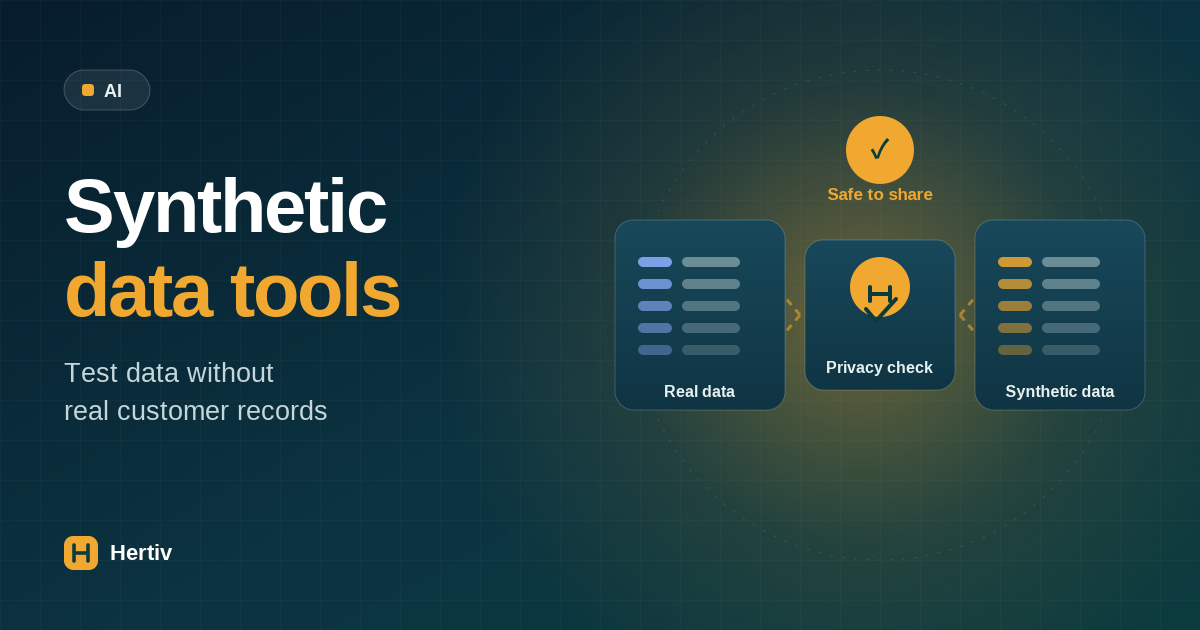
The tools worth shortlisting are the ones that match your data type, your privacy rules and your budget. Synthetic data tools generate artificial records that keep the patterns of real data without copying real people, so teams can test, train and share data with less risk.
Use this comparison to shortlist. Start with one tool and one dataset, not a platform-wide rollout.
| Tool | Best for | Data types | Deployment |
|---|---|---|---|
| Gretel | Tabular data and text | Tables, text, time series | Cloud or private cloud |
| Mostly AI | Privacy-safe test data | Tables, time series | Cloud or on-premises |
| Tonic.ai | Realistic test databases | Tables, databases | Cloud or on-premises |
| Hazy | Regulated industries | Tables, documents | Cloud or on-premises |
| Synthea | Healthcare records | Patient records | Open source, local |
| YData | Data science teams | Tables, time series | Cloud or local |
| K2View | Enterprise test data | Tables, databases | On-premises |
| Datagen | Computer vision data | Images, video, 3D | Cloud |
Check the vendor site for current plans and pricing before you commit. The right tool is the one that handles your data type and passes your privacy review.
Gretel and Mostly AI: privacy-first tabular data
1. Gretel: best for teams that need synthetic tables and text fast
Gretel generates synthetic tables, text and time series from a sample of your real data. It ships with privacy checks that report how close the synthetic output sits to the original records, so you can show reviewers what was protected.
It works well for product teams that need realistic test data for staging and for data science teams that need training data they can share across teams. The interface is built around datasets and models, not code, so a data engineer can run it without a research background.
Pros
- Privacy reports built into each run
- Handles tables, text and time series
- Cloud and private cloud options
Cons
- Advanced tuning needs some data science skill
- Pricing is not public, so you must ask the vendor
2. Mostly AI: best for teams under strict privacy rules
Mostly AI focuses on privacy-safe synthetic data for tables and time series. It is built for banks, insurers and telecoms that must prove no real customer record can be recovered from the synthetic set.
Its strength is the privacy report: it measures how far synthetic rows sit from real rows and flags anything that looks too close. That makes the compliance conversation shorter, which is often the real bottleneck for synthetic data projects.
Pros
- Strong privacy measurement and reporting
- Built for regulated industries
- On-premises option for sensitive data
Cons
- Less focus on images or unstructured data
- Setup takes longer than lighter tools
Tonic.ai and Hazy: realistic test data for engineering teams
3. Tonic.ai: best for engineering teams that need full test databases
Tonic.ai builds realistic test databases from production data by de-identifying and reshaping it. The result keeps the structure and relationships of the real database, so tests behave the way they would against production.
It is a good fit when your main problem is test data, not model training. Teams use it to fill staging environments with data that looks real but contains no real customer information.
Pros
- Keeps database relationships intact
- Fits existing test workflows
- Cloud and on-premises deployment
Cons
- Aimed at test data, not model training
- Needs access to a production-like source
4. Hazy: best for regulated teams that need audited synthetic data
Hazy generates synthetic tabular data with a focus on audit trails and compliance. It is aimed at financial services and other regulated sectors where every data decision needs a record.
The tool tracks how each synthetic dataset was made, which source it came from and which privacy checks ran. That trail matters when an auditor asks how test data was produced.
Pros
- Audit trail for every dataset
- Built for financial services
- On-premises deployment available
Cons
- Smaller community than larger vendors
- Less suited to image or video data
Synthea and YData: open source and data science options
5. Synthea: best for healthcare teams that need patient-like records
Synthea is an open source generator of synthetic patient records. It creates full patient histories, including visits, conditions and prescriptions, without using any real patient data.
It is the standard choice for healthcare software testing and for research demos, because the data is realistic enough to exercise a real system. Being open source, it costs nothing to try and can be run locally.
Pros
- Free and open source
- Realistic patient histories
- Runs locally with no vendor lock-in
Cons
- Healthcare data only
- Needs technical setup to run and customise
6. YData: best for data science teams that need synthetic tables
YData offers synthetic data generation for tables and time series, with a focus on data science workflows. It includes profiling and quality checks that compare synthetic output with the source data.
It suits teams that already work in Python and want synthetic data inside their existing notebooks and pipelines. The quality reports help data scientists judge whether the synthetic set is good enough to train on.
Pros
- Fits Python data science workflows
- Quality reports included
- Cloud or local deployment
Cons
- Less focus on enterprise compliance features
- Smaller vendor than the largest platforms
K2View and Datagen: enterprise and vision data
7. K2View: best for enterprises that need test data at scale
K2View generates synthetic test data for large enterprise systems, including databases that span many tables. It is built for organisations that test complex systems with data spread across several sources.
Its strength is handling relationships between tables at scale, so a synthetic order still links to a synthetic customer and a synthetic payment. That matters for end-to-end tests that touch several systems at once.
Pros
- Handles complex multi-table data
- Built for large enterprise systems
- On-premises deployment
Cons
- Enterprise pricing and longer setup
- Overkill for small teams or single tables
8. Datagen: best for computer vision teams that need synthetic images
Datagen generates synthetic images, video and 3D data for computer vision. It is used to train models that need varied scenes, faces and objects that are hard or costly to collect in the real world.
It suits teams building vision products where real data is scarce, sensitive or slow to label. The generated scenes can be varied on demand, which helps models handle cases that rarely appear in real footage.
Pros
- Generates images, video and 3D scenes
- Varies scenes on demand
- Built for vision model training
Cons
- Vision data only, not tables
- Needs vision expertise to use well
How to choose a synthetic data tool
Choose by data type first, then by privacy rules, then by how the tool fits your workflow. A tool that handles tables well will not help a vision team, and a tool without privacy reporting will stall in a regulated company.
- List the data types you need: tables, text, time series, images or patient records.
- Check the privacy rules that apply and ask each vendor for its privacy report.
- Run a small pilot on one real dataset and compare the synthetic output with the source.
- Test the output in your real workflow, whether that is model training or a staging database.
- Confirm pricing and deployment options on the vendor site before you commit.
For teams starting a first pilot, how to build an AI proof of concept covers how to scope a small test with a clear success measure.
Common mistakes with synthetic data tools
Most synthetic data projects fail on privacy checks or on quality, not on tool choice. Teams pick a tool before they know what their data rules require, or they trust the output without testing it.
- Skipping the privacy review, then discovering the synthetic data is too close to real records
- Using synthetic data for a data type the tool does not handle well
- Training a model on synthetic data without comparing it against real data
- Assuming synthetic data removes all privacy risk, so no review is needed
- Rolling out across the company before one pilot has been measured
- Ignoring deployment rules, such as data that must stay on-premises
Before you start, read what synthetic data is to check which use cases it fits and which it does not.
If your data is sensitive, AI security covers the controls that matter around model data.
Key takeaways
- Pick by data type first: tables, text, time series, images or patient records.
- Privacy reporting is what gets synthetic data past review in regulated companies.
- Test synthetic output in your real workflow before rolling it out.
- Synthea is free and open source for healthcare test data.
- Check pricing and deployment on the vendor site; most vendors do not publish prices.
Frequently asked questions
What is synthetic data?
Synthetic data is artificial data generated to keep the patterns of real data without copying real records. It lets teams test software, train models and share data with less privacy risk, as long as the output is checked against the source.
Is synthetic data safe to share?
It is safer than real data, but not automatically safe. The synthetic set must be checked for records that sit too close to real ones, and privacy rules still apply. A privacy report from the tool is the evidence reviewers expect.
Can you train a model on synthetic data?
Yes, for many use cases, but you should compare the model trained on synthetic data with one trained on real data. If performance drops, the synthetic set may be missing patterns that matter for your task.
Which synthetic data tool is best for healthcare?
Synthea is the common choice because it is free, open source and built for patient records. For other healthcare data, check whether the tool supports your data type and passes your privacy review.
Do synthetic data tools replace real data?
No. Synthetic data is a stand-in for testing, training and sharing. Real data is still needed to validate results, because synthetic data can only reflect the patterns in its source.
How much does synthetic data software cost?
Most vendors do not publish prices, so check the vendor site or ask for a quote. Open source options such as Synthea cost nothing to run, while enterprise platforms are priced per project or per deployment.


