Top AI Startups to Watch, and What Each One Does Best
Six AI startups are shaping how teams build with language models, search and video. Here is what each one does, and which fits your work.
On this page
Short answer
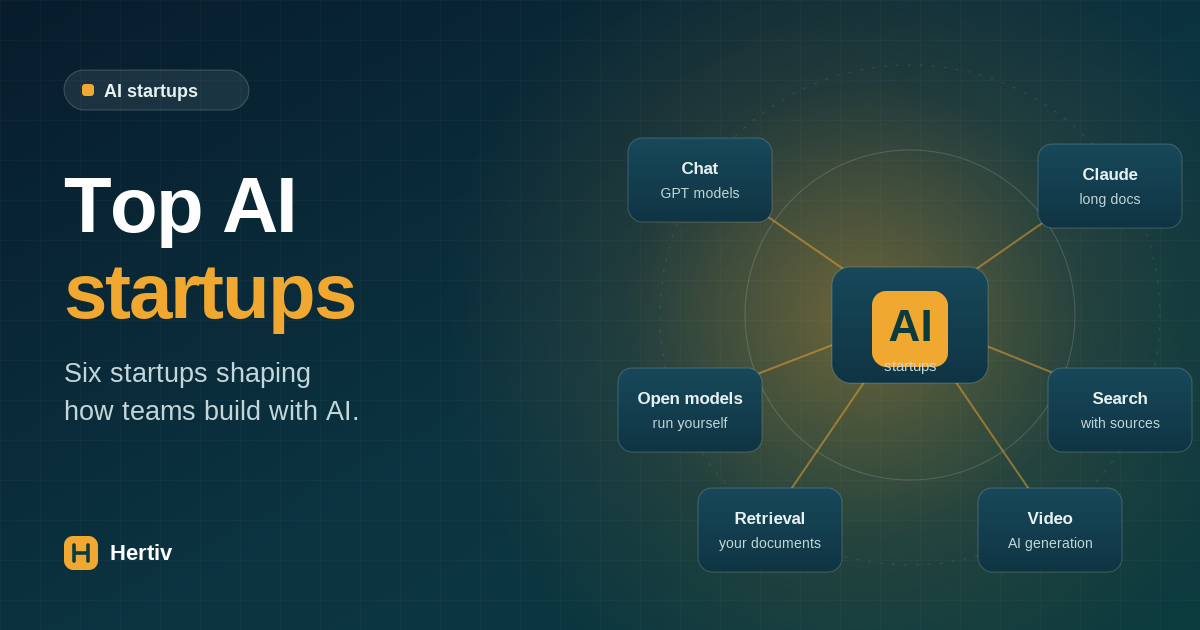
The AI startups most teams watch are OpenAI, Anthropic, Mistral AI, Cohere, Perplexity and Runway. OpenAI and Anthropic lead on general-purpose language models, Mistral on open-weight models you can run yourself, Cohere on enterprise search, Perplexity on AI search with sources, and Runway on AI video. The right one depends on whether you need chat, search, retrieval or video.
Which AI startups are worth watching?
The AI startups worth watching are the ones whose products teams actually use every day, not the ones with the loudest launch. Six names come up again and again: OpenAI, Anthropic, Mistral AI, Cohere, Perplexity and Runway. Each one focuses on a different part of the work, from general chat to video generation.
The table below gives a quick map. Read it to shortlist two or three, then look at the detail for each one before you commit to a vendor or a model.
| Startup | Known for | Best for |
|---|---|---|
| OpenAI | ChatGPT and GPT models | General chat and APIs |
| Anthropic | Claude models | Long documents and careful answers |
| Mistral AI | Open-weight models | Models you run yourself |
| Cohere | Enterprise language models | Search and retrieval |
| Perplexity | AI search | Research with sources |
| Runway | AI video generation | Creative video work |
No single startup covers everything. A team that needs a chat assistant, a search tool and a video generator will usually end up using more than one of these, and that is normal. The choice is about which job each one does well, not about picking a single winner.
1. OpenAI: best for general-purpose chat and APIs
OpenAI is the startup behind ChatGPT and the GPT family of models, and it runs one of the most widely used AI APIs. Teams use it to build chat assistants, draft and summarise documents, write and review code, and add language features to their own products through the API.
Its strength is range. One model family covers chat, writing, coding, image work and voice, and the API is documented well enough that a small team can ship a first feature in days. The ecosystem around it, from libraries to integrations, is the largest of any AI provider.
Pros:
- Widest capability: one provider covers chat, code, images and voice
- Strong API: clear documentation and a large developer community
- Fast progress: new models and features arrive often
Cons:
- Closed models: you cannot run the models on your own machines
- Vendor dependence: pricing and behaviour can change
- Cost at scale: heavy use needs careful budgeting
2. Anthropic: best for long documents and careful answers
Anthropic is the startup behind the Claude family of models, and it is known for handling long documents and giving careful, well-structured answers. Teams use Claude to review contracts, summarise long reports, analyse codebases and draft detailed written work.
Its strength is depth. Claude can work through a long document and keep track of the details, which suits legal, research and analysis work. The company also publishes its safety research openly, and that transparency matters to teams in regulated work.
Pros:
- Long-document handling: strong on large files and long context
- Careful answers: clear, structured and easy to check
- Open safety research: publishes how it tests its models
Cons:
- Smaller ecosystem: fewer third-party integrations than OpenAI
- Less consumer reach: better known in work settings than at home
- Narrower product range: no video or image generation of its own
3. Mistral AI: best for open-weight models you can run yourself
Mistral AI is a European startup that builds open-weight language models, which means teams can download the model weights and run them on their own machines. Its models are known for being small and fast for their size, and for working well in European languages.
Its strength is control. A team that needs to keep data on its own servers, or that wants to fine-tune a model for a specific job, can do so without sending data to a third party. That makes Mistral a common choice for teams with strict data rules.
Pros:
- Models you can host: run them on your own infrastructure
- Efficient small models: strong results for their size
- European base: useful for teams with regional data rules
Cons:
- Smaller product range: mainly models, not finished apps
- Less hand-holding: teams need their own engineering
- Thinner ecosystem: fewer ready-made integrations
4. Cohere: best for enterprise search and retrieval
Cohere is a startup that builds language models for business use, with a focus on search, retrieval and grounding answers in a company's own documents. Its Command models, embeddings and reranking tools are used to build internal search, support assistants and document question-answering.
Its strength is retrieval. Where other providers focus on general chat, Cohere focuses on the plumbing that makes an AI assistant answer from your documents rather than from general knowledge. That is the part most enterprise projects get wrong, so a provider that treats it as the main job is useful.
Pros:
- Built for business search: retrieval is the core product
- Grounding tools: embeddings and reranking for your own documents
- Deployment options: cloud or private cloud to fit data rules
Cons:
- Less known for chat: not the first choice for a consumer assistant
- Narrower product line: focused on a specific set of jobs
- Smaller community: fewer public examples and guides
5. Perplexity: best for AI search with sources
Perplexity is a startup that builds an AI search engine. You ask a question in plain language, and it searches the web, reads the results and writes an answer with citations, so you can check where each claim came from.
Its strength is research speed. A question that would take twenty minutes of opening tabs and skimming pages becomes a single answer with links to the sources. Teams use it for market checks, competitor research and quick fact-finding before a meeting.
Pros:
- Cited answers: every claim links to a source you can check
- Fast research: one answer instead of many open tabs
- Simple to use: a search box, no setup or training
Cons:
- Answers need checking: search results can be wrong or out of date
- Not for long-form writing: built for questions, not drafts
- Depends on the web: weak on private or internal documents
6. Runway: best for AI video generation
Runway is a startup that builds AI video generation and editing tools. Its Gen models turn text prompts and images into video clips, and its editing tools let creative teams cut, extend and restyle footage without a full studio setup.
Its strength is creative speed. A marketing team can test a video idea in an afternoon instead of booking a shoot, and a small studio can produce shots that would have needed a larger crew. The tools are aimed at creative professionals, not at casual users.
Pros:
- Video focus: built for moving images, not text
- Editing tools: cut, extend and restyle footage in one place
- Creative workflows: fits how studios and agencies work
Cons:
- Output needs review: generated video can look wrong in small ways
- Narrow use case: only useful if your work involves video
- Compute-heavy: long clips take time and resources
How to choose an AI startup to work with
You choose an AI startup by matching its strength to the job you actually have, not by picking the most talked-about name. Start with the job, then check the fit.
- Name the job. Write down what the AI must do: chat, search, retrieval, video or coding. That rules out most of the list at once.
- Test on your own data. Run the same task through two providers with your own documents and your own questions, and compare the answers.
- Check the data rules. Find out where your data goes, whether it is used for training, and whether you can run the model yourself if you need to.
- Count the total cost. Look at the price of heavy use, not just the first month. A cheap start that grows fast is a common surprise.
- Check the exit. Ask how hard it is to switch providers later. A tool that locks in your prompts, data and workflows is a risk.
A short pilot answers most of these questions. Pick one real job, run it for two weeks, and measure the result against what you do today. If the pilot does not beat the current way of working, the provider is not the problem to solve first. For teams planning a first build, generative AI development work usually starts with that pilot.
What are the common mistakes?
The most common mistakes when picking an AI startup are choosing on hype, skipping the pilot, and ignoring the data and cost questions until after launch.
- Choosing on hype. The most talked-about startup is not always the best fit for your job. Match the strength to the task.
- Skipping the pilot. A demo with prepared examples tells you nothing about your own documents. Test on real work.
- Ignoring data rules. Sending customer data to a provider without checking its terms can breach contracts and regulations.
- Underestimating cost at scale. A tool that is cheap for ten users can be costly for a thousand. Model the heavy-use price early.
- Building on one vendor only. If every workflow depends on one provider, a price change or an outage stops your work.
Another mistake is treating the startup as the product. The model is only one part: the prompts, the data, the checks and the human review are what make an AI feature useful. A team that invests in those parts can switch providers later without starting over.
Key takeaways
- OpenAI and Anthropic lead on general-purpose language models
- Mistral suits teams that need to run models on their own machines
- Cohere is built for enterprise search and retrieval from your documents
- Perplexity gives cited answers for fast research
- Runway is the video specialist on this list
- Match the startup to the job, and pilot on your own data first
Frequently asked questions
Which AI startup is the biggest?
OpenAI is the most widely used of the six, with the largest developer ecosystem and the broadest product range. Size is not the same as fit, though: a team that needs open-weight models or enterprise search will often get more from Mistral or Cohere, even though they are smaller companies.
Can I use more than one AI startup?
Yes, and most teams do. A common setup is one provider for chat, another for search and a third for video, because each job has a different best fit. Using more than one provider also reduces the risk of depending on a single vendor.
Is Mistral AI really free to use?
Mistral publishes open-weight models that teams can download and run on their own machines, which is different from a hosted service with a monthly fee. Running the models yourself still costs money for servers and engineering time, so the total cost depends on your setup.
What is the difference between Perplexity and ChatGPT?
Perplexity is built for search: it reads the web and answers with citations. ChatGPT is built for general conversation, writing and coding, and it can search the web too. For research questions where sources matter, Perplexity is usually the faster tool.
Should a startup choose OpenAI or Anthropic?
It depends on the job. OpenAI suits teams that want the widest capability and the largest ecosystem. Anthropic suits teams working with long documents or in regulated settings where careful, checkable answers matter most. Testing both on your own tasks is the fastest way to decide.
Do AI startups work for small teams?
Yes. Most of these providers offer APIs and products that a small team can start using without a large budget. The cost question comes later, when usage grows, so it is worth modelling the heavy-use price before you build a whole product on one provider.


