Salesforce AI Integration: What Einstein and Agentforce Do
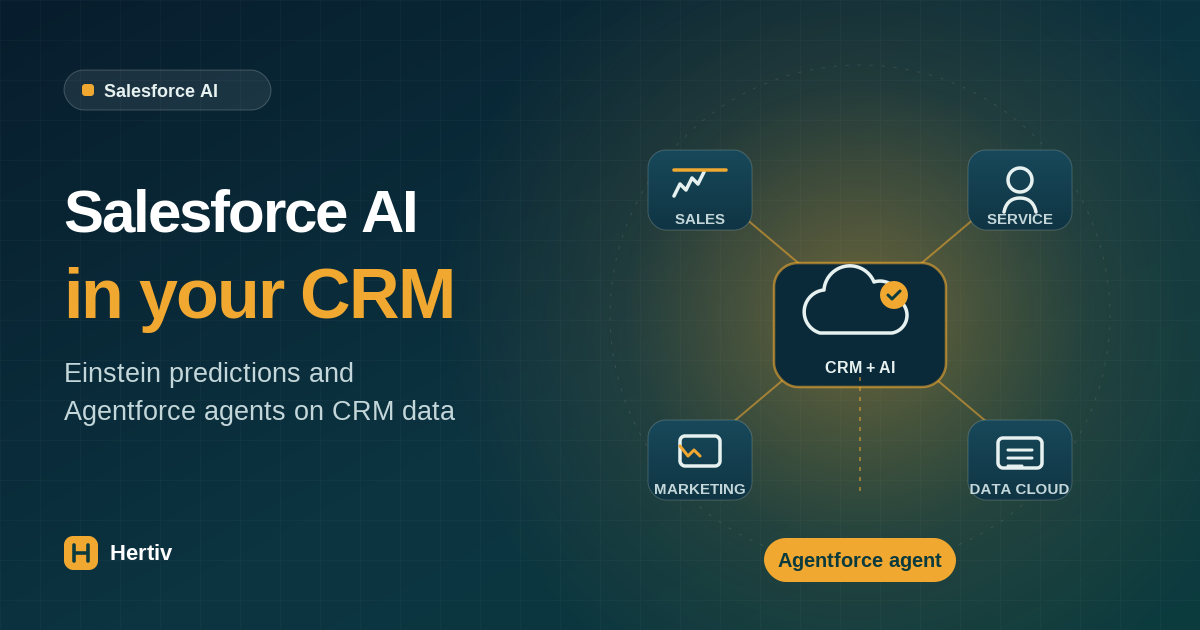
Salesforce AI adds predictions, summaries and agents to Sales, Service and Marketing Cloud. Here is how Einstein and Agentforce connect to your CRM data.
On this page
Short answer
Salesforce AI integration connects Einstein predictions and Agentforce agents to the records, emails and cases already in a Salesforce org, so teams get lead scores, reply drafts and case summaries inside the tools they already use. It works best when the CRM data is clean and the AI is given clear guardrails on what it may do alone.
What is Salesforce AI integration?
Salesforce AI integration is the work of connecting Salesforce's AI tools to the records, emails and cases already stored in a Salesforce org, so predictions, summaries and automated actions appear inside Sales Cloud, Service Cloud or Marketing Cloud. The best-known tools are Einstein, Salesforce's built-in AI layer, and Agentforce, its platform for AI agents that can take actions on a team's behalf.
Integration matters because AI without CRM data is generic. A lead score is only useful if it reads the lead's history, and a case summary only helps if it reads the case thread. When the connection is set up well, the AI reads the same records a person would read, then returns a score, a draft or a next step inside the screen the team already uses.
Most integrations use one of three routes: native Einstein features switched on inside a cloud, Agentforce agents configured with topics and actions, or external data brought in through Data Cloud, MuleSoft or the Salesforce APIs. The right route depends on where the data lives and how much the AI is allowed to do on its own.
What does Einstein do inside Salesforce?
Einstein is the name for the AI features built into Salesforce clouds. It predicts, classifies and drafts, but it does not take actions by itself; a person reviews and applies what it suggests. That boundary is what makes it safe to switch on first.
| Cloud | What Einstein does | Who uses it |
|---|---|---|
| Sales | Lead and opportunity scoring, forecast guidance | Sales reps and managers |
| Service | Case classification, reply drafts, knowledge suggestions | Support agents |
| Marketing | Send-time and engagement scoring, segment suggestions | Marketers |
| Commerce | Product recommendations, search ranking | Store teams |
These features share one pattern: they read fields and history that already exist in the org, then add a score or a suggestion to the record. That is why the same feature can work well in one org and poorly in another.
The output is only as good as the records behind it, which is why data cleanup comes before any AI rollout. Teams planning a wider AI setup often start by reading about generative AI integration to see how these pieces fit together.
What is Agentforce, and how is it different?
Agentforce is Salesforce's platform for building AI agents that act inside the CRM. An agent can answer a customer question, check an order, update a case or qualify a lead, following the topics and actions a team configures for it.
The difference from Einstein is action. Einstein suggests; Agentforce does. An Einstein lead score waits for a rep to act, while an Agentforce agent can send the follow-up, log the outcome and hand over to a person when the conversation goes beyond its rules.
Agents run inside guardrails: they can only use the actions and data the team allows, and they escalate to a human when they are unsure. Teams usually start with one narrow topic, such as order status or password resets, before giving an agent more to do. The same guardrail thinking applies to any AI agent development project, inside or outside Salesforce.
How does Salesforce AI connect to your data?
Salesforce AI reads data through the org first. Records, activities, cases and knowledge articles are already inside Salesforce, so Einstein and Agentforce can use them without extra plumbing. This is the simplest route, and it covers most first pilots.
Data that lives elsewhere needs a connector. Data Cloud brings records from other systems into one customer profile, MuleSoft connects enterprise applications, and the Salesforce APIs let custom code push or pull records on a schedule. The choice depends on how fresh the data must be: a nightly sync suits reporting, while a live lookup suits order status.
Grounding is the key idea. When the AI answers or acts, it should cite the record it used, such as a case, an order or a knowledge article, so a person can check it. If the AI cannot find a record, it should say so rather than guess. A grounded answer is slower to write but far easier to trust.
How do teams roll out Salesforce AI in 5 steps?
A rollout works best as a small pilot with one team and one use case, then wider use once the team trusts the output. Rushing to switch everything on at once is how most rollouts stall.
- Clean the data the AI will read. Fix duplicates, close stale cases and fill in missing fields before the AI ever sees them.
- Pick one use case with a clear owner, such as case summaries for support or lead scoring for sales, and agree what success looks like.
- Set guardrails. Decide what the AI may do alone, what needs approval, and when it hands over to a person.
- Pilot with one team for a few weeks and review the output daily, correcting mistakes as they appear.
- Measure time saved and error rates, then expand to the next use case only if the pilot beats the baseline.
Keep the pilot small enough to watch closely. A team that reviews every AI draft for two weeks learns quickly where the AI helps and where it invents details, and that review is what makes the wider rollout safe. Sales teams often pair this with AI agents for sales once the first pilot is working.
Example (hypothetical): a support team adds case summaries
Example (hypothetical): a support team of 12 agents handles 300 cases a week. Each case takes about 8 minutes to read and summarise by hand, which is 300 x 8 = 2,400 minutes, or 40 hours a week across the team.
With Einstein case summaries, each case takes about 3 minutes to check and correct, which is 300 x 3 = 900 minutes, or 15 hours a week. The team saves about 25 hours a week, and the agents spend that time on the cases the AI flagged as complex.
The team keeps a human in the loop: every summary is checked before it is sent, and the AI is not allowed to close cases on its own. After four weeks, the team reviews which summaries needed the most corrections and fixes the knowledge articles behind them.
What are the common mistakes?
The most common Salesforce AI mistakes are switching everything on at once, feeding the AI messy data, and letting agents act without guardrails or review.
- Switching on every Einstein feature at once. Start with one use case and learn from it before adding more.
- Feeding the AI messy data. Duplicates and stale records produce confident wrong answers that look right.
- Letting agents act without guardrails. An agent with write access and no escalation rule will eventually do something the team regrets.
- Skipping the human review. Drafts and summaries need checking until the team trusts them, which takes weeks, not days.
- Measuring nothing. Without a baseline for time per case or lead conversion, nobody can tell whether the AI helped.
Most of these mistakes are easy to avoid with a short pilot and a daily review habit. Teams that skip the pilot usually pay for it later, when a wrong answer reaches a customer. A careful start with AI copilot development habits, such as review queues and clear escalation, transfers well to Salesforce AI.
Key takeaways
- Salesforce AI integration connects Einstein and Agentforce to the records already in a Salesforce org
- Einstein predicts, classifies and drafts; Agentforce agents take actions inside guardrails
- Data Cloud, MuleSoft and the Salesforce APIs bring in data that lives outside Salesforce
- Start with one use case, clean data and a human review step before expanding
- Measure time saved and error rates against a baseline, or the rollout has no proof
Frequently asked questions
Does Salesforce AI need Data Cloud?
No. Einstein and Agentforce can read records already in the org without Data Cloud. Data Cloud helps when the AI needs data from other systems, such as orders, billing or a data warehouse, brought together into one customer profile.
What is the difference between Einstein and Agentforce?
Einstein predicts, classifies and drafts, and a person applies the result. Agentforce agents take actions themselves, such as updating a case or answering a customer, within the topics and guardrails a team configures.
Can Salesforce AI use data outside Salesforce?
Yes, through Data Cloud, MuleSoft or the Salesforce APIs, which bring external records into the org or fetch them when the AI needs them. The AI should only use data the team has connected and approved.
How much does Salesforce AI cost?
Pricing varies by cloud, edition and usage, and Salesforce changes it often, so check the vendor site for current prices. Budget for the AI add-on plus the time to clean data and configure guardrails.
Is Salesforce AI safe for customer data?
Salesforce says customer data is not used to train its models, and admins control which records the AI can read. Teams should still limit access, review outputs and keep sensitive fields out of prompts.
How long does a first Salesforce AI pilot take?
A narrow pilot, such as case summaries for one support team, often runs in a few weeks once the data is clean. Cleaning the data and agreeing guardrails usually takes longer than switching the feature on.


