SaaS Project Ideas That Can Actually Become a Business
Realistic SaaS project ideas for founders and product teams, grouped by market, with data needs, build effort and a framework for choosing the one worth your next year.
On this page
Short answer
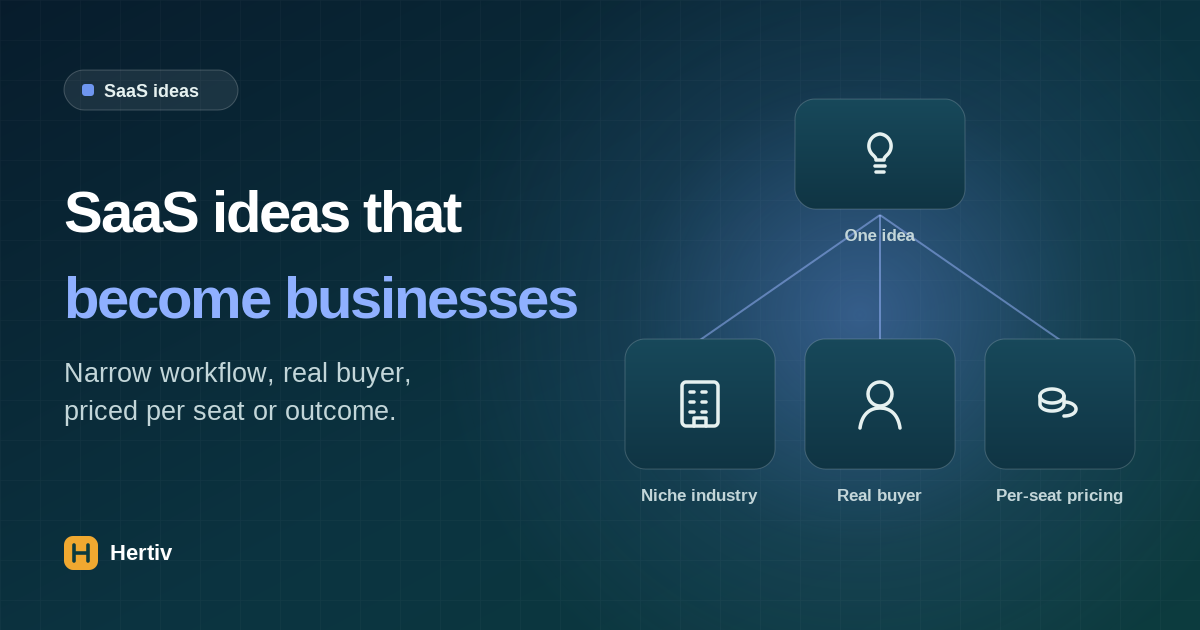
The best SaaS project ideas solve a narrow, recurring workflow for a specific industry and buyer, use data you can access, and can be priced per seat or per outcome. Avoid consumer social apps and generic AI wrappers; pick a painful operational job where buyers already pay for tools or manual work.
What makes a SaaS project idea worth building?
A good SaaS idea is a recurring job someone already pays for, done manually or with spreadsheets and generic tools. The strongest signals are a clear buyer, a workflow that repeats at least monthly, and data the buyer can share without legal friction.
Weak signals are vague audiences ("small businesses"), features that only make sense inside another product, and ideas that require changing buyer behaviour. AI can now automate parts of a workflow, but the product still needs a real job at the centre.
Use this table to compare candidate ideas before you write any code.
| Idea | What it does | Typical data needed | Effort |
|---|---|---|---|
| Meeting-to-CRM updater | Turns call notes into CRM fields and tasks | CRM access, transcripts | Medium |
| Compliance evidence collector | Gathers and files audit evidence on a schedule | Cloud and HR APIs | Medium-high |
| Vertical scheduling tool | Books field staff with skills and travel rules | Calendar, locations | Medium |
| Invoice reconciliation | Matches invoices to purchase orders | Accounting exports | Medium |
| Support triage assistant | Classifies and routes tickets by intent | Ticket history | Low-medium |
| Contract review workspace | Flags clauses against a playbook | Contract repository | High |
| Vendor risk tracker | Monitors supplier documents and expiry | Supplier portal, email | Medium |
| Shift handover notes | Structures operational handovers | Chat, ops logs | Low-medium |
| Inventory forecast for small retailers | Predicts reorder points per location | POS and ERP exports | High |
The effort column is relative, not a timeline. A simple integration-heavy product can take longer than a clever model if data access is hard.
Ideas for vertical operations teams
Vertical tools for operations teams win because the buyer has a budget line and a measurable cost per error. Pick one industry where you have domain access or a design partner.
1. Field service scheduling with skills and travel rules
Best for trades, maintenance and inspection companies that still schedule by phone. The product owns the rules: who can do the job, how far they travel, what certifications expire.
Pros: clear ROI per route or per shift; rules create a moat. Cons: integrations with legacy systems; mobile offline support is harder than it looks.
2. Compliance evidence collector
Best for teams facing recurring audits. It pulls evidence from cloud, HR and ticketing systems, files it against a control framework, and flags gaps.
Pros: recurring regulatory need; sticky once controls are mapped. Cons: frameworks vary by region; buyers expect audit-ready accuracy.
3. Vendor and supplier document tracker
Best for procurement and facilities teams. It tracks insurance certificates, contracts and expiry dates, and chases suppliers automatically.
Pros: simple value story; email-first workflows are easy to adopt. Cons: low technical barrier means you need a niche angle.
4. Shift handover and incident notes
Best for logistics, healthcare support and manufacturing. The product structures handovers so the next shift sees open issues, not a chat dump.
Pros: low data complexity; strong daily habit. Cons: hard to price high per seat; needs to prove time saved.
Ideas built around AI agents
AI-native SaaS works when the agent does a bounded job with a clear review step. The product should expose what the agent did and let a human approve or correct it. Build a workflow, not a chat window.
1. Support triage and draft replies
Best for SaaS and e-commerce support teams. The agent classifies tickets, finds relevant help content and drafts a reply for an agent to send.
Pros: fast to validate; clear metrics like first-response time. Cons: crowded space; you need a vertical or workflow edge.
2. Finance document intake
Best for finance teams processing invoices, receipts and expense claims. The agent extracts fields, checks against policy and routes exceptions.
Pros: measurable cost per document; buyers already pay for this work. Cons: accuracy and audit requirements; integration with accounting systems.
3. Contract review workspace
Best for legal and sales operations. It compares incoming contracts to a playbook and highlights deviations for a lawyer to accept or reject.
Pros: high value per contract; natural expansion into templates. Cons: legal review of outputs; buyers will ask about data handling.
4. Recruiting screen assistant
Best for HR teams with high application volume. It summarises applications against defined criteria and keeps a record of why a candidate advanced.
Pros: clear workflow; easy to pilot on one role. Cons: bias and compliance scrutiny; never let the model make the final call.
If you want a sense of the agent patterns that hold up in production, our guide to agentic AI development covers review loops and guardrails.
Ideas for developers and technical teams
Developer tools are easy to start and hard to monetise. The viable ones remove a recurring chore from a team's week, not just add another dashboard.
1. Environment and secret audit tool
Best for platform teams. It finds stale environments, unused secrets and misconfigured permissions across cloud accounts, then proposes cleanup.
Pros: security budget exists; recurring reports create a habit. Cons: access to production systems is a long sales cycle.
2. Release notes generator
Best for product and support teams. It reads merged pull requests and tickets and drafts customer-facing release notes for review.
Pros: low data risk; quick to build on top of existing tools. Cons: thin moat; suite vendors may bundle it.
3. Test data manager
Best for teams with strict data rules. It creates realistic, masked test datasets that match production schemas.
Pros: painful problem with compliance angle. Cons: every customer's schema is different; services work may dominate.
4. API change monitor
Best for teams depending on third-party APIs. It watches for schema and behaviour changes and alerts owners with a diff.
Pros: clear alerting value; easy to pilot. Cons: needs broad coverage to be worth paying for.
Most of these need solid data plumbing before the product layer. If that is the hard part for you, our data engineering services explain how pipelines and schemas are usually structured.
Ideas for regulated and professional markets
Regulated markets pay more but move slower. Choose them when you have domain access or a patient investor, and expect security reviews early.
Professional services automation: proposal builders, matter intake and conflict checks for small law or accounting firms. The value is standardising documents and approvals.
Clinical or care coordination support: scheduling, document intake and follow-up reminders for clinics. Keep the product administrative and stay away from diagnosis or treatment advice.
Financial reconciliation for niche operators: matching payments, fees and payouts for marketplaces or fintech partners. The data is sensitive, so hosting and access control matter from day one.
Property and facilities compliance: tracking inspections, certificates and remediation for landlords and managers. It is unglamorous and recurring, which is a good combination.
In all four, plan for a security review before you plan the marketing site. Our cybersecurity services outline the controls buyers usually ask about.
How to choose and validate one idea
Choose the idea with the shortest path to a real user and the clearest budget owner. Then test it before you build a platform.
- List ten workflows you or people you know do manually every month. Score each by frequency, pain and who pays.
- Pick one buyer and one job. Write the job in one sentence: "When X happens, I need to do Y so that Z."
- Interview five to ten people who do that job today. Ask what they use now and what it costs them in time or errors.
- Build a narrow prototype: one integration, one workflow, one report. Fake nothing that touches money or compliance.
- Run it with two design partners for a few weeks and watch where they stop. That gap is your product.
- Only then decide pricing and architecture. Per-seat and per-transaction models imply different metering and billing.
Example (hypothetical): a three-person team spends six hours a week reconciling invoices. At an internal rate of $50 per hour, that is roughly $300 per week of labour, before errors. A tool that cuts it to two hours saves four hours weekly, which gives you a pricing anchor the buyer can understand.
Common mistakes when picking a SaaS idea
Most failed SaaS ideas were reasonable products aimed at the wrong buyer or built before validation. Avoid these patterns.
- Building a horizontal tool for "everyone" and finding no one with a budget.
- Treating an AI model as the product instead of one step in a workflow.
- Ignoring data access until after the demo; the integration is often the real work.
- Choosing a market where the buyer has no authority to sign.
- Skipping security and data residency questions in regulated industries.
- Pricing after launch, when architecture is already fixed around the wrong model.
A useful filter is to ask what the buyer does today and why that is not good enough. If the answer is "nothing, but it would be nice", keep looking. If the answer is "a spreadsheet and two hours every Friday", you have a starting point.
Key takeaways
- Pick a vertical workflow with an existing budget line, not a horizontal feature waiting for a market.
- AI features are strongest as an embedded workflow step, not as the whole product.
- Scope the first version to one buyer, one job and one integration.
- Check data access and compliance before you design the interface.
- Plan pricing early: per seat, per site or per transaction all imply different architectures.
- Validate with five to ten real users before writing production code.
Frequently asked questions
What is the best SaaS idea for a solo developer?
A narrow workflow tool with one integration and one clear buyer, such as release notes generation or a document expiry tracker. Avoid regulated data and multi-sided marketplaces at first; both add legal and operational load that is hard to carry alone.
Are AI wrapper ideas still worth building?
Only when the wrapper owns a real workflow: data intake, checks, approvals and audit history. A thin interface over a model is easy to copy. A product that fits how a team already works is not.
How do I validate a SaaS idea without building it?
Interview five to ten people who do the job today. Ask what tools they use, what it costs them and who approves new software. Then run the workflow manually or with a simple script for two design partners and watch where they hesitate.
Should I choose a vertical or horizontal SaaS idea?
Vertical ideas usually sell faster because the buyer recognises the problem and the price. Horizontal tools can grow larger but need a strong distribution advantage. For a first product, vertical is the safer bet.
How much does it cost to build a SaaS MVP?
Typical ranges vary widely by scope and integrations, from a small self-funded build to a six-figure engagement with security and compliance work. The biggest cost drivers are data integrations, access control and billing, not the interface.
When should a SaaS product add AI features?
When a step in the workflow involves reading, classifying or drafting text at volume, and a human can review the output. If the job is mostly structured data and rules, ordinary software is cheaper and more predictable.


