Why Use React? 7 Reasons Teams Keep Choosing It
React is the UI library teams reach for when they need reusable components and a hiring pool. Here are seven reasons it wins, and when to pick something else.
On this page
Short answer
Teams use React because it turns screens into reusable components, has a large pool of developers who already know it, and fits many stacks without forcing a full framework on the project. It suits products that change often and grow over time, while small static sites may be simpler with plain HTML or a lighter tool.
What is React, in one paragraph?
React is an open-source JavaScript library for building user interfaces from reusable pieces called components. A component is a small, self-contained part of a screen, such as a button, a form field or a product card, and a page is built by combining components.
React keeps a model of what the screen should show and updates only the parts that change when data moves. That model is what makes it fast to work with on products that change often. If you need the basics first, read what React is before the reasons below.
| Reason | What it means | Who it helps most |
|---|---|---|
| Reusable components | Build once, use on many screens | Teams with many similar screens |
| Large hiring pool | Many developers already know React | Teams that hire often |
| Flexible stack | Works with many backends and tools | Teams with an existing stack |
| Strong tooling | Debuggers, testing and build tools | Large codebases |
| Fast updates | Only changed parts re-render | Apps with live data |
| Large community | Answers, libraries and long-term support | Teams that need help fast |
| Proven at scale | Used by large products for years | Teams planning to grow |
The seven reasons below explain each point in turn, with the trade-offs. None of them alone justifies React; together they explain why it is the default choice for so many web products.
Reusable components cut repeat work
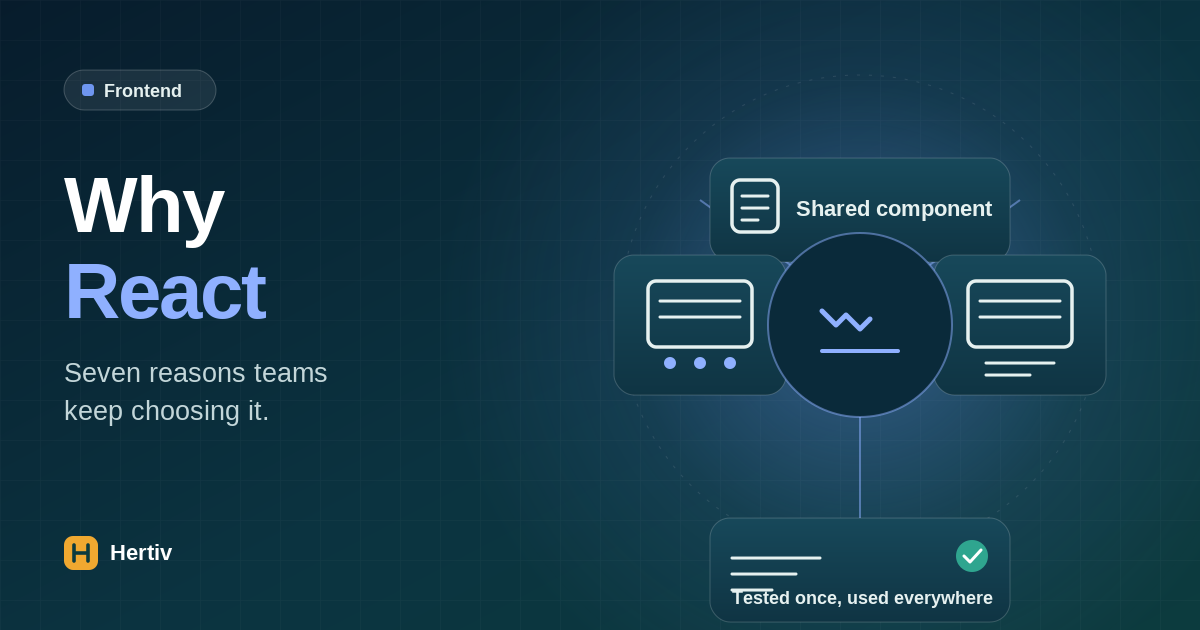
The first reason teams use React is that components turn repeat work into a one-time job. A login form, a product card or a data table is written once, tested once and then used on every screen that needs it, instead of being rebuilt each time.
That reuse pays off most on products with many similar screens, such as dashboards, shops and admin tools. It also makes fixes cheaper: a bug in a shared component is fixed once, and every screen that uses it improves at the same time.
Reuse needs discipline. A component library grows messy when every team adds its own version of the same part, so agree on who owns the shared parts and how changes are reviewed.
The same reuse applies to tests. A shared component carries its tests with it, so a team that tests the component once covers every screen that uses it. That cuts the testing effort on each new screen to the new logic only.
A large ecosystem and hiring pool
The second reason is people. React is widely taught and widely used, so most front-end developers have worked with it, and most new hires can be productive in weeks rather than months.
The ecosystem around React is also large: routing, forms, charts, testing and state management all have mature libraries with documentation and examples. Teams weighing the choice often compare Vue and React first, since the two solve similar problems in different ways.
A large ecosystem has a cost: choosing between similar libraries takes time, and a library can be abandoned. Pick libraries with active maintenance and a clear upgrade path, and keep the number of dependencies small.
It fits the stack you already have
The third reason is flexibility. React is a library for the view layer, not a full framework, so it works with many backends, APIs and hosting setups. You can add it to one page of an existing site or build a whole single-page application with it.
That flexibility helps teams that are modernising an old product. They can replace one screen at a time instead of rewriting everything at once, which keeps the product running while the work happens.
Flexibility also means more decisions. Routing, data fetching and state management are separate choices, so a team needs to agree on them early or the codebase drifts in different directions.
When React is not the best choice
React is not the right tool for every site. A small marketing site or a blog with mostly static content is often simpler and faster with plain HTML or a static site generator, because there is little interactivity to manage.
Very small teams with no JavaScript experience may also be slower with React at first, since the build tooling and component model take time to learn. In that case a simpler tool can ship the first version sooner.
The test is simple: if the product has many interactive screens that share parts, React earns its place. If it has a few mostly static pages, it probably does not.
Example (hypothetical): a dashboard team saves a month
Example (hypothetical): a team of four builds a dashboard with 12 screens. From scratch, each screen takes about 10 hours, so the screens alone cost 120 hours, or three weeks of one developer's time.
With shared components, 7 of the 12 screens reuse existing parts. The team spends 50 hours on new components, 20 hours wiring the screens together and 10 hours on testing, which totals 80 hours. That saves 40 hours, or one full week, against the from-scratch plan.
The saving grows with each new screen, because the shared parts already exist. The first screens cost more, since the components must be built, and later screens cost less. Teams should expect the payoff after the first few screens, not on day one.
What are the common mistakes?
The most common mistakes are overusing state, splitting components too early and ignoring the build setup until it breaks.
- Storing everything in global state. Keep state close to where it is used, and lift it up only when two parts of the screen truly share it.
- Splitting components too soon. Start with one component and split it when it grows hard to read, not before.
- Skipping the build setup. Slow builds and missing tests cost more later than the day it takes to set them up properly.
- Copying components instead of sharing them. Three copies of the same button will drift apart, and fixes will miss two of them.
- Choosing libraries by fashion. Pick the library that fits the problem and has active maintenance, not the one that is most talked about.
React rewards teams that keep components small, state local and dependencies few. Start with that discipline, and the library will stay fast to work with as the product grows. When the product outgrows an in-house team, web app development help can take over the build.
Key takeaways
- React turns screens into reusable components that are written once and used many times
- A large hiring pool and ecosystem make React teams faster to build and staff
- React fits many stacks because it is a view library, not a full framework
- It earns its place on products with many interactive screens that share parts
- Static sites and tiny teams may be faster with simpler tools
Frequently asked questions
Why is React so popular?
React is popular because its component model fits how teams build products, many developers already know it, and a large ecosystem of libraries and tools surrounds it. It also works with many backends, so teams can adopt it without rebuilding their whole stack.
Is React a framework or a library?
React is a library for building user interfaces, not a full framework. It handles the view layer: components, state and rendering. Routing, data fetching and build tooling are separate choices, which is why React fits many different stacks.
Is React good for beginners?
React is a reasonable first library if you already know JavaScript well, since its ideas map closely to how screens are built. If you are new to JavaScript, learn the language first, because React will be far easier once functions, arrays and objects feel natural.
Does React work for large apps?
Yes, React is used in large products with many screens and teams. Its component model and tooling suit large codebases, but large apps need discipline: shared components, agreed patterns and tests, or the codebase becomes hard to change.
When should I not use React?
Skip React for mostly static sites, such as a small marketing site or a blog, where plain HTML or a static site generator is simpler and faster. It also adds little value when a site has almost no interactivity to manage.
Do I need to learn React to get a front-end job?
React is the most commonly asked-for front-end skill in job listings, so knowing it helps. Employers also value JavaScript fundamentals, testing and the ability to work in a team, so treat React as one skill among several, not the whole job.


