Real-World Cloud Computing Examples: 6 Companies That Moved
Netflix, Airbnb, Spotify and others moved to the cloud for different reasons: scale, speed and cost control. See what each one did and what it teaches.
On this page
Short answer
The real-world cloud computing examples that teach the most are companies that moved for a clear reason and can show what changed: Netflix, Airbnb, Spotify, Capital One, Pinterest and Dropbox. Each one moved a different part of its business to the cloud, for scale, speed or cost control, and each one shows a different way to make the move work.
Which real-world cloud moves are worth studying?
The cloud moves worth studying are the ones where the reason for moving is clear and the result is visible in how the company operates. A move for scale looks different from a move for cost control, and the lessons differ too.
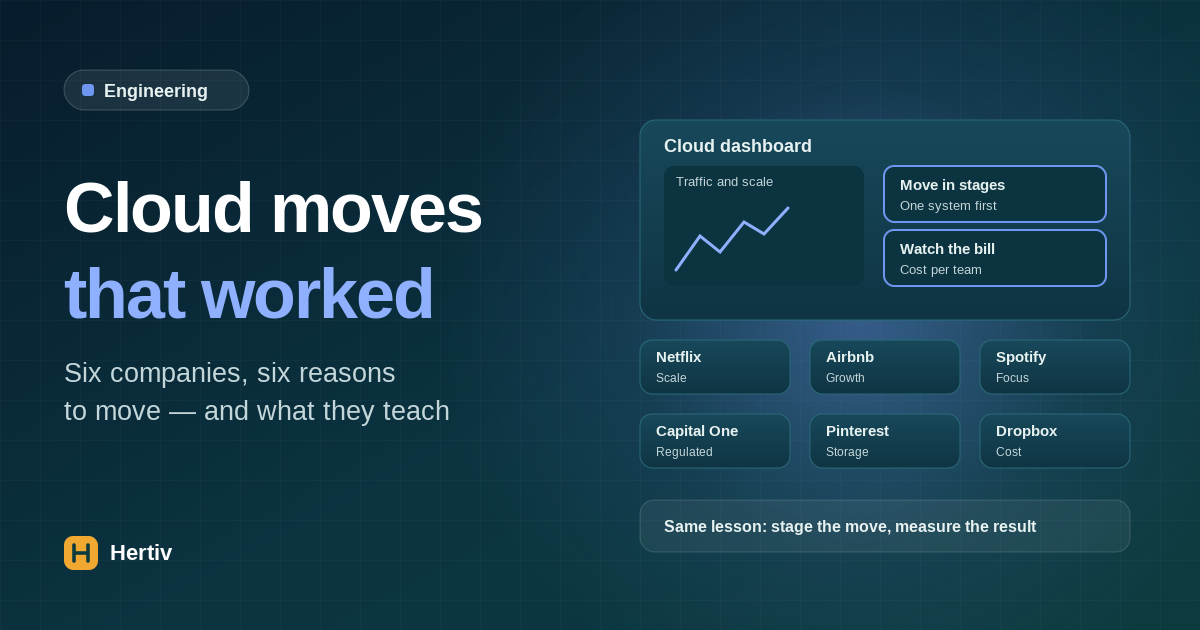
Use this comparison to see which pattern matches your own situation, then read the example that fits. The table shows what each company moved and why.
| Company | What moved | Main reason | Lesson |
|---|---|---|---|
| Netflix | Streaming platform | Scale for global viewers | Build for failure, not against it |
| Airbnb | Booking platform | Growth without owning servers | Scale in small steps |
| Spotify | Music service | Focus on the product, not servers | Buy what is not your advantage |
| Capital One | Banking systems | Speed and regulated compliance | Move with controls, not around them |
| Image platform | Variable traffic and storage | Watch the bill as you scale | |
| Dropbox | File storage | Cost control at huge scale | Some workloads come back |
None of these companies moved everything at once. Each one started with one system, proved the pattern, and then expanded. That staged approach is the most consistent lesson across all six. For the use-case view rather than company stories, see cloud computing use cases.
Netflix: best example of building for scale and failure
1. Netflix: best for scale and failure
Netflix moved its streaming platform to the cloud over several years, so that it could serve viewers in many countries without building data centres in each one. The move was driven by scale: viewing spikes in the evening, new markets opening, and a catalogue that keeps growing.
The lesson Netflix is known for is designing for failure. Cloud machines fail, networks drop, and the system is built so that a failure in one part does not stop playback. That design thinking, more than any single service, is what other teams copy.
Pros:
- Global scale: serves viewers without regional data centres
- Resilience by design: failures are expected and handled
- Fast experiments: new features reach viewers quickly
Cons:
- Long move: the migration took years, not months
- Deep expertise needed: the design takes senior engineers
- Ongoing cost discipline: scale without control gets expensive
Airbnb: best example of growing without owning servers
2. Airbnb: best for growing without owning servers
Airbnb built its booking platform on cloud infrastructure from early on, so it could grow with demand instead of buying servers ahead of it. When bookings spiked in a city or a season, capacity grew with them, and when demand fell, it shrank.
The lesson is to treat capacity as flexible. A startup that buys servers for peak demand pays for idle machines most of the year. A cloud-based platform pays for what it uses, which matters most when growth is uneven and hard to predict.
Pros:
- Flexible capacity: grows and shrinks with demand
- No hardware to run: the team focuses on the product
- Global reach: serves guests and hosts in many countries
Cons:
- Costs follow traffic: a spike raises the bill at once
- Dependence on the provider: outages affect the platform
- Architecture discipline: bad design gets expensive fast
Spotify: best example of focusing on the product, not the servers
3. Spotify: best for focusing on the product, not the servers
Spotify moved its music service to the cloud so its engineers could work on recommendations, playlists and playback instead of running data centres. The move was about focus: the company's advantage is the listening experience, not operating servers.
The lesson is to buy what is not your advantage. A team that runs its own infrastructure spends senior engineering time on problems that a cloud provider already solves. Moving that work out lets the team spend its time where it makes a difference to users.
Pros:
- Engineering focus: time goes to the product, not servers
- Managed services: databases and queues run by the provider
- Faster delivery: less time on operations, more on features
Cons:
- Migration effort: moving live systems takes careful planning
- Provider lock-in: managed services are harder to leave
- Cost visibility: usage needs monitoring to stay in budget
Capital One: best example of moving a regulated business to the cloud
4. Capital One: best for moving a regulated business to the cloud
Capital One moved its banking systems to the cloud while meeting the rules that govern financial data. The move was driven by speed: new products and changes reached customers faster when teams could build and test without waiting for hardware.
The lesson is that regulated industries can move to the cloud, but only with controls built in from the start. Encryption, access rules, audit trails and automated compliance checks were part of the migration, not added after it. For teams in regulated sectors, that order of work matters more than the choice of provider.
Pros:
- Faster delivery: teams ship without waiting for hardware
- Controls built in: compliance is part of the platform
- Consistent environments: testing matches production
Cons:
- Compliance work: audits and controls add effort
- Long planning: regulators need evidence, not promises
- Skills gap: teams need cloud and security training
Pinterest: best example of handling variable traffic and storage
5. Pinterest: best for handling variable traffic and storage
Pinterest runs an image platform where traffic and storage grow unevenly: a popular board can spike traffic, and the image library grows every day. The cloud lets it store and serve that content without planning capacity months ahead.
The lesson is to watch the bill as you scale. Storage and bandwidth are the quiet costs in a media platform, and a system that scales well can still surprise its owners if nobody tracks what each feature costs to run. Pinterest is often cited for the discipline of tagging costs to teams and features.
Pros:
- Elastic storage: grows with the image library
- Traffic spikes handled: capacity follows demand
- Cost tracking: spend is visible per team and feature
Cons:
- Storage costs grow: old content still costs money
- Bandwidth bills: serving images is not free
- Monitoring needed: costs drift without regular review
Dropbox: best example of knowing when to bring a workload back
6. Dropbox: best for knowing when to bring a workload back
Dropbox started on cloud storage and later moved much of its storage onto its own infrastructure, because at its scale the economics changed. The move is the most useful lesson in this list: cloud is a choice per workload, not a one-way door.
The lesson is to review the decision as scale changes. What is cheapest at one million users may not be cheapest at five hundred million, and a team that never re-checks the maths can pay for the old decision for years. Dropbox kept using cloud services where they still made sense, and moved only the workload where the numbers had flipped.
Pros:
- Cost control at scale: the move followed the numbers
- Hybrid thinking: cloud kept where it still fits
- Engineering control: storage tuned to the product
Cons:
- Big investment: building infrastructure takes capital
- Operations burden: the team runs what it moved
- Not a template: few companies reach this scale
How to apply these lessons to your own move
You apply these lessons by matching the pattern to your situation, not by copying one company's architecture. Start with the reason you are moving, and let it decide what moves first.
- Name the reason. Scale, speed, cost or focus, and write it down so later decisions can be judged against it.
- Move one system first. Pick a system that proves the pattern without risking the whole business.
- Build the controls early. Security, cost tracking and monitoring belong in the first move, not the third.
- Measure the result. Compare delivery speed, cost and reliability with the old setup on real numbers.
- Review per workload. Re-check each system as it grows, because the right home can change with scale.
For teams planning the move, cloud services cover the architecture and migration planning.
The building blocks these companies used are explained in what cloud computing is.
What are the common mistakes?
The most common mistakes in cloud moves are moving everything at once, ignoring the bill, and treating the cloud as a data centre with a different name.
- Big-bang migration. Moving all systems together hides problems until they affect everything.
- No cost tracking. Without per-team and per-feature costs, the bill grows silently.
- Lift and shift only. Moving servers as they are keeps the old costs and misses the cloud's advantages.
- Skipping the controls. Security and compliance added late cost more than building them in.
- Assuming it is one-way. Some workloads belong back on owned infrastructure as they scale.
These mistakes are avoidable with a staged plan, a cost owner, and a review point after the first system moves.
Key takeaways
- Every company here moved for a clear reason, and the reason shaped the move
- Staged moves beat big-bang migrations in every example
- Controls and cost tracking belong in the first move, not added later
- Cloud is a choice per workload, and the right answer can change with scale
- Buy what is not your advantage and spend engineering time where users feel it
Frequently asked questions
Why did Netflix move to the cloud?
Netflix moved to serve viewers in many countries without building data centres in each one, and to handle evening viewing spikes. The move took years and was done system by system, which let the team learn the cloud pattern before the most important systems moved.
Is the cloud always cheaper than owning servers?
No. The cloud is usually cheaper while demand is variable or the team is small, because you pay for what you use. At very large, steady scale, owning infrastructure can be cheaper for some workloads, which is why Dropbox moved part of its storage back. The answer depends on the workload.
What is the biggest risk in a cloud migration?
The biggest risk is moving without controls: no cost tracking, no security rules and no plan for failure. A migration that moves systems without those controls can produce a larger bill and weaker security than the setup it replaced.
How long does a cloud migration take?
It depends on how many systems move and how entangled they are. A single system can move in weeks, while a whole company takes months or years. Staged moves are slower on paper but safer in practice, because each stage proves the pattern.
Do regulated companies use the cloud?
Yes. Banks and healthcare companies run on the cloud, but they build encryption, access controls, audit trails and compliance checks into the platform from the start. The rules do not stop a move; they shape how it is done.
Should a small business move everything to the cloud?
Usually yes for the systems that are not its advantage, such as email, file storage and standard applications. A small team gains the most from managed services, because it avoids running infrastructure it does not have time to maintain.


