What Drives React Native App Development Cost?
React Native app development cost depends on team rates and hours. Typical builds range from simple MVPs to complex apps with native modules and backend work.
On this page
Short answer
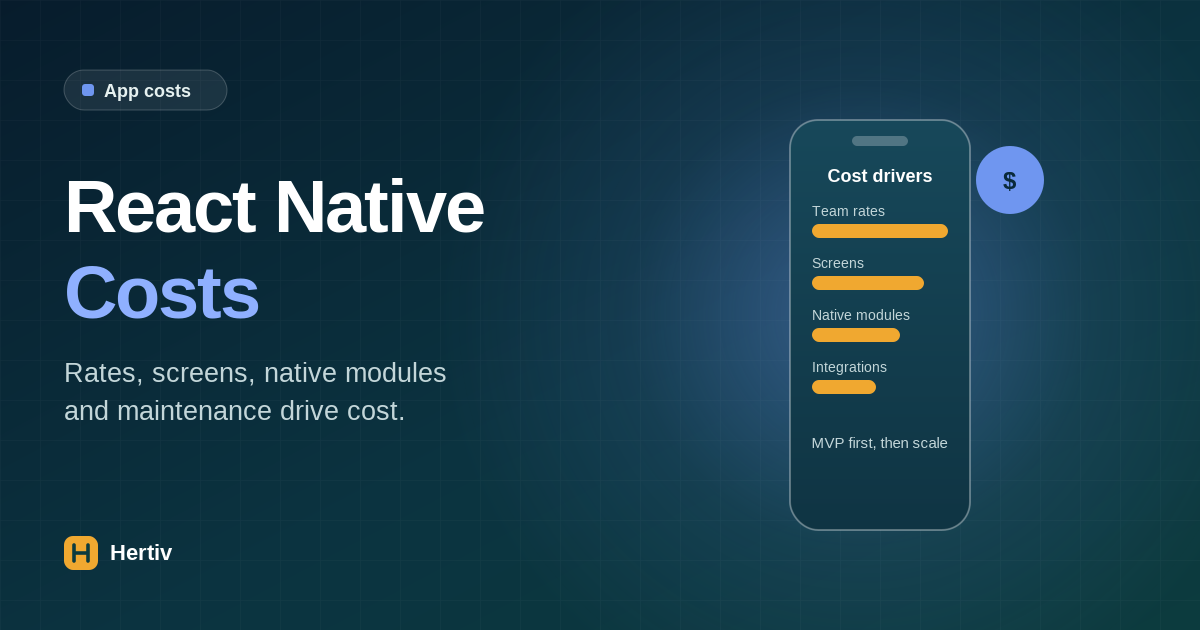
React Native app development cost is driven by team location and hourly rate, the number of screens and integrations, native module work, and ongoing maintenance. Typical MVP builds cost less than feature-rich apps because they need fewer custom integrations and less backend engineering.
What does React Native app development cost?
React Native app development cost is the total engineering effort to plan, build, test, release and maintain an iOS and Android app from one shared codebase, multiplied by your team's rates. There is no fixed price because the same app can be built in many ways.
Most budgets are estimated bottom-up: hours per role times a blended hourly rate, plus third-party services and store fees. As a rough shape, a small MVP with a handful of screens and one backend API sits at the low end, while an app with payments, chat, offline mode, analytics and custom native modules sits far higher. The spread is usually several times, not tens of percent.
Regional rates matter, but they are not the whole story. A cheaper team that needs more rework often costs more than a smaller, senior team. Ask for an estimate broken down by feature, and ask which assumptions would change the number.
For a comparable view of early-stage scope and budget, see How much does an MVP cost?.
Which parts of the budget actually drive cost?
The largest cost drivers are scope, integrations and the backend, not the React Native framework itself. Screens are visible, but they are rarely where the money goes.
- Backend and APIs. Accounts, data storage, permissions and business logic usually take more effort than the mobile UI.
- Integrations. Payments, maps, push notifications, analytics, CRM, identity providers and legacy systems each need work and testing.
- Native modules. Camera, Bluetooth, background location, file access or platform-specific SDKs may need native code on iOS and Android.
- Design and product work. A clickable prototype and a clear user flow save more than rushing straight into code.
- Compliance and security. Data protection rules, consent flows, audit logging and app store privacy declarations add work.
- QA and release. Testing on real devices, store review cycles and accessibility checks are part of the build.
How do team model and location affect the price?
Team model and location change the hourly rate, but they also change how many hours you need. A single senior React Native engineer with design and backend support can ship a focused app, while a larger team adds coordination cost.
Common models:
- Freelancer. Lowest headline rate, highest risk if the project stalls or needs handover.
- Small agency or studio. Product, design and engineering in one team; rate sits between freelancer and enterprise.
- Dedicated team. You pay for capacity over time; good for long roadmaps, less good for a fixed scope.
- In-house team. Highest control and continuity, but hiring and retention cost is real.
Location shifts the rate significantly between the US, UK, EU, Middle East and lower-cost regions. The cheapest rate is rarely the cheapest outcome once rework, time zone friction and handover are included. Ask for a blended rate, a named team and a definition of done.
If you want an outside engineering team on a defined scope, mobile app development for iOS and Android covers the typical engagement shape.
When does React Native save money compared with native builds?
React Native saves money when the app is mostly shared business logic and standard UI, because one codebase serves iOS and Android. It saves less when the app depends on heavy device features or platform-specific design.
A good fit for React Native:
- Forms, lists, dashboards, chat, content and account flows.
- Apps that must ship on both stores at the same time with a small team.
- Products where web and mobile share APIs and a design system.
A weaker fit:
- Apps built around camera, audio, Bluetooth or sensor pipelines.
- Apps that need deep platform integrations or strict performance guarantees.
- Teams with no JavaScript or TypeScript experience, where learning time erodes the savings.
Hypothetical example: a team estimates 800 hours at a blended rate of 60 per hour, giving 48,000, plus 6,000 for third-party services and store accounts. The total is 54,000. If native modules add 150 hours at the same rate, the total rises by 9,000 to 63,000. The arithmetic matters more than the sticker.
What does maintenance and post-launch cost?
Maintenance is a recurring budget line, not an afterthought. Every app needs OS updates, dependency upgrades, store releases, crash fixes and small product changes.
Ongoing work usually includes:
- React Native and dependency upgrades, which can force code changes.
- iOS and Android OS releases that change permissions, notifications or privacy rules.
- App store review issues and policy updates.
- Backend and third-party API changes that break integrations.
- Monitoring, crash triage and security patches.
Many teams reserve a monthly engineering block for this rather than paying per incident. The size depends on how critical the app is and how fast dependencies move. Ignoring maintenance is the most common way a low initial quote turns into a high total cost.
For broader engineering support around the app, see software engineering services.
How do you budget and reduce risk?
You budget by fixing scope before fixing price. Write the user journeys, list integrations and decide what the first release must do, then ask for an estimate against that scope.
- Write a one-page product brief. Users, core journeys, must-have features and explicit non-goals.
- Build a clickable prototype. It exposes unclear flows before code is written.
- Split the backlog into release one and later. Estimate release one only.
- Ask for a feature-level estimate. Hours by role, assumptions and unknowns listed separately.
- Reserve a contingency. Keep a buffer for native modules, integrations and store review.
- Plan maintenance from day one. Agree who upgrades dependencies and fixes crashes after launch.
Common mistakes that inflate the bill
Most overruns come from unclear scope and late integration, not from React Native itself. Avoiding these mistakes is cheaper than negotiating a lower rate.
- Skipping discovery. Building before the user flows are clear leads to rework.
- Treating the backend as free. Accounts, data and permissions need real engineering.
- Ignoring native module risk. A camera or Bluetooth feature can add weeks.
- No maintenance budget. Upgrades and store releases arrive whether you plan for them or not.
- Choosing on rate alone. A low rate with weak process often costs more overall.
- No acceptance criteria. Without them, done is a matter of opinion.
If the app is part of a larger custom product, custom software development explains how scope and delivery are usually structured.
Key takeaways
- Cost is mostly hours multiplied by blended team rate, not a per-app sticker price.
- Most of the budget goes to product discovery, backend APIs and integrations, not UI screens.
- Native modules, offline sync and device features add engineering effort that React Native does not remove.
- Post-launch maintenance, OS upgrades and store releases are recurring costs, not one-time fees.
- A written scope and clickable prototype reduce budget surprises more than picking a cheaper region.
Frequently asked questions
Is React Native cheaper than native app development?
Often yes for apps with standard UI and shared business logic, because one codebase serves iOS and Android. It is less cheaper when the app needs heavy device features, custom native modules or platform-specific design, since those still require native work.
How long does a React Native app take to build?
A focused MVP with a few core journeys can take a small team several weeks to a few months. A feature-rich app with payments, chat, offline mode and integrations usually takes longer. Scope, integrations and review cycles drive the timeline more than the framework.
What is included in a typical React Native estimate?
A useful estimate covers product discovery, UI design, React Native engineering, backend and API work, integrations, QA on real devices, store submission and a defined post-launch support period. Ask for exclusions in writing as well.
Do I need a separate backend for a React Native app?
Usually yes, unless the app only reads static content. A backend handles accounts, data, permissions and business logic. Backend effort is often a large share of the total and should be estimated separately from the mobile screens.
How much should I budget for maintenance?
Plan a recurring engineering block for dependency upgrades, OS releases, crash fixes and small changes. The amount depends on app criticality and how fast your integrations change. Treat it as a monthly line, not an emergency expense.
Can one React Native codebase cover both iOS and Android?
Yes for most shared UI and logic, but not always for device features and platform conventions. Some screens, permissions and native modules still need platform-specific handling, which should be scoped and estimated.


