Open Source MLflow Alternatives: 6 Tools Worth Comparing
MLflow is a popular way to track machine learning experiments, but it is not the only open source option. Here are six alternatives and what each one does best.
On this page
Short answer
MLflow is a popular open source platform for tracking machine learning experiments, packaging models and managing the model lifecycle. If it does not fit your stack, several other open source tools cover the same ground, each with a different strength. This guide compares six of them so you can pick the one that matches how your team already works.
Which open source tools can replace MLflow?
An open source MLflow alternative is a tool you can run yourself that tracks experiments, stores models or runs training pipelines, the way MLflow does. Teams look for one when MLflow feels heavy for a small project, when they want tighter Git integration, or when they need a feature MLflow does not offer, such as built-in data versioning.
No single tool copies MLflow feature for feature. Some focus on tracking, some on pipelines, and some on data. The right pick depends on which part of MLflow you actually use, so start by listing that before you compare tools.
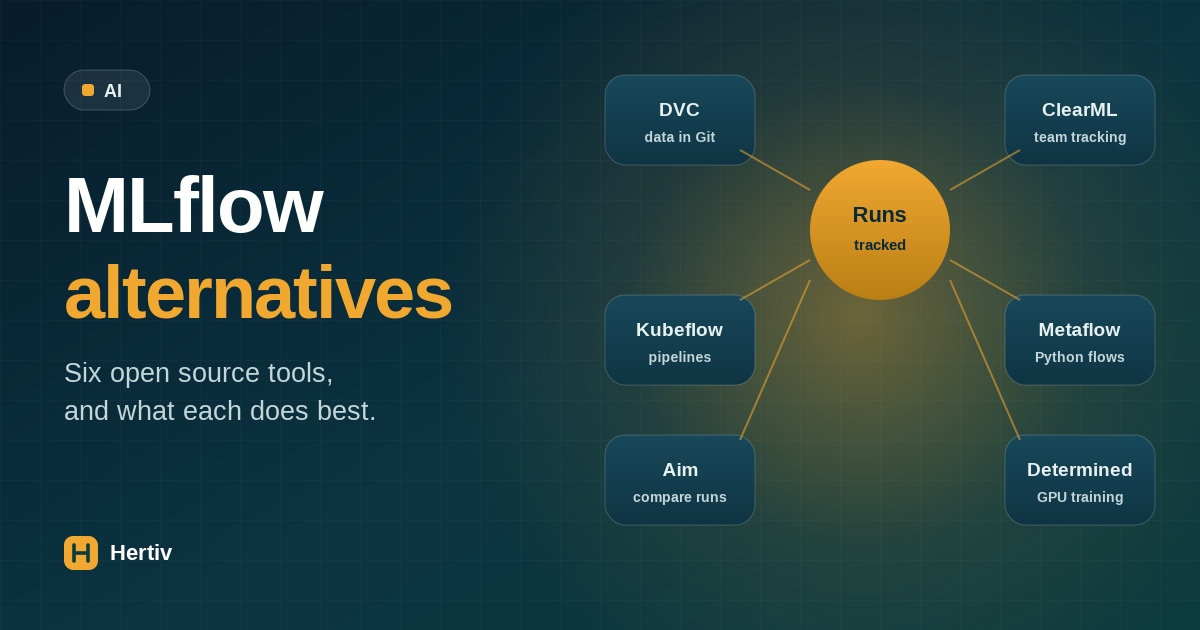
| Tool | Best for | What it replaces in MLflow |
|---|---|---|
| DVC | Versioning data and models in Git | Artifact and data tracking |
| ClearML | Experiment tracking at team scale | Tracking server and model registry |
| Kubeflow | Pipelines on Kubernetes | Projects and model serving |
| Metaflow | Data science code that scales | Tracking and run management |
| Aim | Comparing many training runs | Tracking server and charts |
| Determined AI | Distributed training and tuning | Training runs and hyperparameter search |
The sections below look at each tool in turn, with its strengths and its limits. Prices are not listed here because open source tools are free to run, while hosted versions change often, so check the vendor site for current plans.
Open source MLflow alternatives for tracking and data
1. DVC: best for versioning data and models in Git
DVC is a version control system for data science projects. It stores large data files and model files outside Git while keeping small pointer files inside the repo, so a checkout restores the exact data a run used. Teams that already live in Git find this the most natural way to make an experiment repeatable.
DVC also records pipelines as stages with dependencies, so a change to a data file re-runs only the steps that need it. It does not include a hosted tracking dashboard, so teams that want a visual run browser usually pair it with a separate tracking tool.
Pros:
- Data and models versioned next to code in Git
- Lightweight and easy to add to an existing project
- Works with any storage back end you already use
Cons:
- No built-in experiment dashboard
- Needs a second tool for rich run comparison
2. ClearML: best for experiment tracking at team scale
ClearML is an open source platform for tracking experiments, storing models and running remote jobs. It records code, parameters, metrics and artifacts automatically, and its web interface lets a team search runs, compare charts and share results without extra setup.
ClearML suits teams that want MLflow-style tracking with a stronger interface and built-in orchestration. It is a larger system to host than DVC or Aim, so a small team should weigh the setup cost against the features it will actually use.
Pros:
- Automatic tracking with little code change
- Clear web interface for comparing runs
- Remote execution and a model registry included
Cons:
- Heavier to self-host than the lighter tools
- More features than a solo developer needs
Open source MLflow alternatives for pipelines
3. Kubeflow: best for pipelines on Kubernetes
Kubeflow is a set of open source tools for running machine learning on Kubernetes. Its pipelines component lets a team define each step of training as a container, run steps in order, and reuse steps across projects. It fits teams that already run Kubernetes and want ML to live on the same platform.
Kubeflow covers more than tracking: it includes notebooks, serving and tuning. That breadth is its main strength and its main cost, because running it well needs Kubernetes skill and a team willing to maintain the platform.
Pros:
- Full pipeline, serving and tuning stack on Kubernetes
- Strong fit for teams already on Kubernetes
- Reusable pipeline steps across projects
Cons:
- Heavy to install and maintain
- Too much for teams without Kubernetes
4. Metaflow: best for data science code that scales
Metaflow is a Python framework from Netflix for writing data science workflows as plain Python code. A flow runs locally for testing, then the same code runs on cloud compute with one command, so a scientist does not rewrite the work to scale it.
Metaflow tracks runs, stores artifacts and versions results, which covers the parts of MLflow many teams use most. It is less of a full platform than Kubeflow, and it fits Python teams best, since the framework is built around Python.
Pros:
- Same code runs locally and on cloud compute
- Simple Python API with built-in tracking
- Good for teams that want code, not YAML
Cons:
- Python only, so other languages need a different tool
- Smaller add-on ecosystem than Kubeflow
Open source MLflow alternatives for run comparison
5. Aim: best for comparing many training runs
Aim is an open source experiment tracker built for comparing hundreds of runs at once. It stores metrics in a fast local database and renders them in a web interface where you can group, filter and chart runs without writing queries.
Aim suits researchers who run many variants of a model and need to see patterns across them. It is lighter than ClearML and Kubeflow, and it installs quickly, but it focuses on tracking, so model packaging and serving need another tool.
Pros:
- Fast comparison across hundreds of runs
- Quick to install and easy to self-host
- Clean interface for metric exploration
Cons:
- Tracking only, no pipelines or serving
- Less suited to large team workflows
6. Determined AI: best for distributed training and tuning
Determined AI is an open source platform for training models across many GPUs and searching hyperparameters. It schedules jobs, handles checkpoints and fault recovery, and records results, so a team can run large experiments without building that plumbing itself.
It fits teams that train big models and need GPU scheduling as much as tracking. For a team that trains on one machine, it adds more moving parts than the job needs, and a lighter tracker would serve better.
Pros:
- Built-in distributed training and tuning
- Handles checkpoints and job recovery
- Good for GPU-heavy teams
Cons:
- Overkill for single-machine training
- Needs GPU infrastructure to pay off
How to choose an MLflow alternative
Choosing an MLflow alternative starts with naming the MLflow features you actually use. If you only log parameters and metrics, a light tracker such as Aim or DVC will do. If you need pipelines, serving and tuning, a platform such as Kubeflow or ClearML is the better match.
- List the MLflow features your team uses every week, and mark the ones you cannot drop.
- Check how each tool stores data, and confirm it works with your storage and your Git workflow.
- Run a small pilot on one real project, tracking the same runs in both tools for two weeks.
- Ask who will host and maintain the tool, and confirm the team has the time for it.
- Pick the tool that covers your must-have list with the least extra machinery.
A short pilot answers more than a long feature comparison. Two weeks of real runs show whether the interface helps, whether setup holds up, and whether the team actually opens the dashboard.
Common mistakes when switching from MLflow
The most common mistake is picking a tool for its feature list instead of for the workflow it supports. A platform with every feature still fails if the team finds it slow to open or hard to search, so fit with daily habits matters more than the total count of features.
Another mistake is moving old runs without a plan. Exporting years of MLflow history is rarely worth the effort, and teams that try often stall the switch. Keep the old MLflow server read-only for a few months, move only the models still in use, and let new runs start fresh in the new tool.
A third mistake is skipping the hosting question. Open source does not mean free to run: a self-hosted tracker needs updates, backups and someone on call when it goes down. Budget that time before you switch, or pick a hosted version and check the vendor site for its plan.
Key takeaways
- MLflow has several strong open source alternatives, each with a different focus.
- Pick the tool that matches the MLflow features you use, not the longest feature list.
- DVC is the best fit when data and model versioning in Git matters most.
- ClearML and Kubeflow suit teams that want a full platform, not just tracking.
- Run a two-week pilot on one real project before you switch the whole team.
Frequently asked questions
Is MLflow itself open source?
Yes. MLflow is open source software maintained by a community, and you can run it yourself at no licence cost. The alternatives in this guide are also open source, so the choice is about fit and features rather than about paying for a licence.
Which MLflow alternative is easiest to start with?
Aim and DVC are the easiest to start with because both install quickly and work with a project you already have. Aim gives you a run dashboard in minutes, while DVC adds versioning to your Git repo without changing how you train.
Can I use DVC and a tracker together?
Yes, and many teams do. DVC handles data and model versioning while a tracker such as Aim or ClearML handles metrics and run comparison. The two tools cover different jobs, so pairing them often works better than forcing one tool to do both.
Do these tools work without Kubernetes?
DVC, Aim, Metaflow and ClearML all work without Kubernetes, and most teams run them on a single server or a small virtual machine. Only Kubeflow needs Kubernetes, since it is built as a set of Kubernetes tools.
How do I move my MLflow runs to a new tool?
Start new runs in the new tool and leave the old MLflow server read-only for a few months. Move only the models still in production, and record their key metrics by hand if you need them in the new system. Moving every old run rarely pays for the time it takes.
Is Determined AI free to use?
Determined AI is open source, so you can run it yourself without a licence fee. Running it well needs GPU machines and someone to maintain the cluster, so check the vendor site if you would rather use a hosted version.


