OCR vs Intelligent Document Processing: What Is the Difference?
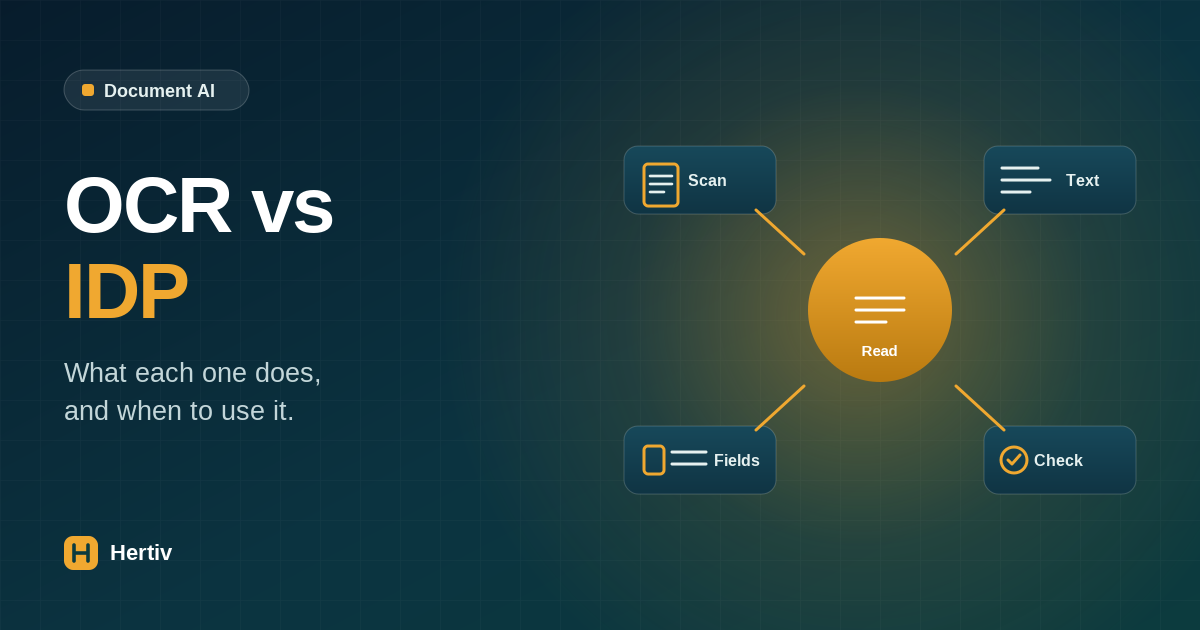
OCR reads the text in a document. Intelligent document processing goes further: it understands the fields, checks them and sends the data where it belongs.
On this page
Short answer
OCR turns images of text into machine-readable characters, nothing more. Intelligent document processing (IDP) adds structure on top: it finds the fields that matter, such as invoice totals and dates, checks them against your rules, and passes clean data to your systems. OCR is one step inside IDP, not a rival to it.
What is OCR?
OCR, or optical character recognition, is software that turns images of text into machine-readable characters. It looks at a scanned page, a photo of a receipt or a PDF that contains only pictures, and returns the words it finds as plain text that a computer can search, copy and store.
OCR works by finding shapes on the page and matching them to letters and numbers. Modern OCR engines handle many fonts, common handwriting and rotated pages, but their output is still just text in reading order. The software does not know which string is an invoice number and which is a date, and it does not know what any of it means.
That makes OCR a useful utility and a limited one. It solves the problem of getting text out of an image, and nothing else. Anything that has to happen to that text afterwards — sorting it, checking it, filing it — needs more software on top.
What is intelligent document processing?
Intelligent document processing, or IDP, is a system that reads a document, works out what each part means, checks it against your rules, and sends the result to the right place. It uses OCR to get the text, then adds classification, extraction, validation and handoff steps around it.
A typical IDP flow starts by sorting the document: is this an invoice, a contract, a claim form or a delivery note? Then it pulls out the fields that matter for that type, such as the supplier name, the total amount and the due date.
Next it checks those fields against rules — does the total match the line items, does the supplier exist in your records — and flags anything that does not add up for a person to review.
The last step is the handoff. Clean, checked data goes into your finance, HR or claims system without anyone retyping it. The document itself is stored with its extracted data, so it can be searched later. IDP is therefore a workflow, not a single tool, and OCR is one step inside it.
OCR vs IDP: how they compare
The table below shows what each one does, so you can see where OCR stops and IDP begins.
| Step | OCR only | Intelligent document processing |
|---|---|---|
| Read the text | Yes, returns plain text | Yes, as the first step |
| Know the document type | No | Yes, classifies invoices, forms and contracts |
| Find named fields | No | Yes, extracts totals, dates, names and IDs |
| Check the data | No | Yes, validates against rules and records |
| Send data to systems | No | Yes, posts to finance, HR or claims tools |
| Learn from corrections | No | Yes, feedback improves extraction over time |
Think of OCR as reading aloud and IDP as reading, understanding and acting. A team that only needs searchable text can stop at OCR. A team that needs data in its systems, checked and ready to use, needs the rest of the IDP flow.
The cost difference follows the same split. OCR is cheap and often built into tools you already own. IDP costs more because it includes document classification, field models, validation rules and integrations — and because it replaces manual work rather than just digitising it.
When is OCR enough?
OCR is enough when the goal is simply to make documents searchable or to copy text out of an image. A law firm scanning old case files so lawyers can search them, a library digitising an archive, or a team pulling text from screenshots for a report all need OCR and nothing more.
It is also enough when the volume is low and a person will read the result anyway. If a team handles a handful of documents a week and someone checks each one by hand, adding classification and validation would save little time and add cost and upkeep.
OCR also suits documents with a fixed layout, such as a standard form that never changes. In that case a simple template can pull the same field from the same place every time, and the team may not need the machine learning parts of IDP. A short comparison of OCR tools for startups can help a small team pick an engine for this kind of work.
When do you need intelligent document processing?
IDP earns its place when documents arrive in volume, in many layouts, and with data that must reach another system. Supplier invoices are the classic case: hundreds a month, from many suppliers, each with a different layout, and each total has to land in the finance system without retyping.
It also matters when accuracy has a cost. A wrong amount on a payment, a missed date on a contract or a misread policy number can cost far more than the software. IDP catches those errors with checks — totals against line items, dates against due dates, names against your records — and routes the uncertain cases to a person instead of letting them through.
A third sign is that the same document type keeps changing. Suppliers redesign their invoices, regulators update forms, and a template built for last year's layout quietly breaks. IDP systems that learn from corrections adapt to those changes, while a fixed template needs a developer every time a layout shifts. Teams planning this kind of system often start with a document AI assessment of their document types and volumes before choosing a tool.
Example (hypothetical): an accounts team processing invoices
Example (hypothetical): a mid-size wholesaler receives 400 supplier invoices a month. With OCR alone, a clerk reads the extracted text and retypes the supplier, date and total into the finance system. At 6 minutes per invoice, that is 400 x 6 = 2,400 minutes, or 40 hours a month — a full working week of retyping.
With IDP, the system classifies each invoice, extracts the three fields, checks the total against the line items, and posts the clean ones straight to the finance system. Suppose 320 of the 400 pass the checks with no human touch, and the other 80 take 6 minutes each to review. Review time is 80 x 6 = 480 minutes, or 8 hours a month.
The saving is 40 - 8 = 32 hours a month, and the team also stops paying for retyping errors. The IDP system still needs someone to check the 80 flagged invoices and to review its mistakes, but the routine work is gone. That is the honest shape of the benefit: a large cut in routine hours, not zero hours.
What are the common mistakes?
The first mistake is buying IDP when OCR would do. Teams hear that IDP is the modern option and pay for classification and validation they never use, because their real need was searchable scans. Start from the job — searchable text, or data in a system — and choose the smaller tool that does it.
The second mistake is the opposite: expecting OCR to do IDP's job. A team buys an OCR engine, points it at invoices, and is surprised when the totals do not land in the finance system. OCR was never going to do that. If the goal is data in a system, budget for the extraction, checks and integration, not just the reading step.
The third mistake is skipping the validation rules. An IDP system that extracts fields without checking them will pass errors straight into your systems faster than a person would. Write the checks first — totals against lines, dates against due dates, names against your records — and only then let clean documents through untouched.
The fourth mistake is ignoring layout drift. Suppliers change invoice layouts, and a system trained on last year's formats will start missing fields. Plan a monthly review of flagged documents and a routine for retraining or fixing templates, or the accuracy you measured at launch will quietly fall away.
Key takeaways
- OCR returns plain text from an image; it does not know what the text means
- IDP classifies documents, extracts named fields, checks them and posts data to your systems
- OCR is enough when the goal is searchable text or low-volume reading by a person
- IDP pays off at volume, with many layouts, or where an error is expensive
- Write validation rules first, or IDP will pass errors into your systems faster than a person would
Frequently asked questions
Is IDP the same as OCR?
No. OCR is one step inside IDP. OCR turns an image of text into characters. IDP then classifies the document, extracts named fields such as totals and dates, checks them against your rules, and sends clean data to your systems.
Can OCR extract an invoice total?
Not on its own. OCR returns the text of the whole page in reading order. You still need extra software to find which number is the total, check it against the line items, and post it to your finance system. That extra software is what IDP adds.
Do I need machine learning for document processing?
It depends on variety. If every document has the same fixed layout, a template can pull fields from the same place each time. If layouts vary across suppliers or change over time, machine learning models that learn from corrections handle the variety better.
How accurate is IDP?
Accuracy depends on document quality, layout variety and the checks you write. Clean, printed documents with clear fields extract well. Handwritten notes, poor scans and unusual layouts need more human review. Always measure accuracy on your own documents before going live.
What does IDP cost compared with OCR?
OCR is cheap and often built into tools you already own. IDP costs more because it includes classification, field extraction, validation rules and integrations. The cost is usually judged against the hours of manual typing and checking it replaces.
Should a small team use IDP?
Only if the volume or the cost of errors justifies it. A team handling a handful of documents a week can often manage with OCR plus manual checking. IDP makes sense when documents arrive in volume, in many layouts, or with data that must reach another system.


