How Much Does Mobile App Development Cost?
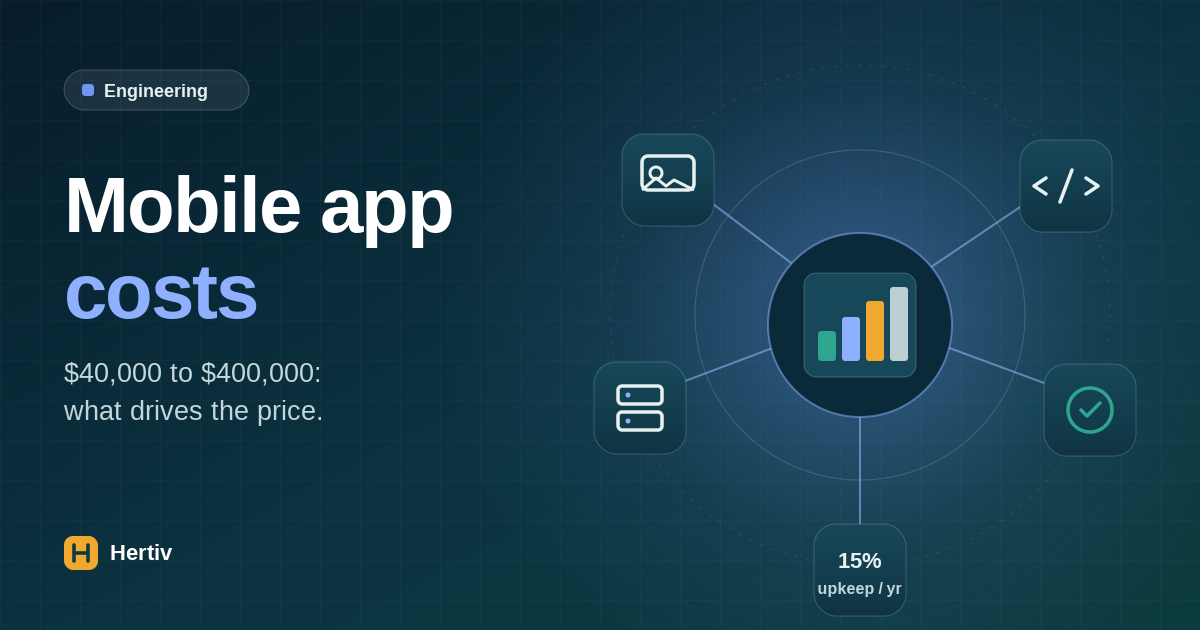
A mobile app costs roughly $40,000 to $400,000 or more in 2026, depending on scope. Here is what drives the price and how to budget for it.
On this page
Short answer
Mobile app development cost is the total price of designing, building, testing and launching an app. In 2026 it usually falls between about $40,000 for a basic app and $400,000 or more for an advanced one, according to published agency guides. The range is wide because the price depends on what the app does, how many platforms it runs on, and who builds it.
What does mobile app development cost?
Mobile app development cost is the total price of designing, building, testing and launching an app, and in 2026 it usually falls between about $40,000 for a basic app and $400,000 or more for an advanced one, according to published agency guides. The range is wide because the price depends on what the app does, how many platforms it runs on, and who builds it.
Published 2026 agency guides break the range into four tiers. These are planning ranges, not quotes, and real projects vary with team rates and scope, but they give a realistic starting point for a budget conversation.
| Tier | What it usually includes | Planning range |
|---|---|---|
| Basic app | Login, profiles, simple content, one platform | $40,000 - $100,000 |
| Moderate app | Payments, messaging, admin panel, third-party services | $100,000 - $200,000 |
| Advanced app | Real-time features, AI, complex dashboards, multi-platform | $200,000 - $400,000 |
| Enterprise app | Large-scale systems, compliance, high-volume infrastructure | $400,000 and up |
A minimum viable product sits at the low end of the basic tier: a small set of core features, one platform, and a simple design. The most common mistake is comparing a quote for an MVP with a quote for a finished product and wondering why the numbers differ by a factor of three.
What drives the cost up or down?
Seven factors explain most of the difference between a $50,000 app and a $300,000 one, and scope is the biggest of them. Every feature, screen and integration adds design, code, testing and maintenance, so the feature list is really a price list.
| Cost driver | How it moves the price |
|---|---|
| Scope and features | Each feature adds design, code, testing and upkeep |
| Design depth | Custom animations and branded screens cost more than templates |
| Platforms | Two native apps cost more than one shared codebase |
| Backend and data | Accounts, sync and real-time data need servers and APIs |
| Third-party services | Payments, maps and messaging add fees and integration work |
| Security and compliance | Health, finance and children's apps need audits and controls |
| Team location and rates | Agency rates vary widely by country and seniority |
Team location deserves a straight answer. US agencies often charge $100 to $200 per hour, while teams in other regions charge far less for the same work, which is why similar apps can carry very different quotes. See mobile app development for how a build team is usually put together.
Native, cross-platform or no-code: what does each cost?
The platform choice is the second biggest cost decision after scope, and it is hard to reverse. Native apps are built separately for iOS and Android, cross-platform apps share one codebase, and no-code tools assemble an app from visual blocks. Each fits a different budget and a different future.
| Approach | Planning range | Best for |
|---|---|---|
| Native iOS and Android | $40,000 - $400,000 and up | Performance, deep device features, long-term products |
| Cross-platform | $20,000 - $350,000 | One team shipping to both stores quickly |
| No-code or low-code | $10,000 - $80,000 | MVPs, internal tools and proofs of concept |
Cross-platform looks cheaper on paper, and it usually is for the first version. The catch is custom work: features that need deep access to the camera, Bluetooth or background processing can cost more to force into a shared codebase than to build natively. No-code is cheapest of all, but it caps what the app can do, so plan an exit route before the app outgrows it.
What does each feature add to the bill?
Features are priced by the work behind them, not by how they look on screen. A login screen is cheap; a login system with social sign-in, password recovery and account deletion is not. The table below shows planning ranges for common features, drawn from published 2026 agency guides.
| Feature | Typical addition | Why it costs that much |
|---|---|---|
| User accounts and login | $5,000 - $15,000 | Sign-in, recovery, profiles, permissions |
| Payments | $10,000 - $30,000 | Gateways, refunds, receipts, tax rules |
| Real-time chat | $10,000 - $25,000 | Messages, presence, media, moderation |
| Maps and location | $5,000 - $20,000 | Search, routing, live tracking, offline maps |
| Push notifications | $3,000 - $8,000 | Targeting, scheduling, analytics |
| Admin panel | $8,000 - $20,000 | Content, users, reports, moderation tools |
| AI features | $15,000 - $50,000 and up | Models, prompts, evaluation, safety checks |
Add the features you need for launch and cut the rest to version two. Every feature in the first release also adds testing, store review risk and support load, so a smaller launch is cheaper twice over: once to build, and once to run.
How do you budget for the first year?
Budget for the build and the year after it, because an app that launches and then stops being maintained dies quickly. Published guides put yearly maintenance at 15 to 20 percent of the build cost, covering store updates, operating system changes, bug fixes and small improvements.
- List the features for launch and price each one, using the ranges above as planning figures.
- Add design, testing, project management and store submission, which together are often a third of the total.
- Add a 10 to 15 percent buffer for the surprises every build produces.
- Budget 15 to 20 percent of the build cost per year for maintenance and updates.
- Set aside a separate launch budget for store fees, analytics and the first marketing push.
Ask every vendor for the same breakdown, so quotes can be compared line by line. A quote that hides testing or maintenance inside a single number is not cheaper; it is just less honest. See MVP development for how to scope a first version that fits a smaller budget.
Example (hypothetical): a mid-level app budget
Example (hypothetical): imagine a mid-level app with accounts, payments and an admin panel, built for iOS and Android from one shared codebase. The vendor quotes design at $12,000, the two apps at $48,000, the backend and APIs at $30,000, testing at $12,000, and project management at $8,000.
Add them up: 12,000 + 48,000 + 30,000 + 12,000 + 8,000 = $110,000 for the build. Maintenance at 15 percent of the build is 110,000 times 0.15, which is $16,500 for the first year. The first-year total is 110,000 + 16,500 = $126,500, before store fees and marketing.
The arithmetic is the point. A quote of $110,000 sounds complete, but the app really costs $126,500 in year one, and a similar amount every year after. Budget the full year, not the build alone, and the number will not surprise you later.
What are the common mistakes?
Most app budgets go wrong in the same ways, and all of them are fixable before a contract is signed. The list below covers the errors that cost teams the most money.
- Comparing an MVP quote with a full-product quote as if they were the same thing.
- Forgetting maintenance, store fees and third-party service charges in the budget.
- Adding features during the build without repricing them, which quietly doubles the scope.
- Choosing native for both platforms when one shared codebase would have done.
- Skipping testing to save money, then paying far more to fix bugs after launch.
- Accepting a single-number quote with no breakdown of design, code, testing and management.
- Treating the launch as the finish line instead of the start of a yearly running cost.
Ask for the breakdown, keep the first version small, and budget the year after launch. Those three habits prevent most budget surprises.
Key takeaways
- A basic app costs roughly $40,000 to $100,000; advanced apps reach $400,000 and up.
- Scope is the biggest cost driver, followed by platforms and the team you hire.
- Cross-platform is cheaper to start; native wins on performance and device features.
- Budget 15 to 20 percent of the build cost per year for maintenance.
- A single-number quote hides costs; ask for a line-by-line breakdown.
- Cut features to version two and the first release gets cheaper twice over.
Frequently asked questions
How much does a simple mobile app cost?
A basic app with a login, a few screens and simple content usually costs $40,000 to $100,000 through an agency in 2026, according to published guides. A no-code version of the same idea can cost far less, but it caps what the app can do later.
How much does it cost to build an app for iOS and Android?
Building two native apps costs more than one shared codebase, often by a third or more. A cross-platform build from one codebase usually falls between $20,000 and $350,000 depending on scope, while two native apps start higher and scale further.
What is the cheapest way to build a mobile app?
A no-code or low-code tool is the cheapest route, typically $10,000 to $80,000 for a simple app. It fits MVPs and internal tools well. The trade-off is limited customisation, so plan how you would rebuild if the app outgrows the tool.
How much does app maintenance cost per year?
Published guides put yearly maintenance at 15 to 20 percent of the build cost. That covers operating system updates, store requirements, bug fixes and small improvements. An app that skips maintenance usually breaks within a year or two.
Why do app quotes vary so much between agencies?
Quotes vary because scope, team rates and what is included vary. One quote may include testing and maintenance while another hides them. Ask every vendor for the same line-by-line breakdown, then compare design, code, testing and management separately.
Does adding AI features change the cost a lot?
Yes. AI features typically add $15,000 to $50,000 or more, because they need model access, prompt work, evaluation and safety checks on top of the normal app. Keep the first AI feature narrow, with a human review step, and expand it only after it proves its value.


