Marketing Data Warehouse Benefits: What Your Team Gains
A marketing data warehouse pulls ad, CRM, web and sales data into one place. Here are its benefits, what it costs in effort, and how to tell if your team is ready.
On this page
Short answer
A marketing data warehouse is a single store for campaign, customer and sales data, cleaned and joined so a team can answer questions in minutes instead of days. Its main benefits are one agreed view of the customer, faster reporting, clearer attribution and better targeting. It pays off once a team runs several channels and spends real time stitching reports together by hand.
What is a marketing data warehouse?
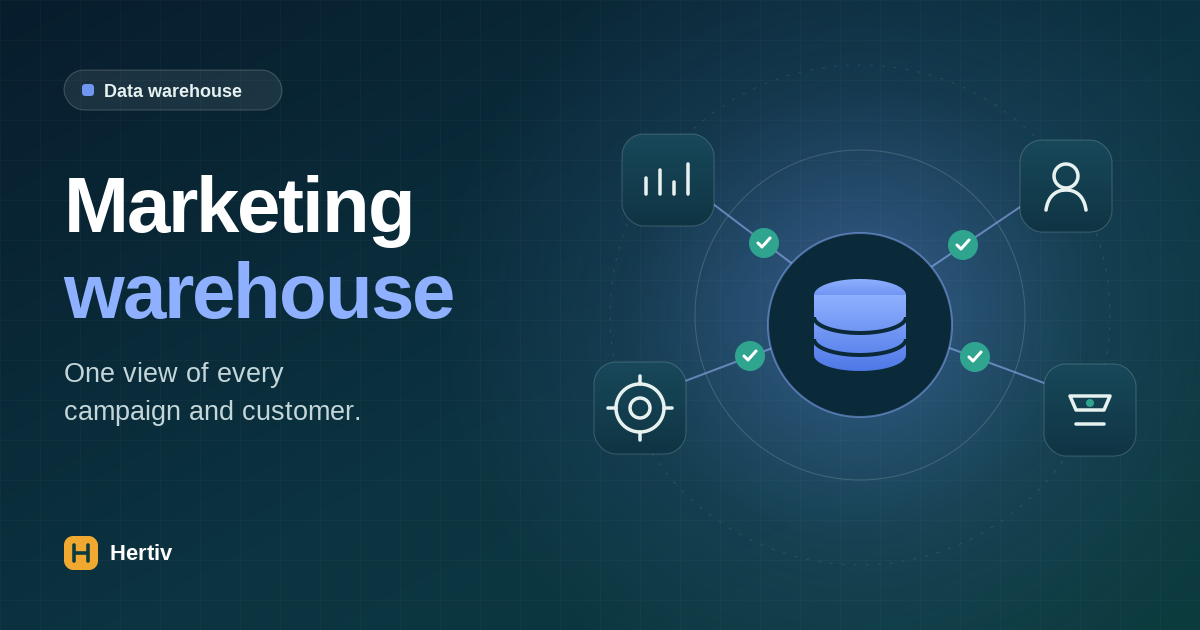
A marketing data warehouse is a single, organised store for a company's marketing data, where records from advertising platforms, the CRM, the website, email tools and sales systems are collected, cleaned and joined into one set of tables. It answers questions such as which channel brought in the best customers, which campaign actually led to a sale, and how spend maps to revenue.
It differs from the tools that feed it. An ad platform reports only its own clicks, and a CRM holds only the deals your sales team logged. A warehouse joins those views on a shared customer key, so the same person, company or order is recognised across every source. That shared key is what turns scattered reports into one story.
Most teams build it on a cloud warehouse such as Snowflake, BigQuery or Redshift, with a small pipeline that copies data on a schedule and a set of rules that clean names, currencies and dates. The marketing team then reads it through a dashboard or a spreadsheet, not through SQL. For the basics of how warehouses work, see data warehouse concepts.
Which benefits matter most?
The benefits fall into four groups. The first is a single view of the customer: one record that shows every touch, from first ad click to renewal. The second is speed: reports that took a day of copying now refresh on their own. The third is honest attribution: spend is tied to real outcomes, not to the last click. The fourth is better targeting: segments are built from behaviour, not guesses.
| Benefit | What changes | Who notices |
|---|---|---|
| Single customer view | One record per customer across ad, web, CRM and sales | Marketing and sales |
| Faster reporting | Dashboards refresh on a schedule instead of manual copying | Analysts and managers |
| Clearer attribution | Spend is tied to pipeline and revenue, not just clicks | Budget owners |
| Better targeting | Segments built from real behaviour and purchase history | Campaign teams |
| Cleaner data | Names, currencies and dates fixed once, in one place | Everyone who reads a report |
| Easier testing | Campaign results compared on the same metrics | Growth teams |
Not every benefit lands at once. Reporting speed usually shows up first, because it removes manual work the team already feels. Attribution takes longer, because it needs clean sales data and agreed rules for what counts as a conversion.
How does it improve targeting and segmentation?
It improves targeting by joining behaviour with identity. An ad platform knows a click, and the CRM knows a purchase, but neither knows both. Once the two are joined, a team can build segments such as people who clicked twice, opened three emails and never bought, and send them a different message from first-time visitors.
It also stops wasted spend. A team can exclude existing customers from prospecting campaigns, suppress people who already converted, and cap how often one person sees the same ad. Those exclusions are only possible when ad, web and CRM data sit in the same place.
The test is simple: pick one segment that matters, such as lapsed buyers, and check whether the warehouse can list them in minutes. If it can, targeting has improved. If the list still needs a day of manual work, the joins are not done yet.
What does it do for reporting and attribution?
It gives reporting one source of truth. Every dashboard reads the same tables, so the marketing report and the sales report stop disagreeing about how many leads arrived last month. When numbers differ, the team fixes one definition instead of arguing over two spreadsheets.
For attribution, it lets a team compare models side by side. First-touch credit shows which channel started the journey, last-touch shows which one closed it, and a position-based model shares credit across the middle. No model is right on its own, but seeing all three stops a team from cutting a channel that starts deals just because it never closes them.
The honest limit is that attribution is a model, not a measurement. It cannot prove a customer would not have bought anyway. A good warehouse makes that limit visible by showing the same result under more than one model. For a wider view of warehouse design, see enterprise data warehouse.
How do you build one, step by step?
You build one in small steps, starting with the questions the warehouse must answer rather than with the tools.
- List the five questions marketing asks every month, such as cost per qualified lead by channel.
- Name the sources that answer them: ad platforms, CRM, web analytics, email and the order system.
- Pick a cloud warehouse and a way to copy data on a schedule.
- Define shared keys and rules for names, currencies and dates.
- Build one dashboard for one question and check it against the old manual report.
- Add the next question only when the first one is trusted.
Keep the first version small. A warehouse that answers five questions well beats one that tries to answer fifty and is trusted for none of them. If the pipeline work is more than the team can carry, data engineering support can build the copy and cleaning steps.
Example (hypothetical): a retailer stops guessing about campaigns
Example (hypothetical): a retailer runs 40 campaigns a month across search, social and email. Before the warehouse, an analyst spent 6 hours per campaign pulling numbers from each platform and joining them in a spreadsheet, or 240 hours a month across the 40 campaigns.
With the warehouse, the same reports take 1.5 hours per campaign to check and adjust, or 60 hours a month. The team saves about 180 hours a month, which it spends on testing new audiences instead of copying numbers. The saving is real only because the warehouse tables are checked against the source platforms each week.
The team also checks the warehouse against the ad platforms once a month, since a broken connection can quietly stop new data arriving while the old reports keep looking right.
What are the common mistakes?
The most common mistakes are copying data without cleaning it, letting each team define metrics differently, and building dashboards before anyone agrees what a lead is.
- Copying raw data with no rules for names, currencies and dates.
- Letting marketing and sales define a qualified lead differently.
- Building fifty dashboards before one is trusted.
- Treating attribution as proof instead of a model.
- Skipping access rules, so anyone can see any customer's data.
A warehouse only helps when the team trusts it. Trust comes from small wins: one dashboard that matches the manual report, one segment that performs better, one budget decision made with shared numbers. For warehouse options that fit small teams, see data warehouses for startups.
Key takeaways
- One customer view beats scattered channel reports
- Reporting speed is usually the first benefit a team feels
- Attribution needs clean sales data and agreed rules
- Targeting improves only when joins are actually built
- Start with five questions, not fifty dashboards
Frequently asked questions
What is the difference between a marketing data warehouse and a CRM?
A CRM holds the deals and contacts your sales team logs, while a marketing data warehouse joins CRM records with ad, web, email and order data. The CRM answers who a customer is; the warehouse answers how that customer found you, what they saw, and what they bought.
How much does a marketing data warehouse cost?
Costs vary with the warehouse, the volume of data and the tools around it, so check the vendor site for current pricing. The main cost is usually staff time: building pipelines, cleaning data and keeping definitions agreed. Many teams start with a small cloud warehouse and grow it.
Do small marketing teams need a data warehouse?
Not always. A team running one or two channels can usually manage with the tools it already has. A warehouse starts to pay off when a team runs several channels, spends hours a week joining reports by hand, and keeps arguing about which numbers are right.
How long does it take to build one?
A first version that answers a handful of questions can take a few weeks when the sources are clean and the questions are agreed. It takes longer when the data needs heavy cleaning or when teams cannot agree on definitions, so agree the definitions first.
What data should go into a marketing data warehouse?
Start with the sources that answer your five main questions: ad platforms, CRM, web analytics, email and the order system. Add more sources only when a question needs them. Copying everything at once makes cleaning harder and slows the first win.
Can a marketing data warehouse replace our analytics tool?
No. It stores and joins the data, while an analytics or dashboard tool reads it and shows charts. Most teams keep their analytics tool and point it at the warehouse, so reports stay familiar while the numbers behind them get cleaner.