Is Low-Code and No-Code the Future of App Building?
Low-code and no-code tools build real apps faster, but they do not replace custom development. Here is where they fit and where they stop.
On this page
Short answer
Low-code and no-code tools let teams build apps with visual builders instead of writing most of the code by hand, and they will take over more routine work. They are not the whole future of app development, because complex, regulated and genuinely new products still need custom engineering.
What do low-code and no-code mean?
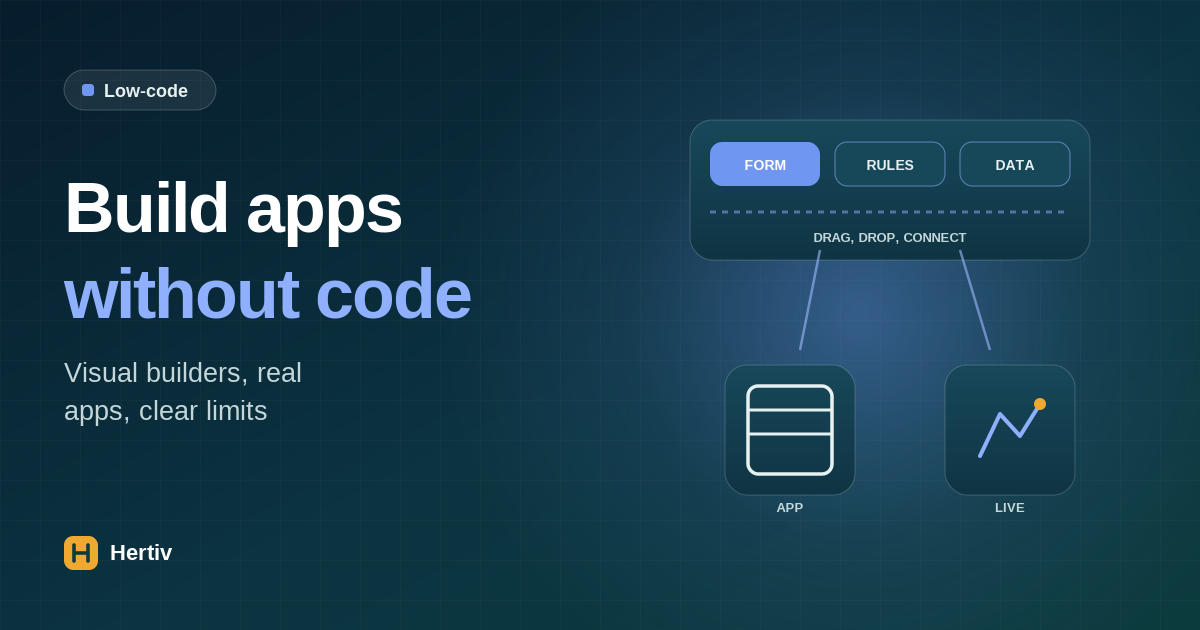
Low-code and no-code are ways of building software with visual tools instead of writing most of the code by hand. No-code tools let non-developers build apps by dragging blocks, forms and workflows together, while low-code tools do the same for routine work but let developers add custom code where the visual builder stops.
Both sit on top of a platform that handles the plumbing: databases, logins, hosting and integrations are provided, so the builder focuses on screens, rules and data. The difference is the escape hatch. A no-code app is limited to what the platform offers, while a low-code app can drop into code for a custom integration, a complex rule or a performance fix.
Common examples include internal dashboards, approval workflows, customer portals, simple marketplaces and mobile apps built from templates. The tools are real products used by real teams, not just prototyping toys, but they have clear limits that decide where they fit.
What can you build with low-code and no-code tools?
Low-code and no-code tools are strongest for apps with standard patterns: forms, lists, approvals, notifications and reports. If your app looks like a workflow with a database behind it, a visual builder can usually produce it in weeks rather than months.
| App type | Fit | Why |
|---|---|---|
| Internal dashboards | Strong | Lists, charts and filters are built in |
| Approval workflows | Strong | Rules, roles and notifications are standard |
| Customer portals | Good | Logins, forms and document access are covered |
| Simple marketplaces | Good | Listings, search and payments are templated |
| Complex consumer apps | Weak | Custom design and performance need code |
| Regulated systems | Weak | Audit, data residency and custom controls are limited |
The pattern is consistent: the closer your app is to a standard business process, the better the fit. The more custom the user experience, the data model or the compliance needs, the sooner you hit the platform's edge.
Where do low-code and no-code tools fall short?
Low-code and no-code tools fall short in four places: performance at scale, deep customisation, vendor lock-in, and control over data and security. None of these is a reason to avoid them, but each one is a reason to choose carefully.
- Performance at scale. Visual builders generate generic code and queries, which is fine for hundreds of users and slow for hundreds of thousands. A consumer app with heavy traffic usually needs custom engineering.
- Deep customisation. A design or a workflow that the platform did not anticipate can take longer to force into a visual builder than to build in code, and the result is often fragile.
- Vendor lock-in. Your app lives on the vendor's platform, in its format, at its price. Moving away can mean rebuilding, so check export options and pricing before you commit.
- Data and security control. Regulated work needs audit trails, data residency and custom access rules that many no-code platforms do not offer. Check compliance before you build, not after.
These limits explain why low-code and no-code tools have not replaced custom development, even as they have grown fast. They changed who can build the simple apps, not what the hard apps need.
Is low-code and no-code the future of app development?
Low-code and no-code are part of the future of app development, but they are not the whole future. The honest answer is that they will take over more of the routine work, while custom development keeps the work that is complex, regulated or genuinely new.
Three trends point that way. First, business teams now build their own internal tools instead of waiting in an engineering queue, which is a permanent shift. Second, AI assistants inside low-code platforms now generate screens and workflows from a description, which lowers the skill needed further. Third, professional developers use low-code for the standard parts of a system and write code for the parts that matter, which is a hybrid pattern, not a replacement.
The work that stays custom is easy to recognise: consumer apps where design and performance decide success, systems handling money or health data under strict rules, and products whose core idea has never been built before. A visual builder cannot invent a new interaction or prove a new algorithm, and it cannot take responsibility for a regulated decision.
So the future is mixed. More apps will be built by more people, and fewer of them will need a developer from day one. But the apps that matter most to a business will still need engineers, and the engineers will spend more of their time on the hard parts and less on forms and dashboards. For a comparison of the two routes, see low-code versus custom app development.
Example: an approvals app built two ways
Example (hypothetical): a 300-person company needs an internal approvals app for leave requests, expenses and purchase orders. The operations team estimates the work two ways.
Built with custom code, the app takes a team of two developers 12 weeks, at a loaded cost of about $8,000 a week per developer, or $192,000 in total, plus ongoing maintenance. Built with a low-code platform, one operations analyst and one developer build it in 3 weeks, at a platform cost of $1,500 a month and about $24,000 of staff time.
The low-code route saves 9 weeks and roughly $168,000 in the first build, and the operations team can change the approval rules itself afterwards. But the app is internal, has 300 users and handles no customer data, which is exactly the fit a visual builder is made for.
The same company also runs a customer-facing app with 200,000 users. That app stays custom, because its design, performance and payment flows are the product itself. The lesson is not that one route always wins, but that the right route depends on who uses the app and what it does.
What are the common mistakes?
The most common mistakes with low-code and no-code are building the wrong app on the wrong platform, ignoring lock-in, and assuming that no code means no maintenance.
- Building a consumer app on a no-code tool. A public app with high traffic and custom design will hit performance and design limits, and rebuilding it later costs more than building it properly first.
- Ignoring vendor lock-in. Check what happens to your data and your app if the vendor raises prices or shuts down. If you cannot export, you do not own the app.
- Assuming no maintenance. Visual apps still need updates, rule changes, user support and security reviews. Budget for someone to own the app, not just to build it.
- No governance. When anyone can build an app, the company ends up with dozens of overlapping tools holding the same data. Agree who can build what, and where the data lives.
- Skipping security review. A no-code app that touches customer or financial data needs the same review as a coded one. Check access controls and data residency before launch.
How do you decide between low-code, no-code and custom code?
You decide between low-code, no-code and custom code by asking who uses the app, how many of them there are, and what happens if the app fails. Those three answers point to the right route.
- Who uses it? Internal staff can use a low-code app; customers usually need the polish and performance of custom code.
- How many users? Hundreds of users fit a visual builder; hundreds of thousands usually do not.
- How custom is the work? Standard forms and approvals fit low-code; a new interaction, a complex rule or a regulated flow needs code.
- Who owns it afterwards? If the business team will maintain it, low-code keeps the knowledge with them. If engineers will maintain it, code is easier to test and review.
- What is the exit plan? Check data export, pricing and what a rebuild would cost before you commit to a platform.
Many teams end up with both: low-code for internal tools and custom code for the customer product. That hybrid is the most common real-world answer, and it is the pattern to plan for. If you need help choosing, a partner for custom software development can compare the routes against your actual requirements rather than a vendor demo.
Key takeaways
- Low-code and no-code are strongest for internal tools with standard patterns
- Performance at scale, deep customisation, vendor lock-in and data control are the real limits
- The future is mixed: more apps built by more people, with custom code kept for the hard parts
- A low-code approvals app can save weeks and most of the first-build cost over custom code
- Check data export and pricing before you commit, or you do not own the app
- Internal, standard and used by hundreds means try low-code first; public or regulated means build in code
Frequently asked questions
What is the difference between low-code and no-code?
No-code tools let non-developers build apps entirely with visual blocks, while low-code tools do the same for routine work but let developers add custom code where the builder stops. Low-code suits teams that need an escape hatch for integrations, complex rules or performance fixes.
Can no-code tools build a real business app?
Yes, for internal tools such as dashboards, approval workflows and customer portals, where the pattern is standard. They struggle with consumer apps that need custom design, high performance or strict compliance, and those apps are usually better built in code.
Will low-code replace developers?
No. Low-code changes what developers spend time on, not whether they are needed. Business teams build more of the routine apps themselves, while developers focus on the complex, regulated and genuinely new parts that a visual builder cannot do.
What does low-code cost compared with custom development?
A low-code build is usually far cheaper and faster for a standard internal app, because the platform provides the database, logins and hosting. The total cost still includes the platform subscription, staff time and ongoing maintenance, so compare the full first-year cost, not just the build.
Is vendor lock-in a real risk with low-code?
Yes. Your app lives on the vendor's platform in its format, so moving away can mean rebuilding. Check data export options, pricing history and what happens if the vendor changes terms, and keep a copy of your data outside the platform.
Should a startup use low-code for its product?
It depends on the product. A startup can use low-code to test an idea quickly with real users, then rebuild in code once the idea is proven. If the product itself is the app, with custom design and performance as the selling point, building in code from the start is usually safer.


