What Does Load Planning Software Cost to Build?
Load planning software costs what its scope costs: route rules, vehicle limits and live data set the price. See the cost drivers and how to budget the first build.
On this page
Short answer
Load planning software is software that works out how to pack vehicles, order deliveries and assign routes, and its cost depends on how many rules, vehicles and live data sources it must handle. A simple planner for one depot costs far less than a system that optimises hundreds of vehicles across several depots in real time.
What is load planning software?
Load planning software is software that decides how goods are packed into vehicles, in what order deliveries are made, and which vehicle takes which route. It takes orders, vehicle capacity, driver hours, delivery windows and road data, then produces a loading plan and a route for each vehicle.
The core job is fitting the most deliveries into the fewest vehicles without breaking the rules. A plan must respect weight and volume limits, keep fragile or chilled goods in the right place, and still meet the promised delivery times. When those rules are handled by hand, planners rely on habit and spreadsheets, and small changes force a full re-plan.
Good load planning software does three things: it builds the plan, it shows it clearly to the planner, and it rebuilds it fast when something changes. A late order, a broken-down vehicle or a closed road should trigger a new plan in minutes, not a phone call to every driver. For teams whose delivery operation runs on such plans, custom software development is often how the planner is built to fit the fleet.
What drives the cost of load planning software?
The cost of load planning software is driven first by how many rules the plan must respect. Weight and volume limits are the easy part. Delivery time windows, driver hours, vehicle types, chilled or hazardous goods, and customer priorities each add rules, and each rule makes the optimisation harder to build and test.
The second driver is live data. A planner that works from a fixed list of orders is simpler than one that reacts to new orders, traffic and vehicle positions during the day. Live data needs integrations with order systems, telematics and maps, and each integration is work to build and keep running.
The third driver is the number of vehicles and depots. A single depot with ten vehicles can often use a simpler algorithm and a simpler interface. A network of depots with hundreds of vehicles needs stronger optimisation, a planner interface that scales, and reporting that managers can trust. The user count matters too: a tool used by two planners is cheaper to design than one used by planners, drivers, dispatchers and customers.
How do load planning software costs break down?
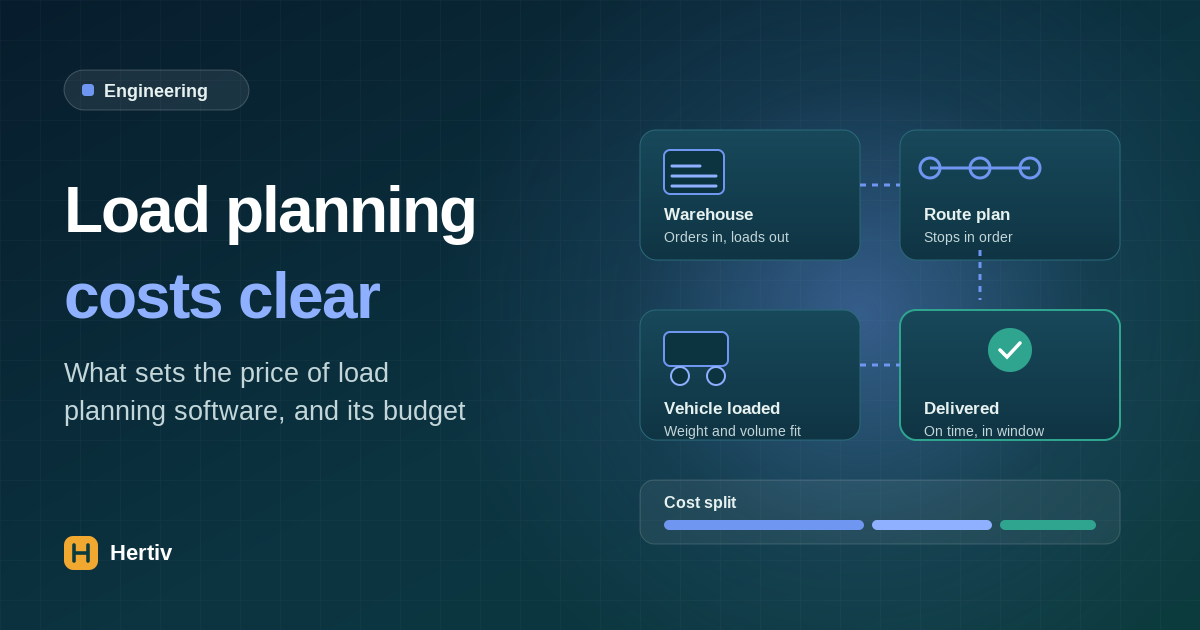
Load planning software costs usually break down into planning logic, integrations, interfaces and testing. The planning logic is the engine: the rules, the optimisation and the checks that a plan is legal and drivable. Integrations connect it to orders, maps, vehicle tracking and invoicing. Interfaces cover the planner screen, the driver app and the manager dashboard.
| Part | What it covers | Cost driver |
|---|---|---|
| Planning engine | Rules, optimisation, plan checks | Number of rules and vehicles |
| Integrations | Orders, maps, telematics, invoicing | Number of systems to connect |
| Planner interface | Plan view, manual overrides, alerts | How much planners adjust by hand |
| Driver app | Route, stops, proof of delivery | Offline use and device mix |
| Testing | Plan quality, edge cases, load | Real order history to test against |
Testing deserves a real share of the budget. A planner that produces an illegal plan, such as an overloaded vehicle or a missed delivery window, is worse than no planner at all. Testing against real past orders shows whether the engine beats the manual plan or only matches it.
Build or buy: which costs less for load planning?
Buying an off-the-shelf load planner is usually cheaper at the start, because the engine and the interfaces already exist. It fits teams whose rules are standard: one depot, common vehicle types, and delivery windows that do not change often. The cost is the licence, the setup and the training, plus the work of fitting existing processes to the tool.
Building is the right call when the rules are the business. A carrier that moves chilled goods with strict loading order, or a fleet with mixed vehicle types and customer-specific rules, often finds that a standard tool forces compromises that cost more in wasted capacity than the build saves. A custom planner can also connect directly to the order and invoicing systems the team already runs.
A common middle path is to buy the map and routing data and build the planning logic. Maps and traffic are hard to build well and cheap to license, while the rules that decide which load goes where are where a custom build earns its keep.
Whichever route you take, ask for a trial on your own past orders before you commit, because a planner that looks good on a demo can still fail on your real mix of loads.
Example (hypothetical): costing a first load planner
Example (hypothetical): a regional carrier runs 40 vehicles from one depot and plans 600 deliveries a day by spreadsheet. The team wants a planner that takes orders, respects weight limits and delivery windows, and sends routes to drivers.
The team estimates the work at 1,600 hours: two developers working 20 weeks at 40 hours a week, which is 2 times 20 times 40, or 1,600 hours. At a hypothetical rate of $85 per hour, the build is 1,600 times 85, which is $136,000. Design adds $10,000 and testing against past orders adds $12,000, giving a total of $158,000 for the first version.
The numbers are invented to show the arithmetic, not a real quote. The point is that the total follows from hours and rate, so a team that cuts scope cuts hours, and a team that adds live re-planning adds hours. For real rates, see vendor site or ask a development team for a scoped estimate.
What are the common mistakes?
The most common mistakes with load planning software start with trusting the first plan the engine produces. A plan that looks efficient on screen can still be undrivable if a rule was missed, such as a bridge height limit or a customer who only accepts morning deliveries.
- Skipping the rule list. If planners cannot name every rule the plan must respect, the engine will be built on guesses.
- No manual override. Planners need to move a delivery by hand when a customer calls, and a tool that forbids that will be worked around.
- Testing on clean data only. Real orders have missing addresses, wrong weights and late changes, and the planner must handle them.
- Forgetting the driver. A route that looks good on a planner screen can be hard to follow on a phone in a cab.
- Ignoring plan quality metrics. Without measuring empty running and missed windows, nobody can tell if the planner is helping.
These mistakes share one root: the software was built for the plan, not for the people who run it. A planner, a driver and a dispatcher should all have been involved before the first line of code.
How do you plan the budget in stages?
You plan the budget in stages by starting with the smallest planner that real planners can use every day, then adding rules and live data once the core works.
- List the rules. Write down every rule a plan must respect, and rank them by how often they change a plan.
- Price each part separately. Ask for an estimate per part, not one number for the whole system, so cuts are visible.
- Build the core first. Orders in, plan out, driver routes, proof of delivery, and nothing else in version one.
- Test on past orders. Run the planner on a month of real orders and compare empty running and missed windows with the manual plan.
- Add live data last. Real-time re-planning is the hardest part, so fund it after the core has proved itself.
Staged planning also makes the decision reversible. If the first version shows that planners still override half the plans, the team can fix the rules before funding more features. If you are scoping the first version, a partner for MVP development can help keep it to the smallest useful planner.
Key takeaways
- Load planning software packs vehicles, orders deliveries and assigns routes within the rules
- Cost follows the number of rules, live data sources and vehicles the planner must handle
- Buy when the rules are standard; build when the rules are the business
- Test any planner on your own past orders before you commit
- Start with the core planner and add live re-planning only after it proves itself
Frequently asked questions
How is load planning different from route planning?
Route planning finds the best path between stops, while load planning decides what goes in each vehicle, in what order, and which vehicle takes which stops. Load planning includes route planning, but it also has to respect weight, volume, delivery windows and driver hours, so it is the larger problem.
Can load planning software handle chilled or hazardous goods?
Yes, if the rules are written into the system. Chilled goods need placement rules and temperature checks, while hazardous goods need separation and documentation rules. These rules add cost because they must be tested carefully, but they are exactly the cases where a manual plan is most likely to go wrong.
Does load planning software replace the planner?
No. It replaces the arithmetic, not the judgement. Planners still handle customer calls, exceptions and local knowledge that the system does not have, such as a regular customer who prefers a specific driver. The software should make overrides easy and record them.
How long does it take to build a first version?
A first version for one depot with standard rules often takes a few months with a small team. More depots, more vehicle types and live re-planning add weeks each, because every new rule needs data, logic and testing against real orders.
What data does a load planner need to start?
It needs orders with addresses, weights and delivery windows, vehicle capacity and type, driver hours and depot locations. A month of past orders is the most useful input, because it lets the team test the planner against plans that actually ran.
How do you know if the planner is working?
Measure empty running, missed delivery windows, vehicles used per day and planner overrides. If empty running falls and overrides stay low, the planner is helping. If planners override most plans, the rules are wrong and need fixing before more features are added.


