LangChain for Language Models: What It Is and How to Use It
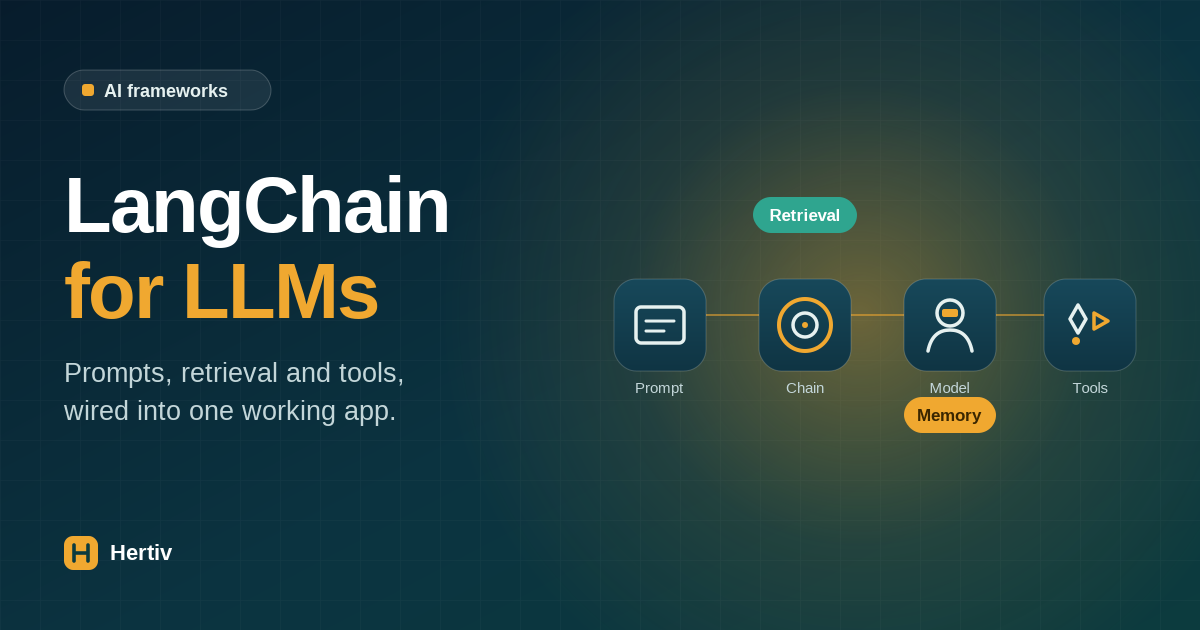
LangChain turns a language model into a working app: prompts, memory, retrieval and tools, wired together so the model can use your data and take actions.
On this page
Short answer
LangChain is an open-source framework for building applications on top of large language models. It gives developers ready-made pieces for prompts, memory, retrieval and tool use, so a model can answer from your own documents, remember a conversation and call outside systems instead of only generating text.
What is LangChain for language models?
LangChain is an open-source framework for building applications on top of large language models, giving developers ready-made pieces for prompts, memory, retrieval and tool use so a model can work with your data and take actions. It is not a model itself: it sits between your code and a model such as GPT or Claude, and it handles the plumbing that turns a single prompt into a working feature.
Before frameworks like LangChain, teams wrote this plumbing by hand. Every app needed its own code to format prompts, store chat history, search documents, parse model output and call APIs. That code was similar in every project, and it was easy to get wrong.
LangChain packages those repeated patterns into components with standard interfaces. You pick a model, connect a document store, add memory, and chain them together. It also ships integrations for many models, vector stores and tools, so swapping models rarely means rewriting the app.
| Piece | What it does | When you need it |
|---|---|---|
| Prompts | Templates that format instructions and inputs | Every app, from day one |
| Models | Chat and text models behind one interface | Every app, from day one |
| Retrievers | Search your documents for relevant passages | Answers grounded in your data |
| Memory | Keep conversation context across turns | Chatbots and assistants |
| Tools and agents | Let the model call APIs and search the web | Multi-step tasks |
Teams building production LLM features usually start with LLM development patterns like these, and LangChain is one way to put them into code quickly.
What are the main parts of a LangChain app?
The main parts of a LangChain app are prompts, models, chains, retrievers, memory and tools, each doing one job and connected in a sequence that matches the task. A chain is the central idea: it links steps so the output of one step becomes the input of the next.
Prompts are templates with placeholders for the user question, retrieved passages and chat history. Keeping prompts in templates makes them testable: you can run the same prompt against a fixed set of questions and see how changes affect the answers. Models are wrapped behind a common interface, so the same chain can run on different providers with a small config change.
Retrievers search a document store for passages related to the question. The usual setup splits documents into chunks, stores them as vectors, and returns the closest matches at run time. Memory stores a summary or a list of past messages so the model can refer back to earlier turns without the app re-sending the whole conversation.
Tools give the model actions: call an API, run a calculation, search the web or query a database. An agent is a chain that decides, step by step, which tool to call next based on what it has seen so far. Agents are powerful but harder to control, so many teams start with fixed chains and add agents only where the task genuinely needs decisions at run time.
How does a LangChain app answer a question?
A LangChain app answers a question by retrieving relevant passages, building a prompt from them, calling the model, and parsing the result into a usable answer. Each step is small and visible, which makes failures easier to trace than in a single giant prompt.
A typical retrieval flow looks like this:
- The user asks a question, and the app turns it into a search query.
- The retriever returns the most relevant passages from your document store.
- A prompt template combines the question, the passages and any chat history.
- The model generates a draft answer from that prompt.
- An output parser turns the draft into plain text, JSON or a structured object.
- The app checks the answer against rules, such as citing sources, before showing it.
When the answer is wrong, you can inspect each step: was the retrieval off, was the prompt unclear, or did the model ignore the sources? That trace is the main advantage of a framework over a hand-rolled prompt. For answers that must stay grounded in your own content, RAG development describes the same retrieval pattern in more depth.
LangChain also records traces of runs, which helps during testing. You can replay a failing question with a changed prompt or a different model and compare the outputs side by side before shipping.
When should you use LangChain, and when should you not?
You should use LangChain when your app chains several LLM steps together, needs retrieval over your own documents, or must call tools, because the framework removes a large amount of repeated code. You should skip it when a single prompt and one API call would do the job.
LangChain fits well for support assistants, document question-answering, research helpers and internal search, where the same pattern repeats across features. It also helps teams that need to switch models: the common interface means a model change is a config change, not a rewrite of every prompt handler.
It fits less well for simple cases. A form that drafts one email, a summariser with a fixed prompt, or a classification task with one model call does not need chains, memory or agents. Adding a framework there adds dependencies and concepts without saving real work.
There is also a learning curve. LangChain has changed quickly, and its API has shifted between versions, so teams need to pin a version and read the docs for that version.
If your team already has a small, well-tested prompt layer, migrating to LangChain should be justified by a concrete need, such as retrieval or tool use, rather than done for its own sake. The comparison in RAG vs fine-tuning helps decide whether retrieval is even the right approach for your data.
How do you build your first LangChain app?
You build your first LangChain app by starting with one narrow task, wiring a single chain, testing it on real questions, and only then adding memory, tools or agents. Small, working steps beat a large design drawn up front.
- Pick one task. Answering questions over a help centre or a set of product docs is a good first task.
- Prepare the documents. Gather the source files, remove duplicates and outdated pages, and split them into chunks of a few hundred words.
- Load and index them. Turn the chunks into vectors and store them in a vector store or a simple in-memory index for the first version.
- Write the chain. Combine a retriever, a prompt template and a chat model into one chain that returns an answer with sources.
- Build an evaluation set. Collect 20 real questions with known good answers and run the chain against them.
- Ship behind a review step. Let staff check answers before they reach users, and log every question, source and correction.
Keep the first version boring: fixed chain, one model, no agent. Once the evaluation set shows steady results, you can add memory for follow-up questions or a tool for live data. Each addition gets its own test on the same question set, so you can tell whether it helped or hurt.
Before launch, read how to evaluate an LLM application so the evaluation set and the pass mark are agreed in advance, not invented after the first bad answer.
Example (hypothetical): a support chatbot built with LangChain
Example (hypothetical): a software company has 400 help-centre articles and wants a chatbot that answers common questions with links to the source articles. The team builds a LangChain app with a retriever over the help centre and a chat model behind it.
The team splits the 400 articles into about 1,200 chunks and indexes them. A question retrieves the 4 closest chunks, and the prompt tells the model to answer only from those chunks and to name the article each fact came from. The chatbot is tested on 30 real past tickets with known good answers.
The first test shows 21 of 30 answers correct. The failures fall into two groups: 5 questions retrieve the wrong article, and 4 answers are right but cite the wrong source. The team fixes retrieval by rewriting 12 outdated articles and adding synonyms to the search index, then re-runs the same 30 questions. The score rises to 26 of 30, and the remaining 4 are routed to a human agent with a clear handoff rule.
The arithmetic matters here: the team measures the same 30 questions after every change, so each fix is judged by the same yardstick. Without that fixed set, a change that helps one question and breaks two others would look like progress.
What are the common mistakes?
The most common LangChain mistakes are adding agents too early, trusting retrieval without testing it, and letting prompts grow until nobody can explain what the app does.
- Starting with an agent. Agents decide at run time, which makes them hard to test and debug. Start with a fixed chain and add an agent only when the task needs run-time decisions.
- Skipping the evaluation set. Without fixed questions and known good answers, every prompt change is a guess.
- Indexing messy documents. Duplicates, outdated pages and long unchunked files produce bad retrieval, and no prompt fixes that.
- Letting the model answer without sources. Answers without citations are hard to trust and harder to fix when wrong.
- Chasing framework updates. Pin a version, read the docs for that version, and upgrade on a schedule rather than after every release.
- No fallback path. When retrieval finds nothing useful, the app should say so or hand off to a human, not invent an answer.
If the app will take actions on behalf of users, the agent patterns in AI agent development cover the permission and logging controls that a bare chain does not provide.
Key takeaways
- LangChain is a framework for LLM apps, not a model: it wires prompts, retrieval, memory and tools together
- Chains link small steps so a bad answer can be traced to retrieval, the prompt or the model
- Retrieval quality follows document quality, so clean and chunk your sources first
- Start with a fixed chain and an evaluation set; add agents only when the task needs run-time decisions
- Pin a LangChain version and give the app a fallback path for questions it cannot answer
Frequently asked questions
Is LangChain a language model?
No. LangChain is an open-source framework that sits between your code and a language model. It provides prompts, chains, retrievers, memory and tool integrations, while the model itself comes from a provider such as OpenAI, Anthropic or an open-model host.
Do I need LangChain to build an LLM app?
Not always. A single prompt and one API call need no framework. LangChain earns its place when your app chains several steps, retrieves from your own documents, keeps conversation memory or calls tools, because it removes a large amount of repeated plumbing.
What is the difference between LangChain and LlamaIndex?
Both help models use your data, but they focus on different layers. LlamaIndex focuses on indexing and retrieval over documents, while LangChain covers the wider app: prompts, chains, memory, tools and agents. Many teams use them together.
Can LangChain work with any model?
Mostly yes. LangChain ships integrations for the major model providers and for open models served through common APIs. The common interface means you can usually swap the model behind a chain with a small config change, though prompt behaviour still varies between models.
How do I test a LangChain app?
Build a fixed set of real questions with known good answers before you change prompts. Run the chain against that set after every change and record the score, so you can tell whether a change helped. Add logging of retrieved passages so failures can be traced.
Is LangChain free to use?
LangChain's core framework is open source and free to use. You still pay the model provider for API calls, and any hosted services around LangChain, such as tracing or deployment tools, have their own pricing. Check the vendor site for current plans.


