KYC Automation: What It Really Improves and Where It Fits
KYC automation speeds up identity checks, cuts manual review and improves audit trails. Here is what it actually changes and the use cases where it pays off.
On this page
Short answer
KYC automation uses document capture, OCR, biometric matching and risk scoring to verify identities faster and with fewer manual errors. The main benefits are shorter onboarding times, lower review cost, more consistent decisions and a cleaner audit trail for regulators.
What is KYC automation?
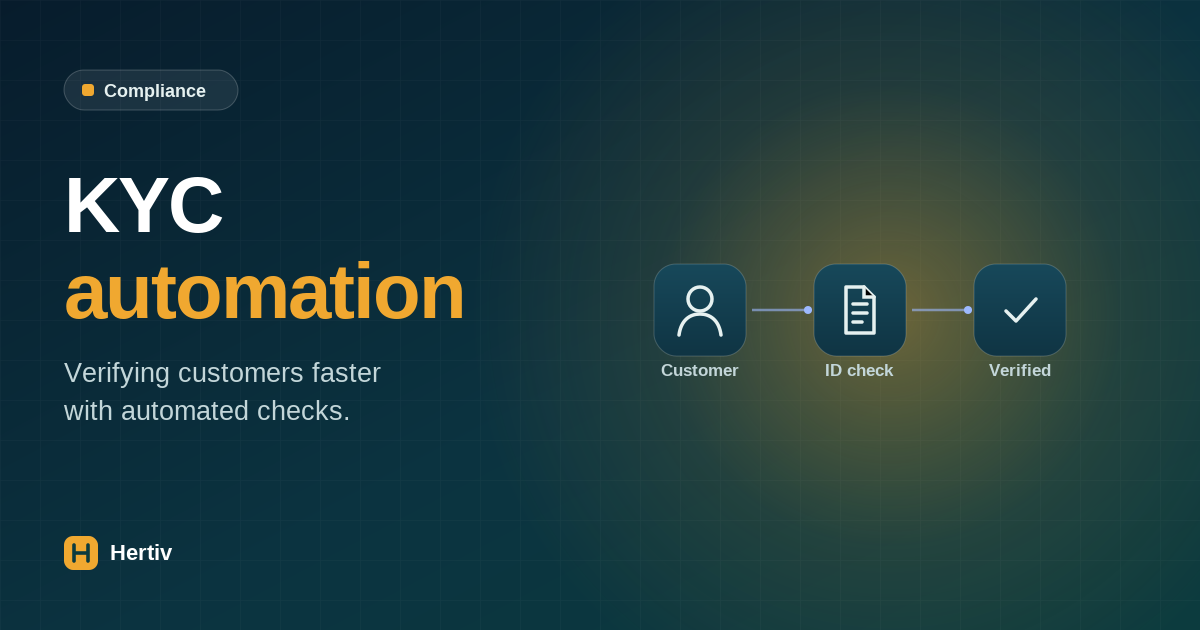
KYC automation is the use of software to collect, read, verify and score identity documents and customer data with minimal manual handling. It sits between the customer and the compliance team and decides which applications can pass automatically and which need a person.
A typical pipeline has four stages:
- Capture: the customer photographs an ID, takes a selfie or shares company registration documents.
- Extraction: OCR and document models read fields such as name, date of birth and document number, and check the document type and security features.
- Verification: the extracted data is matched against the customer's input, a liveness or face match, and external sources such as sanctions and politically exposed person lists.
- Decision: a rules engine or risk model routes the case to auto-approval, manual review or rejection, with a reason code attached.
Automation does not remove the compliance obligation. It changes who spends time on what: reviewers handle exceptions, ambiguous documents and matches, rather than every application. That shift is the core of the business case, and it is also where most failed projects go wrong, because teams automate the happy path and leave the exception queue untouched.
For a broader view of where agents fit around these steps, see agentic AI development.
What are the main benefits of KYC automation?
The benefits that hold up in practice are time saved, cost per check, consistency and evidence quality. Growth in approval rates is usually a side effect of faster handling rather than a direct goal.
- Faster onboarding. Automated checks return in seconds for clean cases, so customers who would wait hours or days are approved during sign-up.
- Lower manual effort. Reviewers stop typing data from documents and start judging edge cases. The saving scales with volume, not with headcount alone.
- Consistent decisions. A rules engine applies the same thresholds to every applicant, which reduces the variation between reviewers and shifts.
- Better audit evidence. Every extraction, match and decision is logged with timestamps and reason codes, which shortens preparation for audits and regulator questions.
- Fewer data entry errors. Field extraction removes the typos and transpositions that cause failed matches later.
The cost side matters too. Document capture quality, liveness detection and sanctions screening all depend on vendors or internal models that need maintenance, so the saving is a net figure after running costs.
Which KYC use cases fit automation best?
The best candidates are high-volume, rule-driven checks with clear evidence and a small share of genuinely ambiguous cases. Below is a comparison of common use cases.
| Use case | What it does | Typical data needed | Effort |
|---|---|---|---|
| Retail account opening | Verifies ID and selfie at sign-up | ID document, selfie, address | Medium |
| Business onboarding | Checks company registration and ownership | Registry extracts, UBO declaration | High |
| Periodic refresh | Re-screens existing customers on a schedule | Stored profile, screening lists | Medium |
| Transaction monitoring alerts | Adds context to flagged activity | Transaction history, KYC profile | High |
| Payout and beneficiary checks | Verifies who receives funds | Bank details, ID, sanctions lists | Medium |
| Agent and partner onboarding | Checks third parties selling on your behalf | Contracts, registration, ID | Medium |
| Re-verification on risk events | Re-checks a customer after a trigger | Existing file plus new evidence | Low |
Start with the rows where volume is high and the decision rules are already written down. Business onboarding and transaction monitoring carry more judgement and usually need a longer build.
Where does automation break down?
Automation breaks down when inputs are poor, rules are unwritten or the exception volume is larger than expected. These are the failure modes worth planning for before you buy anything.
- Document quality. Photographs taken in low light, glare or with damaged documents fail extraction. If your customer base often submits such files, you need capture guidance and a fallback path.
- Coverage gaps. Document types and languages vary by market. A model trained on one region's IDs will struggle in another.
- Unwritten policy. If reviewers apply judgement that is not documented, automation cannot reproduce it. Write the rules first.
- Exception queues. If too many cases route to manual review, the saving disappears. Track the false-positive rate from week one.
- Thin audit trails. A decision without a stored reason is hard to defend. Log inputs, model version and outcome together.
These issues are governance and data problems more than model problems, which is why AI governance work should run alongside the build.
How do you implement KYC automation step by step?
Implement in stages, starting with measurement rather than software. The goal of the first phase is to know where time and errors actually occur.
- Map the current process. Record each step, who does it, how long it takes and how often it fails. Sample a set of recent cases across customer types.
- Write the decision rules. Turn reviewer judgement into explicit thresholds and reason codes. This document becomes the specification.
- Pick the build or buy route. Vendors cover standard document and screening checks quickly. Custom work makes sense where your rules, products or markets are unusual.
- Pilot on one segment. Run automation in shadow mode next to reviewers, compare decisions and tune before switching any traffic.
- Automate capture and extraction first. These steps give the fastest, lowest-risk return.
- Add risk scoring and routing. Only after extraction quality is stable should the system decide outcomes.
- Measure and iterate. Track straight-through rate, false positives, time to decision and reviewer workload monthly.
Example (hypothetical): a lender processes 10,000 applications a month and 6,000 currently need manual review. If the pilot lifts straight-through processing from 40% to 65%, 2,500 fewer cases reach reviewers each month. At an assumed 12 minutes per review, that is 500 hours of reviewer time redirected to exceptions.
What should you measure after go-live?
Measure four things: how many cases pass without a human, how often the system is wrong, how long decisions take and what the whole thing costs to run. Report them together, because any one alone can mislead.
- Straight-through rate. The share of applications approved or rejected without manual intervention.
- False-positive rate. Cases sent to review that a reviewer clears quickly with no further evidence needed.
- False-negative signals. Complaints, chargebacks or later findings on auto-approved customers. These are slow to appear, so watch them over months.
- Time to decision. Median and worst-case, split by customer type and market.
- Cost per completed check. Include vendor fees, model running costs and reviewer time.
Set targets before launch and review them with compliance, not only with engineering. When the numbers move in the wrong direction, the usual causes are a document mix change, a new market or a rule that was tightened without retuning the routing thresholds. For teams running these checks inside finance operations, AI agents for finance covers the adjacent workflows.
Common mistakes
Most problems come from treating KYC automation as a model project rather than an operations change. These are the ones that recur.
- Automating extraction but leaving the manual review queue unchanged, so total effort barely moves.
- Skipping shadow mode, then discovering the error pattern in production.
- Ignoring document capture quality and blaming the model for bad photos.
- Storing decisions without reason codes, which makes audits harder rather than easier.
- Hard-coding thresholds with no owner, so rules drift as regulations and products change.
- Treating sanctions and PEP screening as a one-off check instead of a scheduled process.
- Building for one market and assuming the same document set works elsewhere.
How to choose between buying and building
Buy for standard checks, build for the parts that are specific to your business. Most teams end up with a mix.
A vendor is the faster route when you need document verification, liveness detection and screening list coverage in several markets. Vendors maintain the document library and list updates, which is real ongoing work. The trade-off is less control over routing logic and how the evidence is stored.
Building makes sense when your rules are unusual, when customer data cannot leave your environment, or when the check is tightly coupled to a product decision such as a credit limit or payout approval. In those cases, custom extraction and a rules engine you own tend to fit better.
Either way, keep the decision layer in your own system. That layer holds the reason codes, audit trail and routing thresholds, and it is the part regulators and auditors will ask about. If you are weighing the first build, a short AI proof of concept on one segment is a low-risk way to test extraction quality before committing to a full rollout.
Key takeaways
- Automation removes the repetitive capture, extraction and matching steps, not the compliance judgement.
- Most value comes from shifting reviewers to exceptions instead of checking every file.
- Document quality and data source coverage decide results more than the model does.
- A human-in-the-loop path is still required for edge cases and sanctions matches.
- Measure straight-through rate and false-positive rate before and after rollout.
Frequently asked questions
Does KYC automation remove the need for human reviewers?
No. It reduces how many cases reach them. Reviewers still handle ambiguous documents, sanctions matches and unusual customer profiles. The design goal is to route only exceptions to people and give them the context to decide quickly.
How long does a KYC automation project take?
A pilot on one customer segment with standard document checks can run in a few weeks. Full rollout across markets, customer types and screening integrations typically takes several months, depending on rule complexity and how much of the process is already documented.
Is KYC automation only for banks?
No. Payment providers, lenders, crypto exchanges, marketplaces, insurers and any regulated business with onboarding obligations use it. Marketplaces and platforms often need it for seller and partner onboarding as well as end customers.
What data does KYC automation need?
Identity documents, a selfie or liveness check, customer-entered details, and access to sanctions and politically exposed person lists. Business onboarding also needs company registration extracts and ownership information. Data residency rules affect where that data can be stored and processed.
How do you keep automated KYC decisions auditable?
Store the input evidence, the extracted fields, the model or rules version and the reason code with every decision. Timestamps and reviewer actions should sit in the same record. That makes it possible to reconstruct why a decision was made months later.
Can automation reduce false positives?
It can, if the routing thresholds are tuned against real outcomes. Poorly tuned rules create more alerts than manual review did. Measure the false-positive rate in shadow mode and retune before switching traffic.


