Inventory Tracking Systems for Supply Chains: How They Work
An inventory tracking system records every item as it moves through a supply chain. This guide explains what it tracks, how data is captured, and how to choose one.
On this page
Short answer
An inventory tracking system for a supply chain is software that records where every item is, how many are on hand, and when each one moves, from supplier delivery to final sale. It captures stock data at each handoff with barcodes, RFID tags or sensors, keeps one shared record of quantities and locations, and alerts the team when stock runs low or a shipment is late.
What is an inventory tracking system?
An inventory tracking system is software that keeps a live record of every item a business holds, where it sits, and how it moves through the supply chain. It replaces spreadsheets and manual counts with a single record that updates each time stock is received, moved, picked, packed or shipped.
The system works by giving each item or batch an identity, usually a barcode or an RFID tag, and recording every event against that identity.
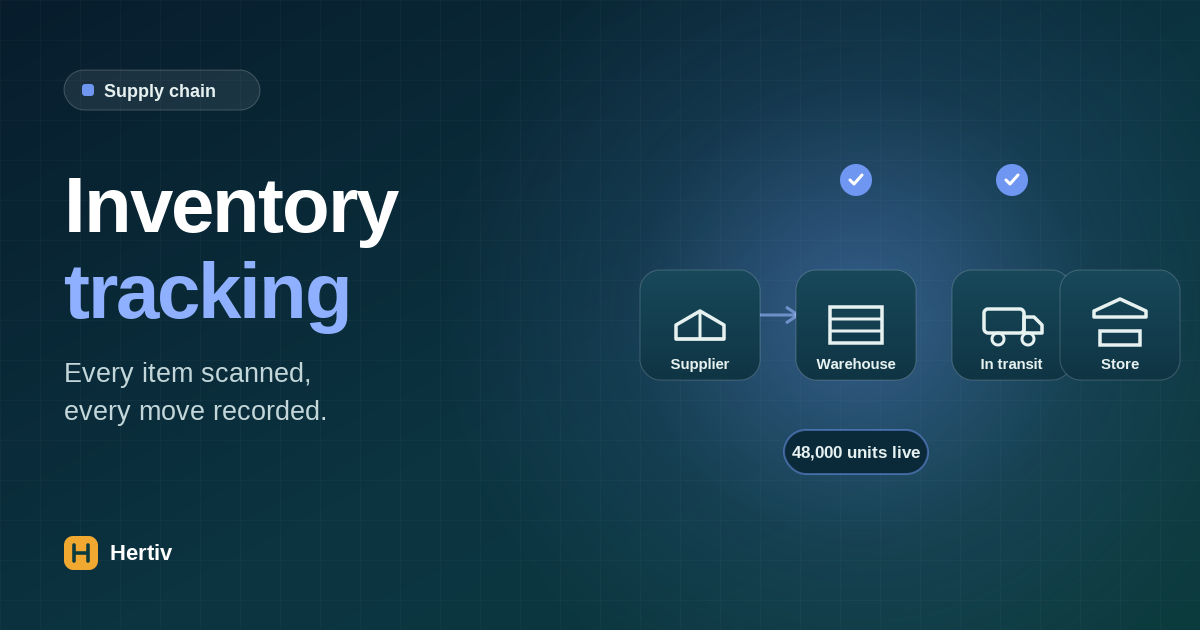
When a pallet arrives at a warehouse, it is scanned in. When it moves to a shelf, the move is scanned. When it leaves on a truck, the shipment is scanned out. Each scan updates the same record, so the quantity on hand is always the result of real events rather than a guess.
For a supply chain, that shared record is the point. A supplier, a warehouse team and a sales team all look at the same numbers, so a promise to a customer is based on stock that actually exists. Without it, each team keeps its own count, and the counts disagree at the worst moment.
What data does an inventory tracking system track?
An inventory tracking system tracks more than a single quantity. It keeps a set of facts about each item, and each fact answers a question someone in the supply chain will ask.
| Data point | What it tells you | Where it is captured |
|---|---|---|
| Quantity on hand | How many units are available to sell or use | Receiving, picking and shipping scans |
| Location | Which warehouse, aisle and shelf holds the stock | Put-away and move scans |
| Batch and lot | Which production run or delivery an item came from | Receiving scan and supplier documents |
| Expiry date | When perishable or dated stock must be used first | Receiving scan |
| Status | Whether stock is available, reserved, damaged or in transit | Order, quality and shipping events |
| Movement history | Every handoff an item has passed through | Each scan along the route |
Batch and expiry data matter most where a recall or a short shelf life is possible. If a supplier flags a faulty batch, the system can list every warehouse and customer that received it, instead of the team searching through paper records. For a wider view of how this data feeds planning, see technology in supply chain management.
How does stock data get captured?
Stock data gets captured at the moment something happens to an item, using a scan or a sensor rather than a typed entry. The method depends on how fast stock moves and how much each item is worth.
- Barcodes. A printed code scanned with a handheld device or a phone. Cheap, reliable and the default for most warehouses.
- RFID tags. A radio tag read without line of sight, so a whole pallet can be counted as it passes a gate. Useful where items move in bulk.
- GPS and telematics. A tracker on a truck or container reports where goods are while they are in transit, so the receiving team knows when to expect them.
- IoT sensors. Sensors on shelves, cold rooms or containers report weight, temperature or door openings, and the system turns those readings into stock events.
The choice is a trade between cost and speed. Barcodes cost little and work well when a person handles each item anyway. RFID costs more per tag but removes the need to scan items one by one. Sensors suit stock that must stay cold or sealed, where opening a box to scan it would break the chain. For sensor-based tracking in practice, read IoT inventory management.
How does tracking connect to the rest of the supply chain?
An inventory tracking system is useful only when it shares its data with the other systems in the supply chain. On its own it knows what is in the warehouse; connected, it changes what the business orders, promises and ships.
The usual connections are to a warehouse management system for put-away and picking, an ERP for purchasing and finance, an order system for what customers have bought, and a transport system for what is on the road. When an order arrives, the tracking system reserves the stock; when the truck leaves, it marks the stock as shipped; when the supplier delivers, it adds the new stock to the count.
That flow also feeds planning. If the system shows a product selling faster than expected, the purchasing team can order earlier. If a shipment is delayed, the sales team can warn customers before they ask. The tracking record becomes the single source of truth that planning, sales and logistics all read from, instead of three teams keeping three different counts.
How do you choose an inventory tracking system?
You choose an inventory tracking system by matching it to how your stock actually moves, not by the length of its feature list. Start with the physical flow, then check the software against it.
- Stock model. Check that it handles your units: single items, batches, lots and expiry dates, if your stock needs them.
- Capture methods. Make sure it supports the scanning or sensing hardware your warehouses already use, or budget for new hardware.
- Integrations. Confirm it connects to your ERP, order system and transport tools, or offers an API your team can build on.
- Multi-location support. If stock sits in more than one warehouse, the system must track transfers between them, not just totals.
- Alerts. Look for low-stock, overstock and late-shipment alerts that reach the right person without a daily report.
- Reporting. Check that it can show stock age, turnover and accuracy, so you can see whether the record is getting better.
Run a pilot in one warehouse before rolling out to all of them. A pilot shows whether the scans fit the real workflow, whether staff can use the devices, and whether the counts match the physical stock. For a comparison of ready-made options, see the best cloud inventory management software.
Example (hypothetical): a regional distributor
Example (hypothetical): a regional distributor holds stock in three warehouses. Warehouse A holds 20,000 units, warehouse B holds 16,000 and warehouse C holds 12,000, so the total on hand is 48,000 units. Before tracking, a team of four spends 6 hours a week each on manual counts, which is 24 hours a week.
At an indicative $25 an hour, those manual counts cost $600 a week. After the tracking system is in place, the team only counts exceptions and does one cycle count a week, which takes 6 hours in total, or $150 a week. The saving is $450 a week, which is $23,400 over a year of 52 weeks.
The system also cuts stock-outs. Before tracking, the distributor recorded about 12 stock-outs a month because the record lagged behind the shelf. After tracking, that fell to about 3 a month, because the sales team could see the true quantity before promising a delivery date. The numbers are the point: the saving comes from fewer hours and fewer missed orders, not from the software alone.
What are the common mistakes?
The most common mistakes in inventory tracking are buying software before fixing the physical process, scanning only at the door, and letting the record drift from the shelf.
- Tracking a broken process. If items are stored wherever there is space, no software can find them. Fix locations and put-away rules first.
- Scanning only at receiving and shipping. Stock that moves between shelves without a scan becomes invisible. Record every move, not just the start and end.
- Skipping cycle counts. A record that is never checked against physical stock slowly drifts. Count a small section every week and fix the causes of the gaps.
- Too many locations. A warehouse with a thousand named spots is hard to keep accurate. Use as few locations as the work allows.
- No owner for accuracy. If nobody is responsible for the count being right, it will not stay right. Give one person the accuracy number and the authority to fix it.
Key takeaways
- An inventory tracking system keeps one live record of quantity, location, batch and status for every item
- Data is captured at each handoff with barcodes, RFID, GPS or sensors, not by typing
- Batch and expiry tracking is what makes a recall fast instead of a paper search
- The system pays for itself when it connects to ordering, sales and transport
- Accuracy needs weekly cycle counts and one person who owns the number
Frequently asked questions
What is the difference between inventory tracking and warehouse management?
Inventory tracking records what stock exists, where it is and how it moves. Warehouse management covers the wider job of running the warehouse, including labour, picking routes, packing and shipping. Tracking is one part of warehouse management, and most warehouse systems include a tracking module.
Do small businesses need an inventory tracking system?
They need one once stock sits in more than one place or more than one person handles it. A small shop with one shelf can manage with a simple list, but as soon as orders, returns and supplier deliveries overlap, a shared record stops the team from selling stock that is not there.
Is barcode scanning enough for inventory tracking?
For most warehouses, yes. Barcodes are cheap and reliable when a person handles each item. RFID or sensors are worth the extra cost only when items move in bulk, when scanning each one would slow the work, or when stock must stay sealed or cold.
How accurate should inventory records be?
Aim for the record to match the shelf on nearly every check, and measure it with weekly cycle counts. The exact target depends on the business, but a record that is wrong often enough for customers to notice is not doing its job, whatever the software claims.
Can inventory tracking work across several warehouses?
Yes, if the system treats transfers between warehouses as events. Stock leaving one warehouse is marked in transit, and stock arriving at the next is scanned in, so the total stays correct while goods are on the road. Systems that only track totals per site cannot do this well.
What does an inventory tracking system cost?
Costs vary with the number of users, locations and integrations, so vendors quote per business and most do not publish a single price. Budget for the software, the scanning hardware and the time to set up locations and train staff, and ask vendors for a written quote; see vendor site for current pricing.


