How to Turn a Website Into an App, Step by Step
Turning a website into an app takes three routes: a progressive web app, a wrapper, or a rebuild. Here is how to pick one and the steps to ship it.
On this page
Short answer
Turning a website into an app means adding an installable, app-style front end to the site you already have. You can do it as a progressive web app, a wrapper that lists the site in the app stores, or a full rebuild that talks to your existing back end.
What does turning a website into an app mean?
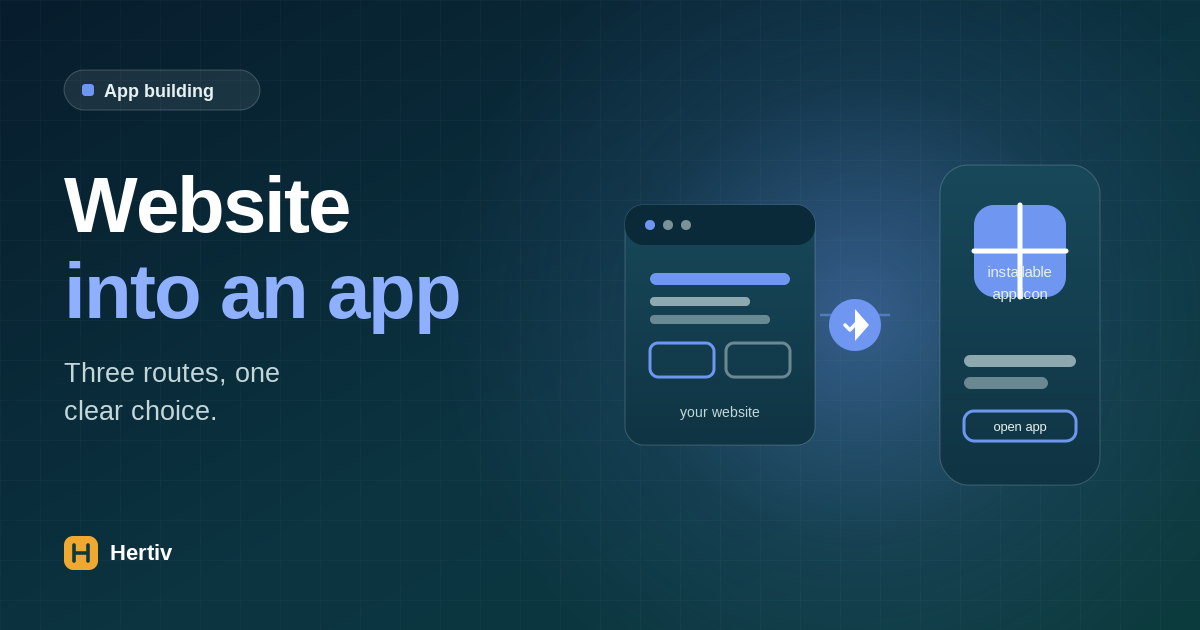
Turning a website into an app means giving people a way to open your site from a phone home screen or an app store, with app-style navigation, offline pages and push notifications where they make sense. The website itself stays the back end; the app is a new front door to the same content and accounts.
There are three main routes. A progressive web app adds an install prompt, an icon and offline caching to the site you already have. A wrapper puts the site inside a native shell so it can be listed in the app stores. A rebuild replaces the front end with a native or cross-platform app that talks to your existing back end through an API.
The cost differences between the routes are large, so check progressive web app development cost before you commit to one.
Most teams start with the cheapest route that meets their goal. If the goal is repeat visits and notifications, a progressive web app is often enough. If the goal is app-store presence, a wrapper or rebuild is the way in.
Which approach fits your website?
The right approach depends on what the site does, how often people return, and whether you need store features such as in-app payments or camera access. A simple content site and a checkout-heavy shop need very different answers.
| Approach | What you get | Best for | Effort |
|---|---|---|---|
| Progressive web app | Installable icon, offline pages, push | Content, bookings, repeat visits | Low |
| Wrapper (WebView) | Store listing, same web code | Quick store presence | Low to medium |
| Cross-platform rebuild | Native feel, shared code | Shops, accounts, daily use | Medium to high |
| Native rebuild | Full device access, best performance | Media, payments, hardware features | High |
Check what your site actually needs before choosing. A wrapper that only shows web pages will be rejected by the stores if it adds nothing over the mobile site, so plan at least one app-only feature such as offline access or notifications. If you are weighing a rebuild, read native vs hybrid app development first, since the trade-offs are similar.
What to check before you start
Before writing code, audit the site for the things that break on a phone. Slow pages, desktop-only layouts and forms that need a keyboard all feel worse inside an app, where users expect taps instead of typing.
- Mobile speed. Pages should load in a few seconds on a mid-range phone over a mobile connection.
- Login and accounts. Users must stay signed in across sessions, and sign-in must work with biometrics or saved passwords.
- Payments. Decide whether the store's payment rules apply to what you sell, because digital goods are treated differently from physical goods.
- Deep links. Every screen in the app should have a link so notifications and search results can open the right place.
- Analytics. Set up app events before launch so you can see whether the app is used more than the mobile site.
Fix the biggest mobile problems on the website first. An app wrapped around a slow site inherits the same complaints, and store reviews will say so.
How to turn a website into an app
Follow these steps in order, and test on a real phone at each stage rather than only in a simulator.
- Pick the approach. Choose a progressive web app, a wrapper or a rebuild based on the table above and your store goals.
- Make the site installable. Add a manifest, icons and a service worker for offline caching if you are going the progressive web app route.
- Adapt the layout. Replace hover menus and wide tables with thumb-friendly navigation, and make the main action reachable in one tap.
- Add app-only features. Push notifications, offline reading or saved items give people a reason to install.
- Set up the store shell. For a wrapper or rebuild, configure the native project, signing keys and store metadata.
- Test on real devices. Check low-end phones, poor connections and both light and dark mode.
- Submit and measure. Release to the stores, then compare installs, repeat opens and orders against the mobile website.
Keep the website and the app on the same accounts and data. Users should be able to start on the web and continue in the app without signing in again.
Example (hypothetical): a small shop goes app-first
Example (hypothetical): a shop with 400 products gets most of its traffic from phones, but only 1 in 5 mobile visitors returns within a month. The owner wants an app so regular customers can reorder in a few taps.
The team prices two routes. Wrapping the site takes about 80 hours at $85 an hour, which is $6,800, plus store fees and a few app-only features. A full native rebuild takes about 1,200 hours at the same rate, which is $102,000.
They choose the wrapper first, add saved items and push notifications for restocks, and measure for three months. Repeat orders rise, and only then do they fund a rebuild of the checkout screens. The wrapper proved demand before the larger spend.
What are the common mistakes?
The most common mistakes are wrapping a site that is not ready for mobile, ignoring store rules, and treating the app as a one-off launch instead of a product to maintain.
- Skipping the mobile audit. A wrapper around a slow desktop site gets poor reviews and low retention.
- Adding nothing new. If the app is only the website in a frame, the stores may reject it and users will not install it.
- Ignoring payment rules. Selling digital goods inside the app without using the store's payment system can get the app removed.
- No offline plan. Apps are expected to show something useful without a connection, even if it is only saved pages.
- Forgetting updates. Store listings, screenshots and the app itself need updates when the site changes, or the two drift apart.
What does it cost, and how long does it take?
Cost depends on the route. A progressive web app is usually the cheapest, because it reuses the existing site and adds install, offline and notification support. A wrapper costs more for the native shell and store work. A rebuild costs the most, because the front end is written again. For exact pricing, see the vendor site of the tools and agencies you compare.
Time follows the same pattern. A progressive web app can be ready in weeks if the site is already fast and mobile friendly. A wrapper typically takes a few weeks of work plus store review time. A rebuild is a normal app project and takes months.
Budget for maintenance too. The app needs updates for new phone software, store policy changes and site changes, so plan for ongoing work after launch rather than a single payment. If you need a full estimate, a partner for mobile app development can scope the route that fits your site.
Key takeaways
- A progressive web app is the cheapest route; a wrapper adds a store listing; a rebuild gives full native features
- Audit mobile speed, login, payments and deep links before writing any app code
- Add at least one app-only feature, such as offline pages or push notifications, or users have no reason to install
- Test on real phones and poor connections, not only in a simulator
- Start small and let usage data decide whether a rebuild is worth funding
Frequently asked questions
Do I need to rebuild my website to make an app?
No. A progressive web app or a wrapper reuses your existing site and back end. A rebuild is only needed when you want full device access, the fastest performance, or a very different interface from the website.
Will Apple and Google accept a wrapped website?
They accept wrappers that add value over the mobile site, such as offline access, notifications or saved items. A plain frame around the site with nothing new is often rejected, so plan at least one app-only feature before submitting.
What is the difference between a PWA and a wrapper?
A progressive web app runs in the browser with an install prompt, an icon and offline caching, and it is not listed in the stores. A wrapper is a native shell around web pages that is listed in the stores and can use more device features.
How long does store review take?
Review usually takes a few days, but a first submission can take longer if the store asks for changes. Build in extra time for the first release, and check the usual timelines for publishing an app before you promise a launch date to anyone.
Can users keep the same accounts in the app?
Yes, if the app uses the same back end and login as the website. Keep sessions shared so a user who signs in on the web stays signed in in the app, and orders and saved items match on both.
What does turning a website into an app cost?
A progressive web app is the cheapest route, a wrapper costs more for the native shell and store work, and a rebuild is a full app project. For exact prices, see vendor site pages for the tools or agencies you compare.


