How to Launch an App: A Step-by-Step Guide for Technical Teams
Launching an app means more than submitting to a store. Plan discovery, MVP scope, build, beta testing, release, and post-launch monitoring in a repeatable sequence.
On this page
Short answer
To launch an app, define the core problem and audience, scope a minimum viable product, build and test it with real users, then release through the app stores and monitor behaviour and crashes. A successful launch is a staged process, not a single release event.
What does launching an app actually involve?
Launching an app is the process of taking a defined product idea from validated scope through build, testing, store release and early operation. It is a sequence of decisions and gates, not a single upload step.
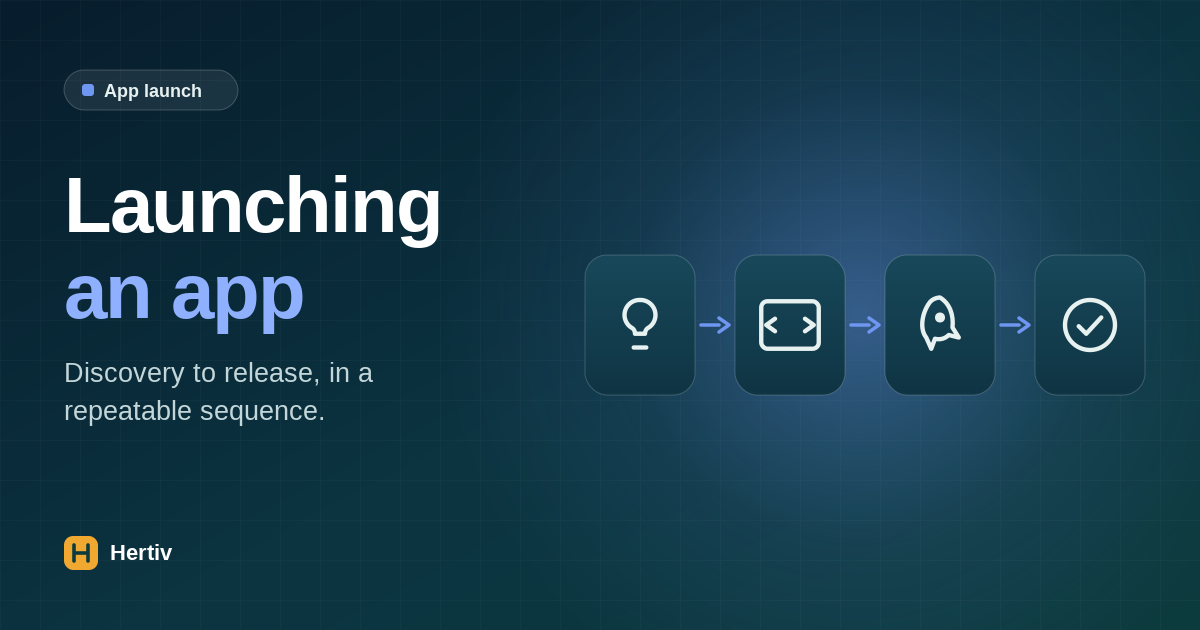
Most teams divide the work into six phases: discovery, MVP scoping, design and build, beta testing, release, and post-launch monitoring. Each phase produces an artefact the next phase depends on — a validated problem statement, a feature list, a working build, test feedback, a store listing, and production telemetry. Skipping a phase usually shows up later as rework.
The engineering effort is real, but the non-engineering work — store compliance, privacy notices, support channels, release notes — often delays launch more than code does. Treat those as tracked tasks from the start.
How do you validate the idea before writing code?
Validate the idea by talking to target users and confirming that the problem is painful enough to act on. A short round of interviews and a simple prototype or landing page is usually enough to decide whether to proceed.
Ask about current behaviour rather than hypothetical interest. Questions like "what do you do today when this happens?" and "what does that cost you?" produce more reliable signal than "would you use this app?". If people already pay for a workaround, that is stronger evidence than enthusiasm.
Define the core job the app performs in one sentence. If you cannot, scope will drift during build. Write down the assumptions you are testing and what result would make you stop. This is the same discipline used in a structured product discovery engagement, and it saves the most time when done early.
How do you scope an MVP that can actually ship?
Scope the MVP around one user journey that delivers visible value end to end. Everything else is deferred, even if it feels essential.
A practical method is to list every feature, then mark each as must-have for the core journey, nice-to-have, or later. Keep the must-have list small enough that the team can build, test and fix it before the target date. Fewer features with fewer bugs beat a broader release that crashes on open.
Account for the work that is easy to forget:
- Authentication and account recovery
- Privacy policy, terms of service and consent screens
- Account deletion, which both major app stores require
- Analytics and crash reporting
- Support contact and release notes
- Store assets: screenshots, descriptions, age ratings
What should the build phase include beyond features?
The build phase should include the operational plumbing that makes launch and operation possible: environments, deployment automation, monitoring and a rollback path. Apps that launch well are built with release in mind.
Set up at least two environments, staging and production, with separate credentials and data. Automate builds so a release candidate can be produced on demand rather than by hand. Connect crash reporting and product analytics from the first internal build, so you have baseline data before real users arrive.
Platform choice affects launch effort. Native development gives the best performance and platform integration; cross-platform frameworks reduce duplicated work when the team is small. The right answer depends on the interaction patterns and the team's skills.
Teams building for both iOS and Android often use mobile app development support to shorten the path from prototype to store-ready builds.
Security basics belong here too: secrets in a managed store, transport encryption, least-privilege API keys, and rate limiting on public endpoints.
How should you test before public release?
Test before public release with a closed beta of real users on real devices, supported by automated tests for critical flows. Manual testing alone misses the device and network variety that breaks apps in the field.
Run three layers in parallel:
- Automated tests for sign-up, core journey and payment paths.
- Device testing across common screen sizes, OS versions and poor network conditions.
- A closed beta with 20–100 users, using the same build process you will use for production.
Collect feedback in a structured way: crash-free session rate, time to complete the core journey, and a short list of confusing screens. Fix crashes and blocked flows first; cosmetic issues can follow.
What does the release itself require?
The release requires a compliant store listing, a staged rollout and a defined rollback plan. Treat it as an operations task with a checklist, not an announcement.
Work through the following before submitting:
- Store listing text, screenshots and preview assets in every supported language
- Privacy labels and data-safety declarations that match actual collection
- Age rating and any regulated-category requirements
- Account deletion flow reachable in-app
- Support email and help page
- Release notes written for users, not for the team
Use phased rollout where the stores allow it, starting with a small percentage of users. Watch crash-free rate, error rates on backend endpoints and support volume during each stage. Keep the previous build available so you can halt or roll back quickly.
Web apps follow the same discipline with different mechanics: feature flags, canary deploys and a tested rollback. The underlying rule is identical — release in small steps and measure each one.
What should you monitor after launch?
After launch, monitor crash-free sessions, core-journey completion, retention and support contacts, and act on the largest drop first. The first two weeks produce the most useful signal you will ever get.
Set a short daily review for the first fortnight. Look at where new users stop, which errors cluster on specific devices or OS versions, and what support asks most often. Fix blockers to the core journey before adding features.
Plan the first post-launch release in advance. A common pattern is a fast patch release for crashes and obvious friction, followed by a planned iteration based on observed behaviour. Keep a visible backlog ranked by user impact, not by internal preference.
If the app includes AI features, add evaluation and abuse monitoring to the launch checklist; guidance on how to evaluate an LLM application before launch covers the specific checks.
What are common mistakes when launching an app?
The most common mistakes are launching with too many features, skipping real-device testing and underestimating store compliance. Each one delays the launch or damages the first impression.
Other frequent problems:
- No analytics at launch, so the team cannot tell what users actually do.
- Privacy declarations that do not match the SDKs included in the build.
- No plan for the first week of support questions.
- Launching without a rollback or feature-flag path.
- Treating launch as the finish line rather than the start of iteration.
- Deferring security review until after users are on the system.
How to prioritise launch work
Prioritise launch work by asking what blocks a first user from completing the core journey safely. That question resolves most scheduling disputes.
- List every remaining task and mark whether it blocks the core journey, blocks store approval, or is optional.
- Fix blockers first; they are the only true launch gates.
- Schedule compliance items — privacy, account deletion, store assets — as engineering tasks with owners and dates.
- Set measurable launch criteria and review them in one meeting before submission.
- Reserve capacity for the first post-launch patch, typically within the first two weeks.
For teams building fresh products, an experienced delivery partner can shorten the path; see custom software development for how this is usually structured.
Key takeaways
- Start with product discovery: validate the problem and the smallest feature set that proves value.
- Treat store submission, privacy policy, and account deletion as engineering requirements, not paperwork.
- Run a closed beta with real users before public release; fix crashes and confusing flows first.
- Instrument analytics and crash reporting before launch day so you can see what breaks.
- Plan a phased rollout and a rollback path for every release.
- Budget for post-launch iterations; the first release is the start of learning, not the end.
Frequently asked questions
How long does it take to launch an app?
It varies widely with scope and platform. A focused MVP with a small team can be ready for a closed beta in a few months, while broader products take longer. Most of the schedule is spent on scope decisions, testing and store compliance rather than initial coding.
Do I need to launch on iOS and Android at the same time?
Not necessarily. Launching on one platform first can reduce build and testing effort and give you focused feedback. Choose the platform where your target users are concentrated, then add the second once the core journey is stable.
What is required for app store approval?
Requirements change, but typical items include a privacy policy, accurate data-collection declarations, account deletion if users can create accounts, correct age rating, working support contact and compliant in-app purchases. Check the current store guidelines for your category before submission.
What analytics should be in place on launch day?
At minimum: crash reporting, active users, core-journey completion, and a funnel from first open to the key action. Add retention tracking for the first week. Without these, the team cannot tell whether problems come from the product, the release or the marketing channel.
What is a staged or phased rollout?
A staged rollout releases the new version to a small percentage of users first, then expands as metrics stay healthy. It limits the blast radius of a bad release and gives the team time to react before everyone is affected.
What should happen in the first week after launch?
Run a daily review of crashes, core-journey drop-off and support volume. Ship fixes for blockers quickly, keep the previous build available for rollback, and record feedback in one prioritised backlog for the first planned iteration.


