How to Implement an AI Recommendation System
An AI recommendation system suggests items a person is likely to want. Learn how to plan, build and test one in your product.
On this page
Short answer
An AI-based recommendation system is software that suggests items a person is likely to want, such as films, products or articles, by learning from what that person and similar people liked before. Implementing one means choosing an approach, preparing the data, training a model, serving its suggestions in your product, and measuring whether they help. This guide walks through each step in order.
What is an AI-based recommendation system?
An AI-based recommendation system is software that suggests items a person is likely to want, such as films, products or articles, based on what that person and similar people liked before. It uses machine learning to find patterns in past behaviour and predict what will be useful next. You see it in shop home pages, video apps and news feeds.
The system works from two kinds of data: what people did, such as clicks, purchases and ratings, and what the items are, such as a film's genre or a product's price and category. The first kind powers collaborative filtering, which finds people with similar taste. The second kind powers content-based filtering, which matches items to what a person already liked.
Implementation is the work of turning that idea into a running feature: collecting the data, picking the approach, training the model, showing the suggestions in the product, and checking that they actually help. A recommendation system that nobody clicks is worse than no system at all, because it takes up space that could show something useful. The definition and the main approaches are covered in what a recommendation system is.
Which approach fits your product?
Four approaches cover most products, and the right one depends on how much data you have and what your items look like. The table below compares them.
| Approach | How it works | Best when |
|---|---|---|
| Popularity | Shows the most-viewed items | New product, little data |
| Collaborative | Matches similar users | Many users with history |
| Content-based | Matches item features | Rich item details |
| Hybrid | Combines two or more | Mixed data, mature product |
Popularity is the honest starting point. If your product is new and you have little data, showing the most-viewed or best-selling items is better than a clever model trained on almost nothing. It also gives you a baseline: any smarter system must beat the popularity list to be worth keeping.
Collaborative filtering needs many users with real history, because it finds people with similar taste and suggests what they liked. Content-based filtering needs rich item details, such as tags, categories and descriptions, because it matches items to what one person already liked. A hybrid mixes both, which handles the gaps each has alone, but it costs more to build and test.
How do you get the data ready?
Data preparation is the longest step, and it decides whether the model works. Start by listing the events you already record, such as views, clicks, add-to-cart actions, purchases and ratings. Each event should carry the user, the item, the time and the action taken. If you only record purchases, the model sees the end of the story and misses the browsing that led there.
Clean the data before you train. Remove test accounts, staff clicks and bots, because they teach the model the wrong patterns. Fill or drop missing values in a consistent way, and decide how to treat old behaviour: a purchase from three years ago may say little about what a person wants today. Keep the cleaning rules written down, so the same rules run every time the model is retrained.
Split the data into three sets: training, validation and test. Train on the first, tune on the second, and judge on the third, which the model has never seen. If you skip the test set, you will think the model is better than it is. Also plan for new users and new items, which have no history at all: the system needs a fallback, such as the popularity list, for those cases.
How do you build and train the model?
Building the model is a sequence of small decisions, and each one is easier to test if you take them in order. Work through these six steps.
- Pick the simplest approach that fits. Start with popularity or a simple content match, and only move to a learned model when the simple one is live and measured.
- Choose what the model predicts. A click, a purchase and a rating are different targets, and the model behaves differently for each. Pick the action that matters to your business.
- Build the training set. Turn events into examples, such as one row per user and item with a label for what happened. Keep the split by time, so the model is tested on the future, not the past.
- Train a first model and check it. Measure it on the test set with a simple score, such as how often the top five suggestions include an item the user actually picked.
- Compare two or three options. Try a different approach or a different target, and keep the one that wins on the test set by a clear margin.
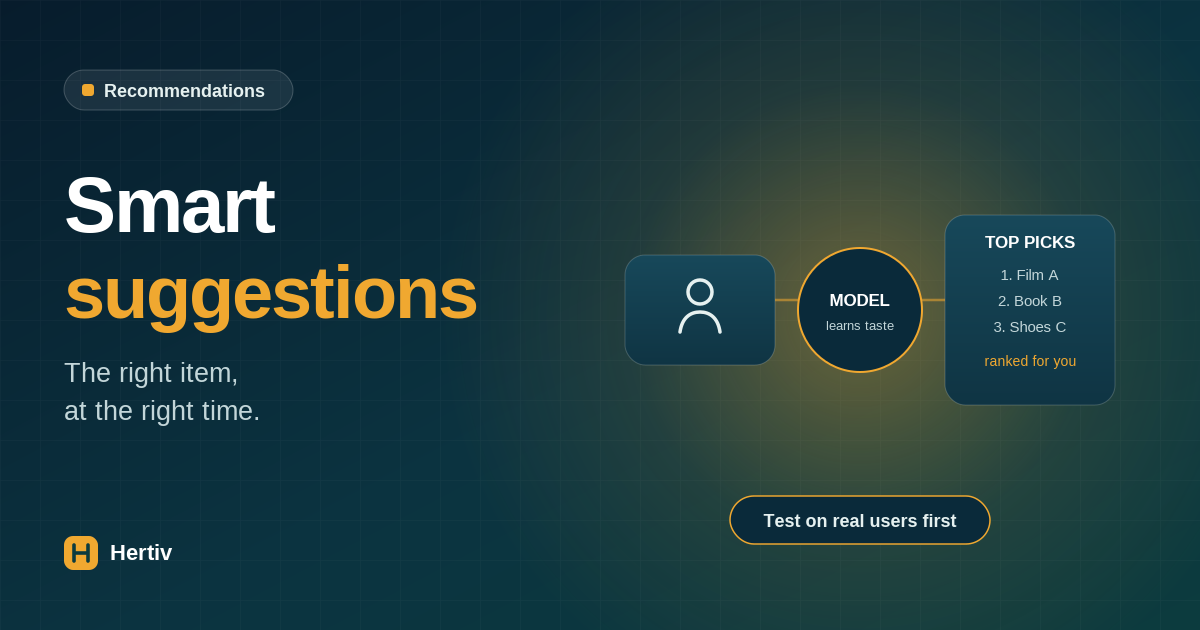
- Test with real users. Show the new suggestions to a small share of users and compare their clicks and purchases with the old list. Only roll out a winner.
Do not chase a complex model early. A simple model that is live, measured and improved each month beats a complex one that never ships. Most of the work is in the data and the testing, not in the model itself. If you need help scoping the work, an AI proof of concept is a good way to test the idea on a small scale.
How do you serve recommendations in the product?
Serving means turning the model's output into suggestions a user sees, fast enough that the page does not feel slow. For most products, the model runs on a schedule, such as every night, and writes its suggestions to a fast store. When a user opens a page, the product reads the stored list instead of asking the model each time. That keeps the page fast and the cost low.
Real-time serving is needed only when the suggestions must react to what the user just did, such as a cart that updates after each item added. That costs more to run and is harder to test, so start with the scheduled version unless the feature clearly needs live updates. Either way, set a time limit on the lookup: if the list is not ready in time, show the popularity list instead of a blank space.
Place the suggestions where they fit the user's task, such as below a product page, at the end of an article or on the home page. Show a few items, not a long wall, and label the section plainly, such as "You may also like". Track clicks on each slot, because a good model in a bad spot still gets ignored. Keep the design simple and test one placement at a time.
Example (hypothetical): a small online shop
Example (hypothetical): a small online shop gets 20,000 sessions a month and adds a "You may also like" row under each product page. In the first month, 5% of sessions click a recommended item, which is 20,000 times 5%, or 1,000 clicks. Of those clicks, 10% lead to a purchase, which is 1,000 times 10%, or 100 orders.
At an average order value of $40, those 100 orders bring in 100 times $40, which is $4,000 a month. The model costs about $300 a month to run, so the shop keeps $3,700 before other costs. That is a useful gain, and it comes from a simple content-based model, not a complex one.
The numbers only hold if the clicks are real. The shop checks that the 5% click rate is not just curiosity by comparing it with the old static list, which got 2% of sessions. The new list wins by a clear margin, so the shop keeps it and tests a hybrid model next. If the new list had only matched the old one, the shop would have kept the simpler version.
What are the common mistakes?
The most common mistake is training on dirty data. Test accounts, staff clicks and bots all teach the model the wrong patterns, and the suggestions quietly get worse. Clean the data first, and keep the cleaning rules written down so they run the same way every time.
The second mistake is judging the model on data it already saw. If you test on the training set, the score looks great and means nothing. Always keep a separate test set, split by time, and judge the model only on that.
The third mistake is forgetting new users and new items. A system that only works for people with long history shows nothing useful to a first-time visitor, who is the person you most want to keep. Give new users the popularity list and new items a fair chance to appear.
The fourth mistake is shipping without a live test. A model that wins on the test set can still lose with real users, because real users behave differently from the data. Show the new list to a small share of users first, compare the results with the old list, and only roll out a clear winner. Keep the old list as a fallback, so a bad model never leaves the page empty.
Key takeaways
- A recommendation system learns from what people did and what items are, then predicts what helps next.
- Start with the popularity list: any smarter system must beat it to be worth keeping.
- Clean the data, split it by time, and judge the model only on a test set it has never seen.
- Serve suggestions from a fast store on a schedule; real-time serving is only needed when the feature reacts to each action.
- Test with real users on a small share first, and keep the old list as a fallback.
Frequently asked questions
What is an AI recommendation system?
An AI recommendation system is software that suggests items a person is likely to want, such as films, products or articles, by learning from past behaviour. It finds patterns in what people clicked, bought or rated, and predicts what will be useful next.
How much data do I need for recommendations?
A popularity list works with almost no data, while collaborative filtering needs many users with real history. Start with what you have, measure the simple version, and add a learned model when the data supports it.
What is the cold start problem?
The cold start problem is that new users and new items have no history, so the system has nothing to learn from. The usual fix is a fallback, such as the popularity list for new users and a featured slot for new items.
How do I measure whether recommendations work?
Compare clicks, purchases or time spent for users who see the new list against users who see the old list. A small live test with a clear margin is more reliable than any score on training data.
Should recommendations update in real time?
Most products do fine with a scheduled model that updates daily, because it is fast and cheap to serve. Real-time updates suit features that must react to each action, such as a cart, but they cost more to run.
What does it cost to run a recommendation system?
Costs depend on data size, model type and how often it retrains, and vendors change their rates often. Start with a simple model and a scheduled run, and check the vendor site for current pricing.


